
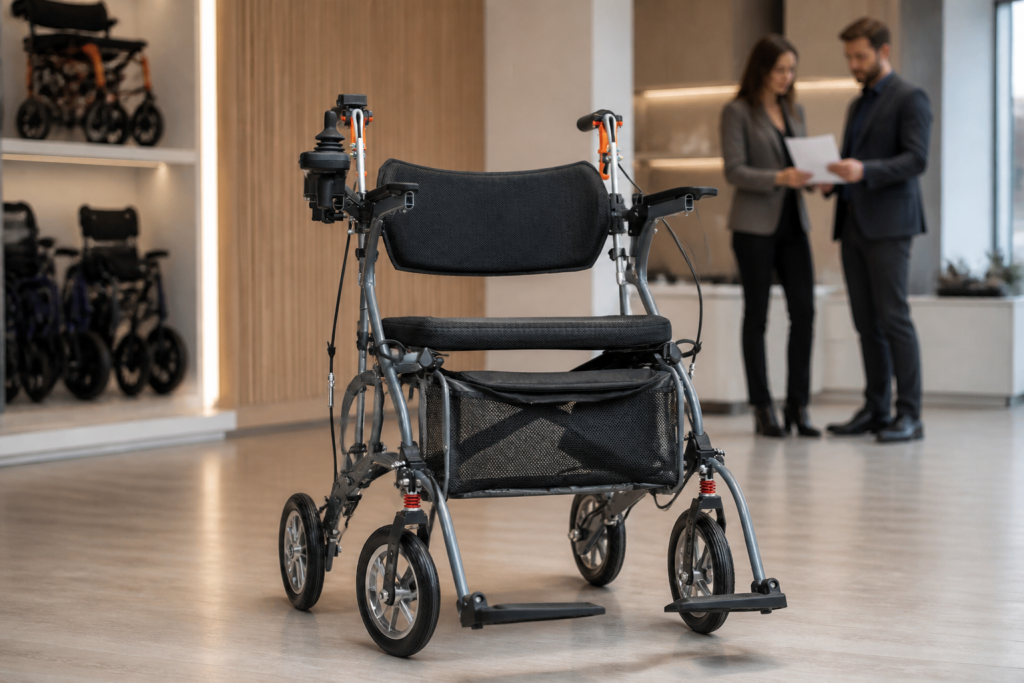
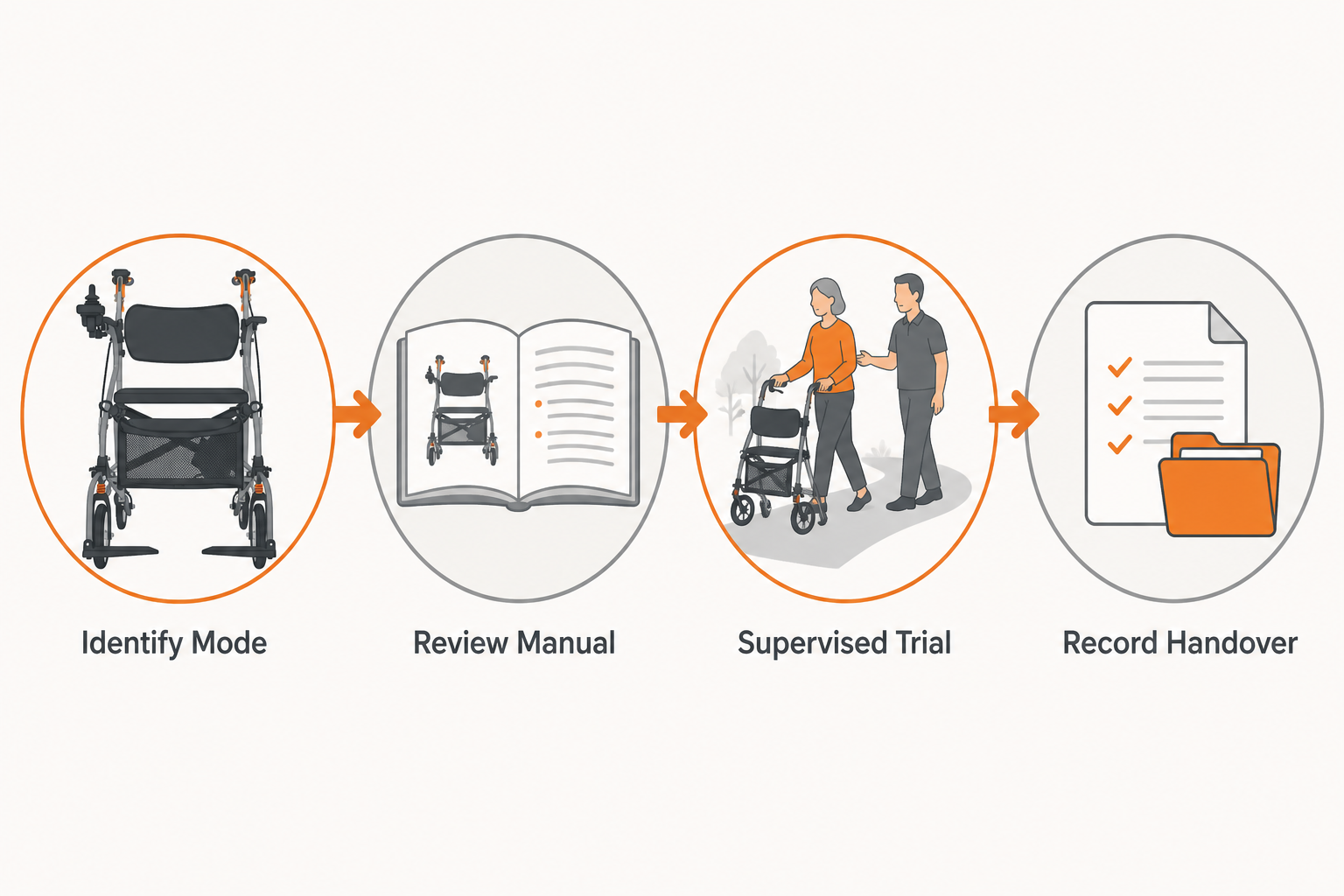
Buyers can compare the best electric walker with seat by defining each operating mode, checking brakes and controls, running a supervised trial, and recording a repeatable handover. A multi-mode mobility product may combine handles, hand brakes, a seat, back support, storage, powered control, wheels, and foot supports. That flexibility creates more review fields, not fewer. A buyer needs to know which configuration applies, how the manual describes each mode, and which staff role controls every change.
This article gives distributors, facilities, rental teams, and purchasing groups a structured way to compare samples without promising a medical result. It covers mode mapping, hand brakes, joystick controls, frame and seating parts, supervised route checks, supplier evidence, receiving, and staff handover. Each decision stays tied to the exact product and document revision. Unknowns remain open until a qualified source or review closes them.
Which operating modes should a buyer define?
An electric walker with seat review should define every permitted walking, seated, powered, attendant, parking, folding, storage, and transport mode described for the exact product before any sample trial begins.
Start with the current manual and supplier configuration record. List each mode by its source wording, required parts, control state, brake state, foot support position, seat or backrest position, staff role, and stop condition. The walking aids category gives broader context, but staff must not transfer instructions from a similar walker. A mode exists in the buyer file only when a current source supports it.
Avoid treating a physical possibility as an approved use. A frame may appear capable of changing position, yet the manual controls how, when, and by whom that action occurs. Record any removable, folding, or adjustable part. If an option changes the mode map, create a new configured-product record and repeat affected checks.
Create a mode map before the sample moves
Here is the control point that keeps teams aligned:
Use one page with rows for mode, required setup, controller state, brakes, foot supports, user or staff position, source, and permitted reviewer. Add a diagram or photograph only after matching it to the exact sample. Mark modes not supplied, not permitted, or not reviewed. That clarity prevents staff from improvising during a demonstration.
- source name and exact configured product identity
- required seat, backrest, handles, brakes, and foot supports
- controller state and authorized staff role
- setup sequence, stop condition, and open question
Share the mode map with purchasing, training, operations, and service reviewers. Each group should confirm which rows affect its work. If a supplier changes the product or instructions, retain the earlier map and issue a dated revision so existing training records can be checked.
Key Takeaway: A mode map turns a flexible product into defined configurations, roles, sources, and review limits.
How should brakes, joystick, and handles be reviewed?
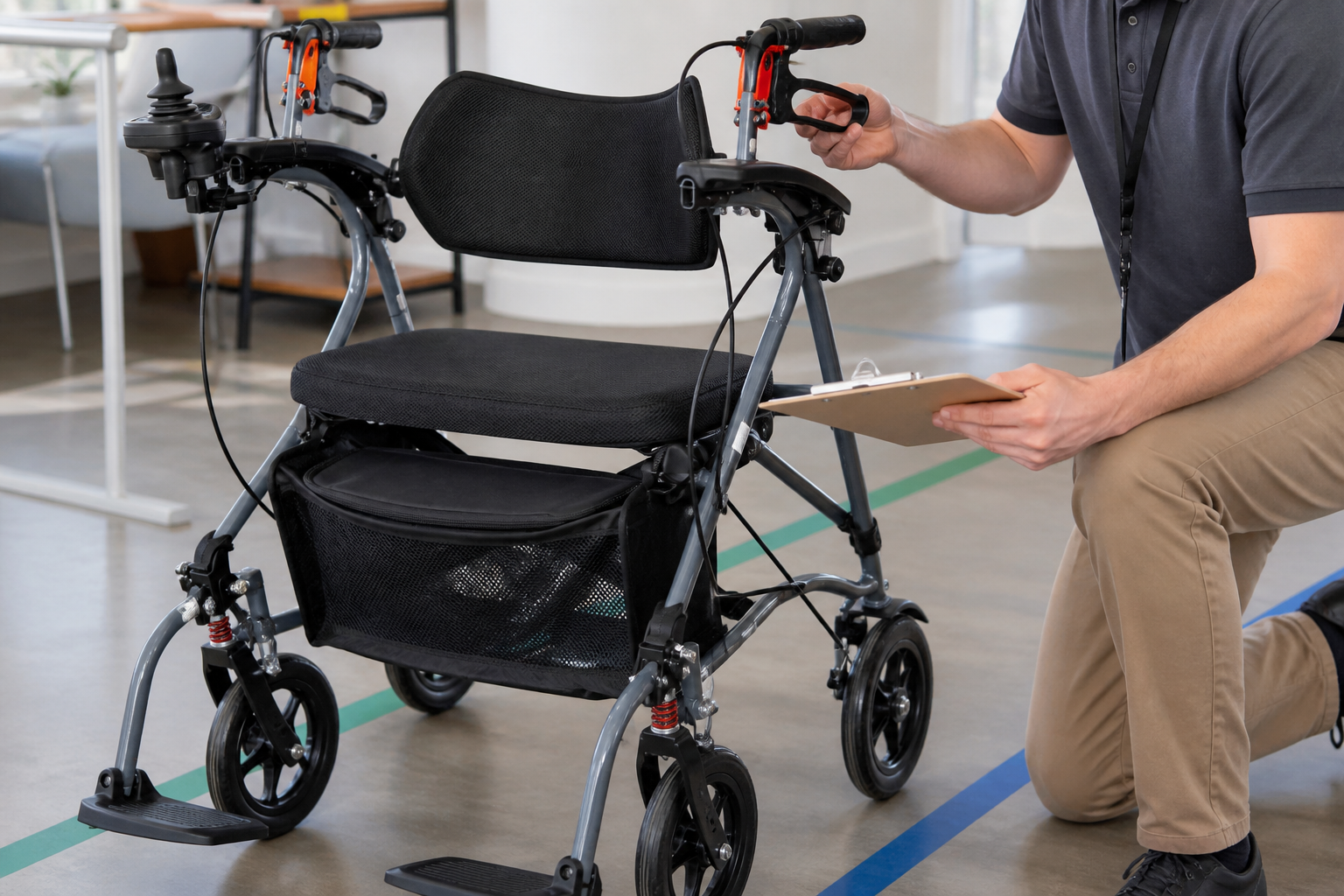
An electric walker with seat control review should follow the manual for hand-brake levers, parking action, handle position, joystick, mounts, cables, power state, and supervised function checks on a stable route.
Inspect visible condition before use. Compare both handle assemblies, brake levers, cable paths, controller mount, joystick housing, fasteners, and any mode selector with the current source. Do not diagnose an internal fault from appearance. If a cable, mount, or response differs from the instruction, stop the affected checkpoint and follow the buyer’s service route.
Plan controlled checks on level ground with qualified supervision. Separate manual braking, parking, powered control, turning, stopping, and power-off behavior into distinct fields where the manual supports them. Record the configured mode and staff role for each observation. Avoid broad safety statements; describe the method, response, difference, and action.
Use a controlled check for every control state
What keeps the record useful?
Give each control state a setup, source, observer, expected action, actual observation, and stop rule. Use the same wording across samples. Photograph mounts and cable routing where policy permits. If a technician makes an authorized adjustment, preserve the earlier condition, action, new state, and repeated check.
- left and right brake levers with cable routing
- parking action and handle setup from the manual
- joystick, mount, power state, and permitted check
- difference, stop action, owner, and repeated review
Do not merge manual and powered observations into one pass. A product can behave differently across modes, and staff responsibilities may also change. Keep each record tied to the exact configuration. That detail supports training and helps service teams follow a concern without recreating the session from memory.
Key Takeaway: Brake and joystick reviews work best as separate, source-led checkpoints with clear stop and escalation rules.
What should a supervised user trial record?
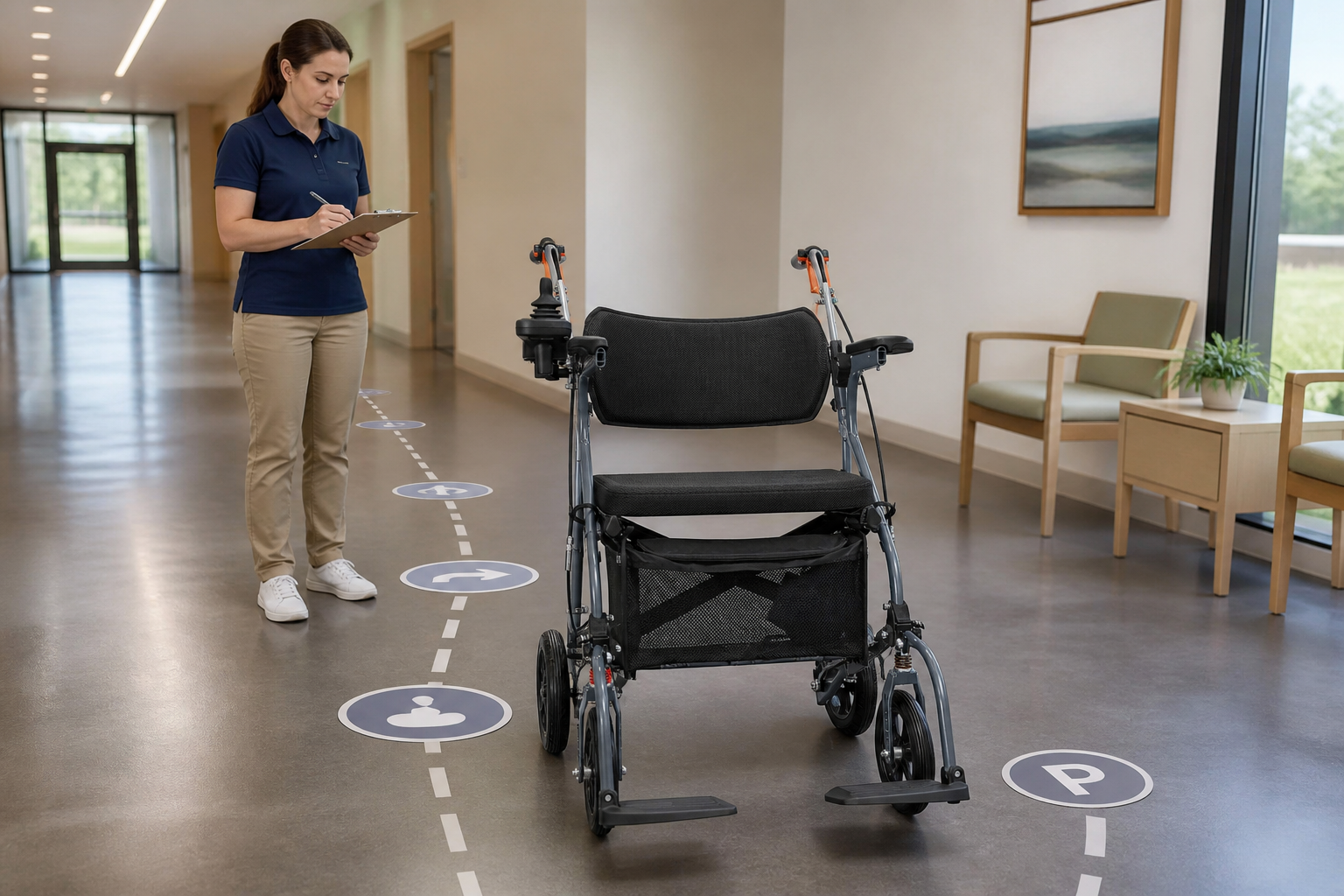
An electric walker with seat trial should record the user profile without unnecessary personal data, configured mode, setup, route, supervision, control access, braking steps, seating use, staff assistance, stop reasons, and open actions.
Create a staged plan rather than an open demonstration. Begin with orientation, then review each permitted mode and control under qualified guidance. The electric three-in-one walker page can prompt comparison questions, but its instructions must not govern another model. Use current sources for the exact sample and option set.
Keep trial language neutral. Record reach, grip, control access, observed setup, staff cue, route point, seating use, or stopped checkpoint. Do not write a diagnosis or promise independence, comfort, fall prevention, or a health result. If the intended user cannot complete a checkpoint, document the limitation and route it to the proper reviewer.
Stage the trial around observable checkpoints
This is the fair way to compare samples:
Use the same checkpoint order for products with comparable permitted modes. Note configuration differences beside the result. Include orientation, handle and brake access, powered control where allowed, turning, stopping, parking, seat use, foot support setup, storage, and issue reporting. Stop when the source, supervisor, or participant calls for it.
- configured mode, source, route, and supervisor
- observable control, brake, seating, and staff actions
- stop reason, open item, and accountable reviewer
- repeated check after any authorized configuration change
Keep the trial record with the mode map and sample identity. A later reviewer should see which modes were tested, which were not, and why. If the supplier changes a control or support part, reopen affected checkpoints. That approach preserves fairness across sample comparisons.
Key Takeaway: A staged trial compares observable checkpoints without turning one session into a universal outcome claim.
How should the seat, bag, and foot supports be checked?
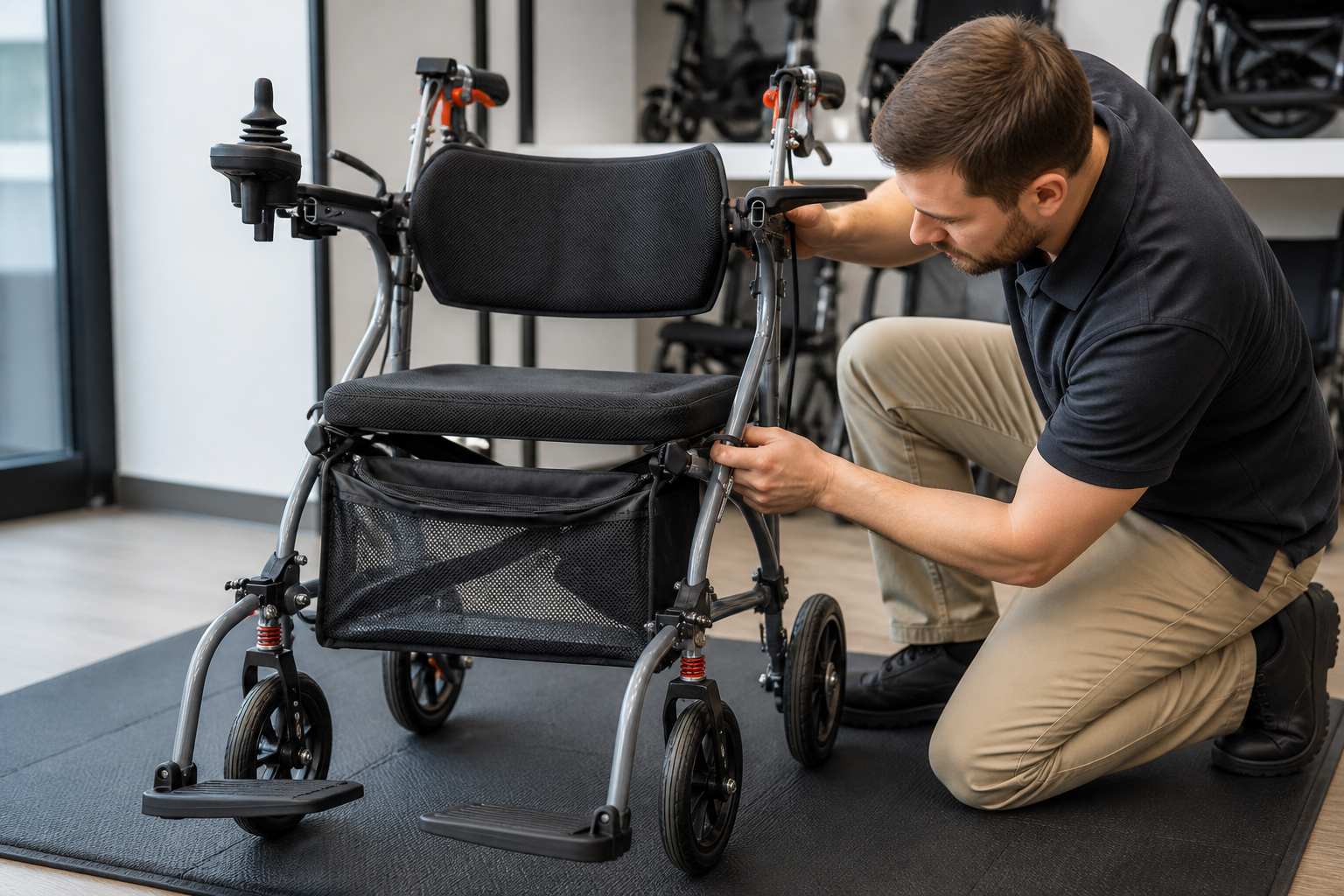
An electric walker with seat configuration review should check seat attachment, back support, storage bag, frame joints, folding clearance, wheel clearance, foot supports, cables, and permitted mode changes against current instructions.
Soft goods and support parts affect identification, cleaning, storage, and mode setup. Empty the bag before inspection. Check fabric, seams, attachment points, closures, back support, seat surface, and clearance from wheels, cables, or joints. The shopping walker page provides a related storage context, while exact load and cleaning rules must come from the offered model’s source.
Review foot supports in every permitted mode that uses them. Record their position, attachment, folding action, clearance, and staff responsibility. Do not add unapproved straps, bags, hooks, cushions, or support parts during a routine sample check. A small configuration change can alter the mode map, route, storage, or handover record.
Treat soft goods and supports as configured parts
The overlooked items often create later questions:
List each supplied soft good and support part with a photograph, source, attachment method, cleaning instruction, storage position, and applicable modes. Note whether removal requires a trained role. If a part returns after cleaning or service, confirm that it belongs to the same device and configuration.
- seat and back support attachment
- bag, fabric, seams, closures, and clearance
- foot supports, joints, wheels, and cable paths
- cleaning, storage, reattachment, and mode records
Include these parts in receiving and handover checklists. A missing bag, changed support, or different footrest should not disappear inside a general accessories row. Give each difference its own owner and acceptance action. That detail protects sample identity across purchasing and operations.
Key Takeaway: Seat, bag, back support, and foot supports belong in the configured-product record because they affect multiple modes and staff tasks.
What should a supplier evidence pack contain?
An electric walker with seat supplier pack should contain product and revision identity, mode instructions, brake and control documents, configuration list, cleaning and storage guidance, parts references, training scope, service route, and update process.
Send suppliers a structured request rather than a broad question. Ask which modes the offered configuration supports, which parts are included, which tasks customer staff may perform, and which require service personnel. Request current manuals and sample forms without customer data. Label every response by product, revision, option, date, and contact.
Compare the pack with the physical sample. Check handle assemblies, brakes, joystick, seat, back support, bag, wheels, foot supports, frame joints, charger if supplied, and documents. Record mismatches without guessing which source is correct. Ask the supplier to close each difference in writing and keep earlier replies visible.
Ask supplier questions that support real handover work
Here is the buyer test for a useful pack:
A new staff member should be able to identify the device, choose the proper source, set the permitted mode, complete assigned checks, store or charge the device where applicable, and report a concern. If the documents cannot support that path, write a specific gap and owner. Do not fill it from another product.
- current mode, control, brake, and configuration sources
- cleaning, storage, charging, and staff-role guidance
- parts naming, service contact, and issue-report route
- revision updates, training scope, and open gaps
Keep the supplier pack with the comparison record. If a new revision arrives, log its effect on configuration, trial, handover, and service steps. A clean change history gives purchasing and operations one shared answer about which instruction applies.
Key Takeaway: A supplier pack earns approval when it supports identification, mode setup, assigned checks, issue reporting, and later updates.
How should staff run a repeatable handover?
An electric walker with seat handover should use the approved mode map, exact device identity, current manual, configured-part checklist, supervised practice, stop rules, storage process, issue reporting, and documented open actions.
Prepare the handover from the buyer file rather than starting with a generic presentation. Show how staff identify the device and revision, locate current instructions, confirm the configured mode, check handles and brakes, orient to the joystick where applicable, position seat and foot supports, and follow storage or charging guidance. Use qualified trainers and local policy.
Give staff supervised practice for assigned tasks. Record device identity, document revision, topics covered, checkpoint results, questions, and follow-up owner. Attendance should not become a blanket competence statement. If a person does not complete a checkpoint, keep the item open and route it through the local training process.
Link training records to the exact device and mode
The record should survive a staff change:
Store the mode map, configured-part list, receiving result, training record, and issue route together. When a product part or manual changes, identify affected staff and checkpoints. Retain earlier records and add a dated update. This gives service and operations teams a clear history instead of a loose set of slides.
- device, revision, mode, and configured-part identity
- source-led orientation and supervised practice
- stop rules, storage, issue reporting, and service contact
- open action, owner, repeated checkpoint, and closure
A repeatable handover protects the decision made during selection and receiving. It also gives staff a reliable route when a question appears. For a model-specific mode map, sample checklist, or distributor discussion, contact us today.
Key Takeaway: Handover succeeds when every mode, task, source, person, and open action remains tied to the exact device.
What do buyers ask about electric walkers with seats?
Can I use every electric walker with seat in the same modes?
No. Use the current manual and configuration record for the exact product. Similar frames may support different modes, parts, and staff roles.
What's the best way to compare brake and joystick controls?
Define source-led checkpoints for each control state, use qualified supervision, record neutral observations, and keep stop actions separate.
How do I know if a mode change needs trained staff?
Check the current product instruction and local role policy. If authority remains unclear, leave the mode closed and ask the supplier or service owner.
Can a trial prove that the device suits every setting?
No. A trial records one user profile, configuration, route, method, and date. Repeat affected checks when the setting or configuration changes.
What belongs in the handover file?
Keep device identity, mode map, manuals, configured-part list, trial and receiving records, training checkpoints, service route, and open-item closures.