
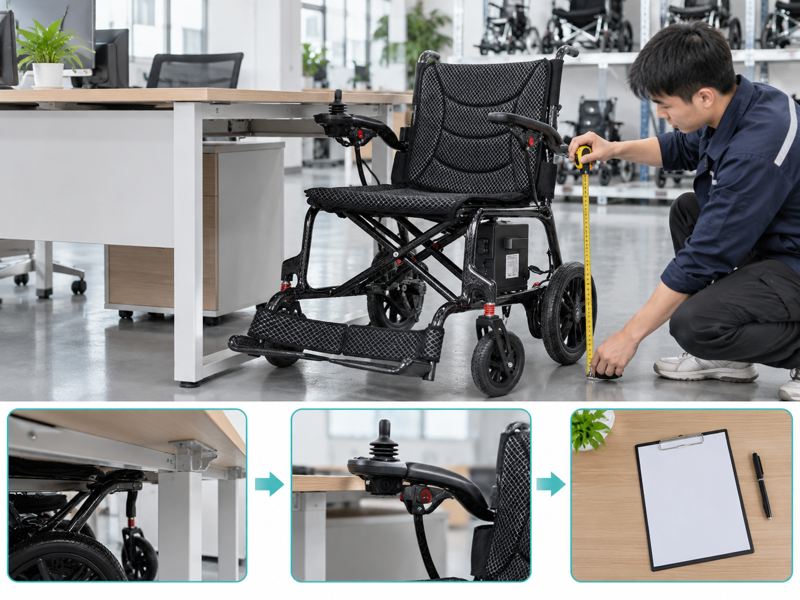
Plan electric wheelchair desk fit by comparing the actual workstation with the user's assessed seating and control setup. A buyer may see enough desktop height yet overlook a drawer that blocks an armrest. That gap can turn an apparently suitable purchase into a daily frustration. Collect underside measurements and refer seating changes for qualified assessment before recommending a setup.
How should you review electric wheelchair desk fit?
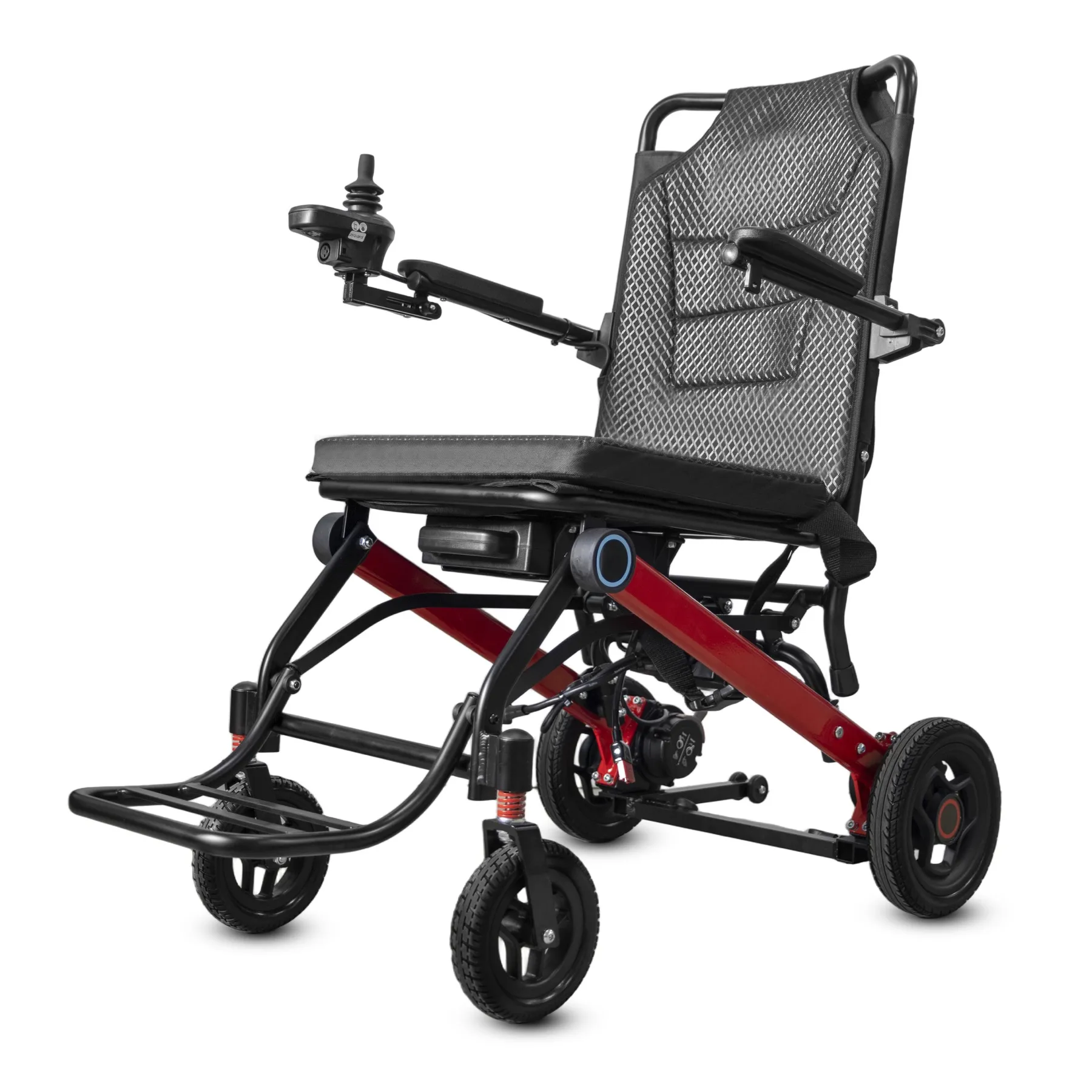
Review electric wheelchair desk fit using the user's prescribed seating setup and the actual desk. A lower chair setting should never become a sales shortcut around a fit problem.
Define the working position
Begin with the working position. Ask what the user needs to reach during ordinary work. Include arm supports, joystick position and foot support in the review brief.
- Name the seating setup
- Describe the desk task
- Record fixed desk features
| Check | What to keep |
|---|---|
| Name the seating setup | Current setup record |
| Describe the desk task | Workstation brief |
| Record fixed desk features | Photos and measurements |
Key Takeaway: You can frame the discussion around usable access without prescribing a seating change.
Which desk measurements help the comparison?
Useful electric wheelchair desk fit measurements include clear height, width and depth beneath the intended working position. The desktop height alone misses drawers, crossbars and other obstructions.
Measure the desk underside
Measure where the chair will go. Mark where each measurement starts and ends. Keep a wider photo beside close-up measurements so the reviewer can place them correctly. Include the seat-depth review when support changes affect desk access.
- Measure clear underside height
- Locate drawers and crossbars
- Record available knee depth
| Check | What to keep |
|---|---|
| Measure clear underside height | Marked measurement points |
| Locate drawers and crossbars | Underside photo |
| Record available knee depth | Side-view sketch |
Key Takeaway: A measured underside gives the supplier better details than a generic description of a standard desk.
How do armrests affect electric wheelchair desk fit?
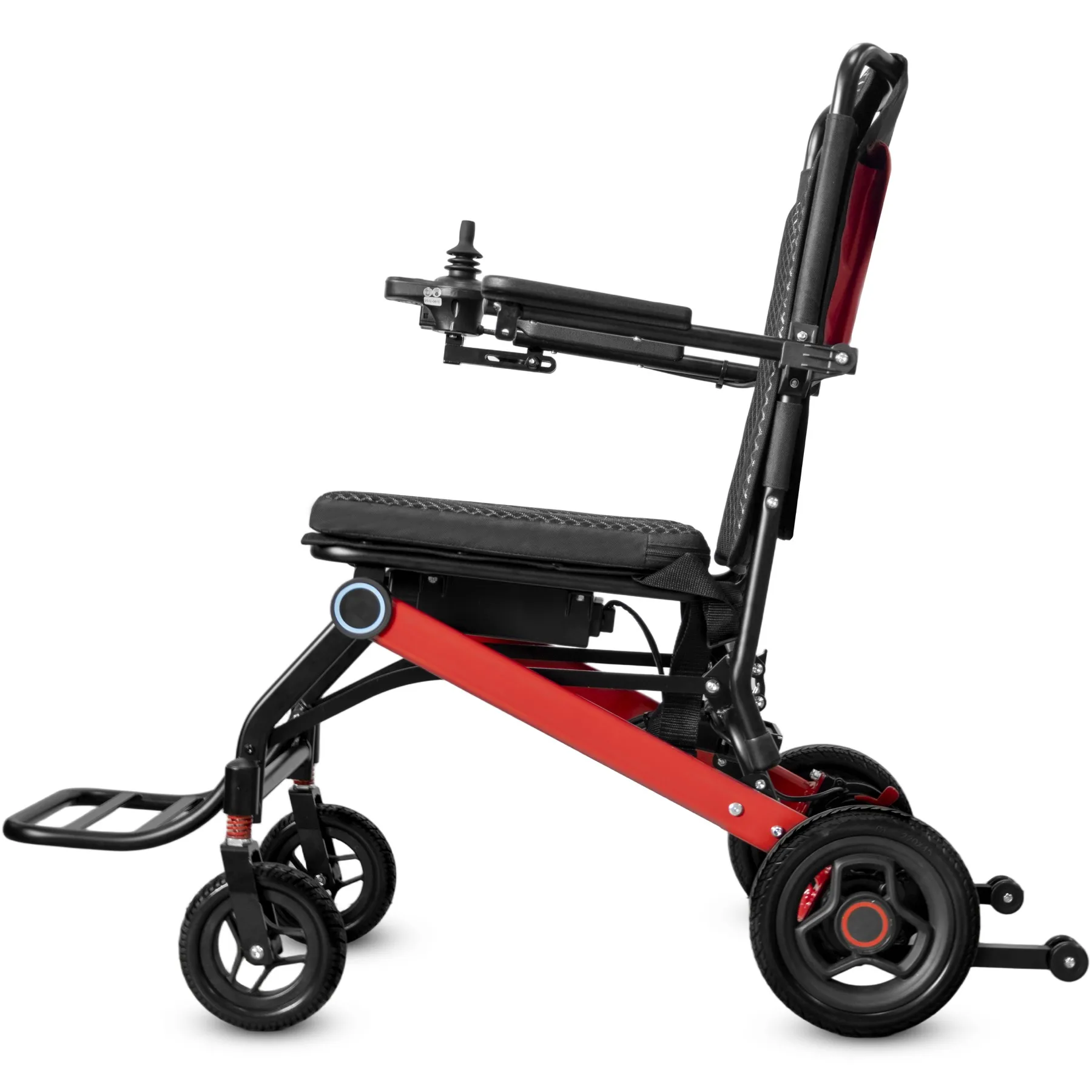
For electric wheelchair desk fit, armrests may limit how closely a chair approaches the desk. Their usable adjustment range must come from the exact model instructions.
Check the armrest setup
Follow the outer edge. Do not assume every arm support flips or lowers. Record the position used during assessment and keep approved support needs visible.
- Name armrest design
- Record approved adjustment
- Note the reviewed position
| Check | What to keep |
|---|---|
| Name armrest design | Model detail photos |
| Record approved adjustment | Manufacturer instructions |
| Note the reviewed position | Setup record |
Key Takeaway: You can distinguish a clearance issue from an unsupported assumption about armrest movement.
What about the joystick and control mount?
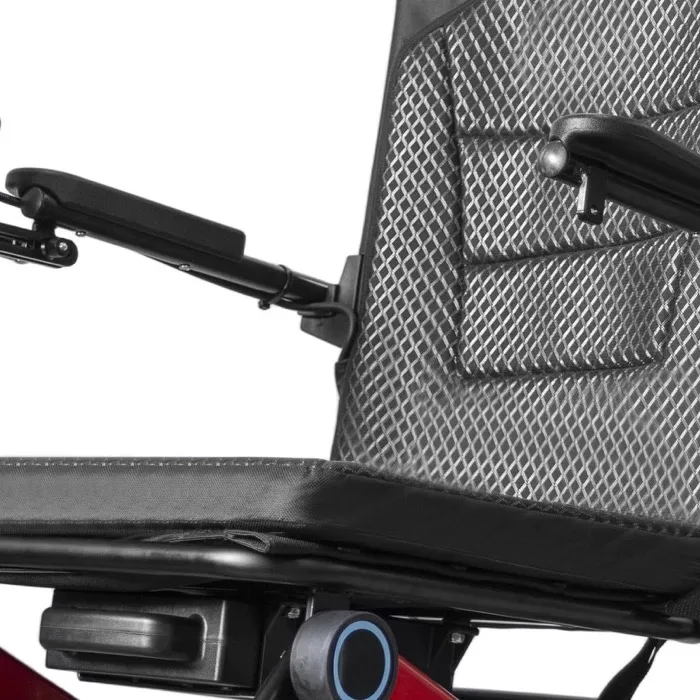
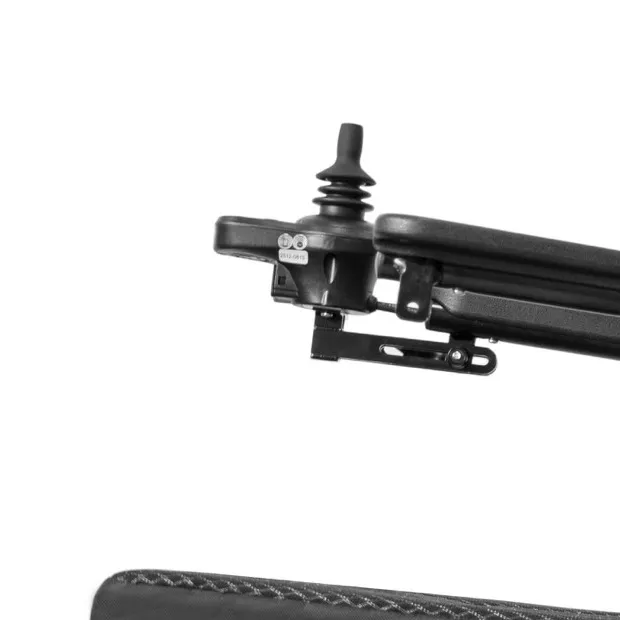
Include the joystick and mounting bracket in electric wheelchair desk fit because they may project beyond the seat or armrest. Desk contact can obstruct access to controls.
Allow space for control access
Leave room around the controls. Keep the powered chair stationary during a measurement review. Ask the supplier which mounting options exist without treating every option as suitable for every user.
- Show the controller position
- Record desk proximity
- Confirm available options
| Check | What to keep |
|---|---|
| Show the controller position | Front and side images |
| Record desk proximity | Measured gap description |
| Confirm available options | Model-specific supplier reply |
Key Takeaway: You can ask useful setup questions without promising a control change that has not been assessed.
Can footrests limit electric wheelchair desk fit?
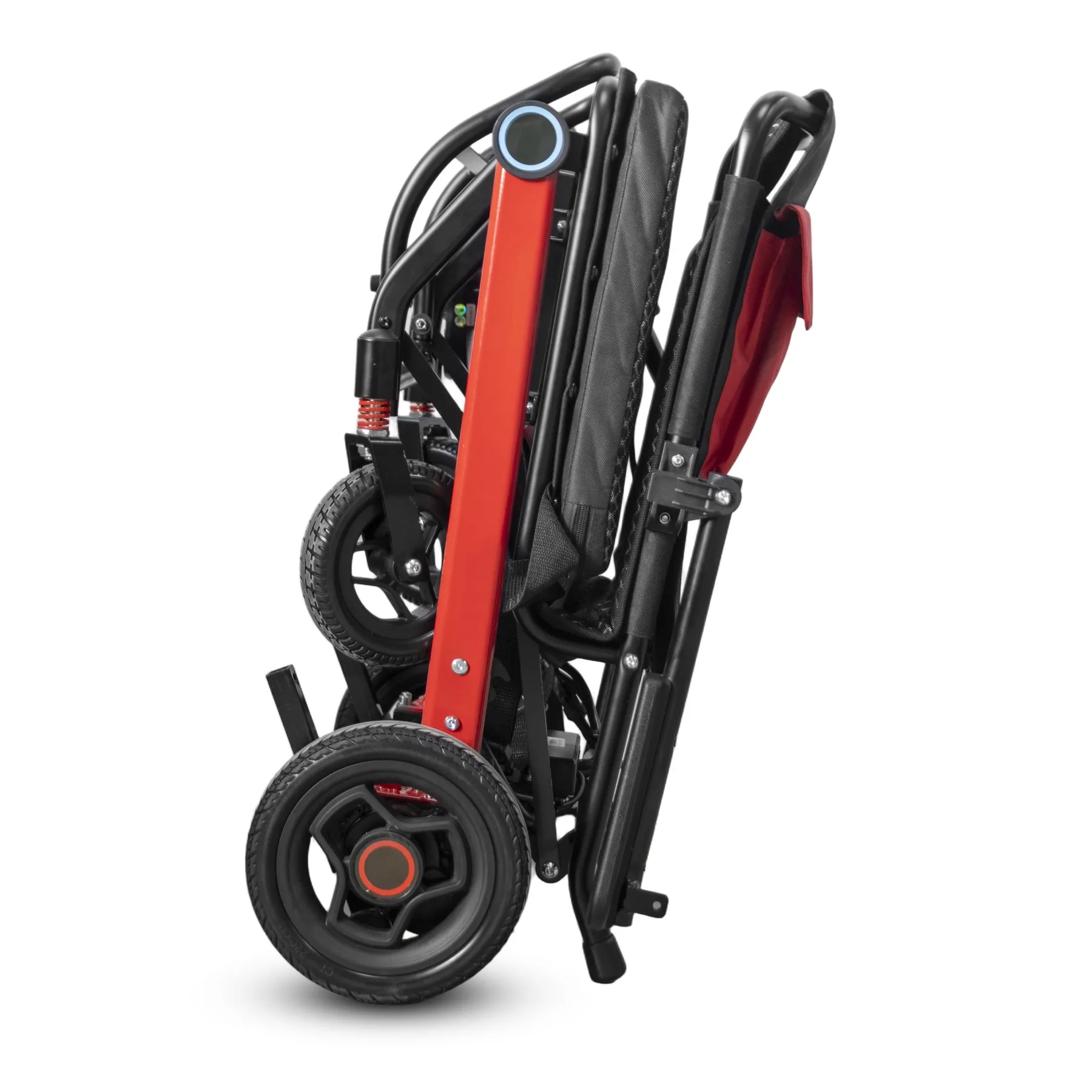
Yes, electric wheelchair desk fit can fail where a footrest meets a desk base or crossbar. A clear tabletop does not establish enough lower-level space.
Find lower-level obstructions
Check below the desktop. Photo the desk base from the side. Include the proposed foot-support position rather than borrowing dimensions from another chair variant. Review the armrest arrangement before promising under-desk clearance.
- Locate the desk base
- Record foot-support position
- Map the approach path
| Check | What to keep |
|---|---|
| Locate the desk base | Low-angle photo |
| Record foot-support position | Current setup image |
| Map the approach path | Simple workstation sketch |
Key Takeaway: You can catch a lower-level obstruction before arranging a chair demo.
Who should review posture for electric wheelchair desk fit?
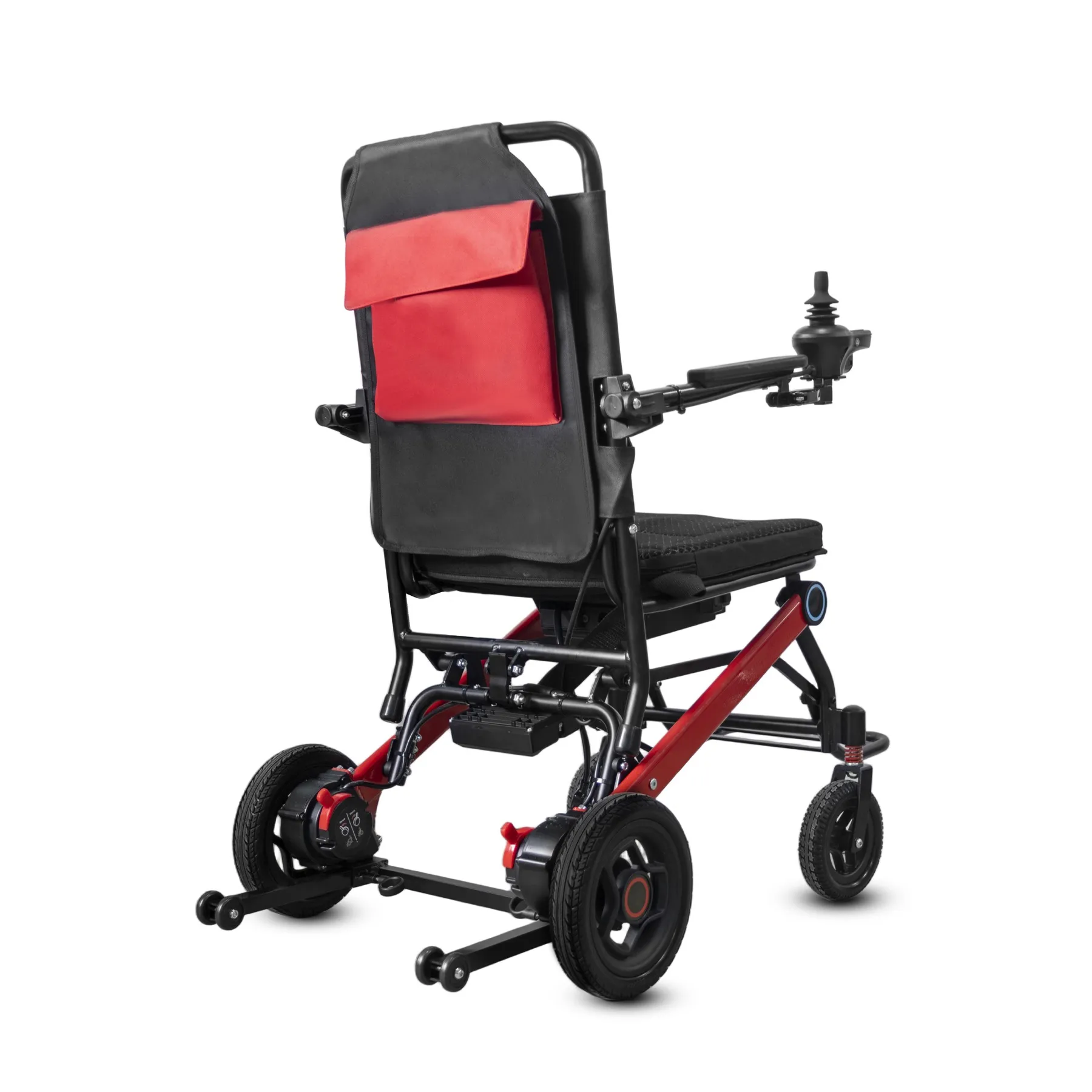
For electric wheelchair desk fit, posture and seating changes need an individual assessment by suitable personnel. Buying staff can collect evidence without deciding clinical support needs.
Refer support changes appropriately
Keep support decisions with trained staff. Record the user's concern in their own words. Keep desk access, reach and prescribed support needs as separate questions for the reviewer.
- Describe the reported difficulty
- Keep existing support needs
- Refer proposed changes
| Check | What to keep |
|---|---|
| Describe the reported difficulty | User-approved brief |
| Keep existing support needs | Assessment reference |
| Refer proposed changes | Qualified review request |
Key Takeaway: A clear boundary lets you help with product details while protecting the user's assessed seating needs.
What changes when desks are shared?
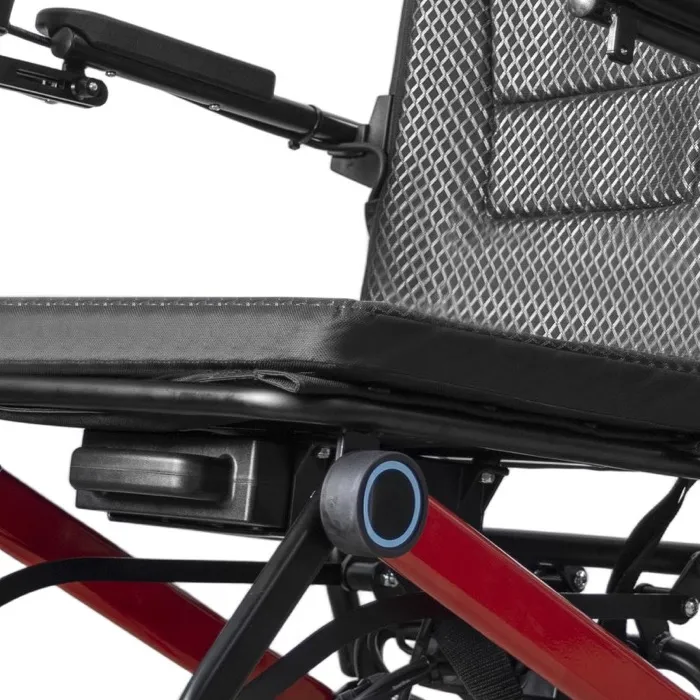
Shared workspaces need electric wheelchair desk fit checks for each desk type the user expects to use. One accepted workstation does not establish access throughout a building.
Compare shared workstations
Record every intended station. Group identical desks only after confirming their layout and underside features. Include reception counters or meeting tables where these affect daily tasks.
- List intended workstations
- Check underside differences
- Record access constraints
| Check | What to keep |
|---|---|
| List intended workstations | Room and desk schedule |
| Check underside differences | Comparison photos |
| Record access constraints | Workstation-specific notes |
Key Takeaway: You can name which spaces need review instead of making a building-wide promise from one example.
Can a trial clarify electric wheelchair desk fit?
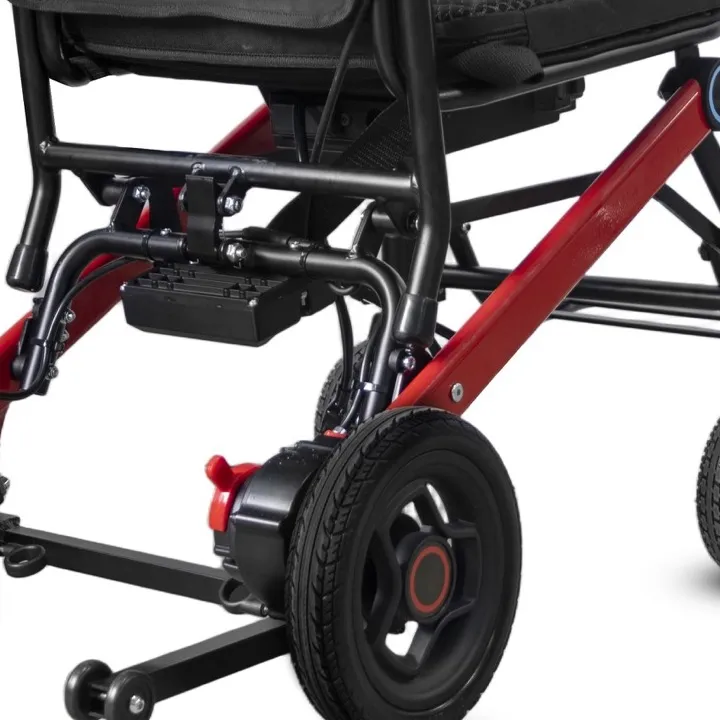
A supervised demo can clarify electric wheelchair desk fit when a qualified reviewer defines the setup and task. It should address ordinary working access rather than a staged photo.
Plan a supervised demo
Test the intended task carefully. Agree who will observe and record questions. Stop if the setup requires unsupported changes or creates an unresolved concern. Keep the foot-support position in your measured setup.
- Define the task
- Confirm the chair setup
- Record open questions
| Check | What to keep |
|---|---|
| Define the task | Agreed demo brief |
| Confirm the chair setup | Setup sheet |
| Record open questions | Reviewer follow-up list |
Key Takeaway: You gain task-specific evidence without treating a brief demo as a universal suitability claim.
What belongs in the workstation record?
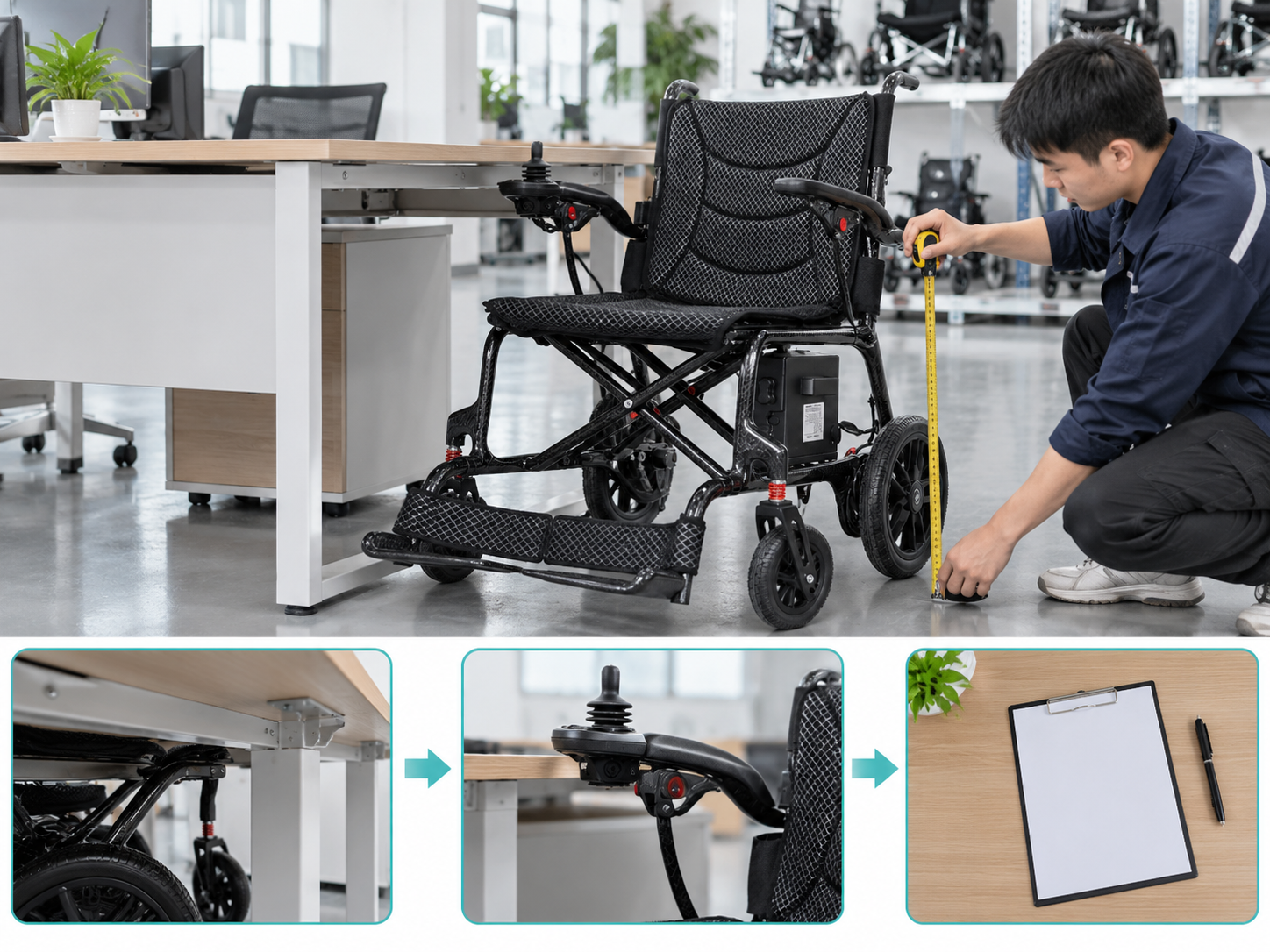
A useful electric wheelchair desk fit record names the desk, chair, accessories and conditions reviewed. Staff should be able to recognize the same setup later.
Keep the setup clearly named
Name the desk and chair. Keep photos with the user's permission. Flag changes to seating, control mounts or desk furniture for another review. WHO wheelchair guidance supports individual assessment and trained service provision.
- Name desk and chair
- Record reviewed settings
- List change triggers
| Check | What to keep |
|---|---|
| Name desk and chair | Paired reference numbers |
| Record reviewed settings | Approved setup note |
| List change triggers | Follow-up checklist |
Key Takeaway: You can spot when an apparently small furniture change invalidates an earlier access decision.
What belongs in your electric wheelchair desk fit brief?
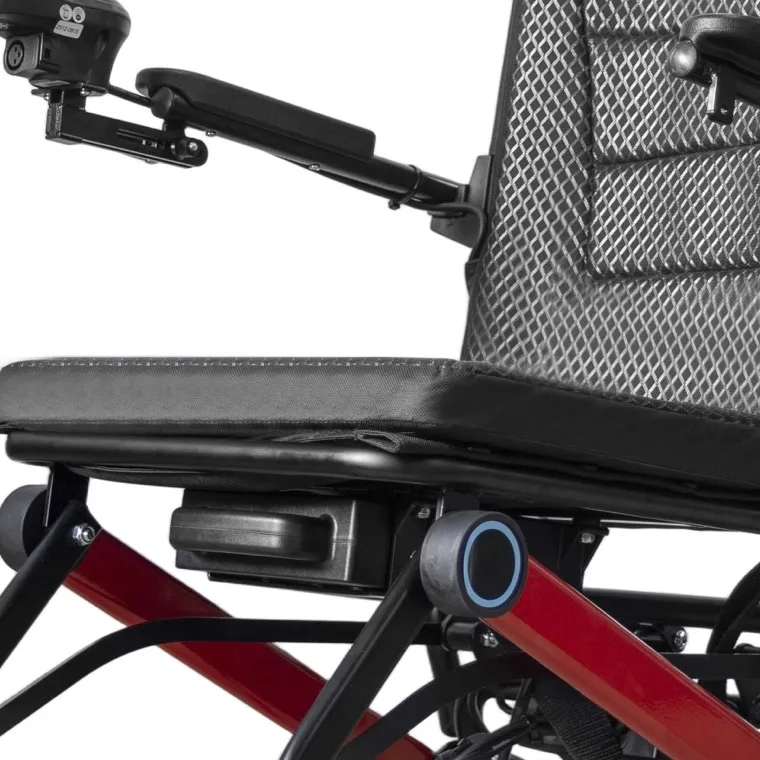
Prepare your electric wheelchair desk fit brief with the workstation measurements, chair reference and missing setup details. Ask which written options warrant further assessment.
Build your workstation brief
Make the next question exact. Explain whether the main concern involves armrests, controls or foot support. Give the reviewer product facts rather than an unqualified promise of comfort.
- Attach measured desk details
- Name the proposed chair
- List missing details
| Check | What to keep |
|---|---|
| Attach measured desk details | Workstation sketch |
| Name the proposed chair | Exact model reference |
| List missing details | Supplier question sheet |
Key Takeaway: You can organize desk access, support questions and setup evidence into a useful buying discussion. Contact us with your model and order brief so we can discuss the required product information. AryMD supports wheelchair buying decisions built on clear, model-specific facts.
Frequently asked questions
Q1: Can I lower a seat just to fit under a desk?
Not without suitable review. An access problem does not justify changing an assessed seating setup on its own.
Q2: What's the best desk measurement to start with?
Measure usable underside space. Desktop height alone leaves drawers and crossbars out of the comparison.
Q3: How do I know if an armrest moves?
Check the exact model instructions. Similar-looking armrests can have different adjustment setups.
Q4: Can I use one desk trial for every workstation?
No. Review different desk bases, layouts and tasks separately.
Q5: Can a supplier decide my customer's posture needs?
Product details can support the review. Individual seating and posture decisions belong with appropriately trained personnel.