
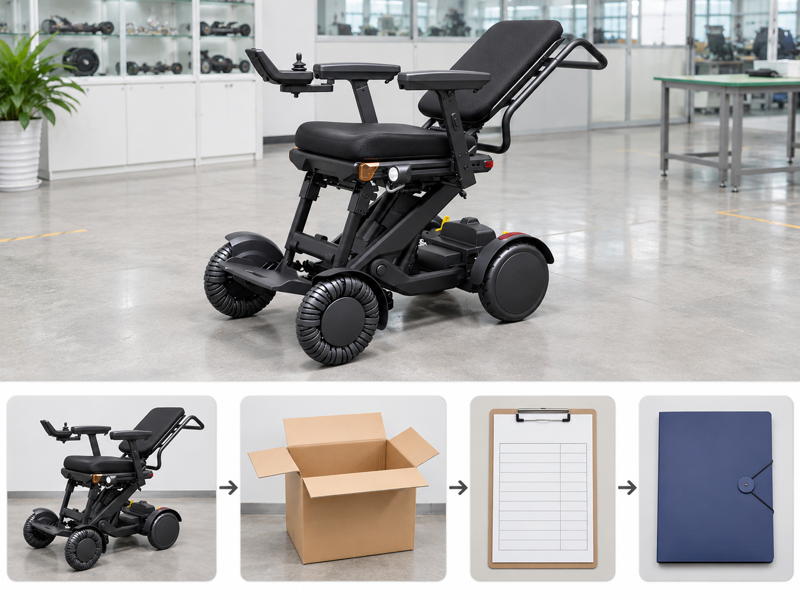
Prepare an XSTO M4Pro delivery check by comparing the received goods with the accepted order and recording any differences. A box can arrive on time while an option, guide or setup task is still missing. Treating arrival as a finished handover leaves those gaps unassigned. Use the agreed contents and service scope to guide the receiving record.
What should an XSTO M4Pro delivery check compare?

An XSTO M4Pro delivery check should compare the received goods with the accepted order, packing list and product records. Arrival is a logistics event; product acceptance and readiness need their own defined review.
Start with the agreed supply
The receiving team needs the final order version. Keep the model, battery and accessory decisions available before the shipment arrives. Identify who records differences and who handles the next review. WHO guidance supports assessment, fitting and follow-up.
- Order reference
- Supplied scope
- Receiving roles
| Review point | What to confirm |
|---|---|
| Order reference | Accepted current version |
| Supplied scope | Agreed goods and documents |
| Receiving roles | Named review and support contacts |
Key Takeaway: You can check what actually arrived against a clear purchasing record.
How should package counts be checked?

An XSTO M4Pro delivery check should record package counts using the actual shipment documents. Separate cartons, battery packages or accessory boxes should not be assumed present from a product photograph.
Which packages belong to the shipment?
Match the count to the written record. Record missing or unclear items through the agreed receiving process. Keep the package reference with any matching carrier or supplier message. Compare the received package with the agreed packing scope.
- Shipment count
- Received count
- Reported difference
| Review point | What to confirm |
|---|---|
| Shipment count | Actual documented packages |
| Received count | Recorded arrivals |
| Reported difference | Clear receiving exception |
Key Takeaway: You can name a package-level issue before it becomes an unclear parts complaint.
What should an XSTO M4Pro delivery check record outside the box?

An XSTO M4Pro delivery check should record visible package condition and matching shipment identification. A damaged carton does not by itself establish the product's internal condition, but the observation may support further review.
Capture the arrival facts
The record should show what was seen. Use the supplier's and carrier's matching reporting process. Avoid inventing a universal notice deadline or describing an uninspected chair as damaged.
- Package identity
- Visible condition
- Reporting process
| Review point | What to confirm |
|---|---|
| Package identity | Shipment reference |
| Visible condition | Factual arrival observation |
| Reporting process | Actual agreed requirements |
Key Takeaway: You can preserve useful evidence without claiming a finding that has not been made.
How should the actual chair model be confirmed?
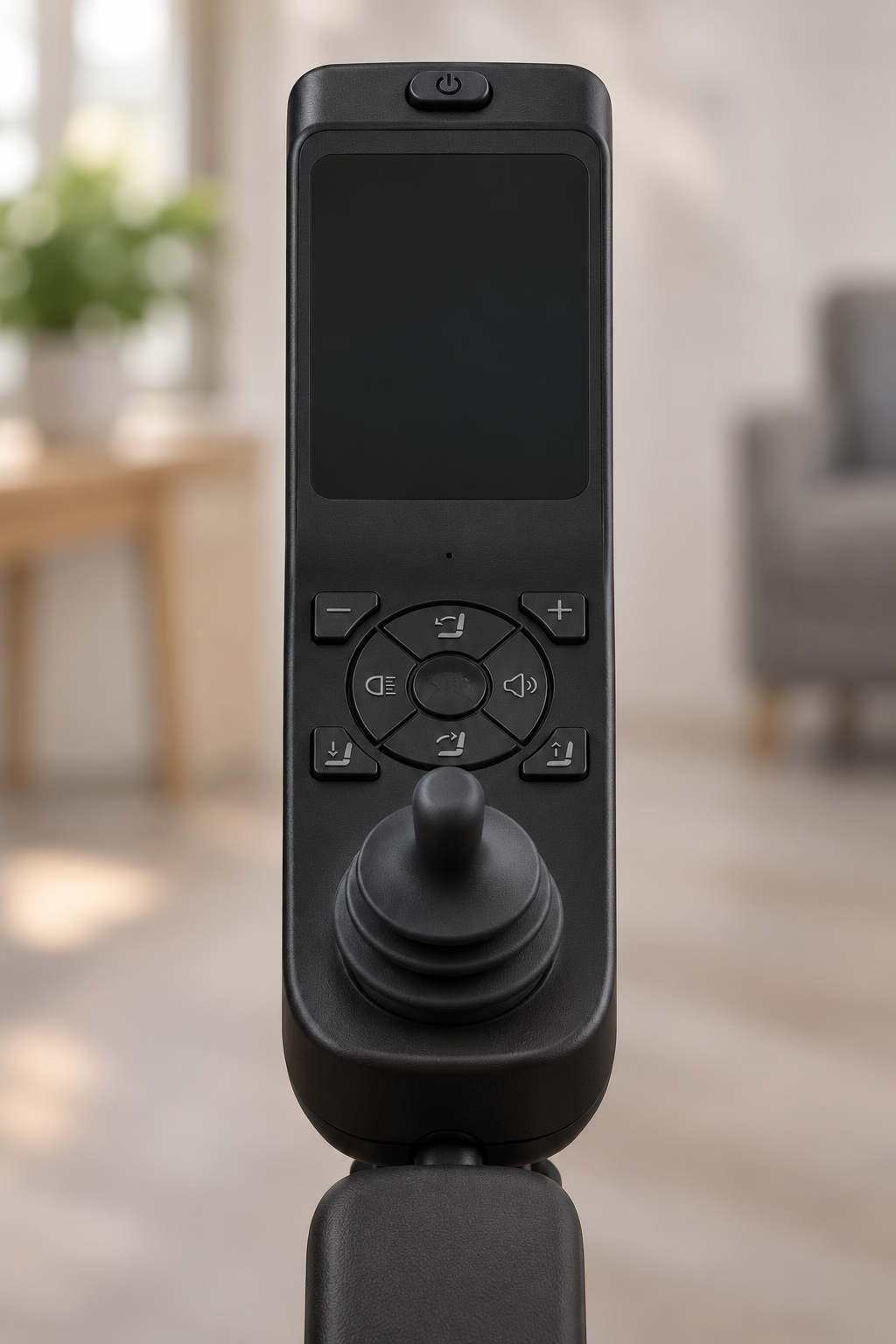
The chair model in an XSTO M4Pro delivery check should be confirmed through the available product label, order reference and matching documents. Similar-looking M4 versions should not be treated as interchangeable.
Identify the delivered unit
The model and records need to agree. Retain the available unit or serial reference and clear product context. Ask the supplier to resolve any mismatch before treating the setup as accepted.
- Model label
- Order match
- Unit identity
| Review point | What to confirm |
|---|---|
| Model label | Actual delivered reference |
| Order match | Accepted Pro setup |
| Unit identity | Available serial or product record |
Key Takeaway: You can link the received chair to its purchasing and service history.
How should batteries and chargers be checked?

An XSTO M4Pro delivery check should match the actual battery and charger labels to the agreed equipment set. A missing travel option or different charger should not be hidden inside a general chair-received entry.
Check the power items separately
The labels name the supplied combination. Record the exact items and ask the supplier to resolve any difference. Keep first-use and charging tasks within the matching instructions and responsible handover. Use the accepted parts list to identify optional items.
- Battery reference
- Charger reference
- Order scope
| Review point | What to confirm |
|---|---|
| Battery reference | Actual received pack |
| Charger reference | Actual supplied unit |
| Order scope | Confirmed included and optional items |
Key Takeaway: You can confirm the power package without relying on a generic model name.
What should seating and accessories be checked against?

Seating and accessories in an XSTO M4Pro delivery check should be checked against the accepted setup and itemized offer. A brochure image may include parts that were not ordered or show a different seating state.
Use the actual contents agreement
The quote defines the comparison. Record the supplied cushions, supports, controller side and other agreed options. Keep individual fitting acceptance distinct from a count of delivered parts.
- Seating setup
- Accessory contents
- Related review
| Review point | What to confirm |
|---|---|
| Seating setup | Agreed named setup |
| Accessory contents | Itemized ordered parts |
| Related review | Required fitting or service process |
Key Takeaway: You can separate a missing-item question from an unresolved personal-fit decision.
Which documents should arrive with the order?

An XSTO M4Pro delivery check should name the matching guide and other documents agreed for the supplied product and destination. A file's presence is not enough if it describes another version.
Match each document to the goods
The reader needs the right source. Check the model reference, revision and required language. Route missing or unclear documents through the agreed supplier contact.
- Model match
- Revision
- Language
| Review point | What to confirm |
|---|---|
| Model match | Relevant product reference |
| Revision | Applicable current guide |
| Language | Required reader version |
Key Takeaway: You can make the handover useful instead of collecting unrelated paperwork.
How should setup and training be handed over?

An XSTO M4Pro delivery check should confirm which setup and training services were agreed and who provides them. Receiving a boxed chair does not establish that these tasks have been completed.
Name the remaining work
The handoff needs a responsible person. Use the matching instructions and the provider's confirmed service scope. Keep readiness decisions with the people responsible for the matching review. Keep the matching instructions with the handover record.
- Agreed service
- Responsible provider
- Completion record
| Review point | What to confirm |
|---|---|
| Agreed service | Setup and training scope |
| Responsible provider | Named person or business |
| Completion record | Actual work and open tasks |
Key Takeaway: You can prevent arrival from being mistaken for a completed user handover.
What should an XSTO M4Pro delivery check do with exceptions?
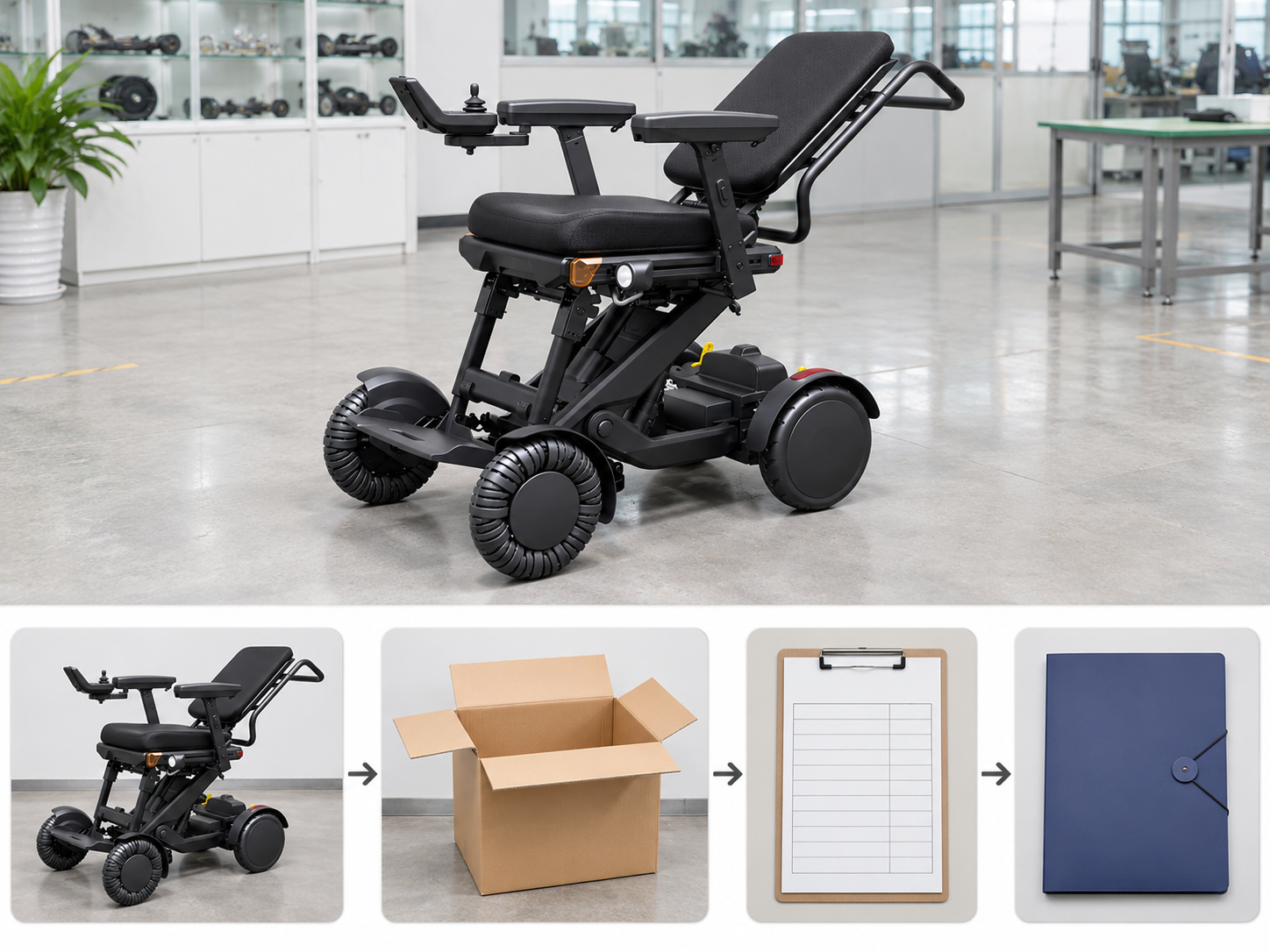
An XSTO M4Pro delivery check should keep each exception clear, traceable and assigned for follow-up. Missing parts, visible damage, unclear documents and fitting questions may need different responses.
Give each issue a clear category
The next team needs an actionable record. Link the concern to the exact item and order. Retain the supplier's response without assuming a replacement, refund or technical cause in advance.
- Exception category
- Affected item
- Next owner
| Review point | What to confirm |
|---|---|
| Exception category | Specific type of issue |
| Affected item | Exact product or document |
| Next owner | Responsible supplier or service contact |
Key Takeaway: You can route the difference through the right process without overstating the outcome.
How can you prepare an XSTO M4Pro delivery check?

Prepare an XSTO M4Pro delivery check by keeping the accepted offer, product setup and receiving roles in one accessible file. Confirm the actual reporting and handover process before arrival.
Build the receiving brief from the order
Make the expected supply easy to check. Use the completed record to separate accepted contents from unresolved work. Keep the next service or fitting decision clearly assigned.
- Expected supply
- Receiving process
- Final record
| Review point | What to confirm |
|---|---|
| Expected supply | Current order and packing scope |
| Receiving process | Agreed observations and reporting |
| Final record | Accepted items and open actions |
Key Takeaway: You can turn delivery into a clear handoff rather than an unverified arrival confirmation. Contact us with your M4 Pro configuration and purchasing questions so we can discuss the product information and written scope you need. AryMD puts clear product facts at the center of buying decisions.
Frequently asked questions
Q1: Can I treat an unopened package as a completed product handover?
No. Receipt, contents review, setup and user handover are separate tasks with their own agreed scope.
Q2: What's the best reference for checking the delivered options?
Use the final accepted offer and contents list. Compare the actual accessories with the items that were ordered.
Q3: How do I know whether the supplied guide matches the chair?
Check the model reference, revision and relevant configuration. Ask the supplier to resolve any mismatch before relying on the document.
Q4: Should I guess the cause when I report visible damage?
No. Describe what you observed and identify the affected item; leave the technical cause to the appropriate review.
Q5: Does receiving the chair mean it is fitted and ready for the user?
No. Confirm the agreed setup, training and fitting tasks with the responsible provider and retain the completion record.