
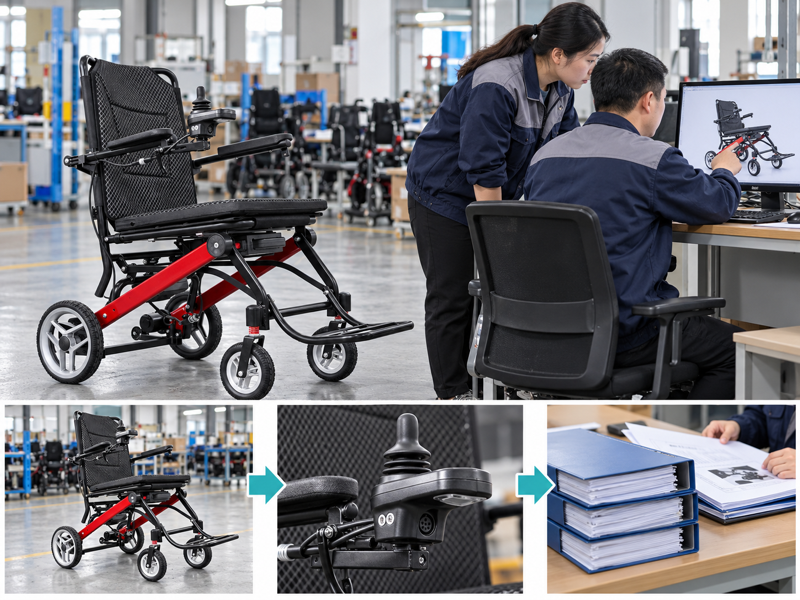
Review power chair model changes against the accepted sample and written setup before placing a repeat order. A familiar model name may arrive with another controller, revised instructions or different included parts. Those changes can leave your sales and service teams working from the wrong details. A clear comparison record helps you decide what evidence and approval the new version needs.
How should you review power chair model changes?
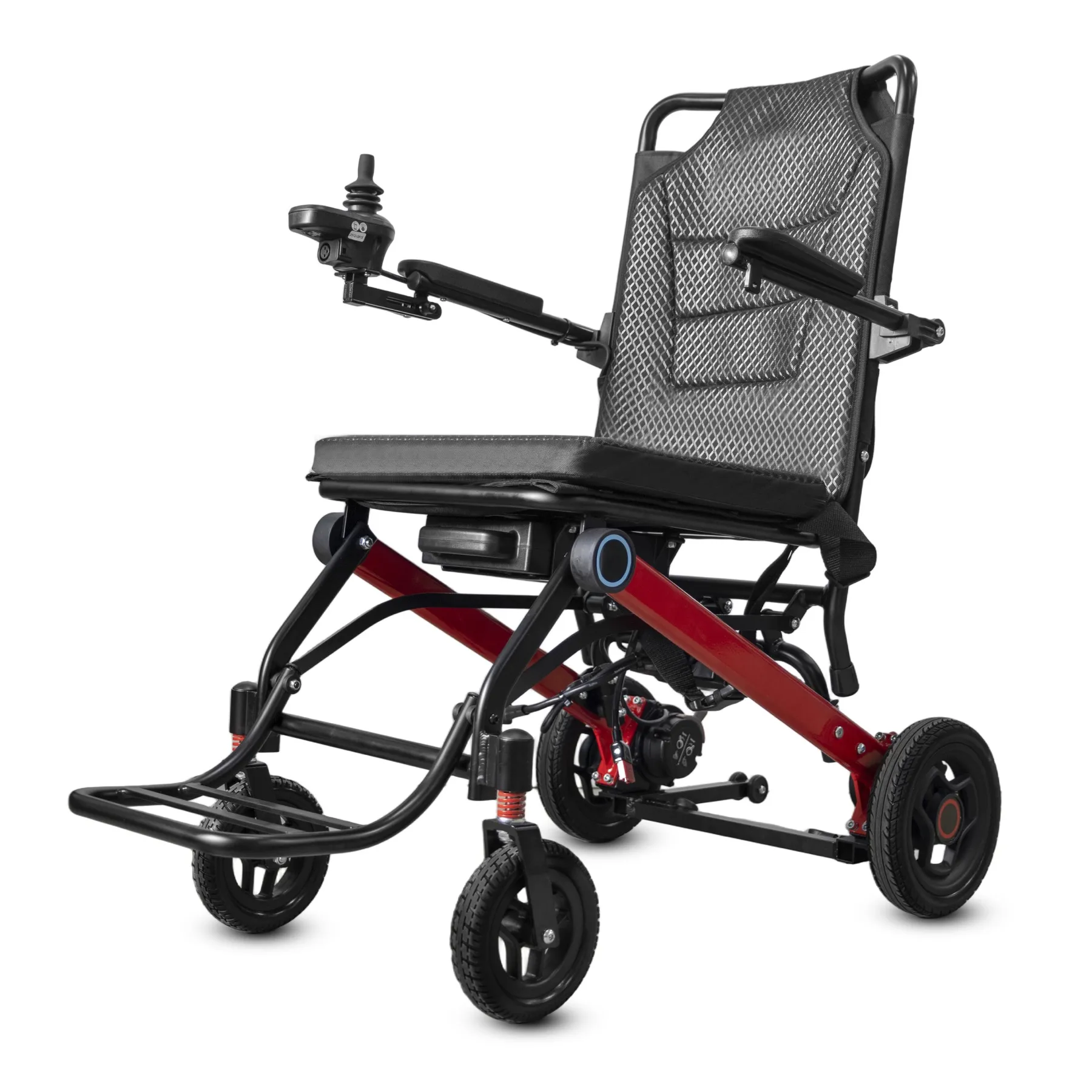
Review power chair model changes against the setup you accepted for the earlier order. A familiar model name does not prove that parts, instructions or supplied accessories remain unchanged.
Define the accepted baseline
Compare against an accepted version. Ask for a written change summary before placing the repeat order. If there is no accepted baseline, reconstruct it from your sample and order documents.
- Name the accepted version
- Request a change summary
- List unresolved differences
| Check | What to keep |
|---|---|
| Name the accepted version | Sample and order record |
| Request a change summary | Supplier revision note |
| List unresolved differences | Comparison worksheet |
Key Takeaway: You can review a repeat order against evidence rather than familiarity with the model name.
Which changes deserve separate entries?
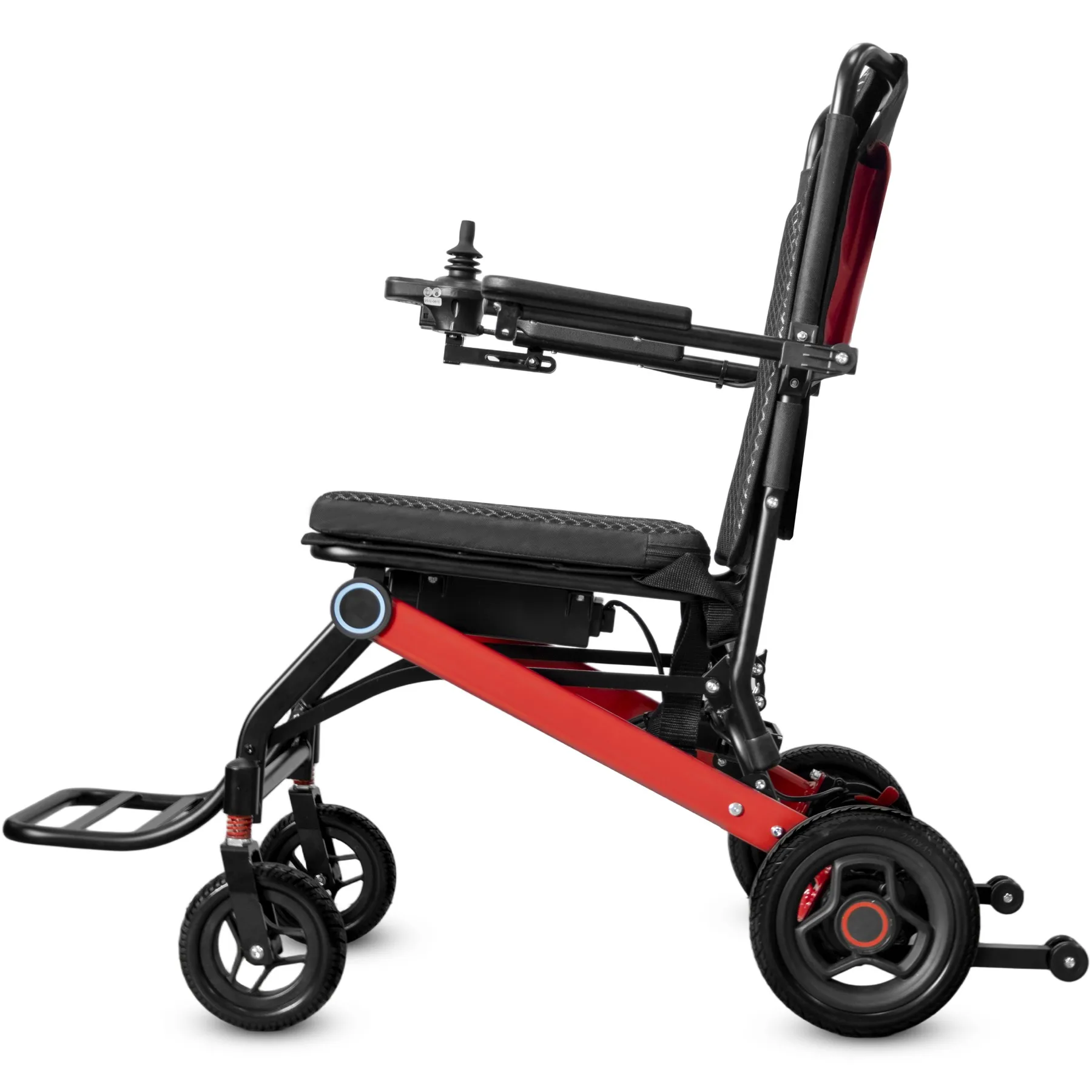
Record power chair model changes by affected item so a color change does not obscure a control or battery revision. Each difference needs a clear description and its own review scope.
Separate each proposed change
Separate appearance from function. Ask what remains compatible and what needs new evidence. If a part number changes, keep both old and new references visible. Compare the revised parts list against your accepted sample.
- List each changed item
- Keep old and new references
- Define the review scope
| Check | What to keep |
|---|---|
| List each changed item | Revision table |
| Keep old and new references | Part comparison |
| Define the review scope | Technical questions |
Key Takeaway: A structured comparison prevents several different changes from becoming one vague product update.
When do power chair model changes need a new sample?
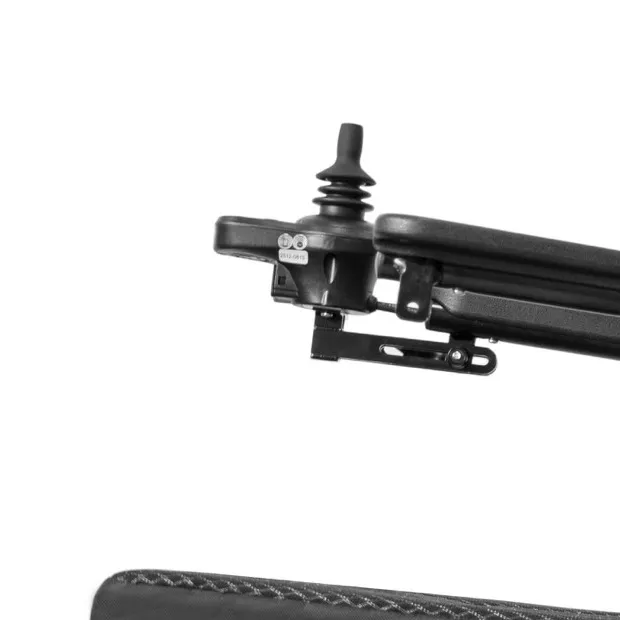
A new sample may be needed for power chair model changes when the revision affects your agreed acceptance criteria. A supplier should explain the change before you choose the review method.
Choose suitable review evidence
Decide from the affected risk. Use qualified technical input where compatibility or safety may be affected. If photos cannot answer the question, do not treat them as sufficient approval.
- Name affected criteria
- Choose suitable evidence
- Record technical input
| Check | What to keep |
|---|---|
| Name affected criteria | Acceptance review |
| Choose suitable evidence | Review method |
| Record technical input | Qualified decision |
Key Takeaway: You can request the evidence needed for the change without automatically repeating every previous check.
How should manuals and labels be reviewed?
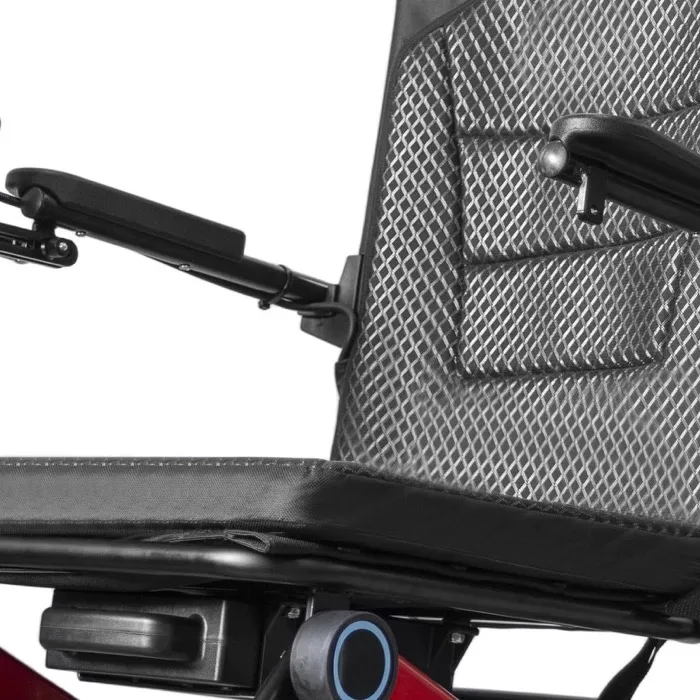
Review manuals and labels alongside power chair model changes because instructions may depend on the revised setup. An updated chair with an old document can create conflicting guidance.
Update linked instructions
Follow the change into the documents. Ask which documents changed and how they will be supplied. If old stock remains, keep its instructions matched with its own version.
- Name affected documents
- Match labels to versions
- Separate earlier stock files
| Check | What to keep |
|---|---|
| Name affected documents | Document change list |
| Match labels to versions | Label review |
| Separate earlier stock files | Version-specific archive |
Key Takeaway: Product and document revisions stay connected through ordering and delivery.
How do power chair model changes affect spare parts?
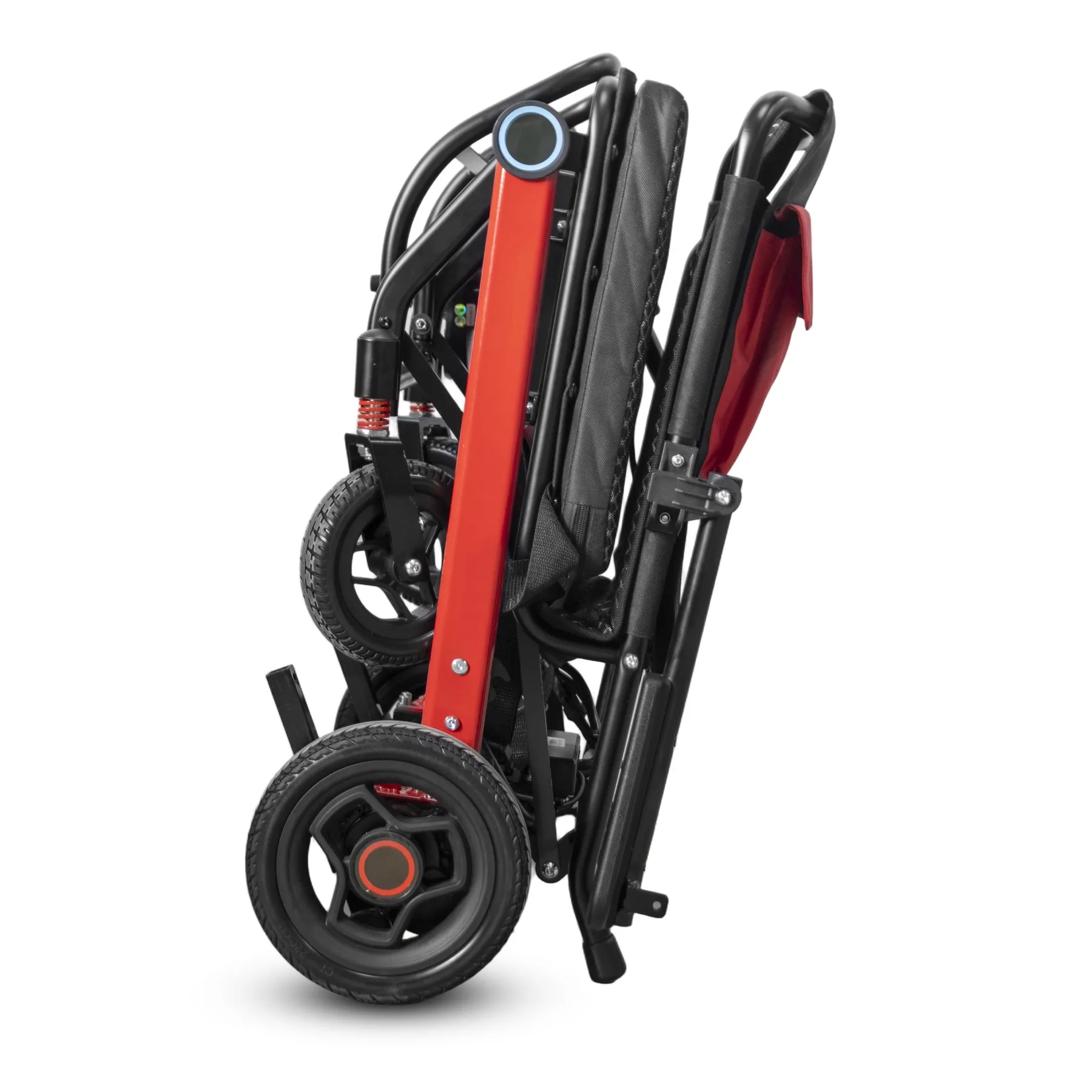
For power chair model changes, obtain a revised parts mapping rather than assuming earlier spares still fit. Similar shape or connector appearance does not establish compatibility.
Check spare-part compatibility
Check the approved mapping. Ask which serial or batch ranges each part supports. Keep any unresolved substitution out of the ready-to-use parts list. Check whether user instructions changed with the revision.
- Request supported versions
- Map parts to unit ranges
- Hold uncertain substitutes
| Check | What to keep |
|---|---|
| Request supported versions | Supplier compatibility record |
| Map parts to unit ranges | Approved parts table |
| Hold uncertain substitutes | Open review list |
Key Takeaway: Your service team can support both old and new stock without guessing which part belongs where.
How should stock reflect power chair model changes?
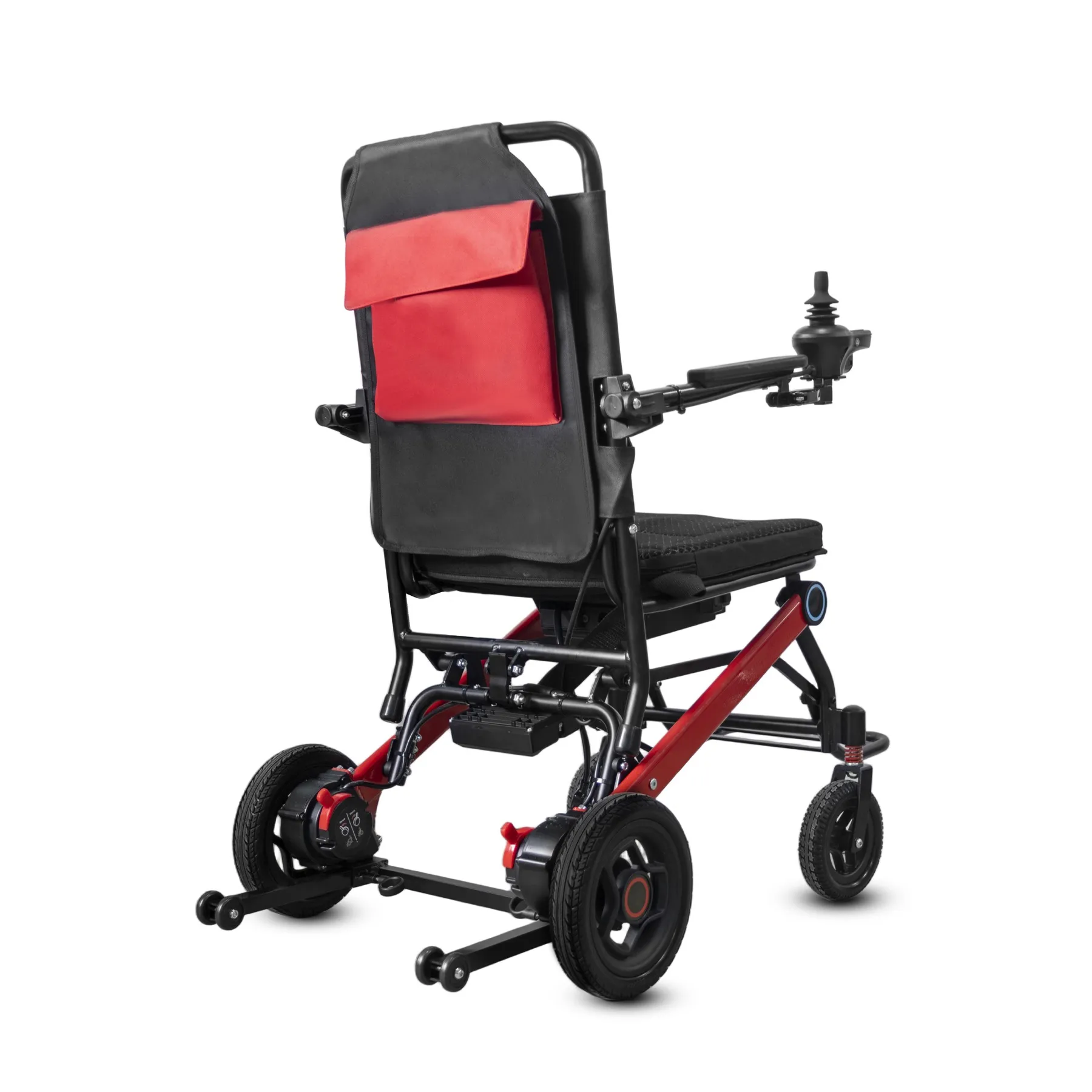
Separate power chair model changes in your stock records so staff know which version they are quoting and dispatching. A shared sales name should not erase a real product difference.
Distinguish stock versions
Keep the versions clearly named. Use clear internal version fields and matched images. If a customer accepts an alternative, record the exact revised setup in the order.
- Name stored versions
- Match sales materials
- Record accepted alternatives
| Check | What to keep |
|---|---|
| Name stored versions | Stock register |
| Match sales materials | Version-specific offer |
| Record accepted alternatives | Customer order confirmation |
Key Takeaway: You can sell existing stock accurately while introducing a revised model.
Can the supplier substitute parts during production?
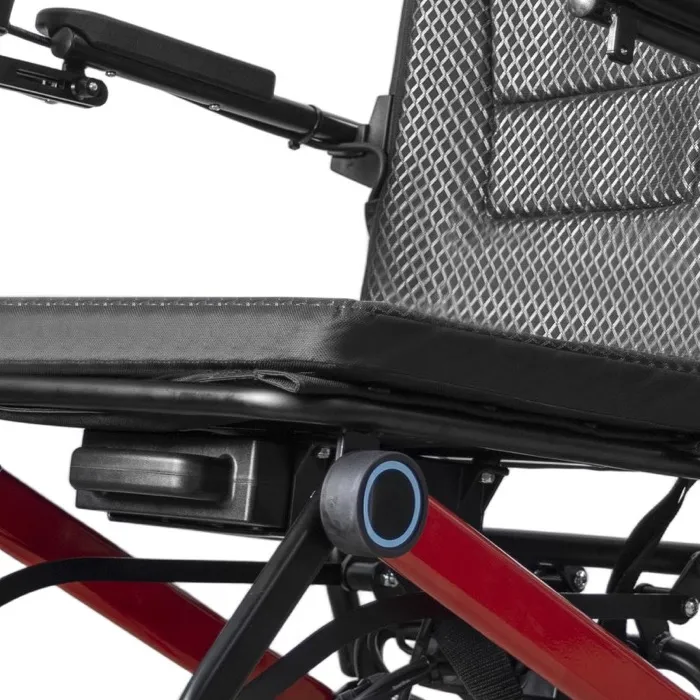
Handle production substitutions as power chair model changes when they affect the agreed offer. Ask for notice, evidence and approval roles before the order is released.
Agree a substitution process
Require a defined change process. Do not treat silence as acceptance of an unspecified substitute. If a shortage changes the proposal, review its impact on documents, service and timing.
- Define notice needs
- Request substitution evidence
- Record approval role
| Check | What to keep |
|---|---|
| Define notice needs | Order terms |
| Request substitution evidence | Change proposal |
| Record approval role | Named review owner |
Key Takeaway: A clear process helps prevent an unexpected production change from appearing only at delivery.
How do power chair model changes affect price and timing?
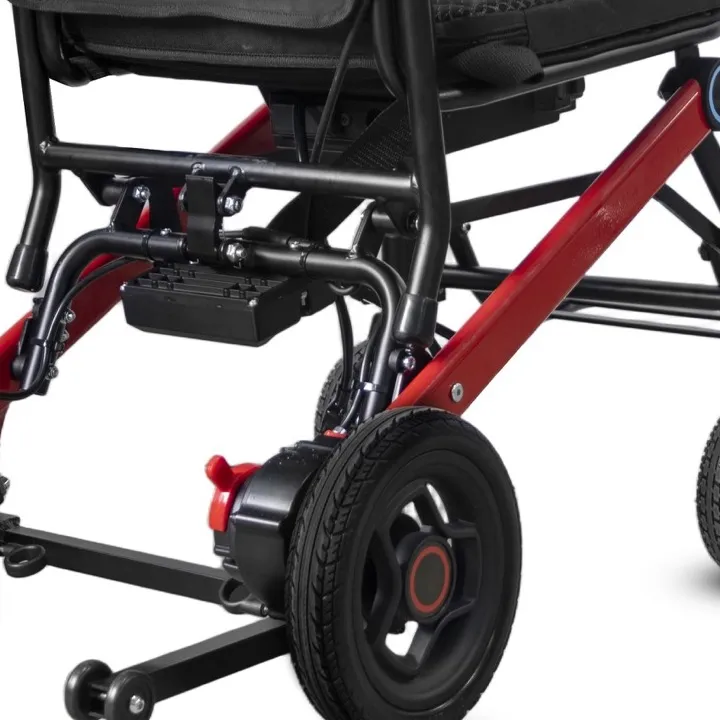
Record commercial effects of power chair model changes separately from technical acceptance. A lower price does not resolve an unanswered compatibility question or justify missing documents.
Record commercial effects
Keep commercial effects visible. Keep revised quantities, lead times and support terms in writing. If approval is conditional, state exactly what must happen before release. Keep the new quotation scope beside your comparison.
- Record revised commercial terms
- Keep technical decisions separate
- List release conditions
| Check | What to keep |
|---|---|
| Record revised commercial terms | Dated quotation |
| Keep technical decisions separate | Review record |
| List release conditions | Open action list |
Key Takeaway: You can compare the full revised offer without blending price discussions with technical approval.
What proves that a revision was accepted?
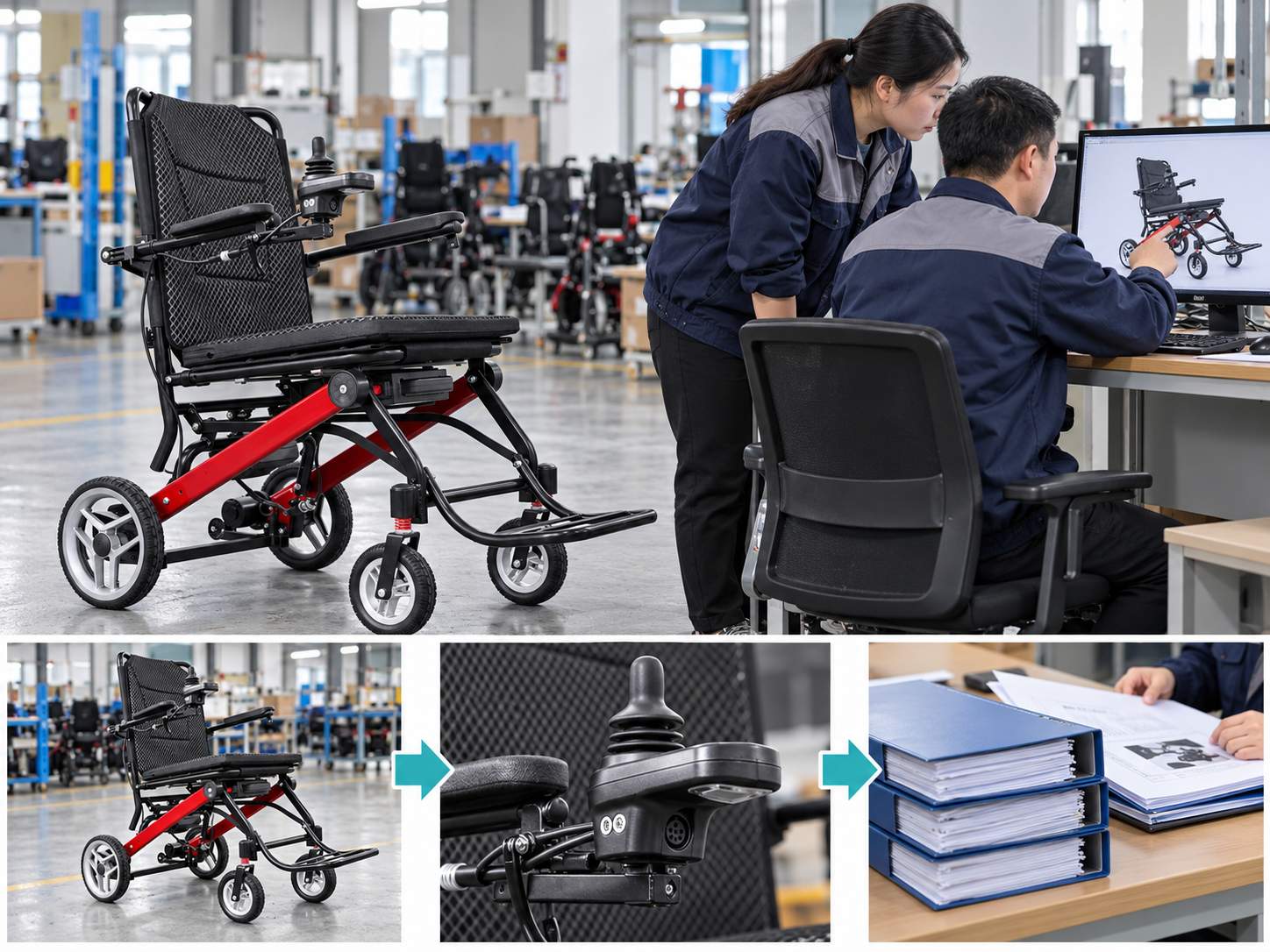
Acceptance of power chair model changes should name the reviewed version, evidence and conditions. A general email saying approved may not reveal which drawing or sample was considered.
Save the approval scope
Save the exact approval scope. Keep the decision beside the comparison record. If later changes occur, open a new review rather than stretching the earlier approval. MHRA device-management guidance provides broader purchasing and equipment-management context.
- Name the accepted revision
- Keep reviewed evidence
- Record conditions
| Check | What to keep |
|---|---|
| Name the accepted revision | Version reference |
| Keep reviewed evidence | Document and sample links |
| Record conditions | Acceptance note |
Key Takeaway: Future staff can see what the approval covered and when another review is needed.
What belongs in a power chair model changes inquiry?
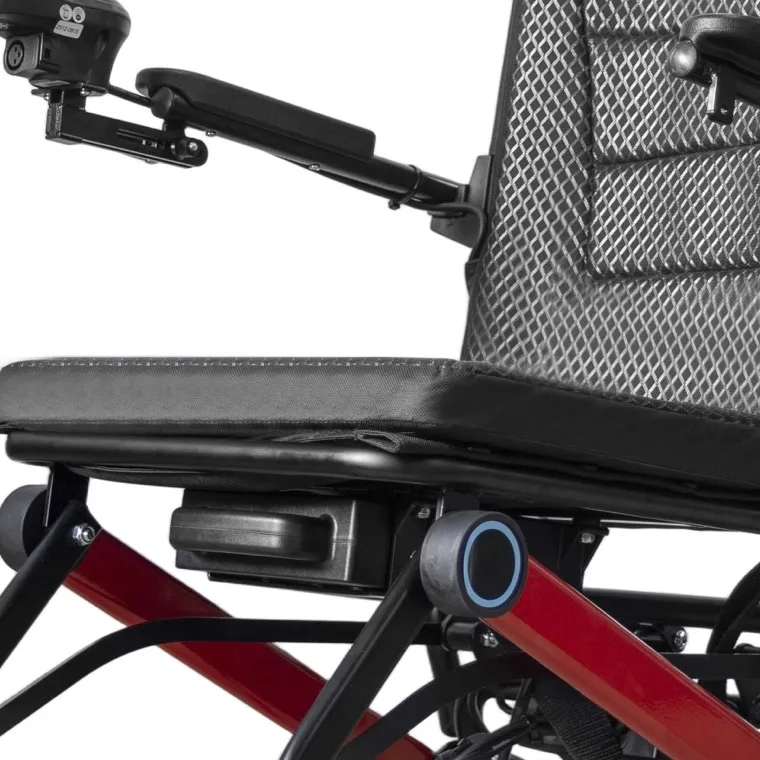
Include the accepted setup and any known power chair model changes in your repeat-order inquiry. Ask the supplier to confirm differences before preparing the final offer.
Prepare the repeat-order review
Send the baseline with the request. List spare-part and document questions alongside product questions. Agree who will resolve each item before order release.
- Attach the previous baseline
- Request current differences
- Assign open questions
| Check | What to keep |
|---|---|
| Attach the previous baseline | Accepted setup |
| Request current differences | Revision summary |
| Assign open questions | Review plan |
Key Takeaway: You can carry a proven buying process forward while giving real product changes the review they need. Contact us with your model and order brief so we can discuss the required product information. AryMD supports wheelchair buying decisions built on clear, model-specific facts.
Frequently asked questions
Q1: Can I assume the same model name means no changes?
No. Ask for the current setup and a written revision summary.
Q2: What's the best way to compare two versions?
Use an item-by-item record. Keep old and new part and document references.
Q3: How do I know if I need another sample?
Review the change against your acceptance criteria. Seek technical input where function or compatibility may be affected.
Q4: Can old spare parts serve a revised chair?
Only with confirmed compatibility. Similar appearance does not establish an approved match.
Q5: Can a lower price settle a technical concern?
No. Keep commercial discussions separate from unanswered product or compatibility questions.