
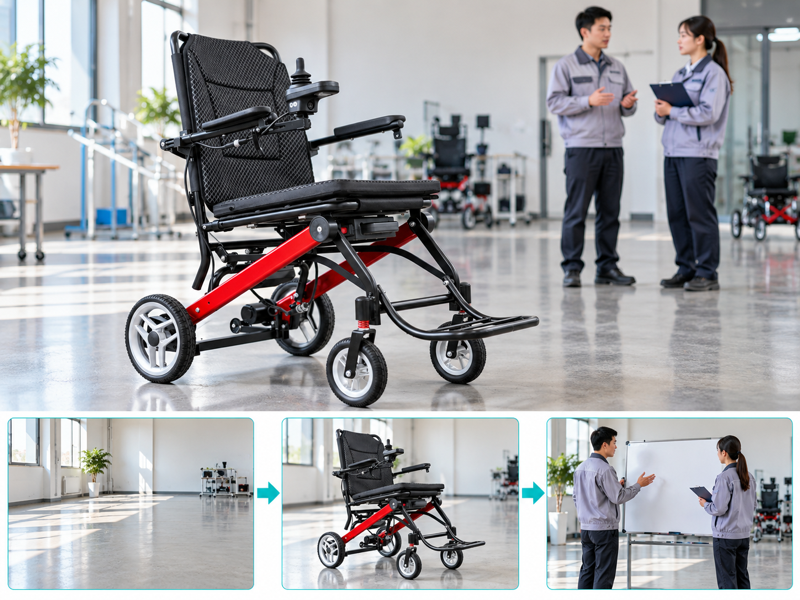
Plan a power chair demo room with a clear purpose, prepared equipment and trained supervision. A customer arrives for an appointment while display stands and charging cables narrow the available area. Staff then spend the session moving furniture instead of answering useful questions. A short room brief helps your team prepare the space and keep the demo within its agreed scope.
How should you plan a power chair demo room?
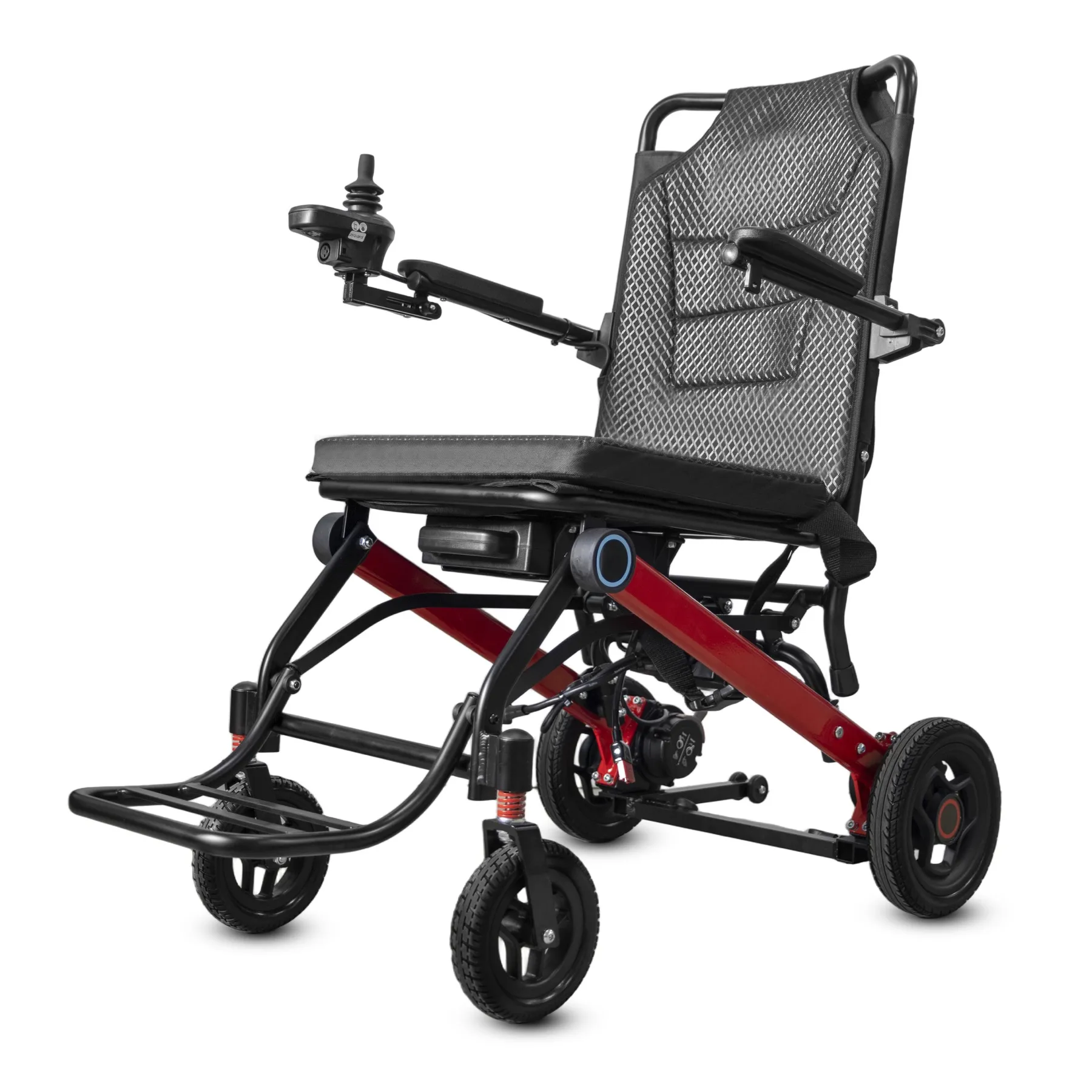
Plan a power chair demo room around a defined task, suitable space and trained supervision. A crowded sales floor can hide access problems before a demo even begins.
Define the session purpose
Start with the session purpose. Decide whether staff are explaining features or supporting an assessed user trial. These sessions need different preparation and roles.
- Define the session purpose
- Name the supervisor
- Confirm the intended chair
| Check | What to keep |
|---|---|
| Define the session purpose | Written demo brief |
| Name the supervisor | Named trained staff member |
| Confirm the intended chair | Model and setup record |
Key Takeaway: You can prepare a room that serves the session rather than staging a general sales display.
What space should remain clear?
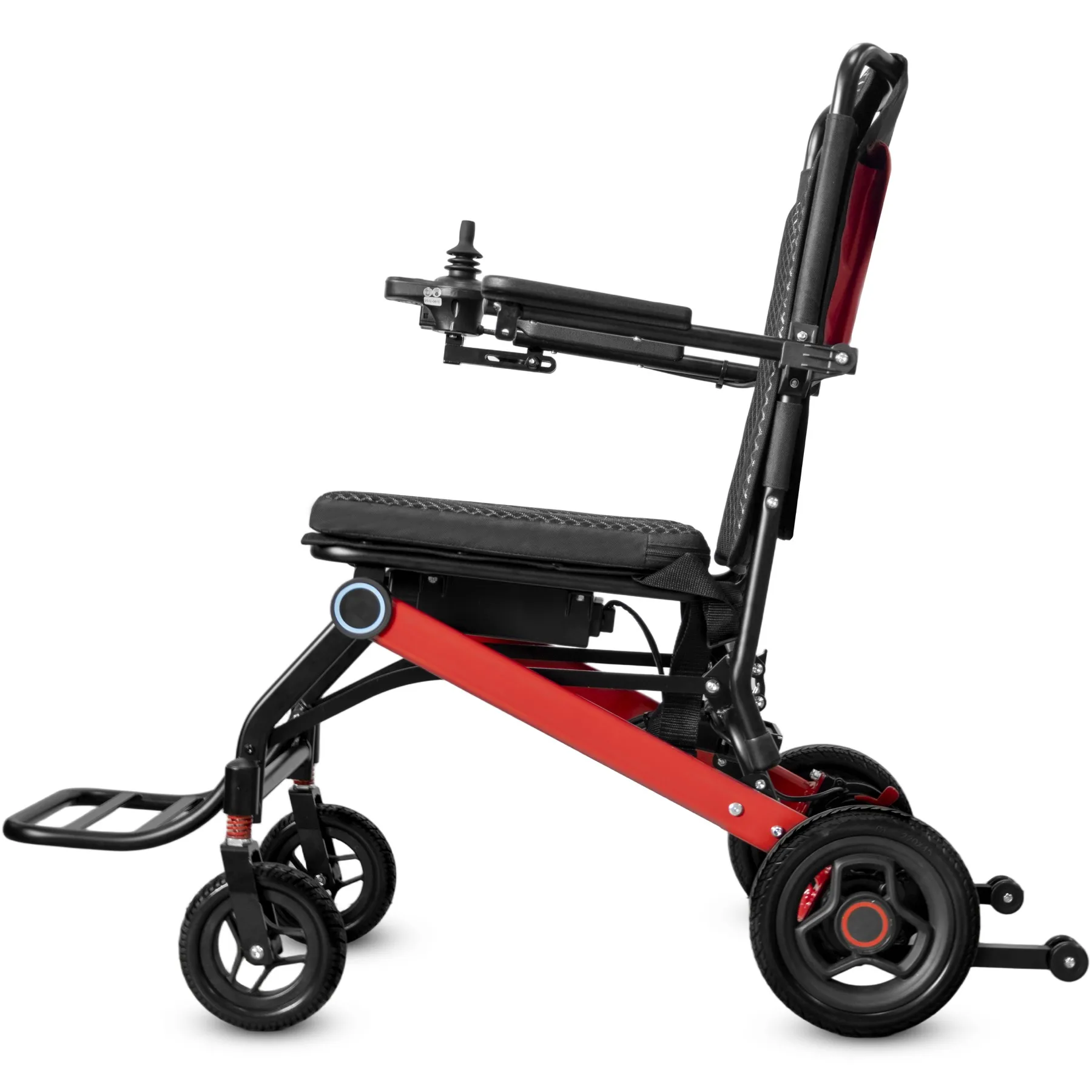
A power chair demo room needs a clear route suitable for the planned session and chair in its agreed setup. Display stands, bags and loose cables should not narrow that route.
Check the clear floor area
Make room for the planned task. Review the layout before each appointment. Keep any movement task within the manufacturer's instructions and the supervisor's agreed scope. Identify the joystick configuration in your demonstration brief.
- Map the usable area
- Remove temporary obstructions
- Keep access routes open
| Check | What to keep |
|---|---|
| Map the usable area | Current room sketch |
| Remove temporary obstructions | Pre-session check |
| Keep access routes open | Room preparation record |
Key Takeaway: A repeatable room check catches changes that a permanent floor plan cannot show.
Which chair belongs in your power chair demo room?
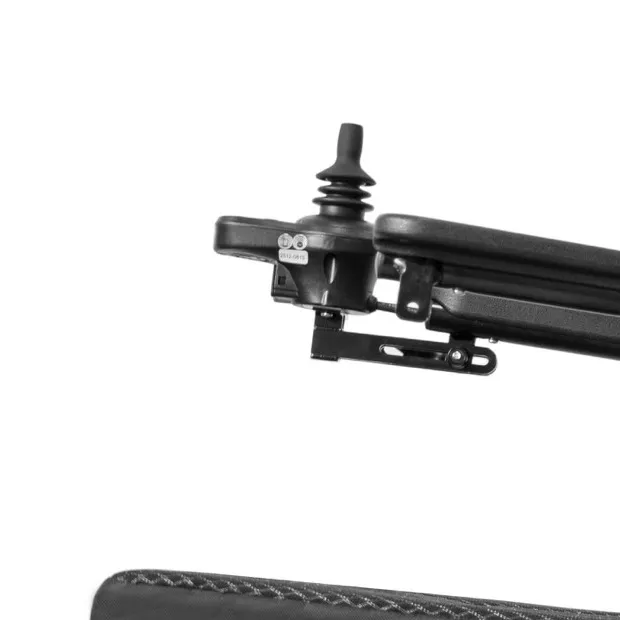
Use the booked model and approved setup in your power chair demo room. A different joystick, seat or battery version may change what staff can accurately explain.
Present the booked model
Match the booked setup. Check the chair against the session brief. Label display alternatives clearly so visitors do not mistake optional equipment for the supplied setup.
- Confirm the exact model
- Name fitted accessories
- Separate optional equipment
| Check | What to keep |
|---|---|
| Confirm the exact model | Session allocation |
| Name fitted accessories | Setup list |
| Separate optional equipment | Display notes |
Key Takeaway: Visitors can connect the demo with the actual product under discussion.
Who should supervise the session?
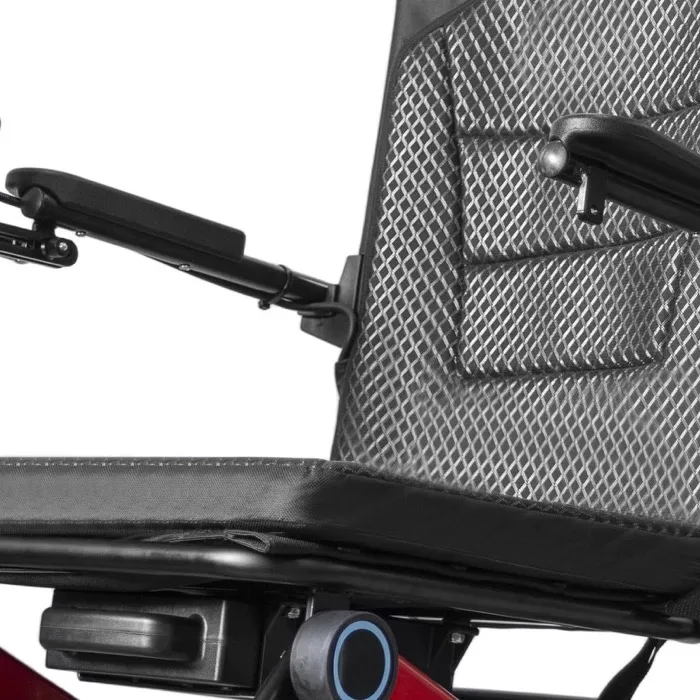
A power chair demo room session needs staff whose training matches the intended activities. Product sales knowledge alone does not establish competence for every user assessment or service task.
Name the responsible supervisor
Assign roles before arrival. Name who can answer product questions and who handles individual suitability. Arrange referral when your team lacks the required expertise.
- Assign the session lead
- Define staff limits
- Keep referral contacts
| Check | What to keep |
|---|---|
| Assign the session lead | Named responsible person |
| Define staff limits | Role-specific training record |
| Keep referral contacts | Escalation directory |
Key Takeaway: Your team can answer within its competence and refer questions without improvising.
How should a power chair demo room chair be checked?
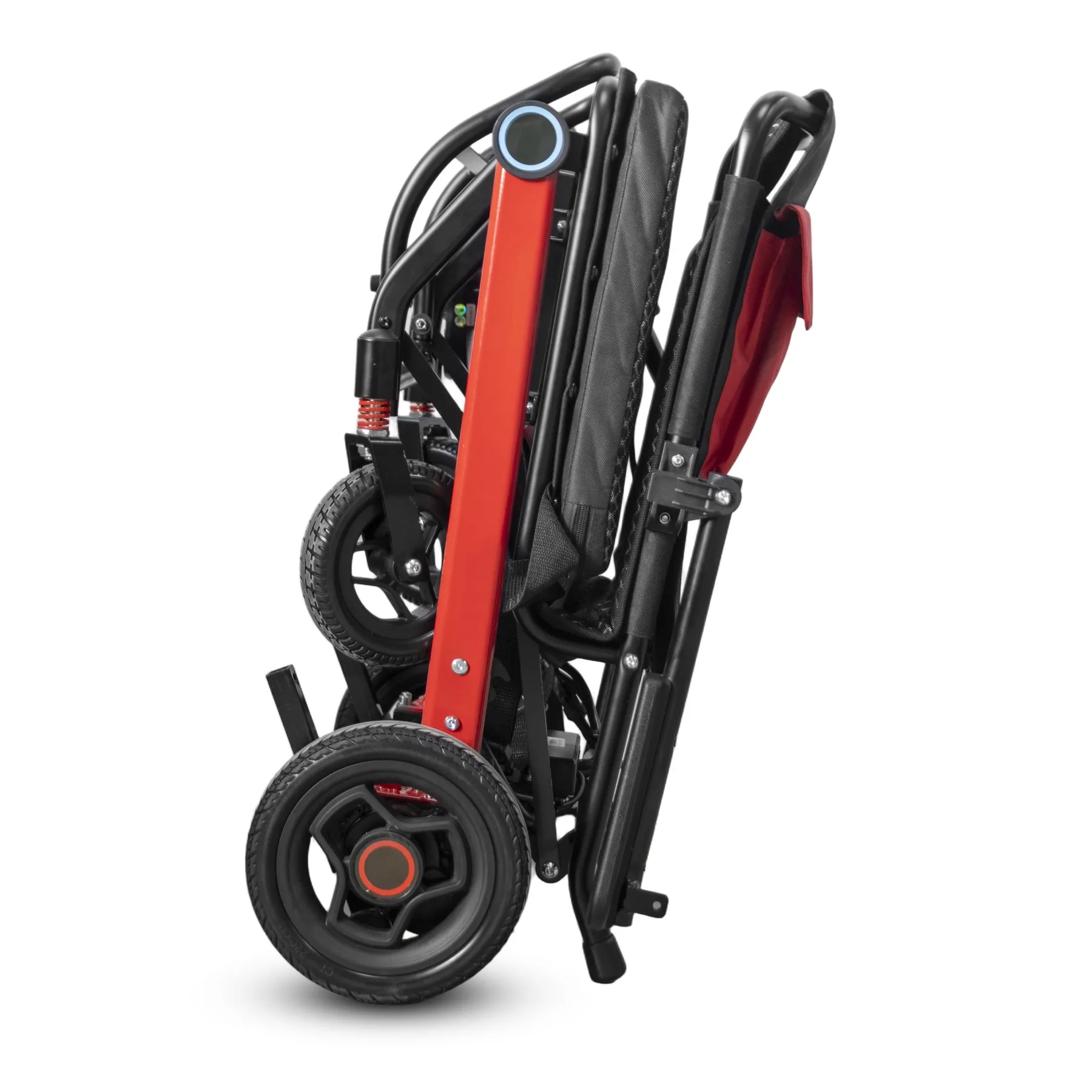
Prepare a power chair demo room chair using its current instructions and the checks assigned to trained staff. Do not turn a public demo into a repair session.
Prepare the chair correctly
Use the model instructions. Keep unresolved faults out of the demo area. Confirm how staff will stop the session and seek support if a concern arises. Use the model instructions for any freewheel-mode discussion.
- Use current instructions
- Record pre-session status
- Define stop setups
| Check | What to keep |
|---|---|
| Use current instructions | Controlled model document |
| Record pre-session status | Chair release record |
| Define stop setups | Session procedure |
Key Takeaway: You avoid presenting an unresolved product condition as something a customer should work around.
What should power chair demo room visitors receive?
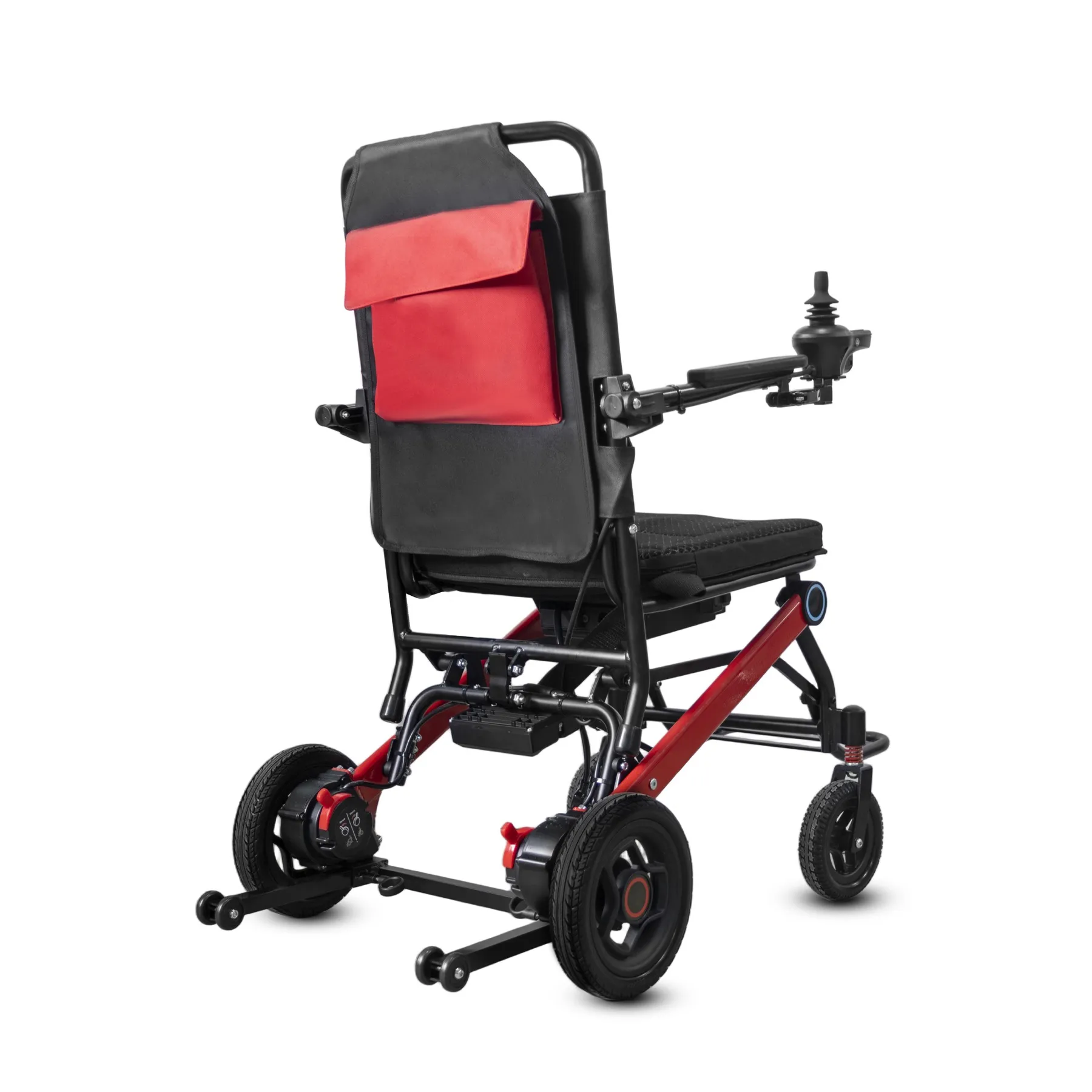
Visitors to a power chair demo room should receive details relevant to the model and their questions. Separate written features from optional equipment and assessed suitability.
Give visitors usable details
Keep the explanation usable. Use plain language and invite clarification. Provide accessible follow-up material where needed rather than relying on a fast verbal explanation.
- Explain included equipment
- Record visitor questions
- Offer suitable details formats
| Check | What to keep |
|---|---|
| Explain included equipment | Setup summary |
| Record visitor questions | Permission-based notes |
| Offer suitable details formats | Agreed follow-up material |
Key Takeaway: The visitor leaves with details that can be checked after the appointment.
How can you avoid misleading demos?
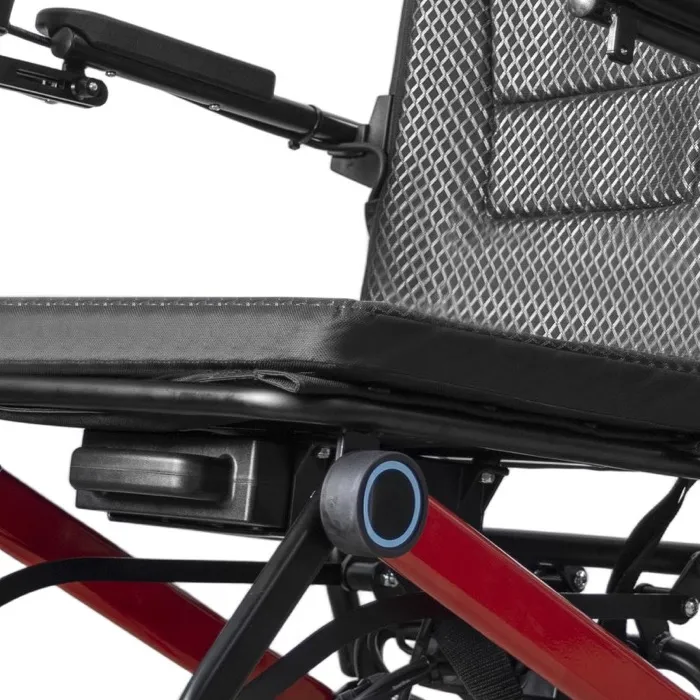
An honest power chair demo room session shows the agreed setup and explains its limits. A brief indoor display cannot establish outdoor performance or a given user's long-term suitability.
Explain demo limits
Show normal conditions honestly. Do not use dramatic obstacles to imply unverified capability. Keep any separately written performance claim tied to its own evidence.
- Name demo conditions
- Separate performance claims
- Avoid unsupported promises
| Check | What to keep |
|---|---|
| Name demo conditions | Session scope |
| Separate performance claims | Supporting document references |
| Avoid unsupported promises | Reviewed staff wording |
Key Takeaway: Your sales explanation stays connected with what the session actually showed.
What should a power chair demo room team record?
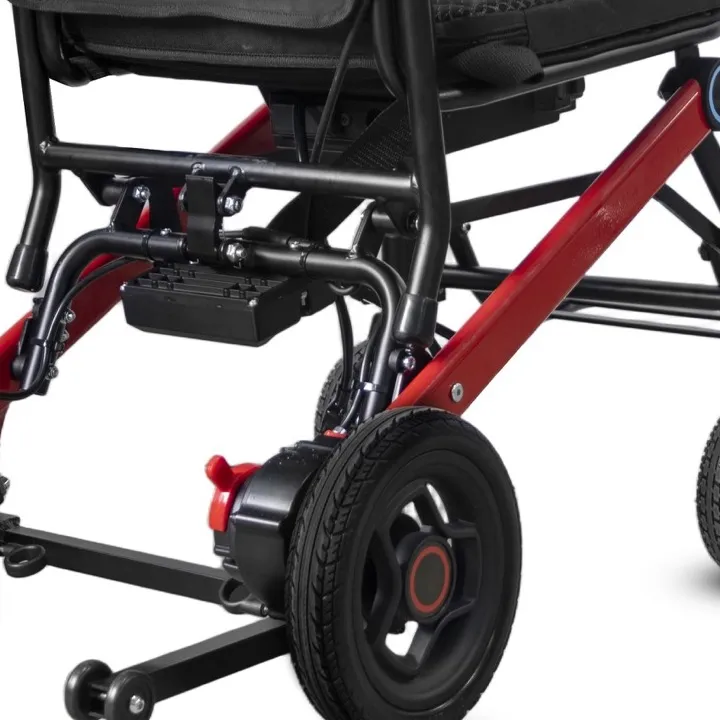
After a power chair demo room session, record the chair version, tasks discussed and questions needing follow-up. Keep personal details limited to what the service needs.
Record follow-up questions
Capture questions while they are fresh. Ask permission before keeping photos. Assign each unresolved question to a suitable person and agree how the visitor will receive a reply. Keep a separate handover checklist for customer delivery.
- Record the shown setup
- Assign follow-up actions
- Protect personal details
| Check | What to keep |
|---|---|
| Record the shown setup | Session record |
| Assign follow-up actions | Named action list |
| Protect personal details | Access-controlled notes |
Key Takeaway: You can follow through on the visitor's concerns without keeping unnecessary personal details.
When should the room be reviewed again?
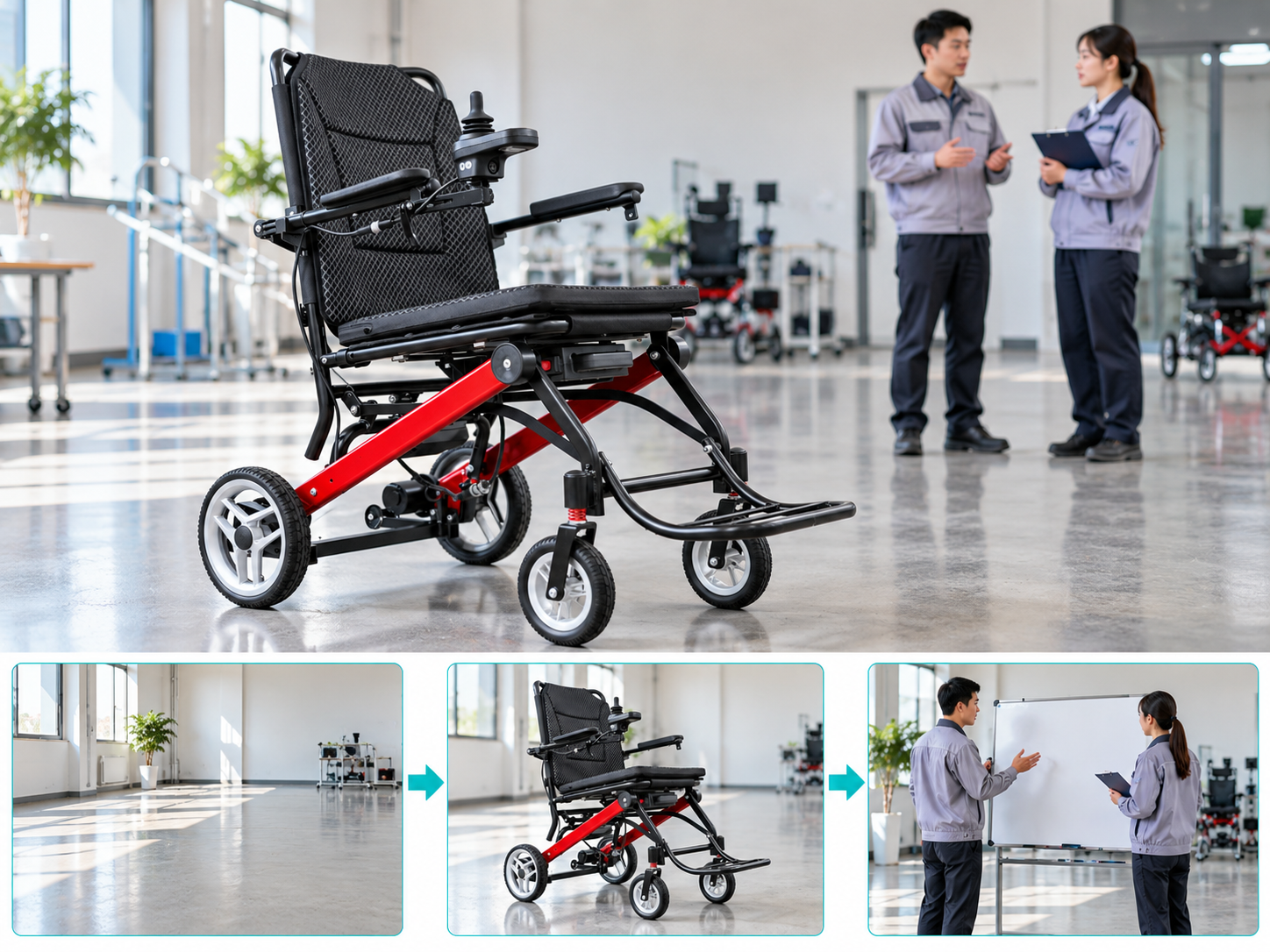
Review your power chair demo room when displays, furniture, equipment or session types change. A previously usable setup may no longer support the same task.
Review changes to the room
Treat layout changes as new details. Include staff observations from recent sessions. Keep the review practical by recording what changed and which activity it affects. WHO wheelchair guidance supports individual assessment and trained service provision.
- Record layout changes
- Review new activities
- Close preparation issues
| Check | What to keep |
|---|---|
| Record layout changes | Updated room sketch |
| Review new activities | Revised session scope |
| Close preparation issues | Dated action record |
Key Takeaway: Small updates prevent an old room plan from becoming an unreliable reference.
What belongs in your power chair demo room brief?
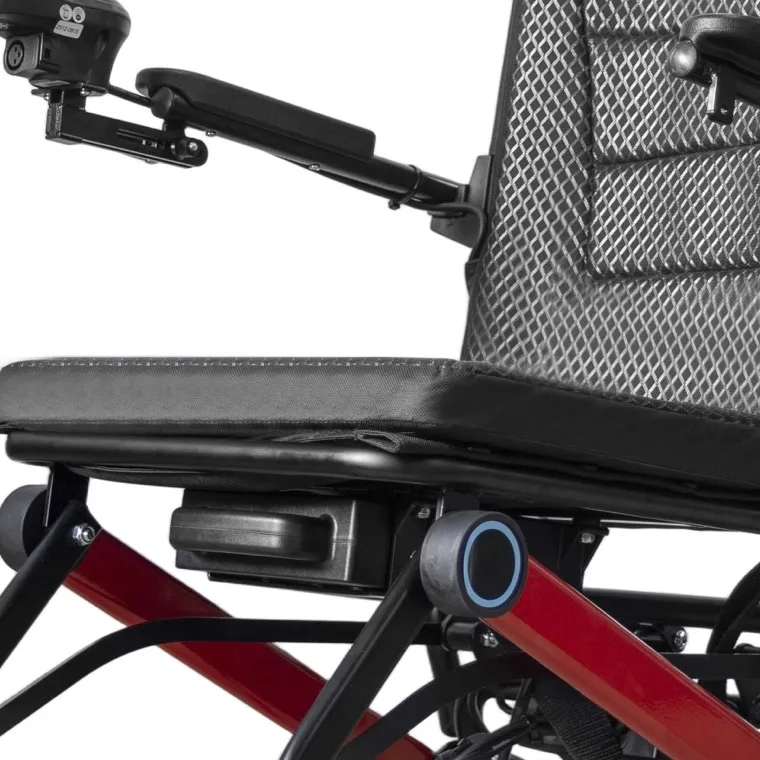
A power chair demo room brief should name the chair, purpose, supervisor and open questions. Share it with everyone responsible for preparing or delivering the session.
Set out the session brief
Bring the session together. Keep the room plan and model documents available. Arrange individual assessment separately where the buying decision requires it.
- Name the session purpose
- Confirm the ready equipment
- Assign next actions
| Check | What to keep |
|---|---|
| Name the session purpose | Booking brief |
| Confirm the ready equipment | Chair status record |
| Assign next actions | Follow-up plan |
Key Takeaway: You can prepare the space, explain the product and organize follow-up without promising more than the session establishes. Contact us with your model and order brief so we can discuss the required product information. AryMD supports wheelchair buying decisions built on clear, model-specific facts.
Frequently asked questions
Q1: Can I use a busy showroom for demos?
Only if the space and supervision suit the planned activity. Review temporary obstacles before the session.
Q2: What's the best chair to allocate to a booking?
Use the discussed model and setup. An unannounced substitute may leave the visitor with the wrong impression.
Q3: How do I know if a salesperson can supervise?
Check training against the actual activity. Product familiarity alone does not cover every assessment or service task.
Q4: Can a short demo prove outdoor performance?
No. An indoor session cannot establish performance under different surfaces and conditions.
Q5: Can I record a visitor's demo?
Only with suitable permission and handling. Keep personal details limited to what the service needs.