
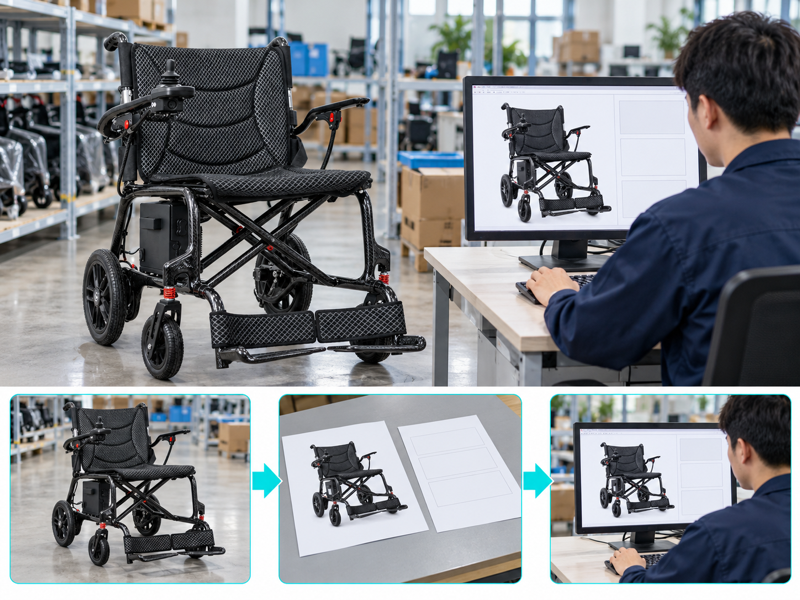
Plan electric wheelchair listings from an approved model record with clear options, conditions and source files. Your team may update a product page while an older PDF still shows another battery or weight figure. Buyers then receive different answers depending on which file they open. A controlled listing review brings the offer, images and order choices back into agreement.
How should you plan electric wheelchair listings?
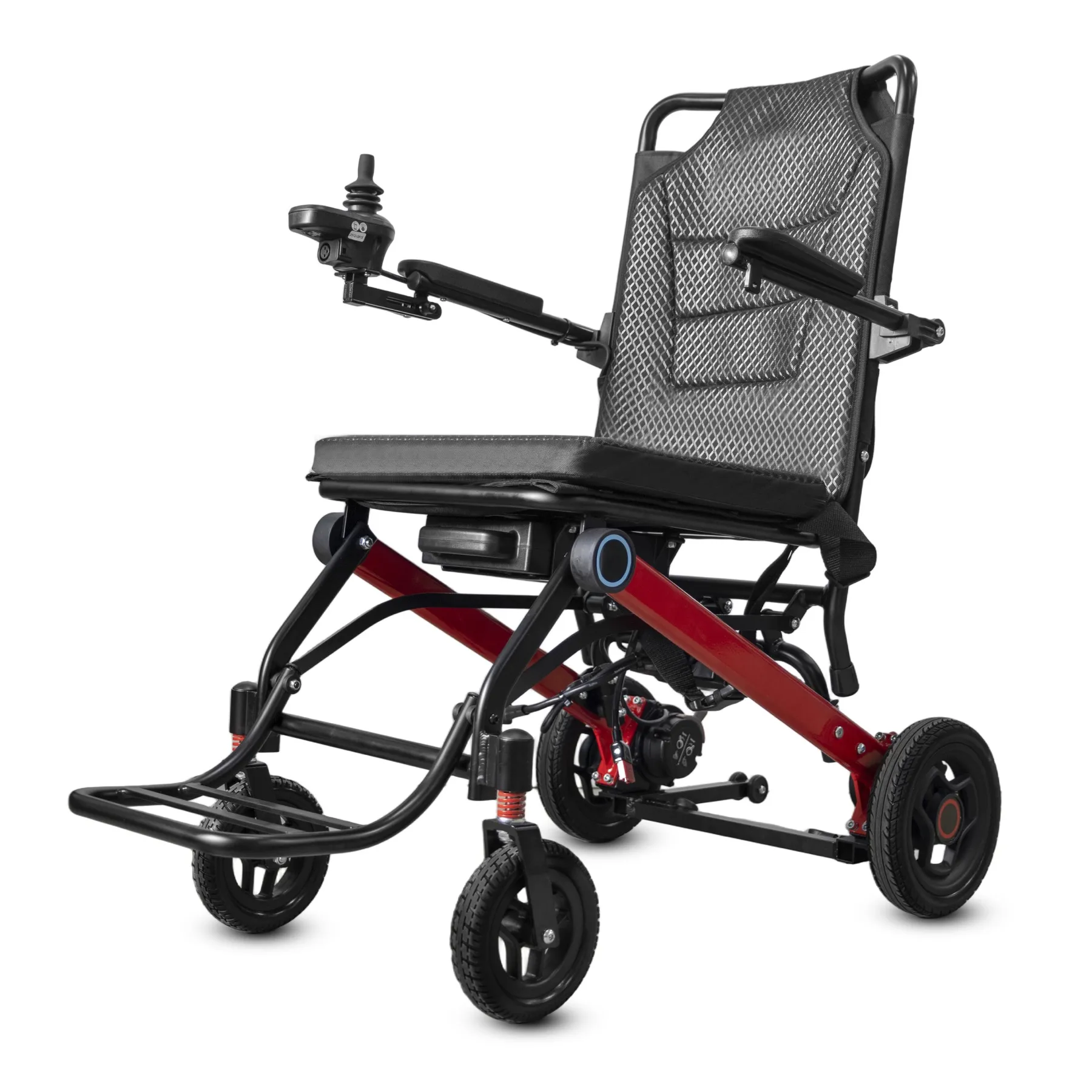
Plan electric wheelchair listings from the exact model, setup and current source files. Copying a competitor's specifications can attach the wrong features to your offer.
Start with the approved offer
Build from a controlled product record. Keep one approved record for the page editor and sales team. Explain what is included before describing optional equipment.
- Name the selling setup
- Separate included items
- Record source documents
| Check | What to keep |
|---|---|
| Name the selling setup | Approved product record |
| Separate included items | Offer contents list |
| Record source documents | Evidence references |
Key Takeaway: Your listing can describe what a customer will receive without borrowing unsupported claims.
Which specifications deserve separate fields?
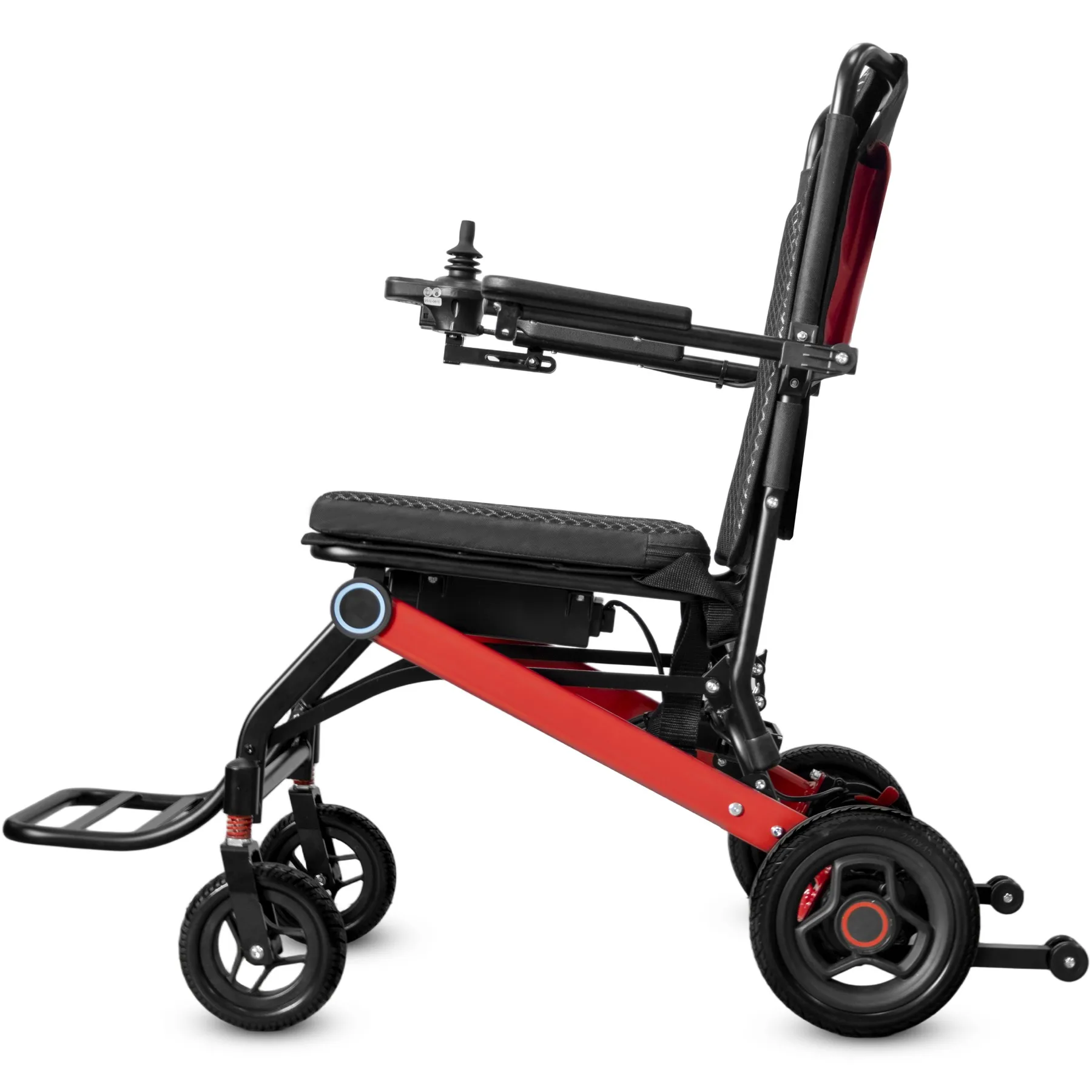
For electric wheelchair listings, separate dimensions, weight of the agreed setup, battery details and supplied accessories. A combined marketing sentence can hide conditions that buyers need to compare.
Separate useful specification fields
Make comparisons possible. State the measurement setup and keep units consistent. Avoid filling missing values with figures from a similar-looking model. Use the dimension checklist when preparing your product fields.
- Use consistent measurement units
- Name the measured setup
- Flag missing supplier facts
| Check | What to keep |
|---|---|
| Use consistent measurement units | Reviewed data fields |
| Name the measured setup | Setup note |
| Flag missing supplier facts | Open details list |
Key Takeaway: Structured fields help buyers compare like-for-like without turning unknown details into apparent facts.
How should electric wheelchair listings show options?
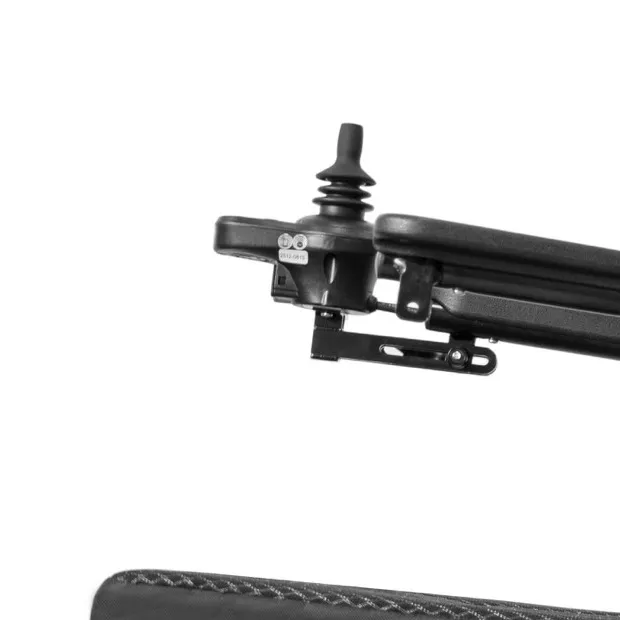
In electric wheelchair listings, optional equipment should appear as a clearly named choice with any compatibility limits. A photo alone does not establish that an accessory is included.
Make options clearly named
Put options beside their conditions. Ask the supplier which versions support each option. Match selectable variants with the setup named in the order confirmation.
- Name optional accessories
- Confirm model compatibility
- Match order selections
| Check | What to keep |
|---|---|
| Name optional accessories | Option schedule |
| Confirm model compatibility | Written supplier reply |
| Match order selections | Variant-to-order mapping |
Key Takeaway: Customers can distinguish the base offer from extras before requesting a quotation.
What makes a weight claim clear?
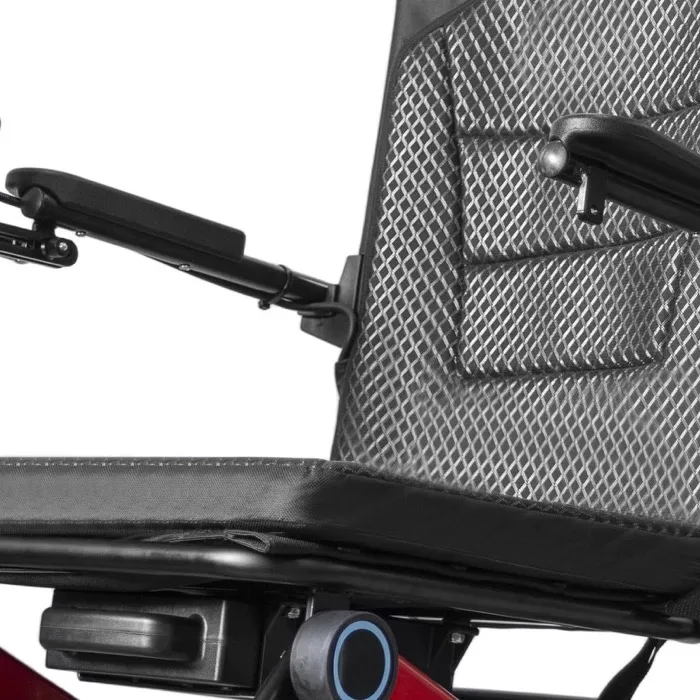
Clear electric wheelchair listings weight wording states whether the figure includes the battery, cushion and other fitted items. Use the supplier's written setup and measurement basis.
Define the weight setup
Show what was weighed. Keep packed weight separate from product weight. Avoid converting a part-only figure into a complete-chair claim.
- Name included parts
- Separate packed weight
- Keep the measurement basis
| Check | What to keep |
|---|---|
| Name included parts | Weight setup |
| Separate packed weight | Shipping data field |
| Keep the measurement basis | Supplier evidence |
Key Takeaway: A defined weight claim supports practical handling discussions without exaggerating portability.
Which electric wheelchair listings claims need evidence?
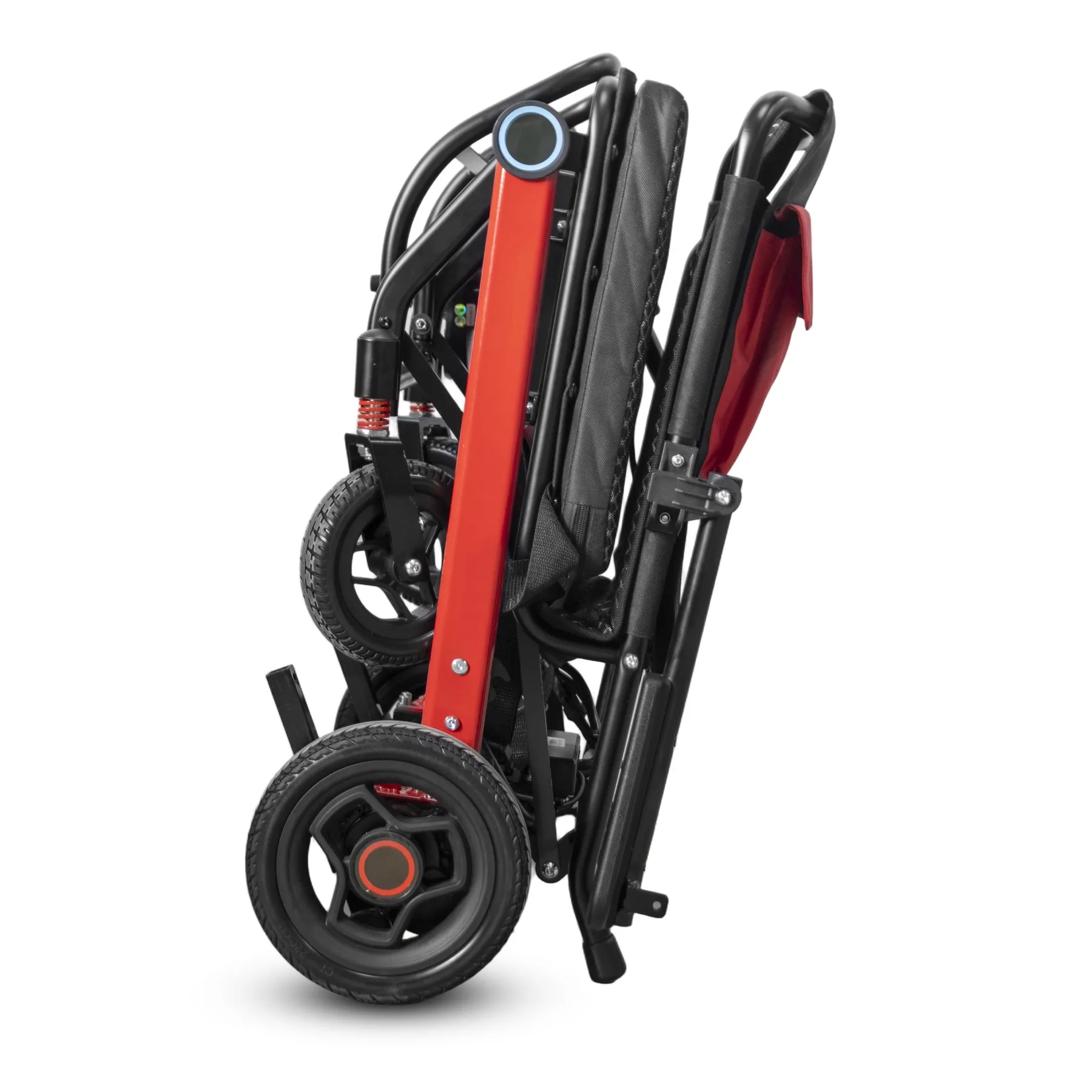
Use range and capacity claims in electric wheelchair listings only when the model-specific evidence supports the wording. Test conditions and intended-use limits belong with the claim.
Keep claim conditions
Keep the limits attached. Do not promise identical travel distance for every user. Ask for clarification when documents show conflicting values rather than choosing the larger figure. Keep load-limit wording tied to the specified chair.
- Name the relevant model
- Keep stated conditions
- Resolve conflicting figures
| Check | What to keep |
|---|---|
| Name the relevant model | Evidence scope |
| Keep stated conditions | Claim conditions |
| Resolve conflicting figures | Supplier clarification record |
Key Takeaway: Buyers see a usable specification instead of an unexplained headline number.
Which photos suit electric wheelchair listings?
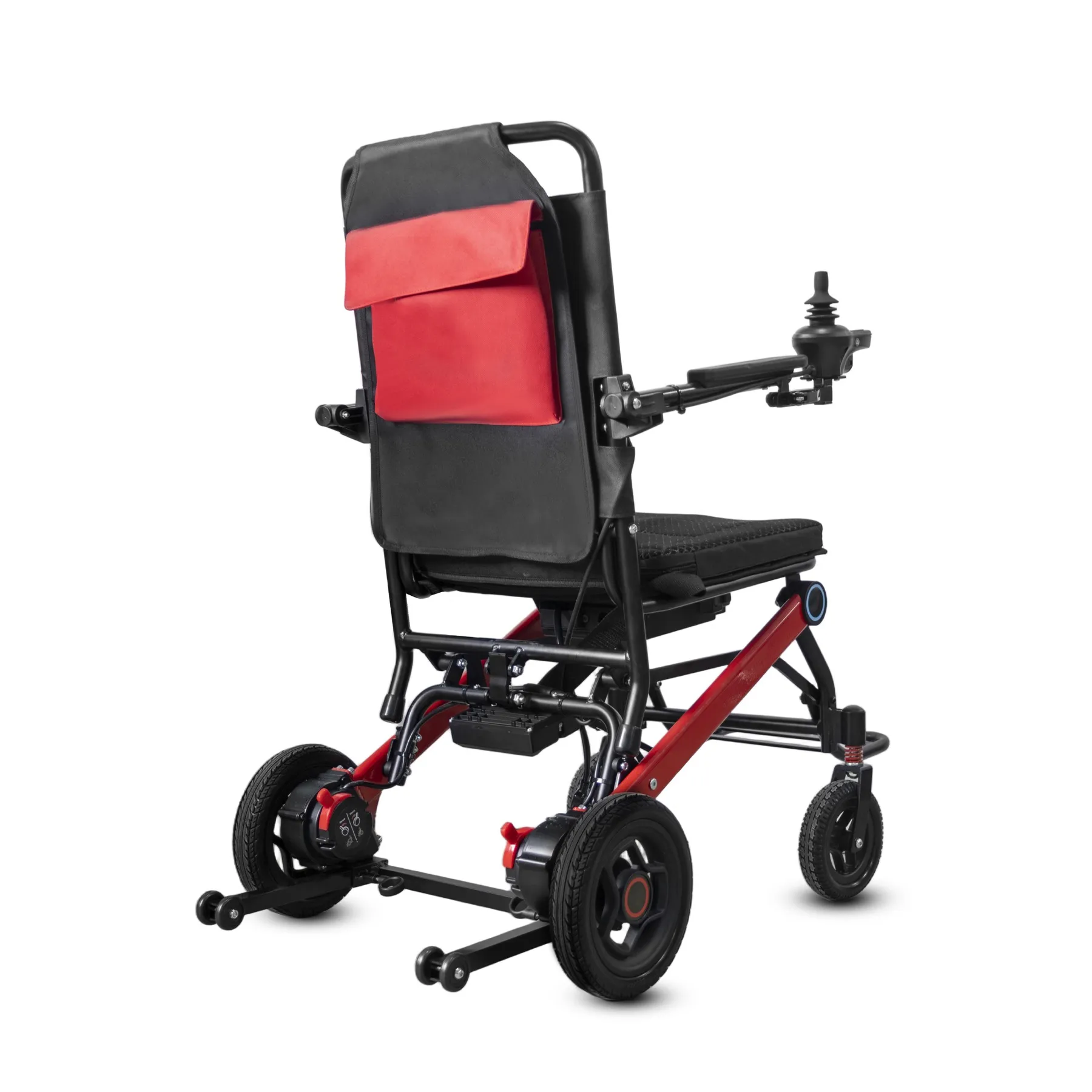
Choose electric wheelchair listings photos that show the offered frame, controls, seating and folding setup. Different versions need clear labels when they share a page.
Match images with supplied equipment
Match pictures with the offer. Show full product views alongside relevant details. Do not use an illustration as proof of a factory visit or a tested capability.
- Use the offered setup
- Name variant pictures
- Separate illustrations
| Check | What to keep |
|---|---|
| Use the offered setup | Approved photo set |
| Name variant pictures | Image captions or alt text |
| Separate illustrations | Media classification |
Key Takeaway: Visuals reinforce the written offer instead of creating a second, conflicting specification.
How should delivery and service wording read?
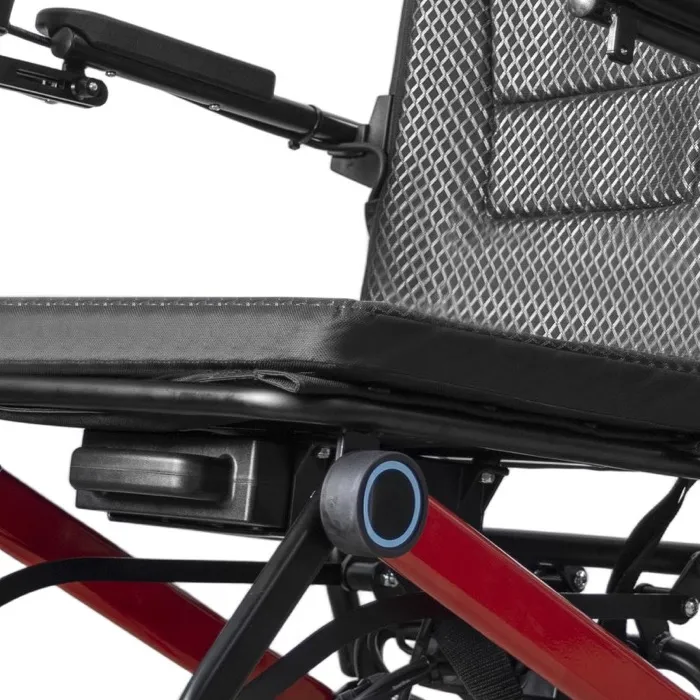
For electric wheelchair listings, describe delivery and service terms as confirmed offer details or questions for quotation. Avoid promising stock, lead time or warranty coverage without current support.
Clarify delivery and support
State the agreed scope. Separate installation, user training and repairs where these services differ. Keep a dated record of any commercial claim shown online.
- Confirm delivery wording
- Separate support activities
- Date commercial approvals
| Check | What to keep |
|---|---|
| Confirm delivery wording | Current offer terms |
| Separate support activities | Service scope |
| Date commercial approvals | Content approval record |
Key Takeaway: You can keep customer expectations aligned with what your team has actually agreed to provide.
Who should review electric wheelchair listings before release?
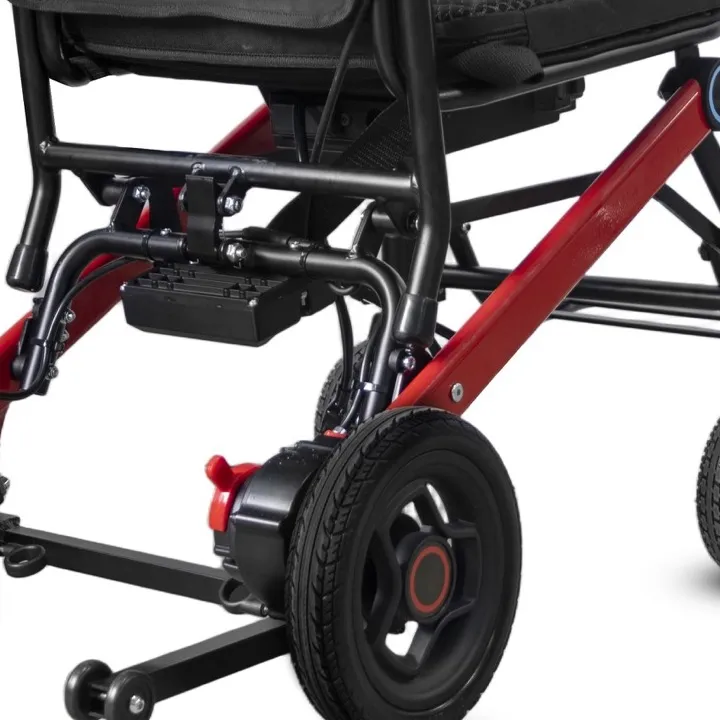
Review electric wheelchair listings across the page, downloadable documents and order choices before release. Correct fields can still conflict with an old PDF or a default variant.
Review the complete buying path
Review the complete buying path. Have product and commercial reviewers check their own scope. Test visible options against the offer you would send in response. Link claims with the supplied user instructions.
- Check downloadable documents
- Verify selectable variants
- Approve commercial terms
| Check | What to keep |
|---|---|
| Check downloadable documents | Current file versions |
| Verify selectable variants | Page review record |
| Approve commercial terms | Named reviewer decision |
Key Takeaway: The full buying path describes one coherent offer rather than several competing versions.
How do you keep listings current?
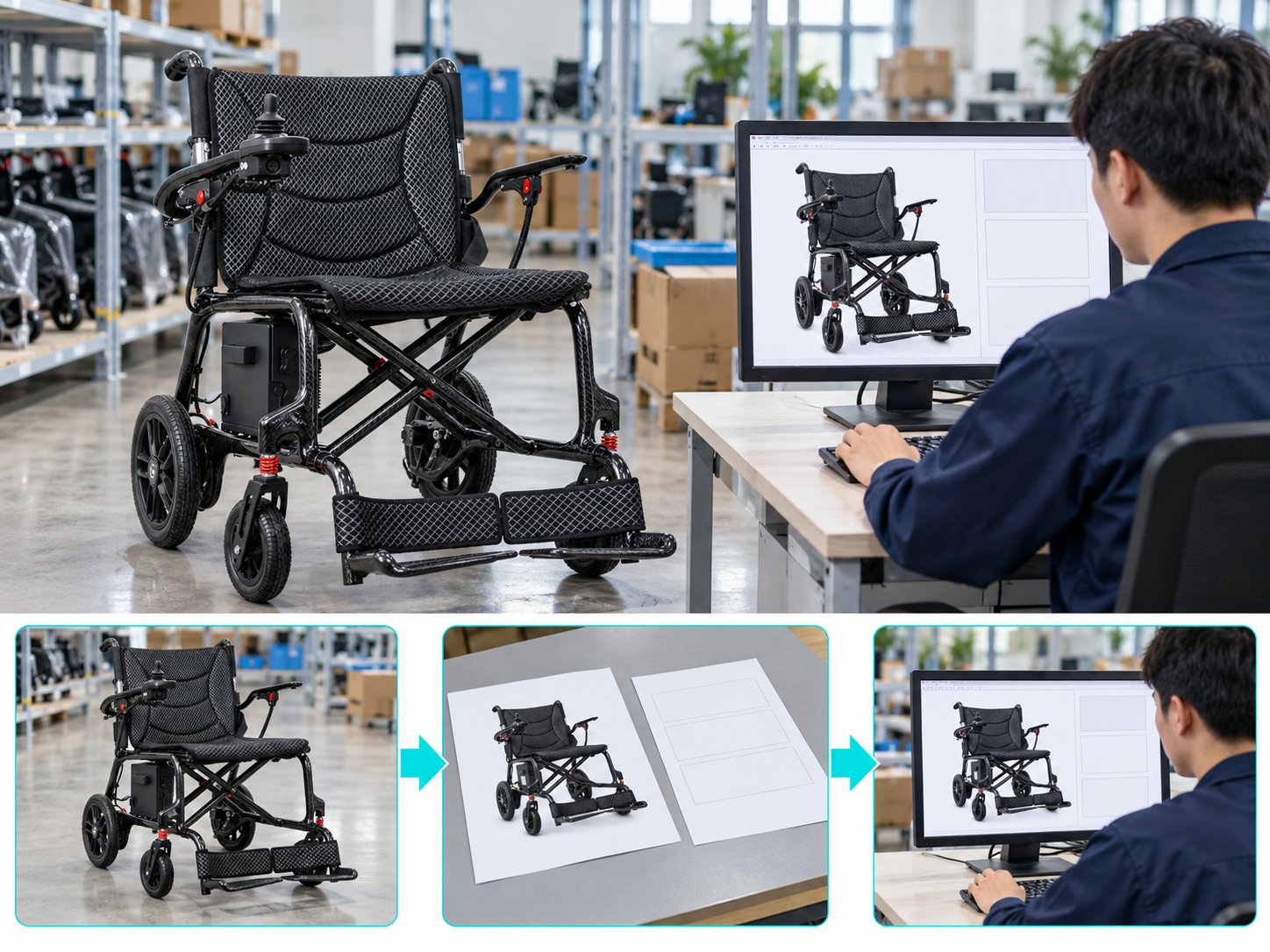
Maintain electric wheelchair listings with a named owner and a review trigger for product or supply changes. Updating the title alone leaves old images and documents in place.
Assign an update owner
Give changes an owner. Keep a list of pages that use each model record. Log what changed so sales staff can answer questions from earlier customers. MHRA device-management guidance provides broader purchasing and equipment-management context.
- Assign the content owner
- Map model-related pages
- Record published changes
| Check | What to keep |
|---|---|
| Assign the content owner | Role record |
| Map model-related pages | Content register |
| Record published changes | Dated update log |
Key Takeaway: Your team can trace which customer-facing materials need attention after a revision.
What belongs in an electric wheelchair listings review?
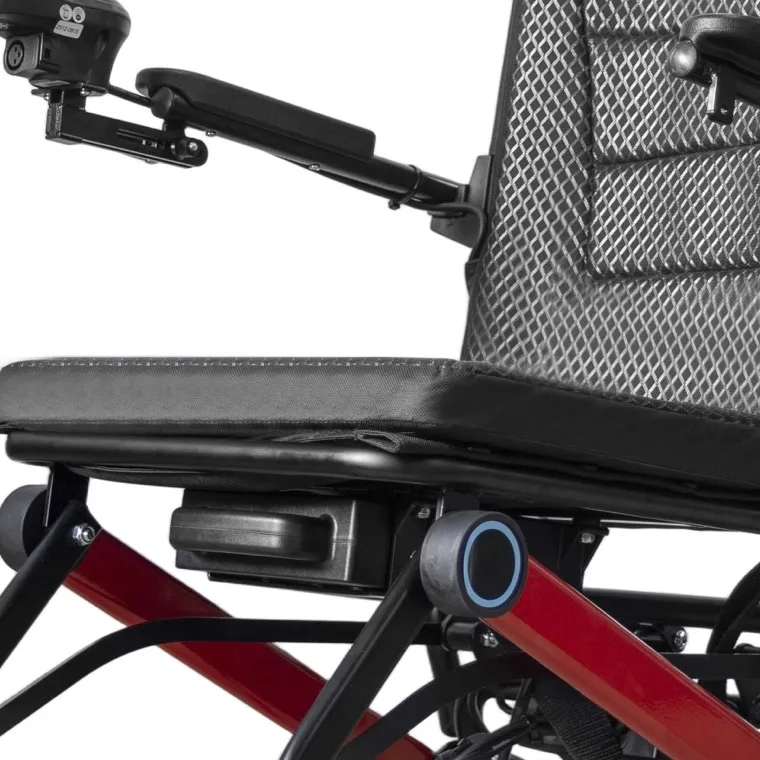
Send your electric wheelchair listings brief with the proposed setup, approved documents and current page draft. Name any claim that still needs evidence before release.
Prepare a focused listing brief
Collect the complete offer. Ask for missing facts rather than stronger marketing language. Keep release decisions with the people responsible for the offer.
- Attach the exact product scope
- List unresolved claims
- Name final reviewers
| Check | What to keep |
|---|---|
| Attach the exact product scope | Setup brief |
| List unresolved claims | Evidence request |
| Name final reviewers | Approval schedule |
Key Takeaway: You can turn a product page into a clear buying reference with consistent photos, options and support terms. Contact us with your model and order brief so we can discuss the required product information. AryMD supports wheelchair buying decisions built on clear, model-specific facts.
Frequently asked questions
Q1: Can I copy specifications from a similar model?
No. Use evidence for the exact setup you offer.
Q2: What's the best way to show optional accessories?
Label them clearly beside the relevant choice. A photo should not imply that every pictured item is included.
Q3: How do I know if a weight figure is complete?
Check its setup. The record should state whether the battery and other fitted items were included.
Q4: Can I promise the same range to every customer?
No. Keep model-specific test conditions with supported range wording.
Q5: Can I update a listing without changing its PDF?
Only if the PDF remains accurate. Review all linked materials whenever the product or offer changes.