
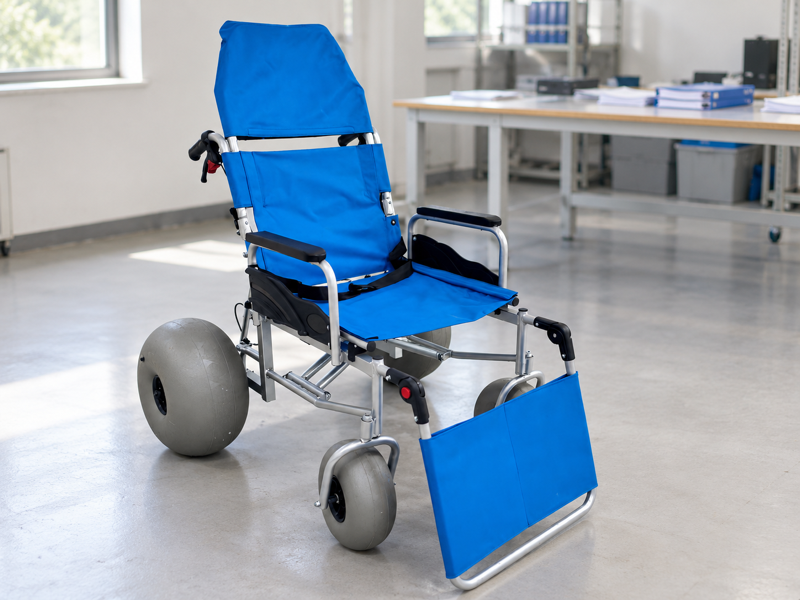
Keep beach wheelchair fleet records at the level of each identifiable chair, with current setup and service status. A fleet total cannot tell reception which unit is awaiting a part. Informal handoffs can also leave the wrong location in the file. A maintained asset record gives the next team a usable starting point.
What should beach wheelchair fleet records connect?
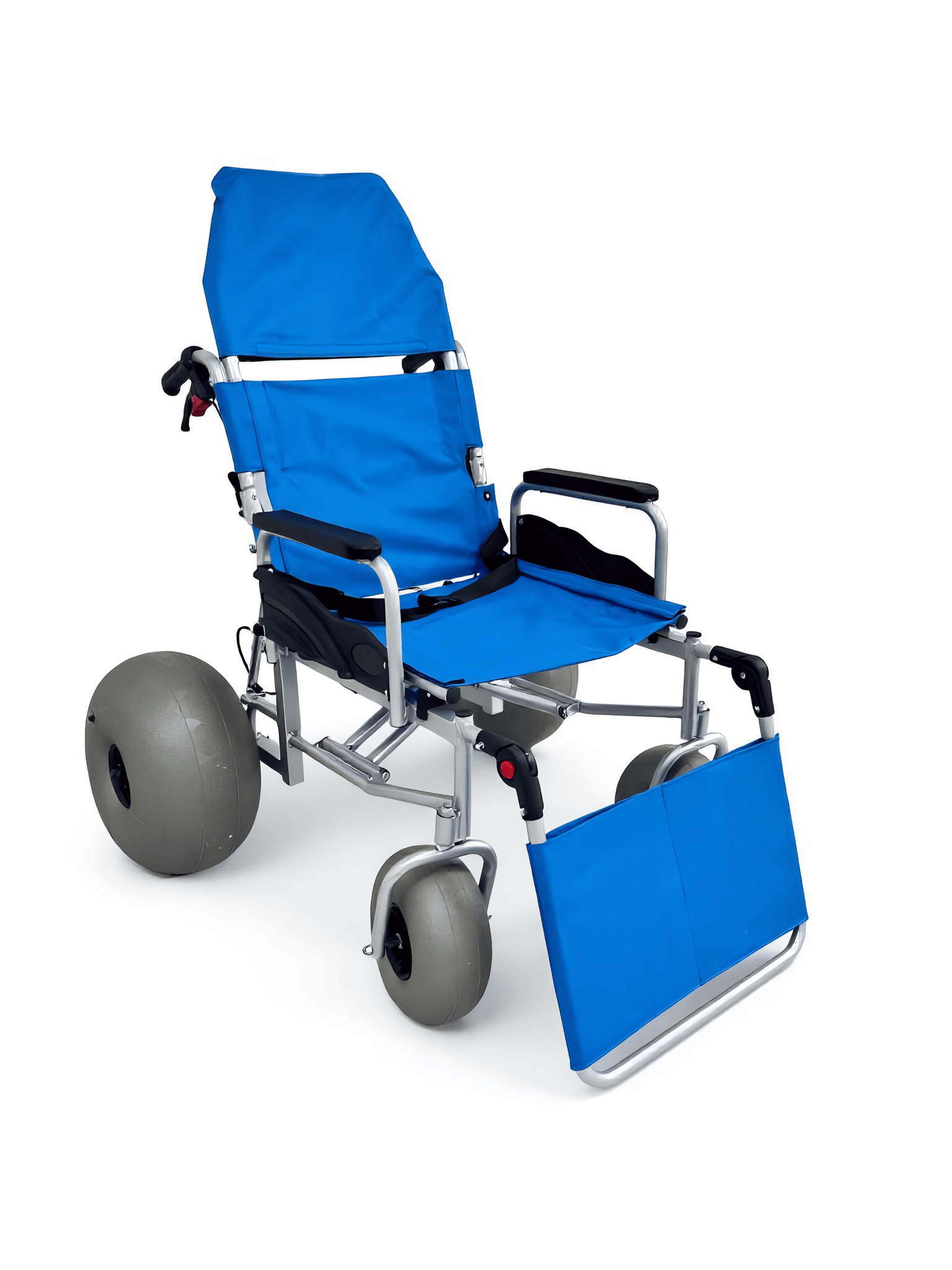
Beach wheelchair fleet records should connect each physical chair with its ID, agreed setup, location and service status. A list of purchase totals cannot answer which unit is awaiting review.
Give each chair a clear reference
Start with the equipment you can name. Use an internal asset reference alongside original maker markings. Keep the two distinct so one does not replace the other. WHO guidance covers wheelchair fit and follow-up services.
- Assign internal asset ID
- Record maker ID
- Record location
| Check | Record to retain |
|---|---|
| Assign internal asset ID | Fleet reference |
| Record maker ID | Original model and serial |
| Record location | Current custody |
Your team can find the record for a particular chair.
Which ID fields are useful?
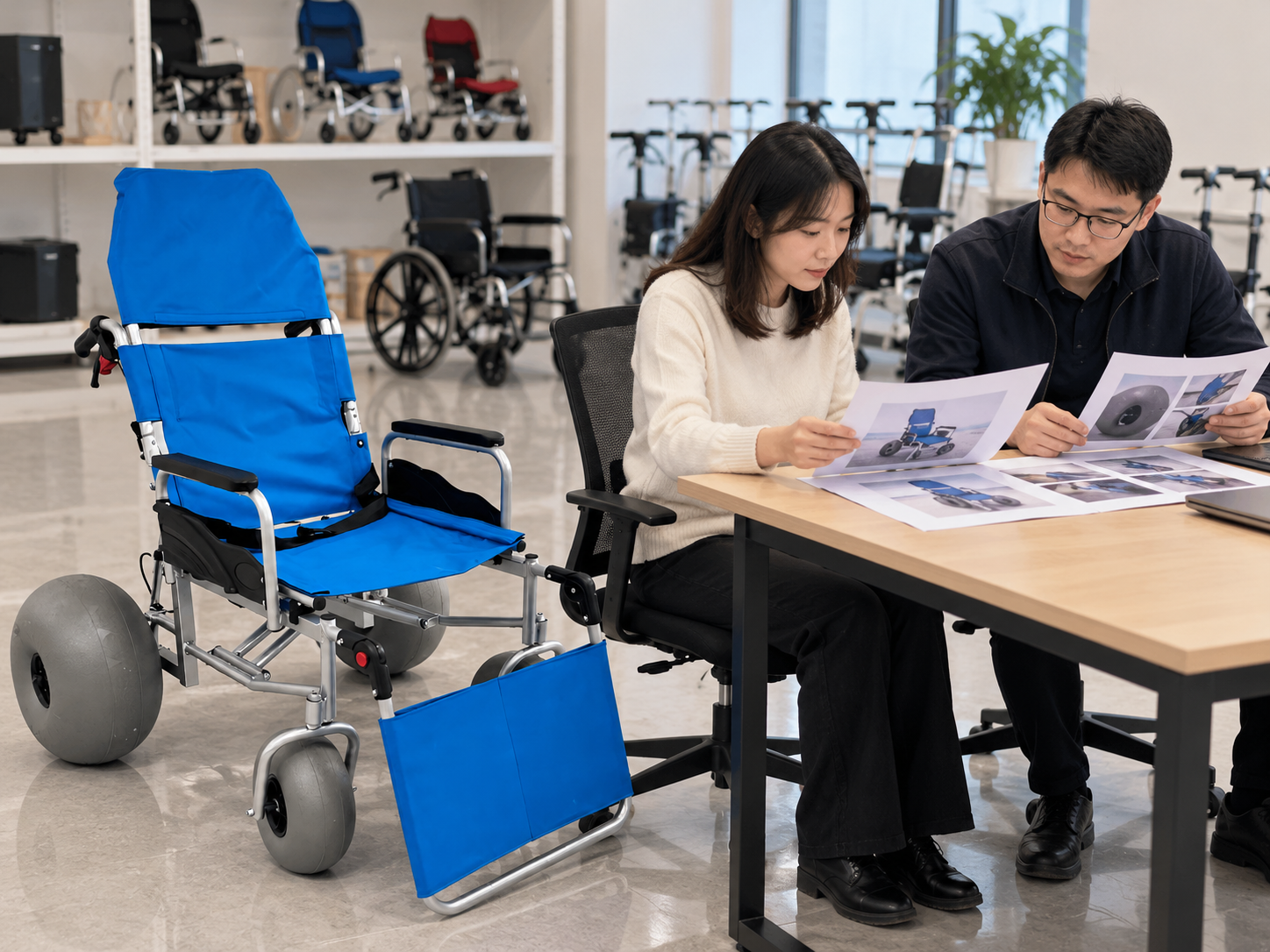
Useful ID fields in beach wheelchair fleet records include model, available serial reference, received date and purchase record. Add only fields your team can maintain accurately.
Keep the record practical
An unused field becomes stale quickly. Ask the supplier to clarify uncertain model or revision details. Avoid inventing identifiers when an original marking is missing. Compare supplier information using our beach wheelchair supplier review.
- Record model
- Record purchase reference
- Flag unknown revision
| Check | Record to retain |
|---|---|
| Record model | Supplier-confirmed ID |
| Record purchase reference | Order link |
| Flag unknown revision | Open question |
Your register can distinguish known facts from incomplete ID.
How should beach wheelchair fleet records describe setup?
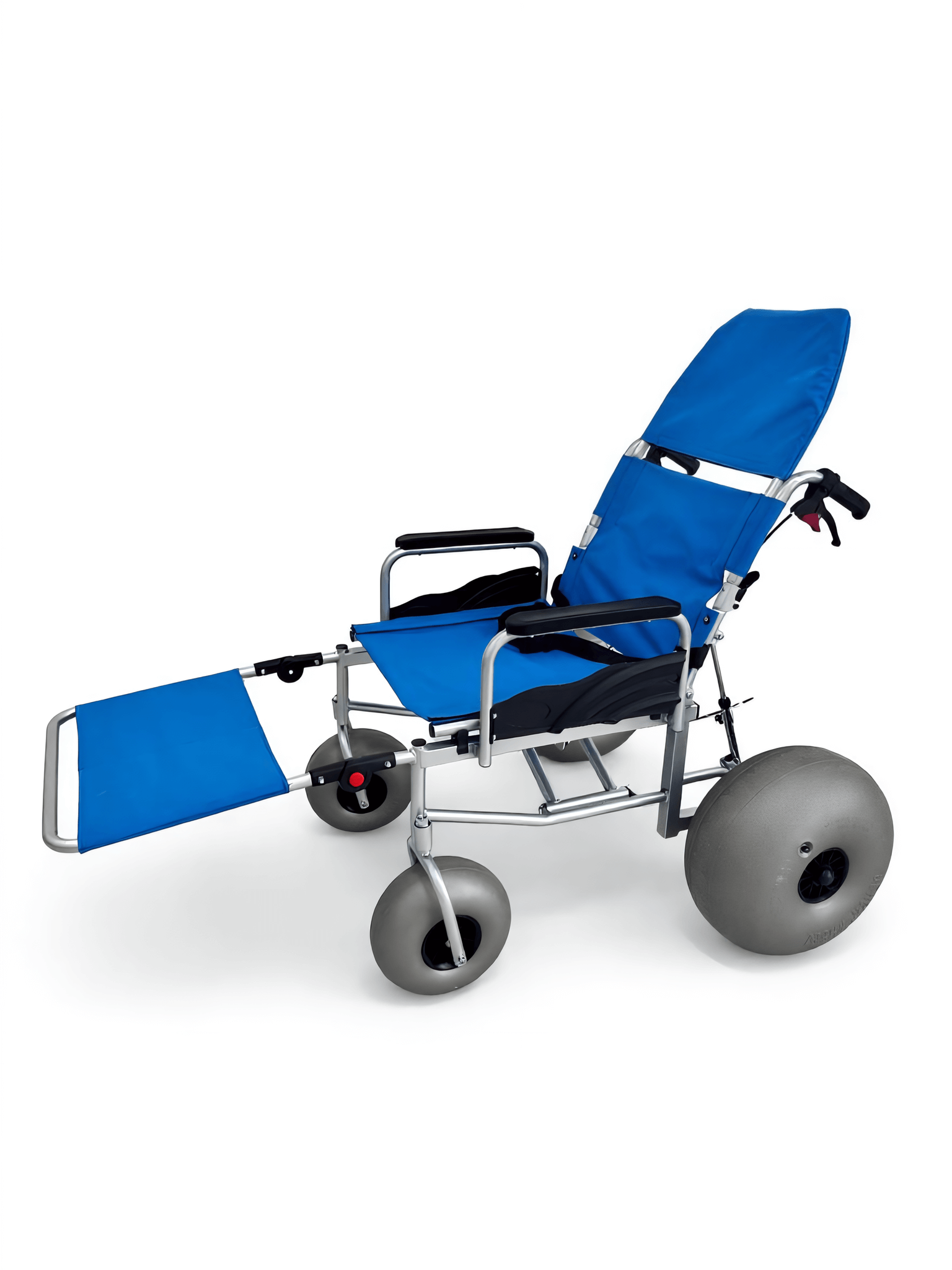
Beach wheelchair fleet records should describe the agreed parts and options fitted to each chair. Record approved changes so the current setup remains identifiable after service.
Track what is installed now
Keep the earlier setup in history. Use supplier part names where available. Link part changes to the needed approval rather than only noting that something changed.
- List fitted options
- Record approved part changes
- Retain prior state
| Check | Record to retain |
|---|---|
| List fitted options | Current setup |
| Record approved part changes | Change reference |
| Retain prior state | Setup history |
Your next parts request can begin with the correct installed equipment.
What should location records show?
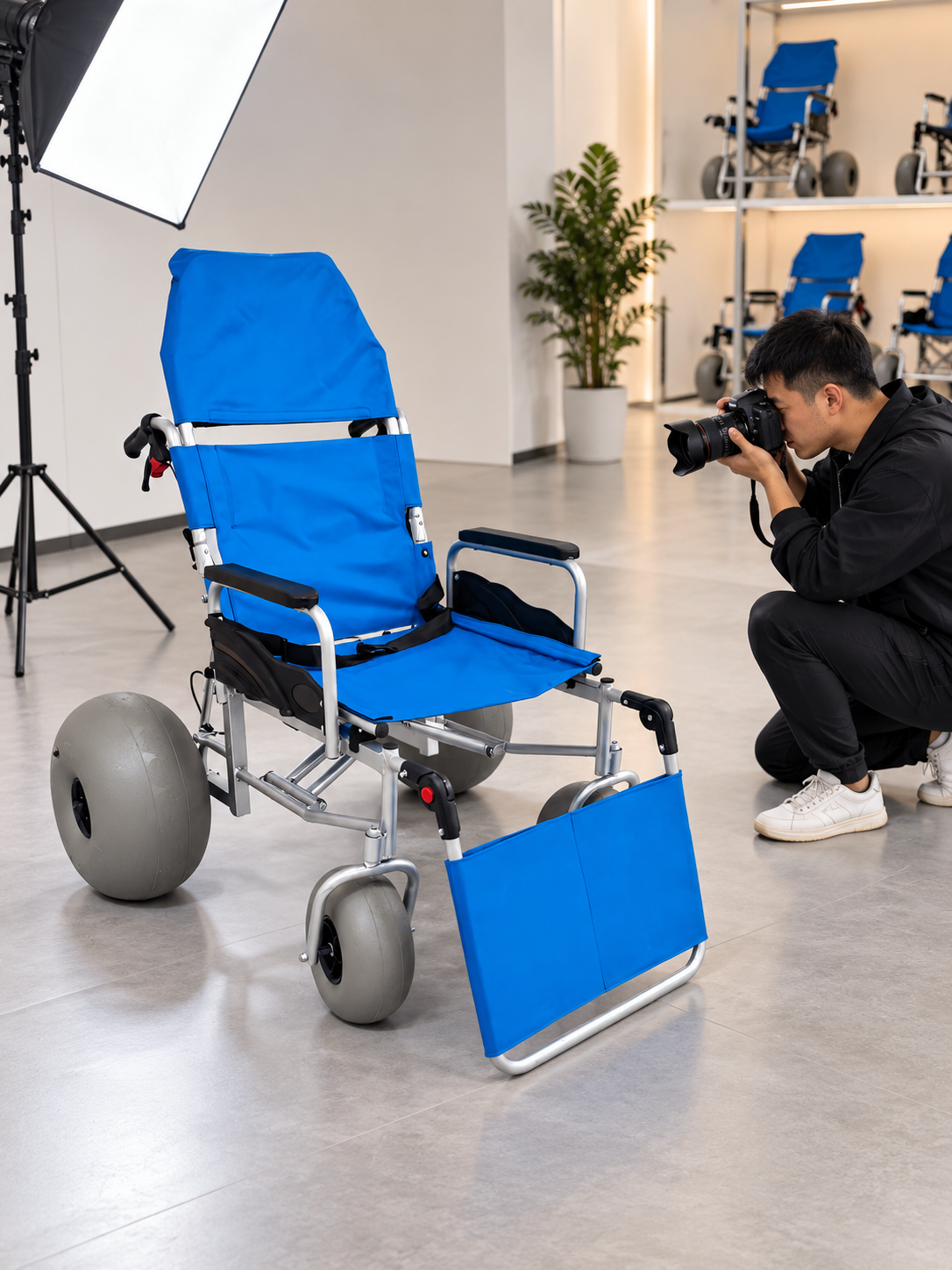
Location records within beach wheelchair fleet records should show where a chair is held and who is in charge of it. Storage, active service and external repair may require different custody notes.
Record the actual handoff
A transfer needs a receiving owner. Use the process appropriate to your organization. Avoid collecting unnecessary guest details in an equipment-location register.
- State current location
- Name assigned team
- Record transfers
| Check | Record to retain |
|---|---|
| State current location | Site or storage reference |
| Name assigned team | Custody owner |
| Record transfers | Date and receiving party |
Your staff can locate equipment without relying on informal messages.
How should instructions appear in beach wheelchair fleet records?
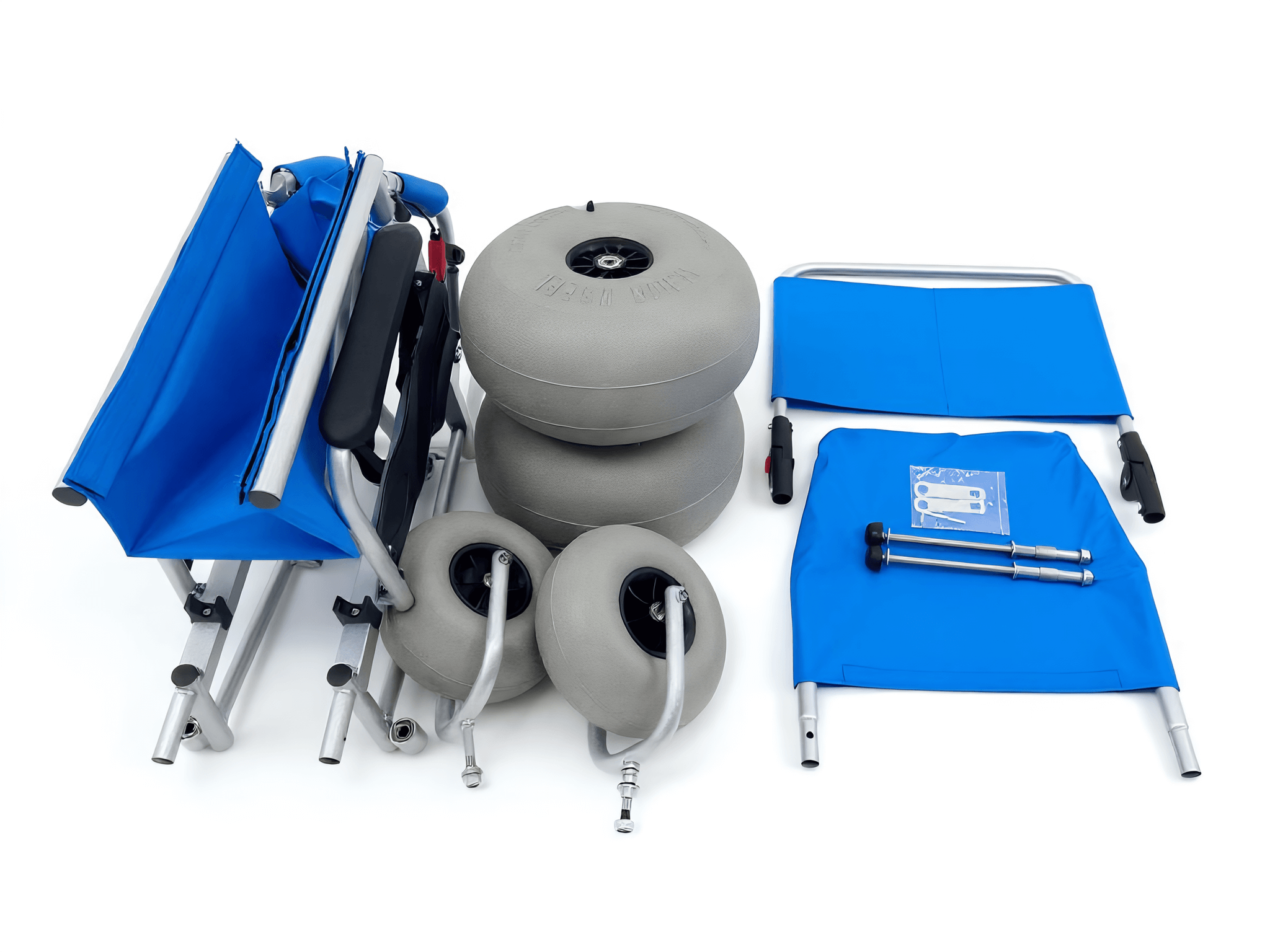
Beach wheelchair fleet records should name the current instructions relevant to each model and setup. A generic folder name does not show which revision staff should use.
Link the correct source file
Keep access simple for the assigned team. Ask the supplier about conflicting or superseded documents. Retain an archive while marking the agreed current reference clearly.
- Name manual
- Record access location
- Resolve conflicting versions
| Check | Record to retain |
|---|---|
| Name manual | Model and revision |
| Record access location | Controlled file link |
| Resolve conflicting versions | Supplier clarification |
Your team can find the needed instructions without guessing which file is current.
What service history should be retained?
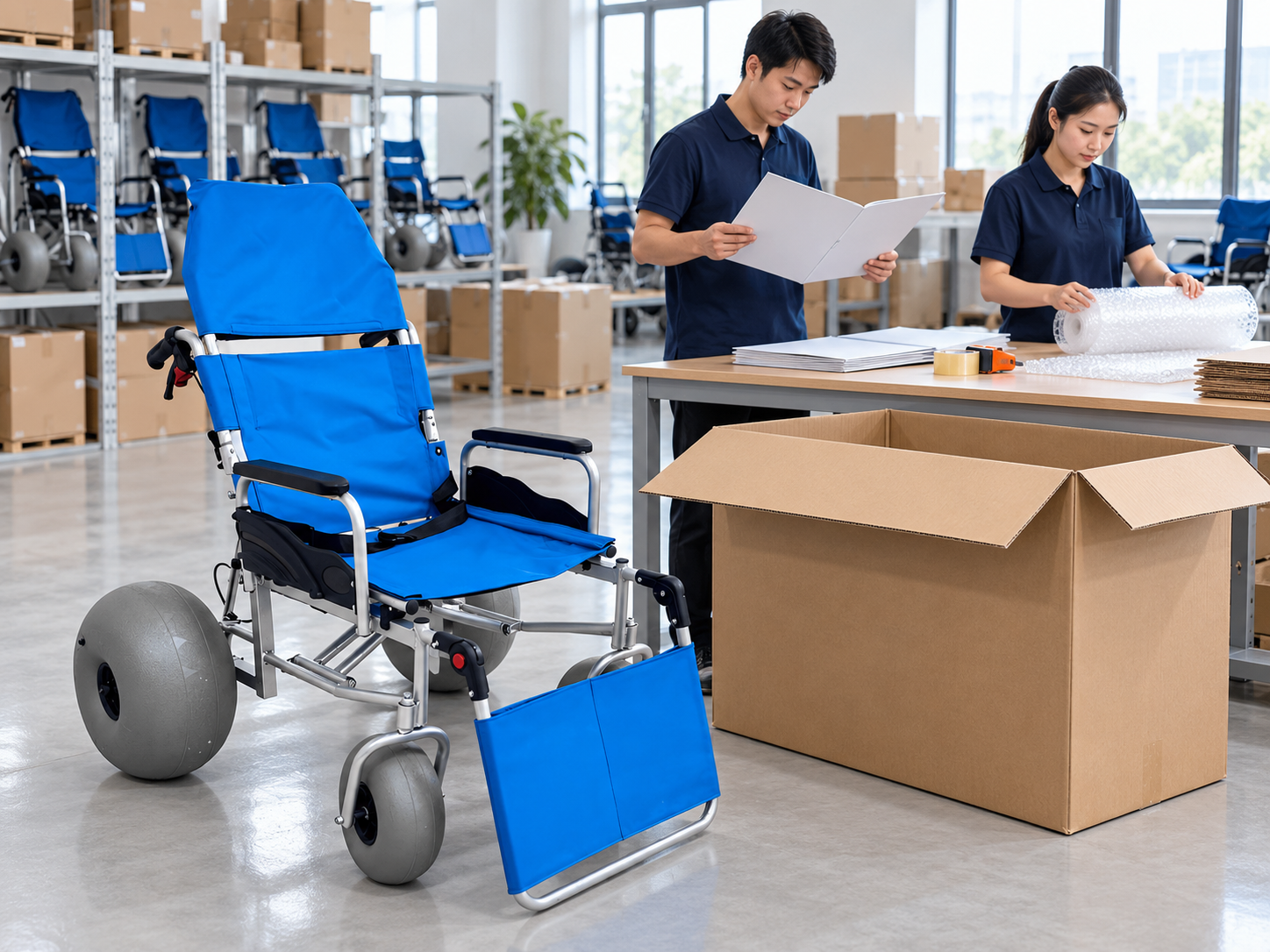
Service history in beach wheelchair fleet records should retain completed work, assigned providers and needed part changes. Keep reported concerns separate from confirmed findings or repairs.
Write the event accurately
A report and a completed repair differ. Use the qualified provider's records for technical decisions. Link issued parts and supporting evidence to the appropriate case. Keep support planning connected with the beach wheelchair maintenance guide.
- Record reported concern
- Record service work
- Link installed parts
| Check | Record to retain |
|---|---|
| Record reported concern | Initial observation |
| Record service work | Provider documents |
| Link installed parts | Approved references |
Your register can explain how the chair's current condition and setup were recorded.
How should beach wheelchair fleet records show availability?
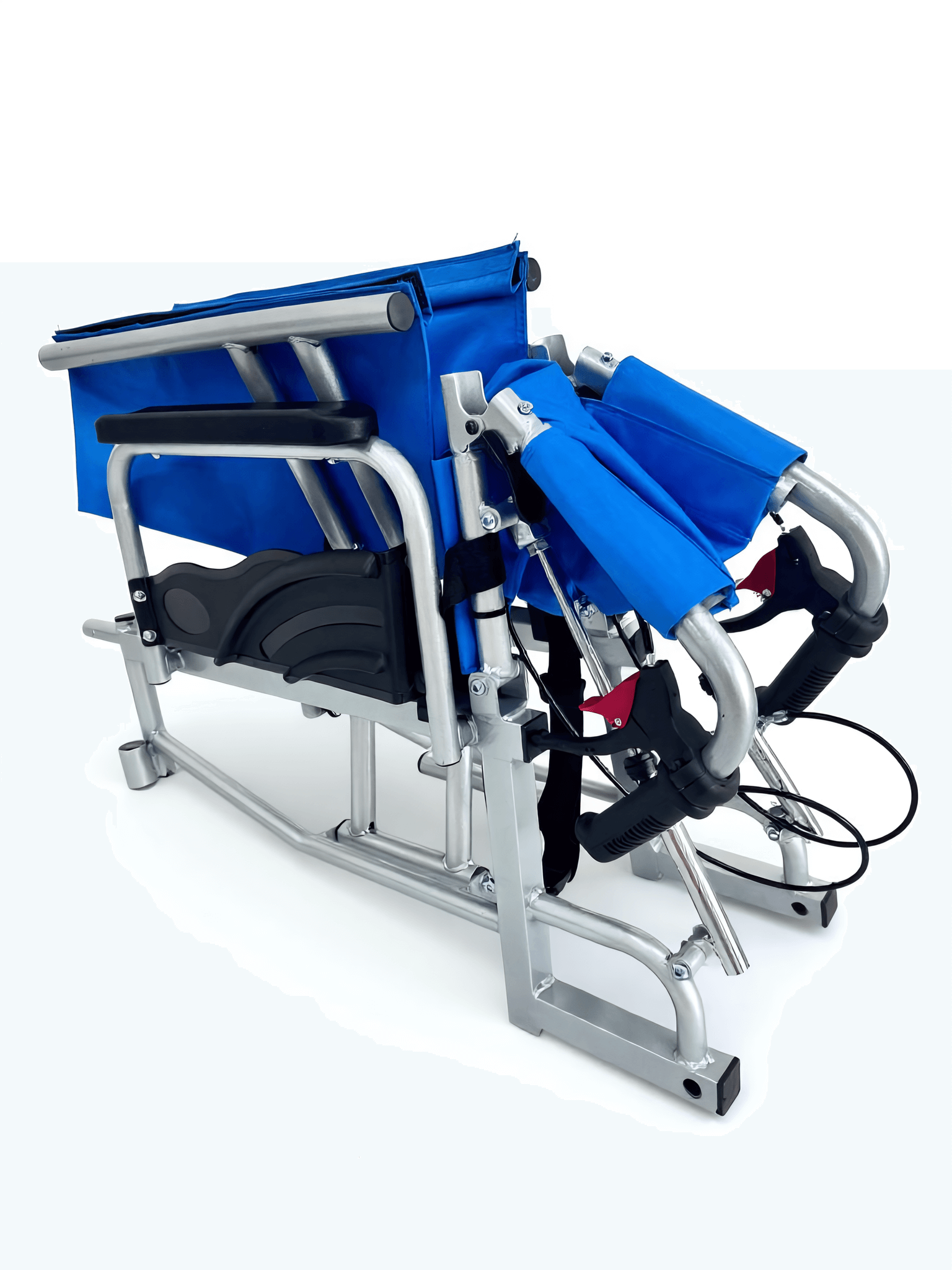
Beach wheelchair fleet records should show availability through status terms defined by your operation and assigned equipment process. A chair being physically present does not establish that it is ready for use.
Define each status clearly
Keep the decision owner visible. Separate awaiting review, awaiting parts and released states as appropriate. Record who made the needed status decision.
- Define status terms
- Record current status
- Name decision source
| Check | Record to retain |
|---|---|
| Define status terms | Local procedure |
| Record current status | Unit record |
| Name decision source | Assigned provider |
Your booking or operations team can avoid treating every stored chair as available.
Who should update the records?
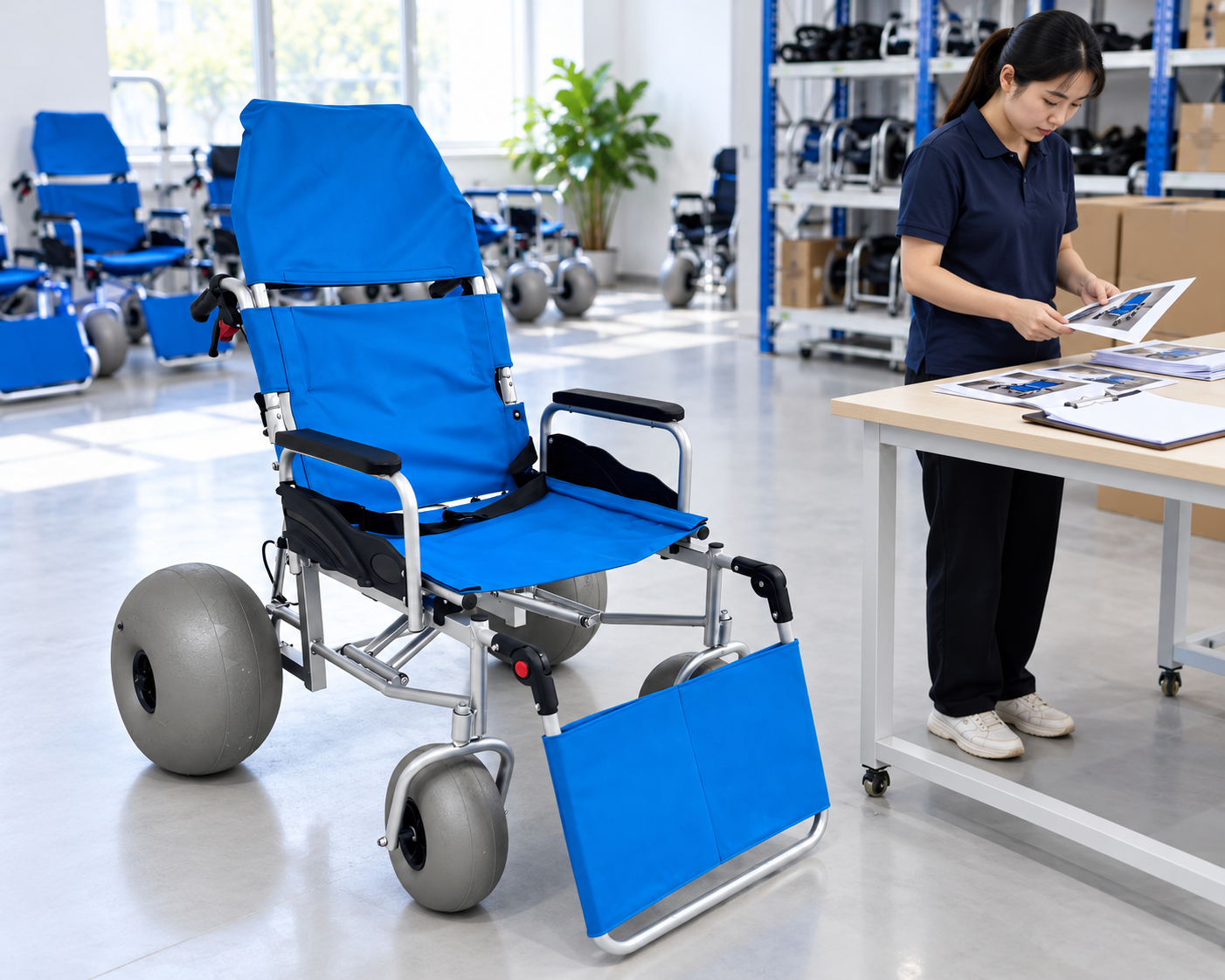
The people assigned to equipment receipt, movement and service should update the needed fields in beach wheelchair fleet records under a clear ownership process. A shared spreadsheet still needs responsibility.
Assign ownership by event
Choose a person for each update. Define which changes require supporting evidence or approval. Keep technical decisions with the appropriate provider rather than the data-entry owner. Use the beach wheelchair sourcing guide for the wider purchasing handoff.
- Name update owners
- Define evidence needs
- Separate technical authority
| Check | Record to retain |
|---|---|
| Name update owners | Receiving movement and service |
| Define evidence needs | Record requirements |
| Separate technical authority | Qualified decisions |
Your register can remain current without confusing recordkeeping with equipment approval.
How should beach wheelchair fleet records be checked for accuracy?
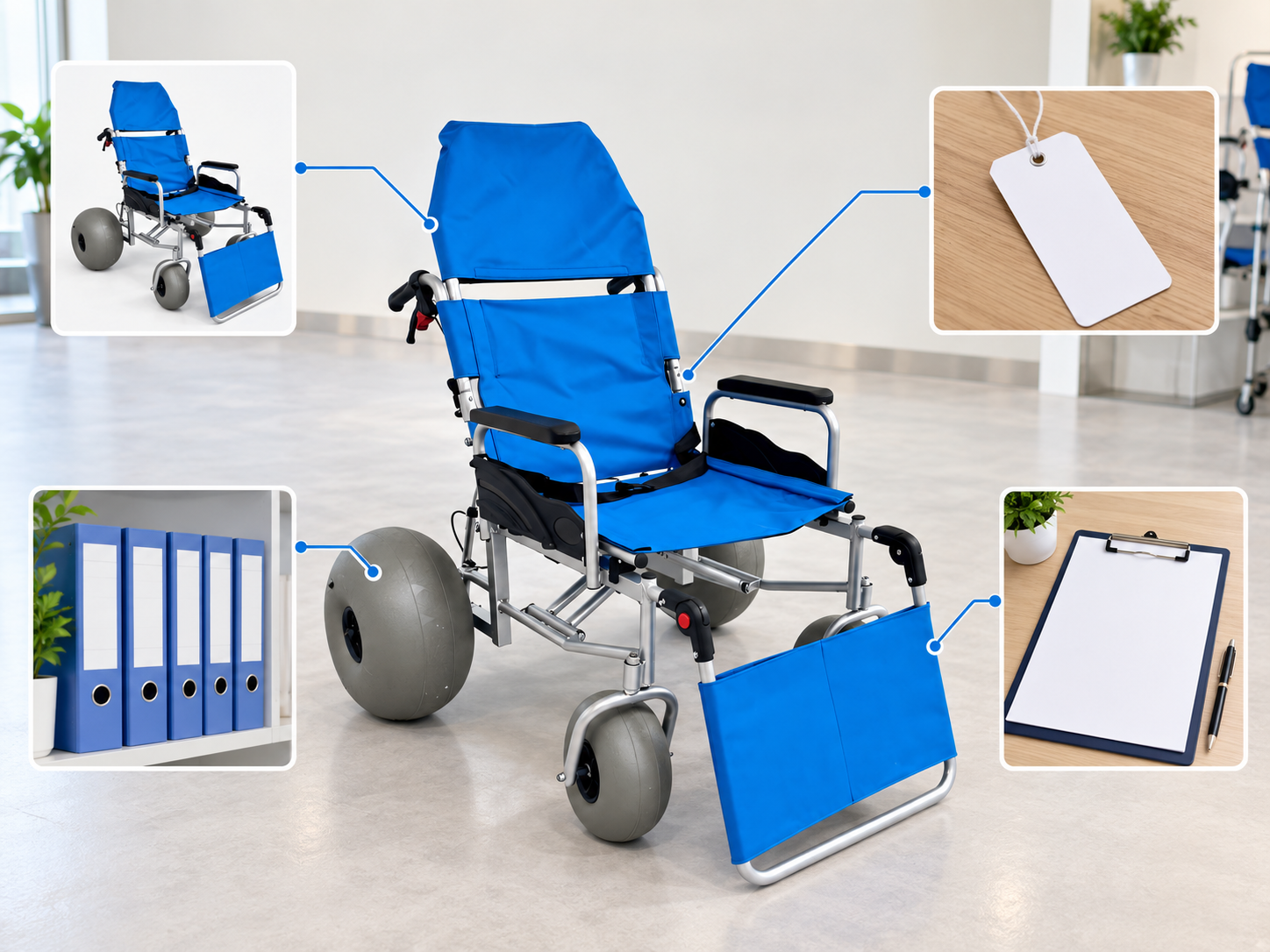
Check beach wheelchair fleet records against physical equipment and current service records at intervals your operation defines. Investigate mismatches instead of overwriting them without explanation.
Compare the record with the chair
Keep corrections traceable. Look for unidentified units, stale locations and setup changes. Record the evidence used to correct an entry.
- Match equipment
- Review stale entries
- Document corrections
| Check | Record to retain |
|---|---|
| Match equipment | Physical ID check |
| Review stale entries | Location and status |
| Document corrections | Reason and source |
Your team can trust the register's current details more readily.
How should buyers start beach wheelchair fleet records?

Start beach wheelchair fleet records with a small set of maintained fields covering ID, setup, custody and service status. Request missing model details from the supplier before expanding the register.
Build from confirmed equipment facts
Make the first version easy to maintain. Assign owners and connect existing service files. Add fields only when they support a real decision.
- List required fields
- Assign record owners
- Request missing ID
| Check | Record to retain |
|---|---|
| List required fields | Practical register |
| Assign record owners | Update responsibility |
| Request missing ID | Supplier clarification |
You can build a usable equipment history without creating an unmaintainable form. Contact us with your model and project questions so we can discuss the product information and written terms you need.
Frequently asked questions
Q1: Can I use only my internal asset number?
Keep it alongside the original maker ID. Support may need the actual model and serial reference.
Q2: How do I record an approved replacement part?
Update the installed setup and retain the prior history. Link the change to its approval and service record.
Q3: Can physical presence mean a chair is available?
No, it may still await review or service. Use the status defined by your assigned equipment process.
Q4: What's the best way to prevent stale records?
Assign update owners to receiving, movement and service events. Check records against actual equipment periodically.
Q5: Can the person editing the register approve technical release?
Only if they hold the appropriate responsibility and competence. Data entry alone does not confer that authority.