

Prepare beach wheelchair closure messages from the responsible team's confirmed service status and the guest's next step. A vague notice can leave booked visitors expecting help that is unavailable. An optimistic reopening promise can create another mismatch. Use one current message with clear scope, ownership and update arrangements.
What should beach wheelchair closure messages tell guests first?

Beach wheelchair closure messages should tell guests which confirmed service or route is unavailable and what they should do next. They should use the responsible team's current decision rather than a guess about conditions.
Lead with the service status
Make the affected scope clear. Name the actual location or equipment service. Keep a product fault or weather diagnosis out of the message unless the responsible team has confirmed it. WHO guidance covers wheelchair fit and follow-up services.
- Confirm status source
- Identify affected service
- State next contact
| Check | Record to retain |
|---|---|
| Confirm status source | Named decision owner |
| Identify affected service | Clear location or scope |
| State next contact | Guest support route |
You can give guests a usable answer without making unsupported claims about the cause.
Who should approve the message?

The person responsible for the service status should approve beach wheelchair closure messages or define the process staff use. A marketing update should not become an independent route-safety decision.
Assign one source of truth
Different desks need the same answer. Ask how staff receive and update the confirmed status. Keep responsibility for technical or site decisions with the appropriate team. Make supplier contacts available through the supplier record.
- Name status owner
- Define update route
- Record message version
| Check | Record to retain |
|---|---|
| Name status owner | Responsible role |
| Define update route | Staff process |
| Record message version | Current approved wording |
Your team can avoid conflicting answers across booking and front-desk channels.
How specific should beach wheelchair closure messages be?

Beach wheelchair closure messages should be specific enough to distinguish the affected service from unaffected arrangements. A closure of one route does not automatically describe every chair or beach access point.
Name the exact scope
Avoid a broader statement than the decision supports. Ask the responsible team which details can be shared. Keep the message brief and useful for the guest's next step.
- Identify location
- State service scope
- List checked options
| Check | Record to retain |
|---|---|
| Identify location | Specific access point |
| State service scope | Confirmed restriction |
| List checked options | Available arrangements |
Guests can understand what has changed without assuming every service has stopped.
Can staff promise a reopening time?
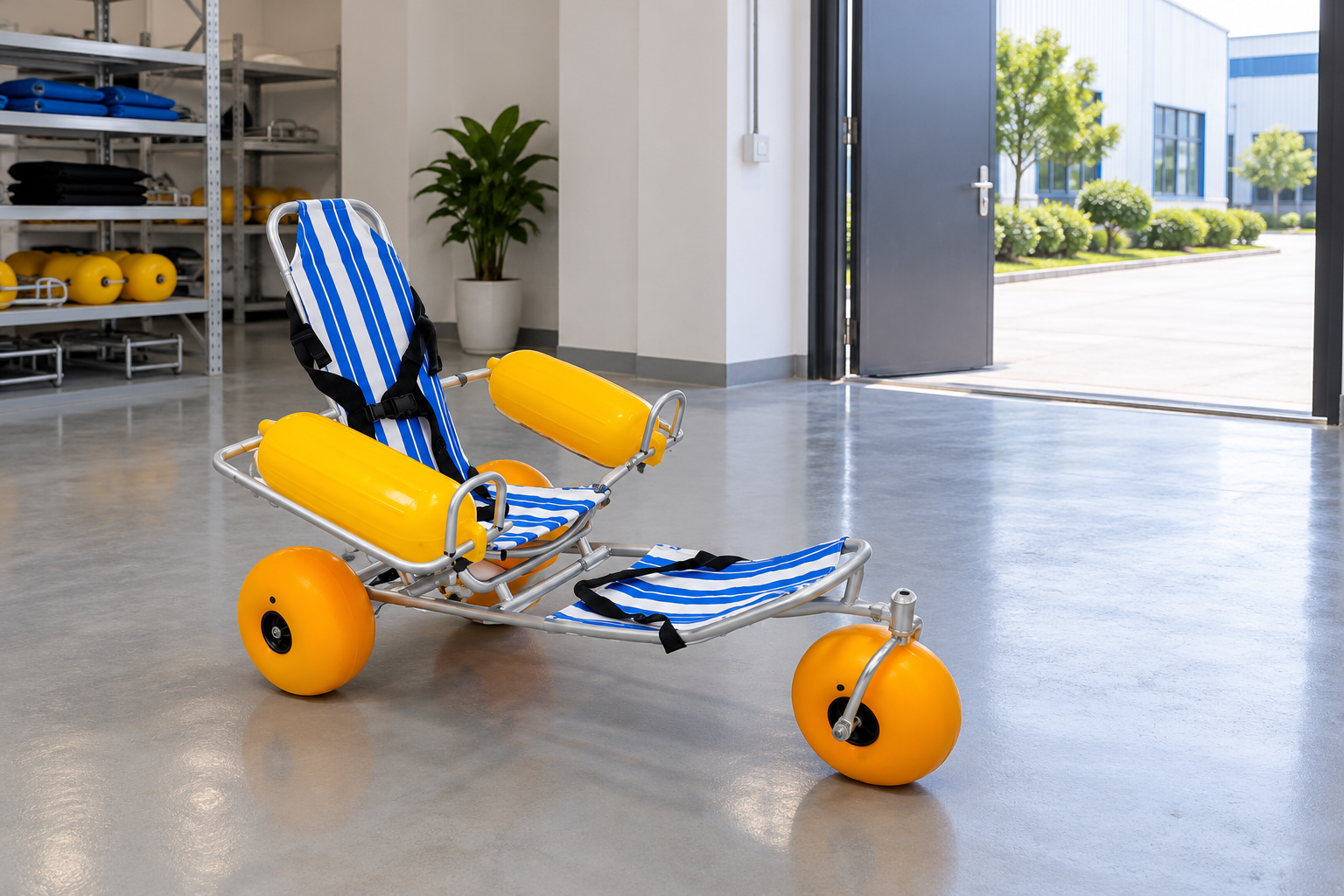
Staff should promise a time in beach wheelchair closure messages only when the responsible team has confirmed that commitment. A hoped-for review time should not be presented as a guaranteed reopening.
Separate the next update from reopening
A review appointment is not a completed decision. State when information will next be checked if that process is defined. Keep uncertain timing clear.
- Record confirmed timing
- Distinguish review time
- Avoid unsupported promise
| Check | Record to retain |
|---|---|
| Record confirmed timing | Responsible decision |
| Distinguish review time | Next status check |
| Avoid unsupported promise | Approved wording |
Your message can set realistic expectations while the issue remains open.
How should staff update guests with bookings?
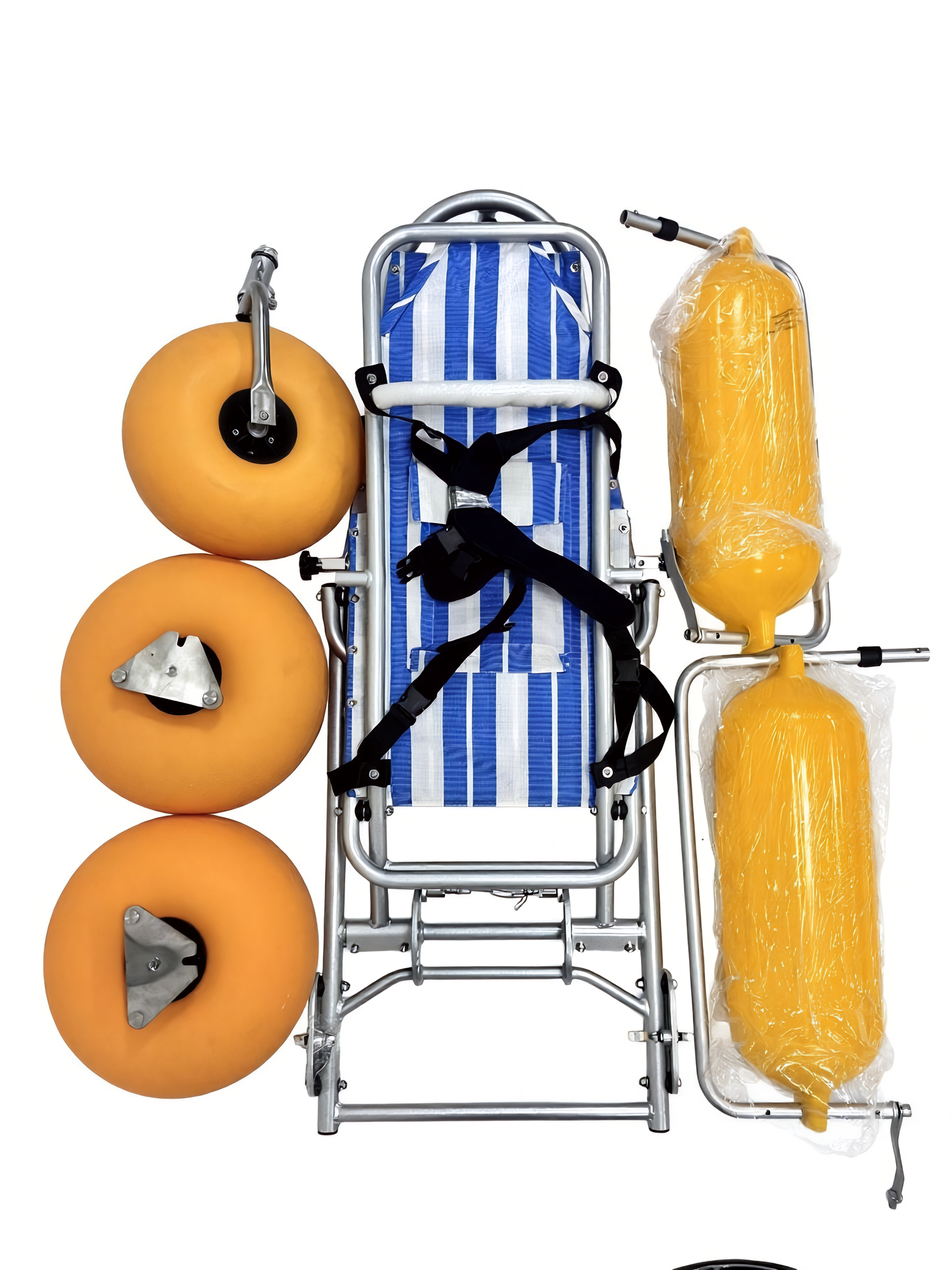
Beach wheelchair closure messages should address existing bookings through the site's actual contact and service process. Identify who follows up and what confirmed options are available.
Plan the booking follow-up
The public notice may not reach every guest. Use only the contact details and channels appropriate to the booking. Keep private guest information out of public notices.
- Identify affected bookings
- Assign contact owner
- Confirm offered options
| Check | Record to retain |
|---|---|
| Identify affected bookings | Internal process |
| Assign contact owner | Responsible staff |
| Confirm offered options | Verified arrangements |
Your team can connect a service change with the guests relying on it.
What alternatives may be offered?

Alternatives in beach wheelchair closure messages should be arrangements the team has actually checked and can offer. A nearby chair or route should not be described as suitable merely because it exists.
Verify the alternative first
Availability and individual fit remain separate. Refer unresolved support questions to the appropriate provider. Avoid promising a substitute before the required checks are complete. Refer unresolved equipment issues through the maintenance process.
- Name possible option
- Confirm availability
- Resolve suitability
| Check | Record to retain |
|---|---|
| Name possible option | Proposed arrangement |
| Confirm availability | Responsible team |
| Resolve suitability | Relevant review |
Guests can receive a real option rather than an unverified suggestion.
How should online notices stay consistent?

Keep beach wheelchair closure messages consistent by updating the channels your service actually uses from the approved status record. Identify old notices that could remain visible after a change.
Track where the message appears
One stale page can contradict the front desk. Assign each update to a responsible person. Check the published wording after the change rather than assuming it saved correctly.
- List active channels
- Assign updates
- Check visible wording
| Check | Record to retain |
|---|---|
| List active channels | Website and local notices |
| Assign updates | Named owners |
| Check visible wording | Current status verification |
Your guest information can stay aligned across the places people read it.
What should staff avoid explaining publicly?

Staff preparing beach wheelchair closure messages should avoid private guest details, guessed fault causes and claims beyond the confirmed decision. A practical notice rarely needs a technical incident narrative.
Keep the notice about the service
Private records belong in their proper process. Ask the responsible team how to handle detailed questions. Use factual, respectful wording without blaming a guest or staff member. Keep promised service support within the confirmed sourcing terms.
- Limit public details
- Keep case data private
- Route detailed questions
| Check | Record to retain |
|---|---|
| Limit public details | Needed service facts |
| Keep case data private | Internal records |
| Route detailed questions | Responsible contact |
Your message can remain useful without exposing unnecessary information.
What should a beach wheelchair closure messages log retain?

A beach wheelchair closure messages log should retain the status source, approved wording, posting time and later changes. Record which channels were updated and who handled them.
Keep the message history
A later review needs the sequence. Separate service-status records from product service findings where appropriate. Retain the reason for withdrawing an old notice.
- Save approved wording
- List posted channels
- Record later changes
| Check | Record to retain |
|---|---|
| Save approved wording | Message record |
| List posted channels | Update evidence |
| Record later changes | Status history |
Your team can trace what guests were told at each stage.
How should you prepare beach wheelchair closure messages?

Prepare beach wheelchair closure messages by defining the status owner, affected service, guest contact route and update process. Use product or site experts for the decisions behind the notice.
Build the message process before the rush
Ask who confirms the next change. Keep reopening and substitute-service promises tied to current evidence. Review the notice through the responsible team.
- Name decision owner
- Define guest next step
- Set update route
| Check | Record to retain |
|---|---|
| Name decision owner | Status responsibility |
| Define guest next step | Contact or booking process |
| Set update route | Approved communication plan |
You can communicate a service change with clear ownership and fewer assumptions. Contact us with your model and project questions so we can discuss the product information and written terms you need.
Frequently asked questions
Q1: Can I promise reopening after the next inspection?
Only if the responsible team confirms that commitment. A review time is not the same as a reopening decision.
Q2: How do I keep several notices consistent?
Use one approved status record and assigned update owners. Check the wording visible on each active channel.
Q3: Can I recommend any nearby chair as an alternative?
No, confirm the actual arrangement and required suitability review. Existence alone does not make an option appropriate.
Q4: What's the best information to give guests first?
Name the affected service and the next contact or action. Keep unsupported technical explanations out of the notice.
Q5: Can a public notice include details of a guest incident?
Limit it to the service facts needed. Keep private case information in the appropriate internal process.