
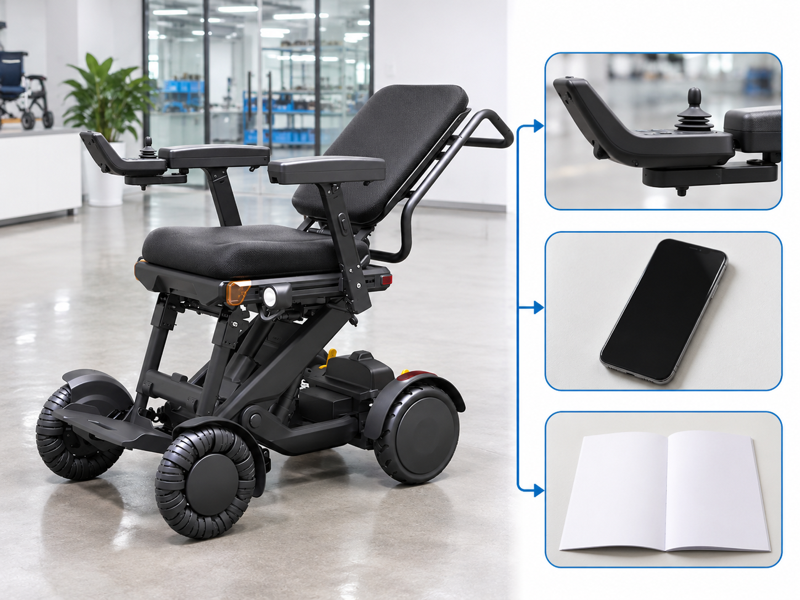
Review XSTO M4Pro controls by matching the supplied controller and its position to the user's actual access needs. A catalog may show a joystick while leaving its mounting side or optional remote unclear. The difference can affect fitting and handover plans. Request a defined hardware set and the matching guide before accepting the offer.
What should buyers confirm about XSTO M4Pro controls?
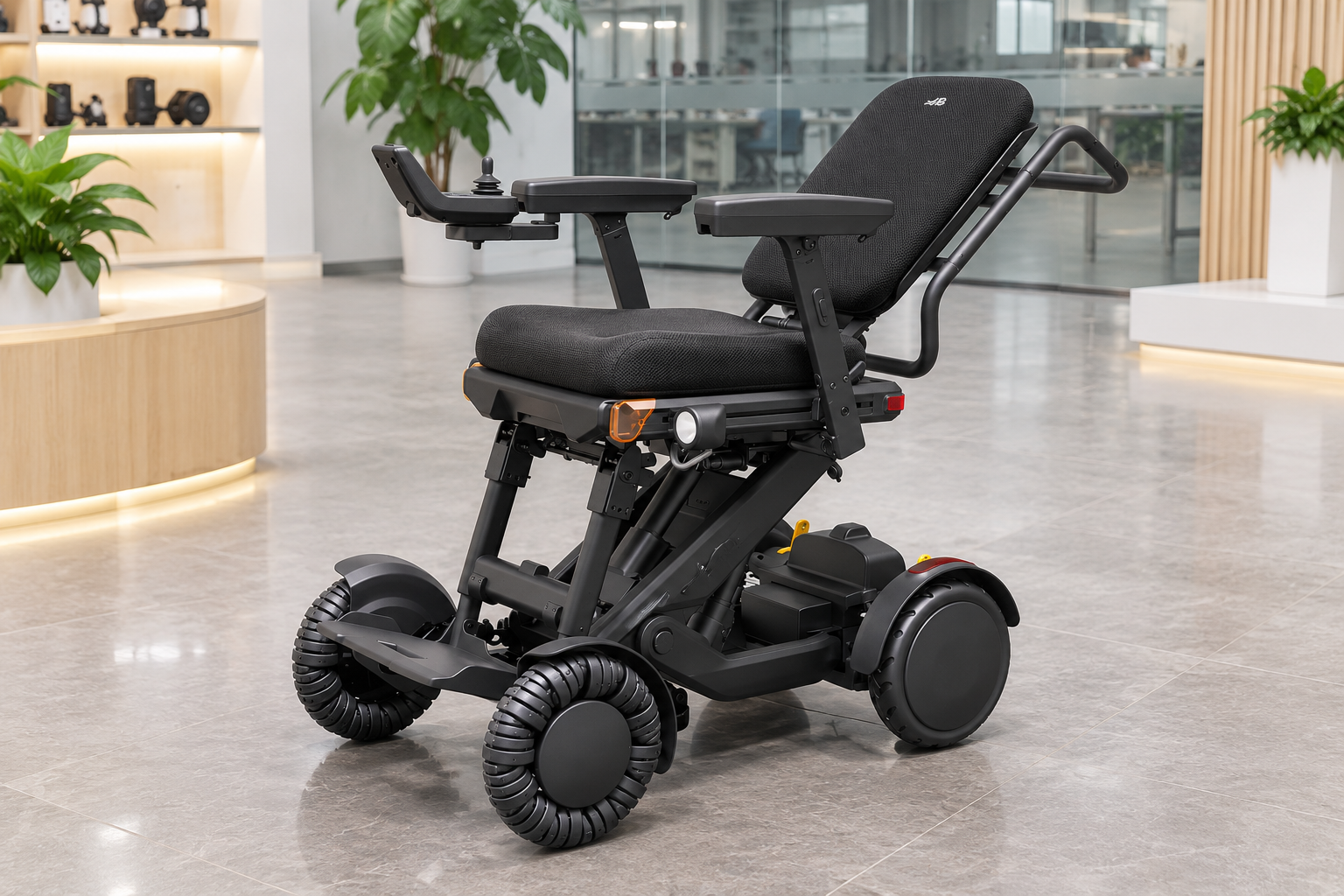
Confirm the supplied controller, its mounting position and the matching guide for XSTO M4Pro controls. The product images show a joystick and angled display, but the full control package must be defined in the order.
Name the actual control set
Start with the supplied hardware. Ask whether a remote or other optional controller is included. Keep the chair version and control reference together so service staff can identify the correct setup. WHO guidance supports assessment, fitting and follow-up.
- Main controller
- Mounting position
- Optional controls
| Review point | What to confirm |
|---|---|
| Main controller | Exact supplied unit |
| Mounting position | Agreed side and bracket |
| Optional controls | Itemized offer |
Key Takeaway: You can distinguish the control package being offered from a general feature list.
How should the controller side be specified?
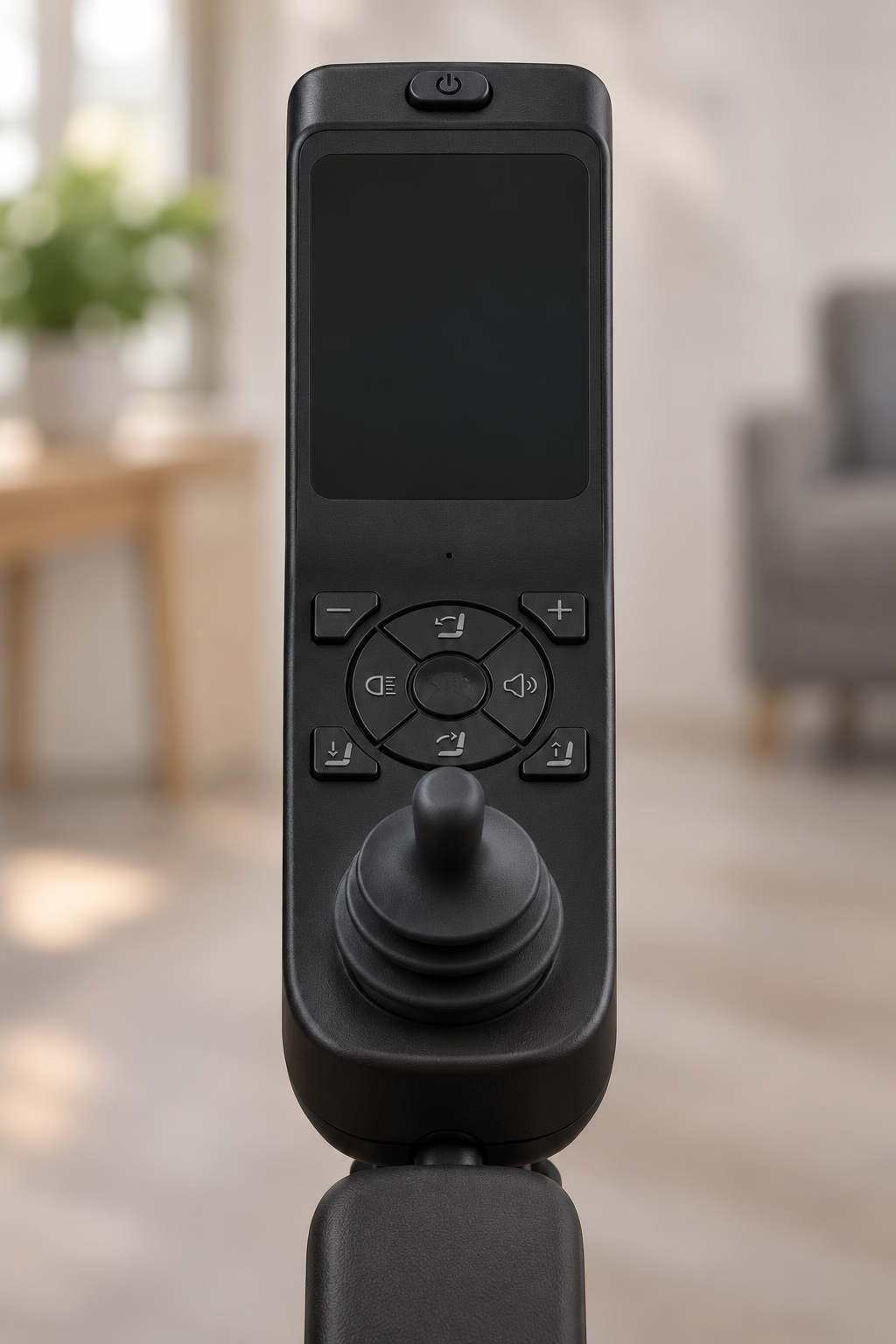
The side of XSTO M4Pro controls should be defined from the user's seated perspective and matched to the fitting review. A photograph taken from the front can make left and right easy to confuse.
Whose left and right are being used?
State the viewpoint in writing. Ask the supplier to confirm the proposed arrangement and applicable adjustment scope. Keep any change within the maker's instructions and the individual's review. Keep the controller-side decision with the armrest arrangement.
- Viewpoint
- Agreed side
- Review scope
| Review point | What to confirm |
|---|---|
| Viewpoint | User-seated perspective |
| Agreed side | Written order detail |
| Review scope | Reach and access needs |
Key Takeaway: You can reduce errors caused by two people describing the same photo differently.
How should XSTO M4Pro controls fit the user's reach?
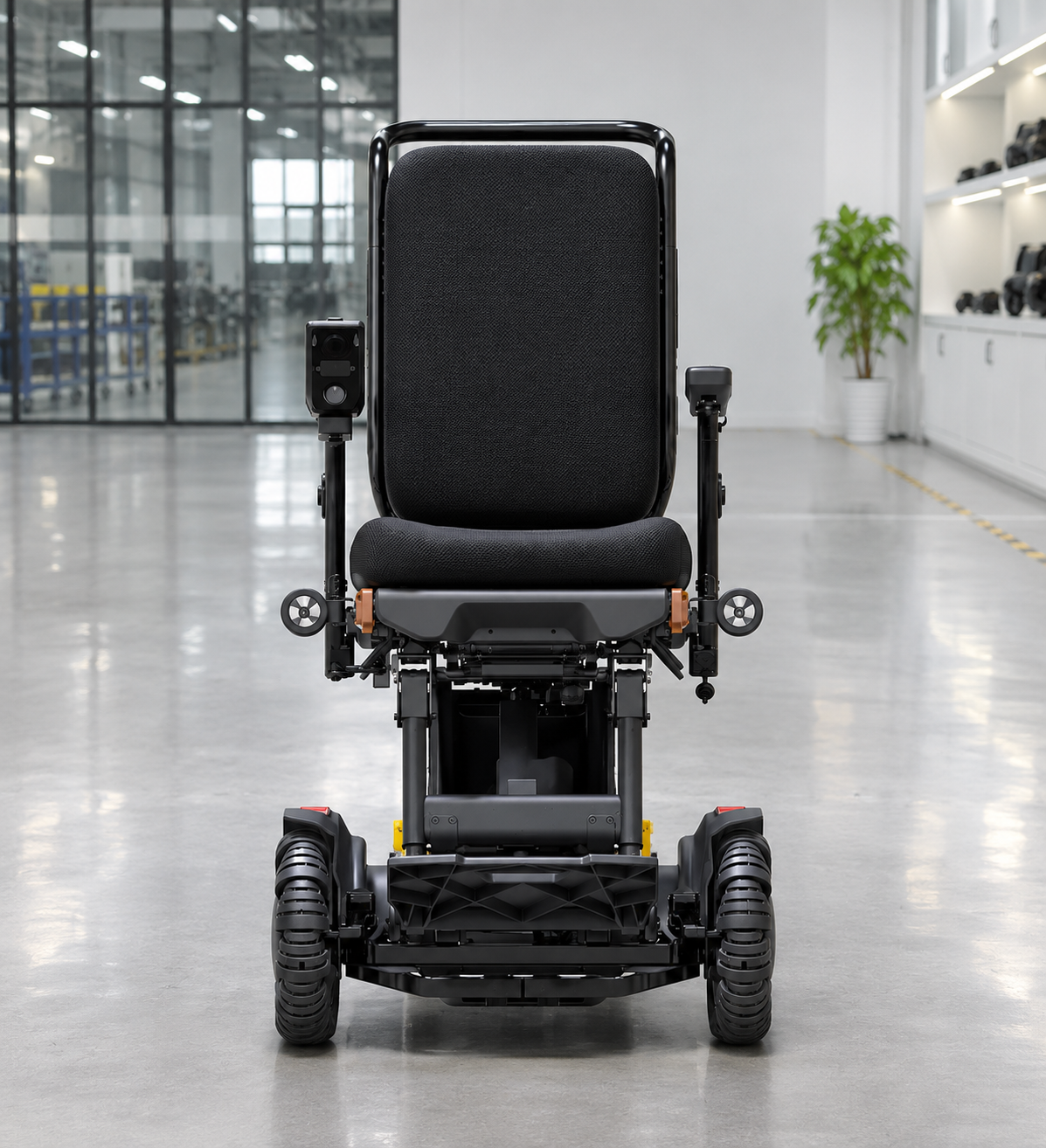
XSTO M4Pro controls need to be reviewed with the person's reach, seating arrangement and intended activities. An adjustable bracket does not establish that every available position is suitable.
Review the complete seating setup
The control sits within a wider arrangement. Provide the reviewer with armrest, cushion and controller details. Request the exact mounting information needed rather than choosing a setting from a brochure pose.
- Seat arrangement
- Armrest relationship
- Control access
| Review point | What to confirm |
|---|---|
| Seat arrangement | Actual cushion and supports |
| Armrest relationship | Agreed dimensions and position |
| Control access | Individual review question |
Key Takeaway: You can bring useful facts to the fitting process without prescribing a controller position.
What should the display guide explain?
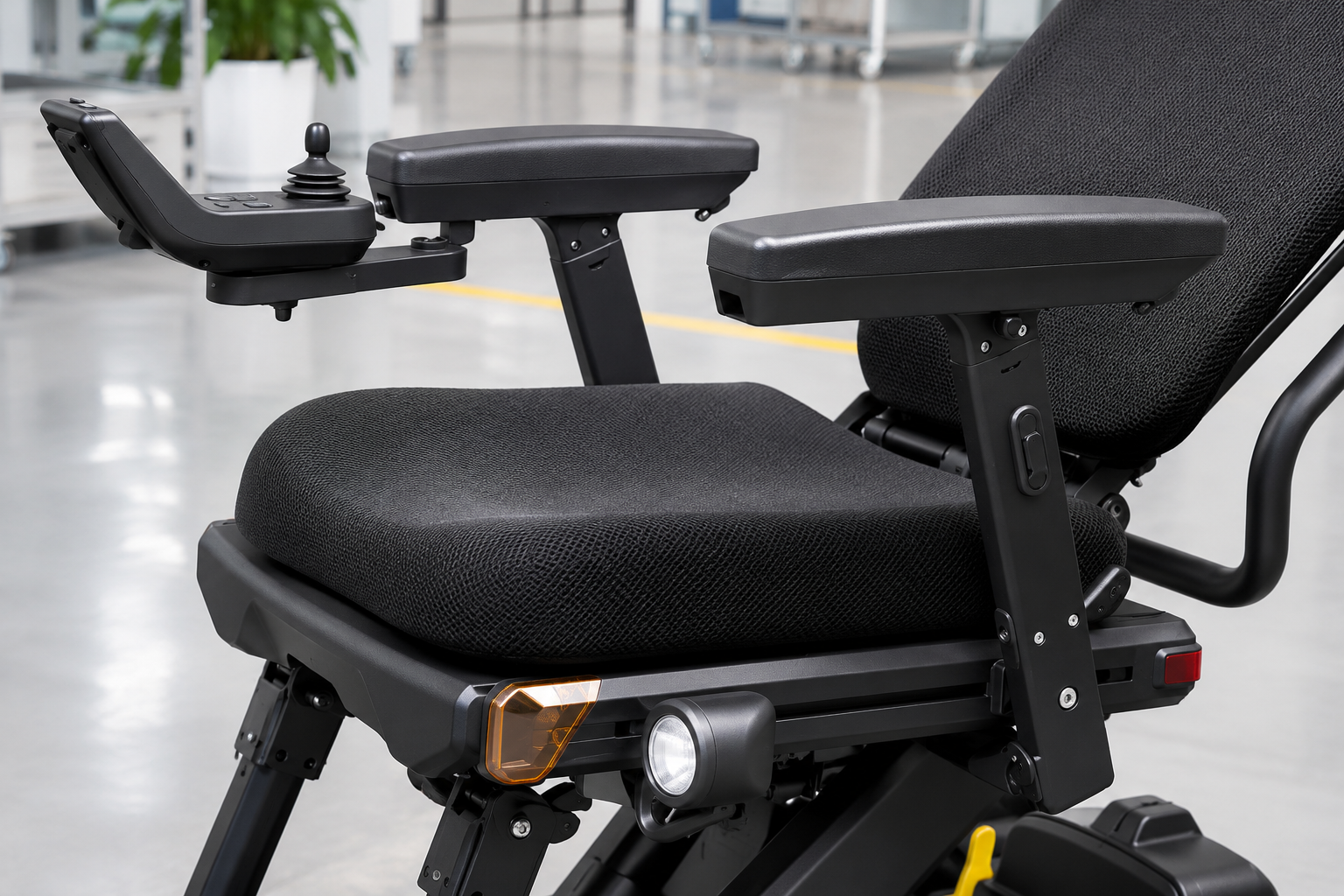
A guide for XSTO M4Pro controls should explain the symbols, status messages and modes used by the delivered version. A dark display in a product photo cannot establish what each active message means.
Use the matching screen reference
Symbols need the right guide. Ask the provider to identify the current controller documentation. Keep any translated explanation linked to that version instead of borrowing a button map from another chair.
- Controller version
- Display meanings
- Language support
| Review point | What to confirm |
|---|---|
| Controller version | Exact reference |
| Display meanings | Applicable guide |
| Language support | Required reader language |
Key Takeaway: You can avoid interpreting a status message through the wrong model's instructions.
Can XSTO M4Pro controls be learned from a short video alone?
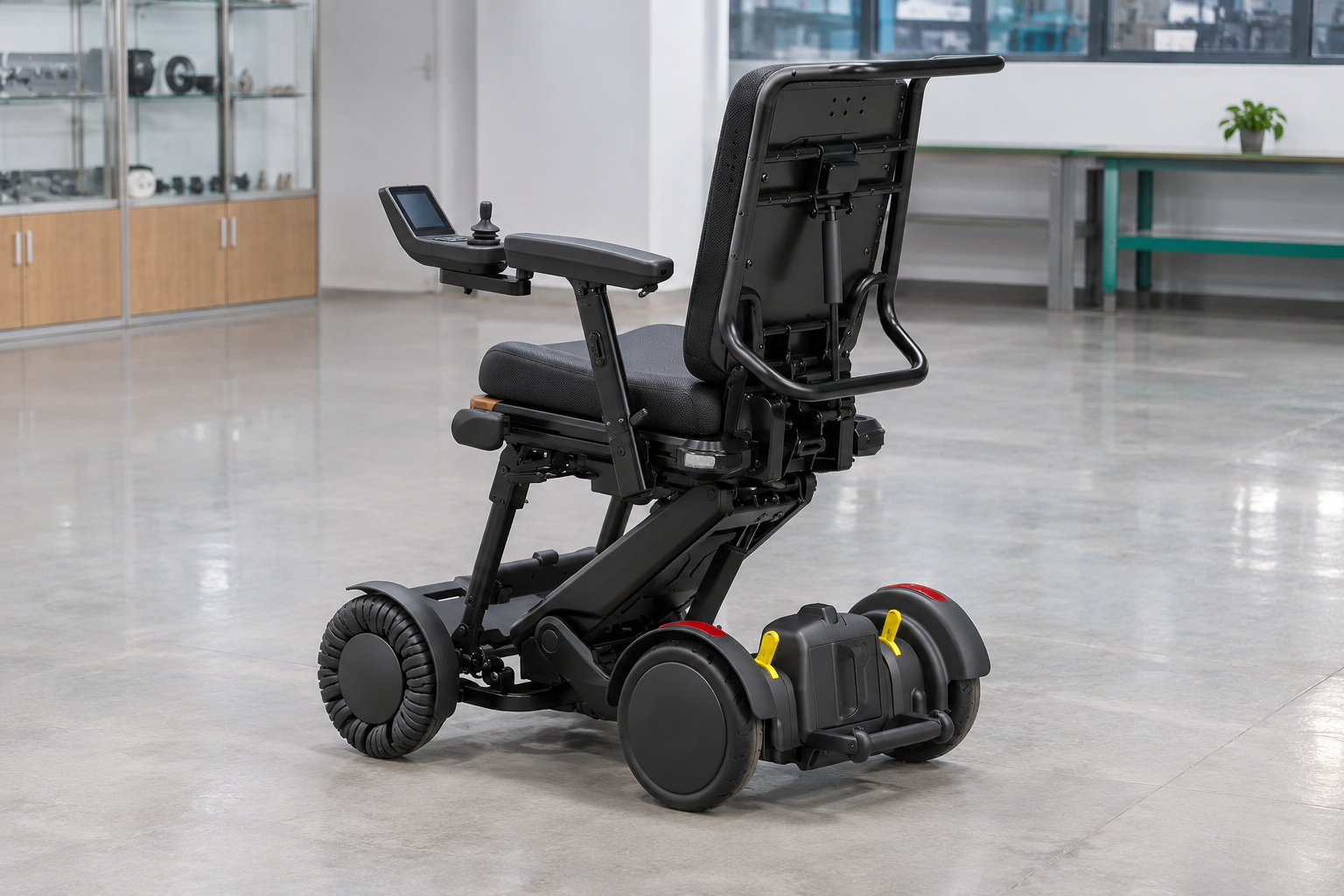
No, XSTO M4Pro controls require the applicable instructions and appropriate training for the actual user. A short clip can demonstrate a feature while leaving operating conditions and responsibilities unexplained.
Give the video a defined role
A demonstration supports a wider handover. Ask what the provider will cover during training and which guide the user receives. Keep unresolved control questions in the handover record. Retain the matching instruction source for the handover.
- Training scope
- Supplied guide
- Open questions
| Review point | What to confirm |
|---|---|
| Training scope | Provider's actual service |
| Supplied guide | Matching model instructions |
| Open questions | Named follow-up contact |
Key Takeaway: You can plan a useful handover instead of treating a brief clip as complete training.
What should mode descriptions clarify?
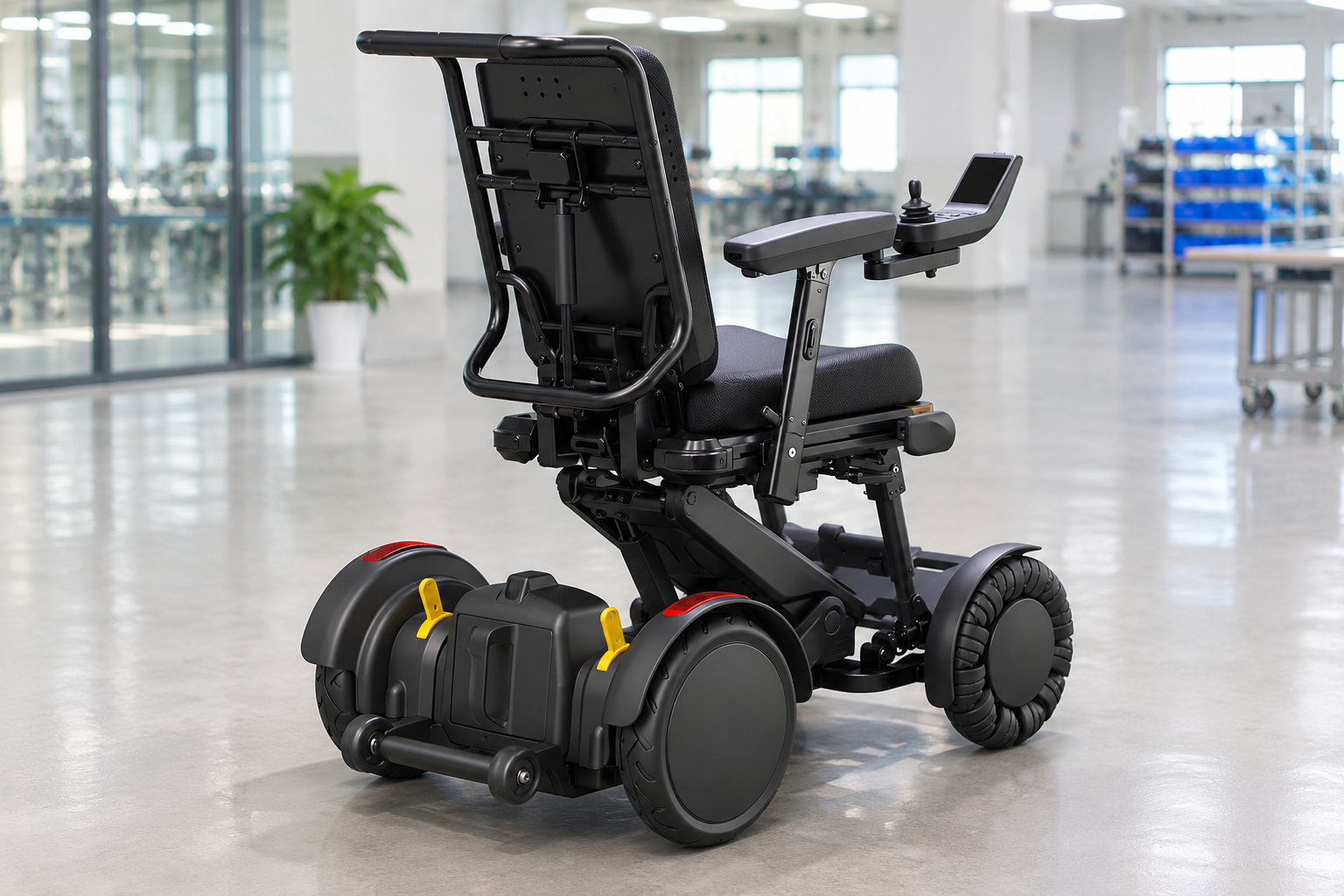
Mode descriptions for XSTO M4Pro controls should clarify their purpose and permitted use in the delivered guide. A normal or sport label does not establish a suitable mode for every person or location.
Ask what the mode changes
The label alone leaves details open. Request the relevant documentation and provider explanation. Avoid assigning speed values or operating permissions that have not been confirmed for the version.
- Mode identity
- Documented scope
- Use context
| Review point | What to confirm |
|---|---|
| Mode identity | Exact displayed label |
| Documented scope | Maker's explanation |
| Use context | Relevant individual and site review |
Key Takeaway: You can compare control functions without inventing a setting recommendation.
How should faults or unusual messages be reported?
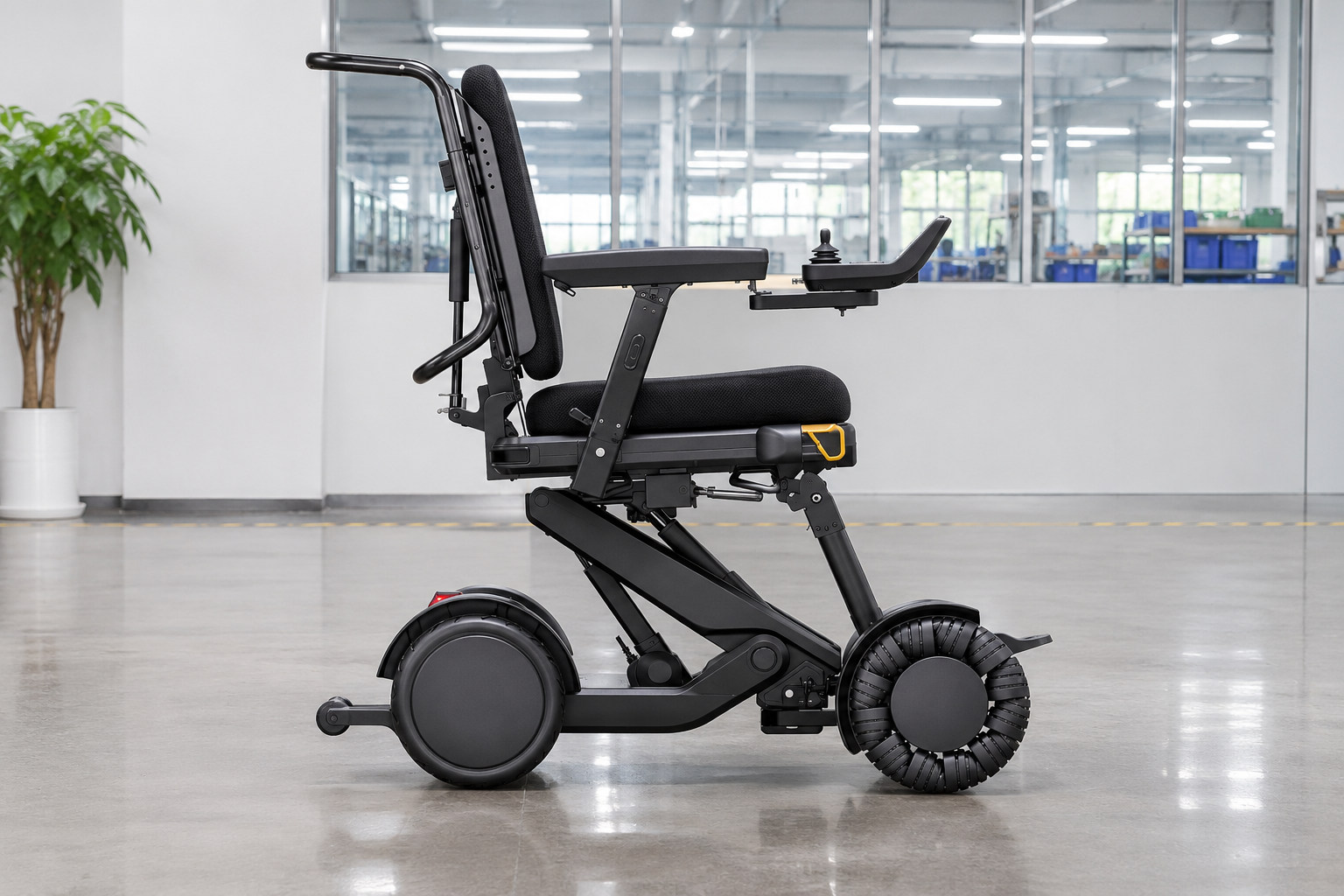
Concerns about XSTO M4Pro controls should be reported with the unit identity, exact message and observed circumstances. Staff should preserve the facts rather than diagnose a controller from a symptom alone.
Record the screen accurately
The wording can help identify the issue. Follow the service provider's guidance about photographs and next actions. Do not change hidden settings or adapt cables to make an unfamiliar message disappear.
- Unit reference
- Observed message
- Next action
| Review point | What to confirm |
|---|---|
| Unit reference | Chair and controller identity |
| Observed message | Exact text or requested photo |
| Next action | Responsible service response |
Key Takeaway: You can give support staff a clear starting point without suggesting an improvised fix.
What should a replacement controller inquiry include?
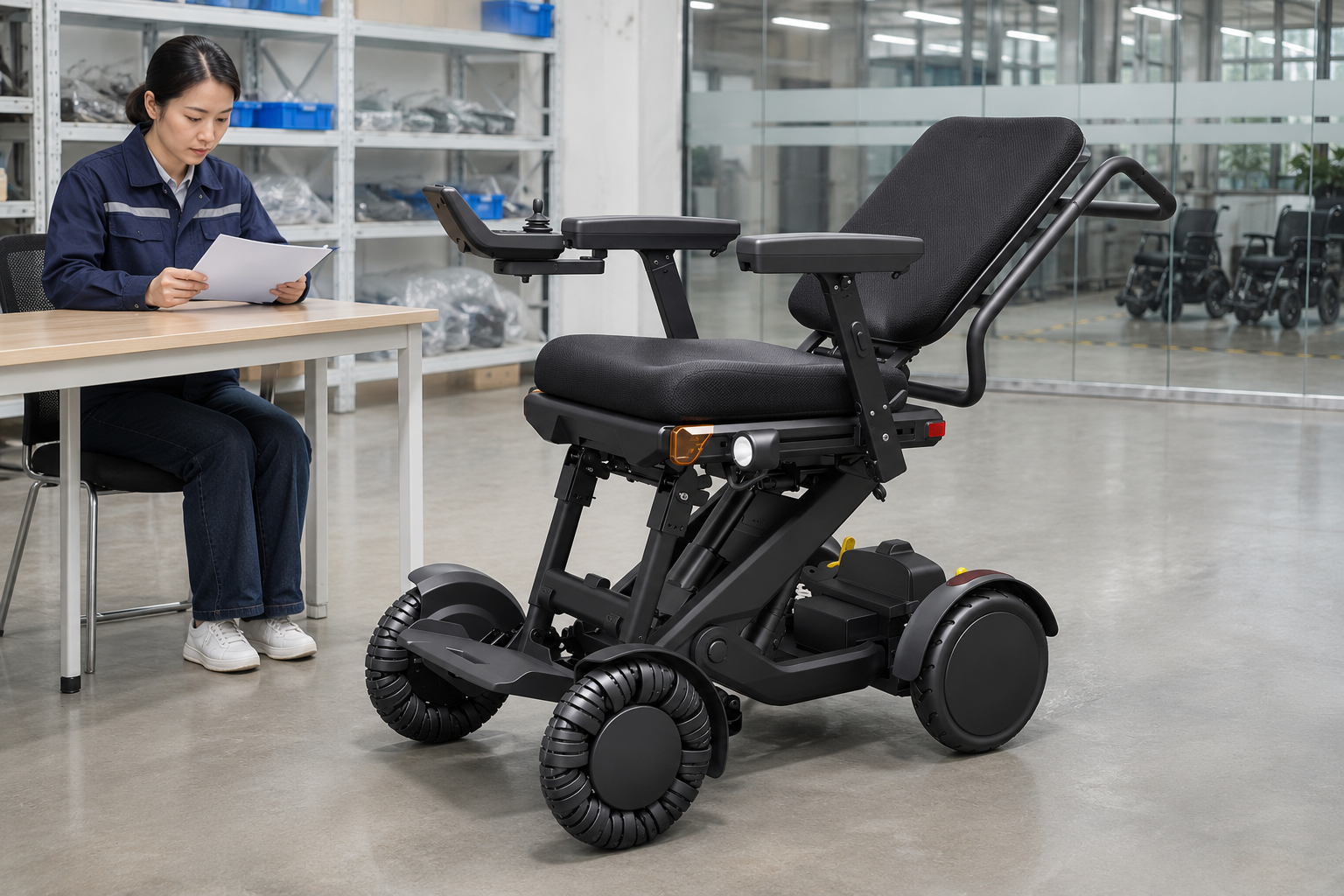
A replacement inquiry for XSTO M4Pro controls should include the chair version, original controller and the supplier's compatibility confirmation. Similar plugs or screens do not prove that two devices share the same functions.
Match the replacement through records
The complete system matters. Request the exact replacement set and applicable service process. Keep the purchase separate from any unapproved wiring or software change. Use the unit's parts record to identify the proposed replacement.
- Chair version
- Controller identity
- Replacement scope
| Review point | What to confirm |
|---|---|
| Chair version | Exact model reference |
| Controller identity | Original part information |
| Replacement scope | Written supplier match |
Key Takeaway: You can order through a defined compatibility process rather than visual similarity.
What should XSTO M4Pro controls delivery checks retain?
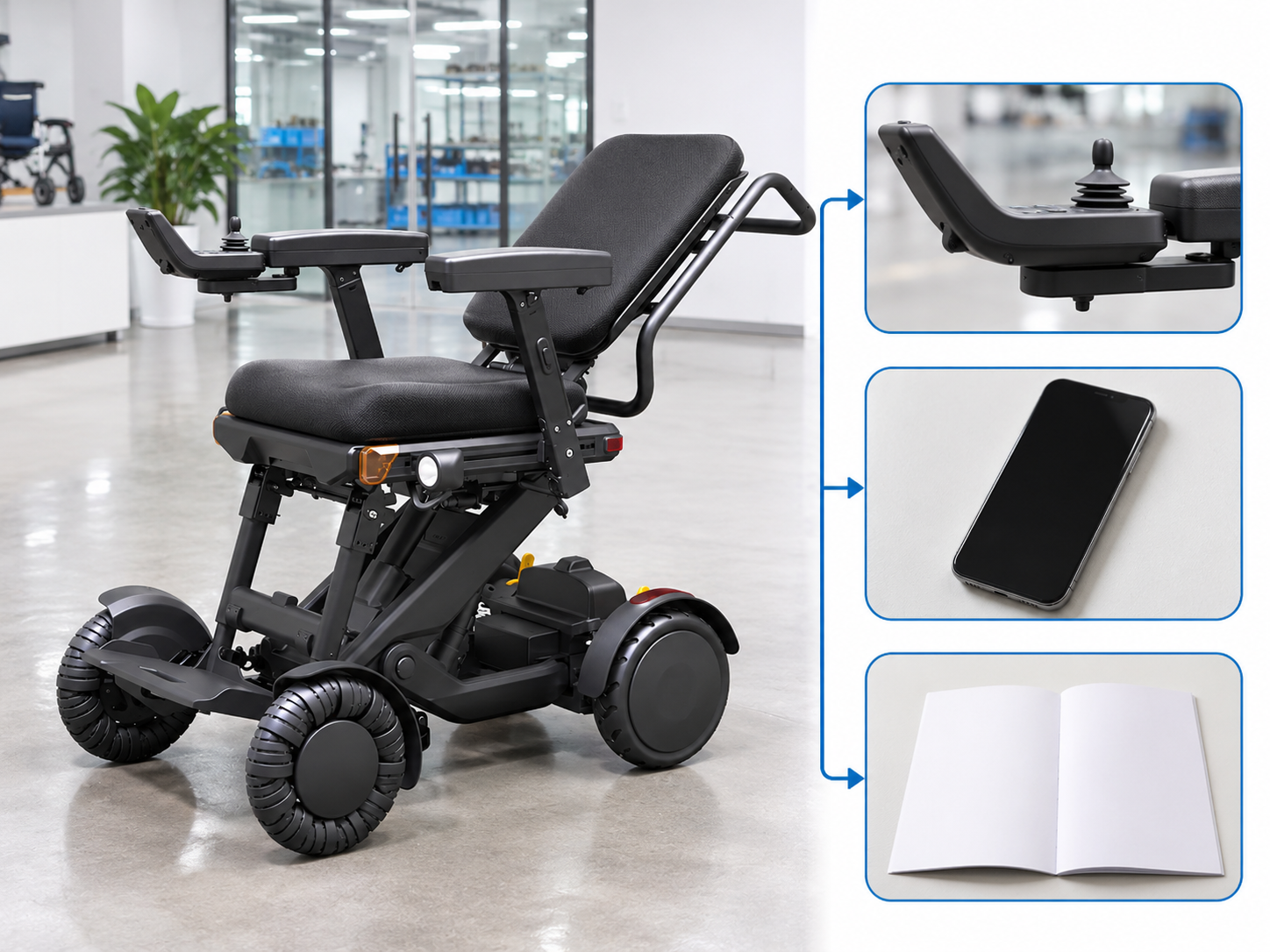
Delivery checks for XSTO M4Pro controls should retain the agreed side, supplied hardware and matching documents. The receiving record should identify any difference from the accepted offer.
Compare the delivered setup with the order
A small change can affect the user's plan. Record visible differences and route them through the agreed receiving process. Leave functional acceptance with the person responsible for the relevant check.
- Agreed arrangement
- Delivered contents
- Reported difference
| Review point | What to confirm |
|---|---|
| Agreed arrangement | Current order reference |
| Delivered contents | Actual control set |
| Reported difference | Clear receiving record |
Key Takeaway: You can keep purchasing, fitting and support teams aligned on the delivered controls.
How can you request XSTO M4Pro controls information?
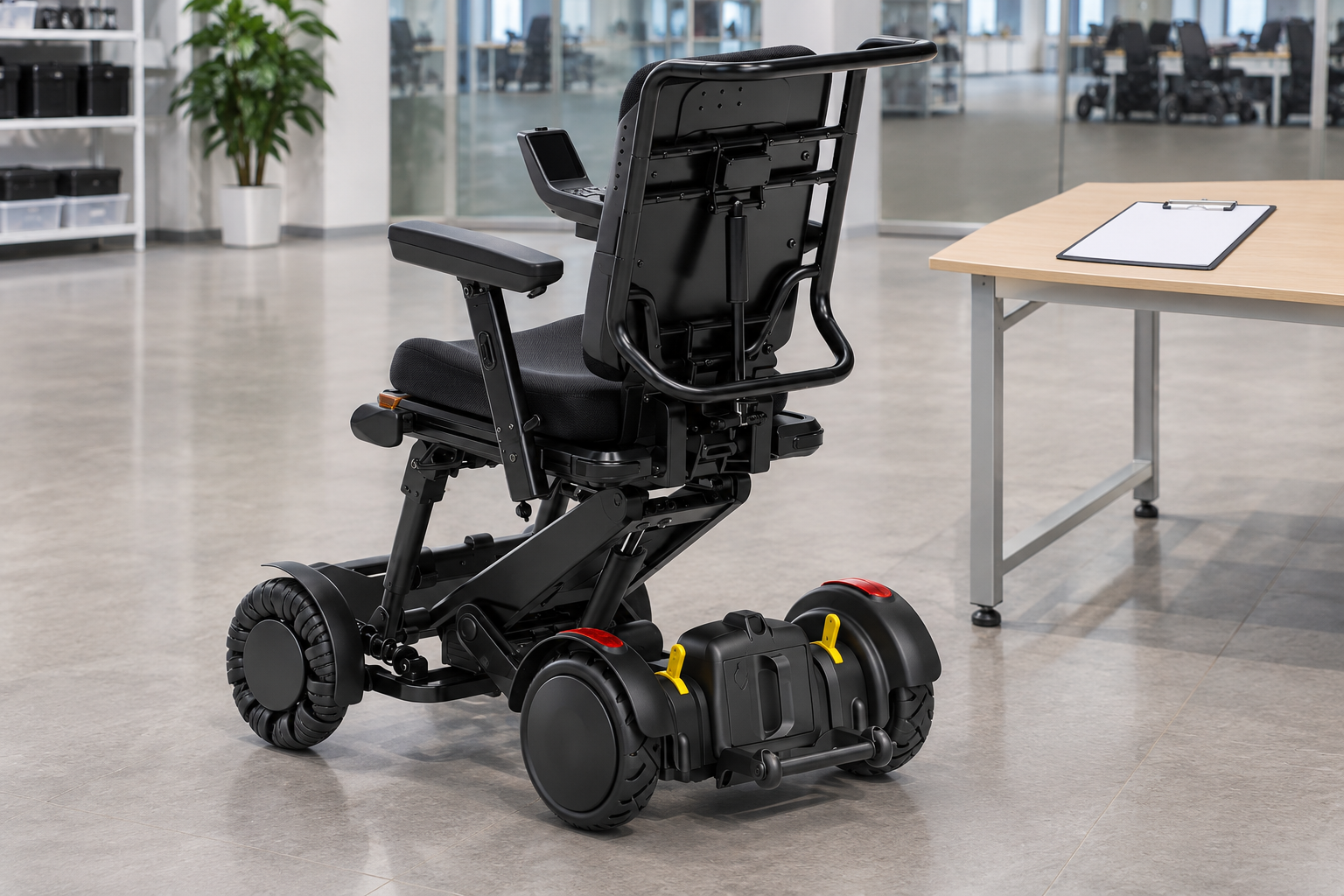
Request XSTO M4Pro controls information with the chair version, intended controller side and the user's review needs. Ask for the current guide and a written account of the supplied control package.
Send a control-specific brief
Make the unresolved detail explicit. Include any remote-control or replacement question as a separate item. The supplier can then identify the information and service scope relevant to the proposal.
- Model identity
- Control requirement
- Written response
| Review point | What to confirm |
|---|---|
| Model identity | Exact offered chair |
| Control requirement | Side access and optional items |
| Written response | Hardware guide and support scope |
Key Takeaway: You can resolve control-package questions before the order is finalized. Contact us with your M4 Pro configuration and purchasing questions so we can discuss the product information and written scope you need. AryMD puts clear product facts at the center of buying decisions.
Frequently asked questions
Q1: Can I assume every controller fits either side in the same way?
No. Confirm the exact mounting arrangement and permitted adjustments for the delivered version.
Q2: What's the best way to state the controller side?
Use the user's seated perspective. Ask the supplier to repeat that viewpoint in the written order.
Q3: How do I know what a display message means?
Use the guide for the actual controller version. Keep the exact message with the unit reference when requesting support.
Q4: Can a short product video replace control training?
No. It can illustrate a feature while leaving operating conditions and responsibilities unexplained.
Q5: Should a replacement controller be ordered by appearance?
No. Obtain a model-specific compatibility confirmation and the appropriate service process before ordering a replacement set.