
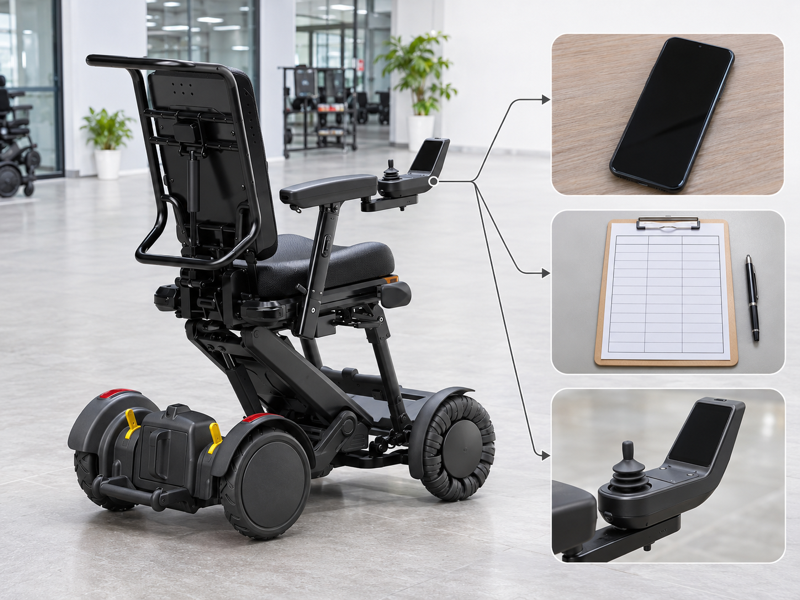
Review XSTO M4Pro app control by confirming the actual phone, app and chair combination. A Bluetooth tick box can look complete while the buyer still lacks a supported download route or version information. That leaves installation and service teams guessing. Ask for current guidance and a clear account of the functions being supplied.
What should an XSTO M4Pro app control inquiry establish?
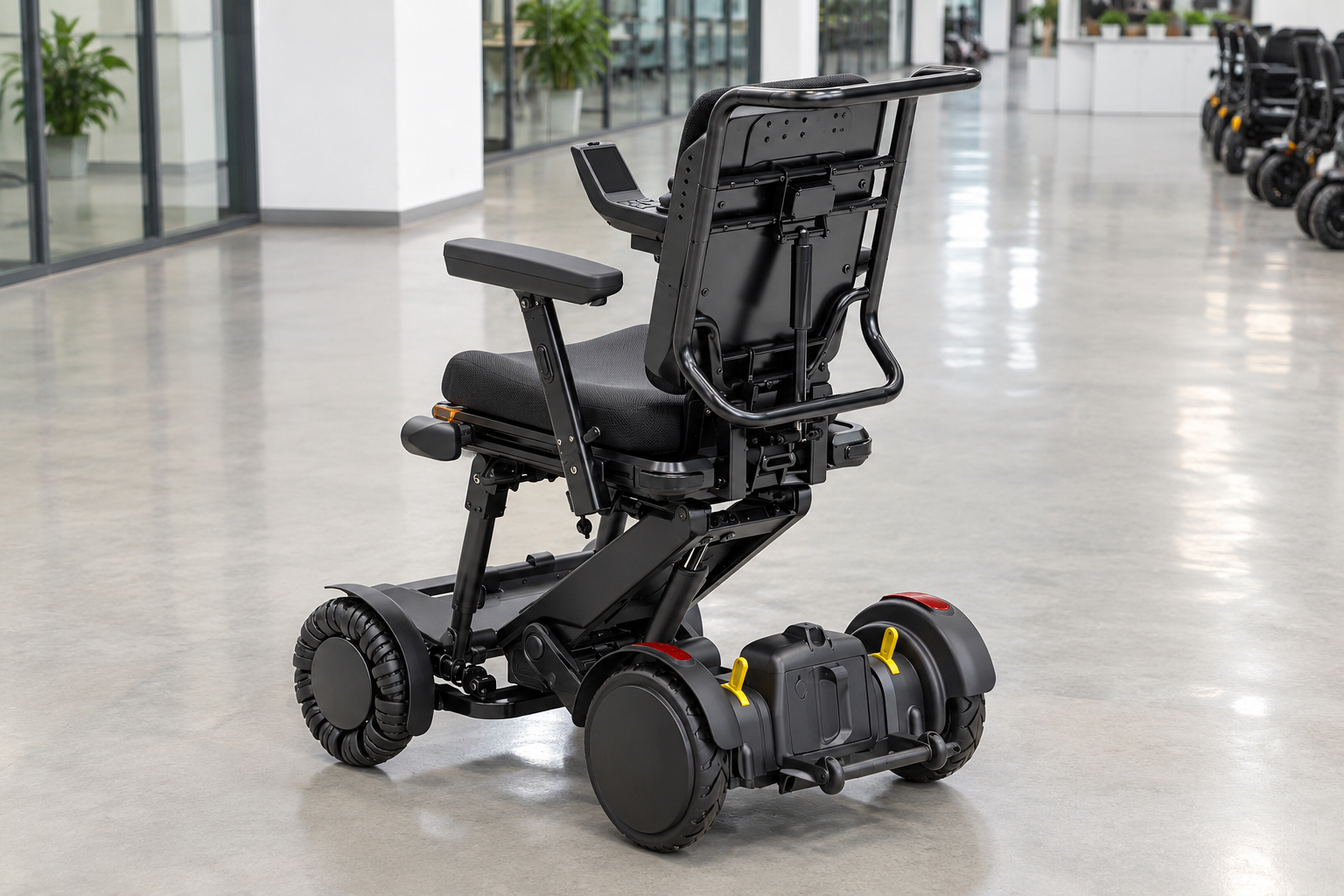
An XSTO M4Pro app control inquiry should establish the supported app, chair version and permitted functions. A general Bluetooth claim does not identify the software or services supplied with every configuration.
Name the software and hardware together
Start with the exact combination. Ask the provider for the current official download route and version requirements. Keep the product reference with the app information so future support can identify the setup. WHO guidance supports assessment, fitting and follow-up.
- Chair version
- App source
- Supported functions
| Review point | What to confirm |
|---|---|
| Chair version | Exact model and controller |
| App source | Provider-confirmed official route |
| Supported functions | Current documented scope |
Key Takeaway: You can discuss app support without assuming that every phone or chair version behaves the same way.
How should phone compatibility be checked?
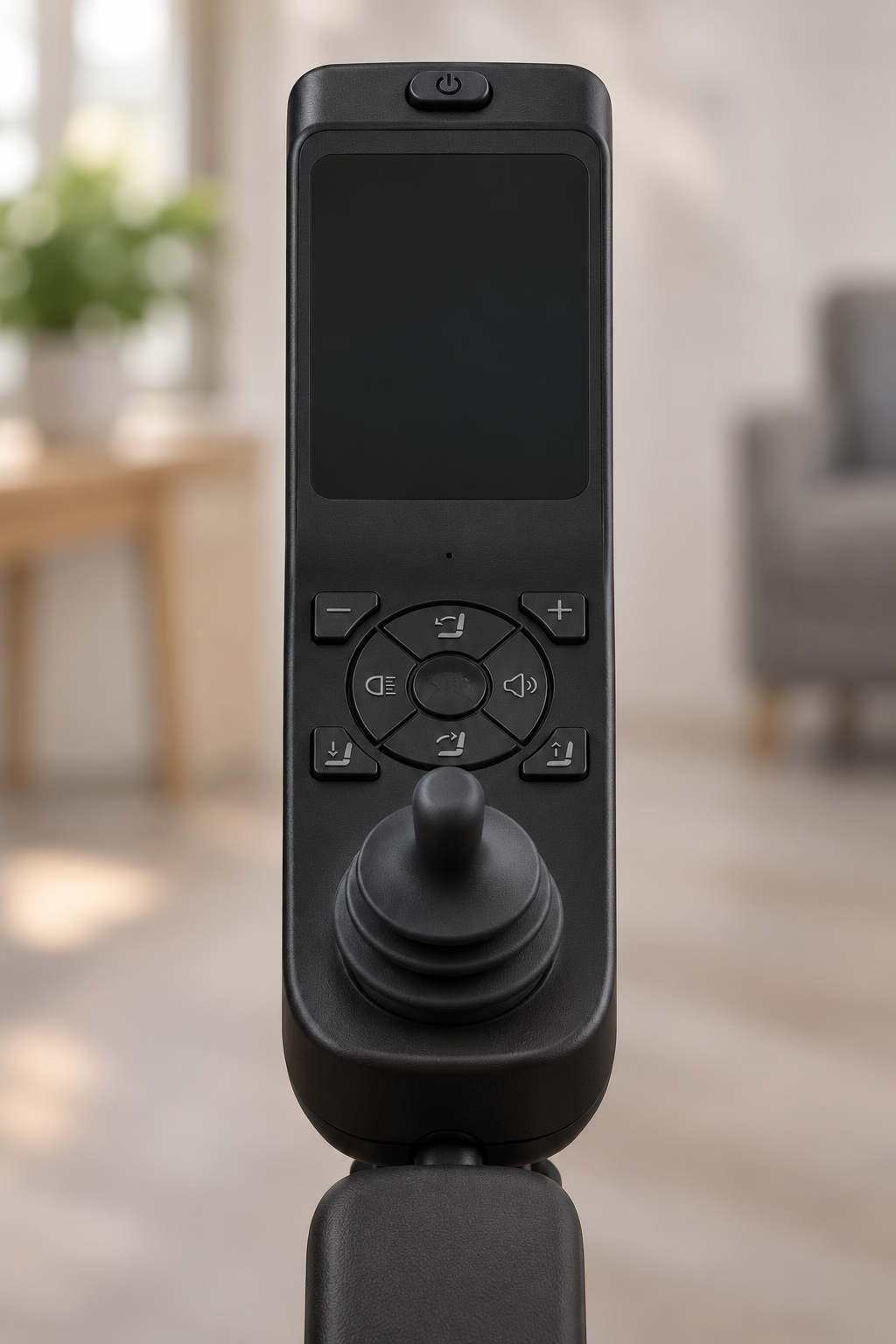
Phone compatibility for XSTO M4Pro app control should be checked against the provider's current requirements. Operating-system support and app availability may change, so an old screenshot is not enough.
Which phone and app version are involved?
Give the provider precise details. Record the phone platform and relevant versions without sharing passwords or account secrets. Ask for confirmation of the combination you actually plan to use. Keep the hardware reference consistent with the joystick record.
- Phone platform
- App version
- Provider response
| Review point | What to confirm |
|---|---|
| Phone platform | Actual supported system |
| App version | Current identified release |
| Provider response | Compatibility confirmation |
Key Takeaway: You can avoid a purchase assumption based on a different phone or older app.
Can XSTO M4Pro app control replace user training?

No, XSTO M4Pro app control does not replace the model instructions or appropriate user training. Remote functions can add control choices while still requiring a clear account of who may operate them and under what conditions.
Include the app in the handover
An extra interface needs its own explanation. Ask the provider which functions will be covered and where the instructions are kept. Keep any unanswered question visible before the service relies on the app.
- Training scope
- User roles
- Instruction source
| Review point | What to confirm |
|---|---|
| Training scope | Actual app functions covered |
| User roles | Agreed responsibility |
| Instruction source | Matching guide |
Key Takeaway: You can plan app use as part of the service instead of treating installation as training.
What should pairing instructions identify?
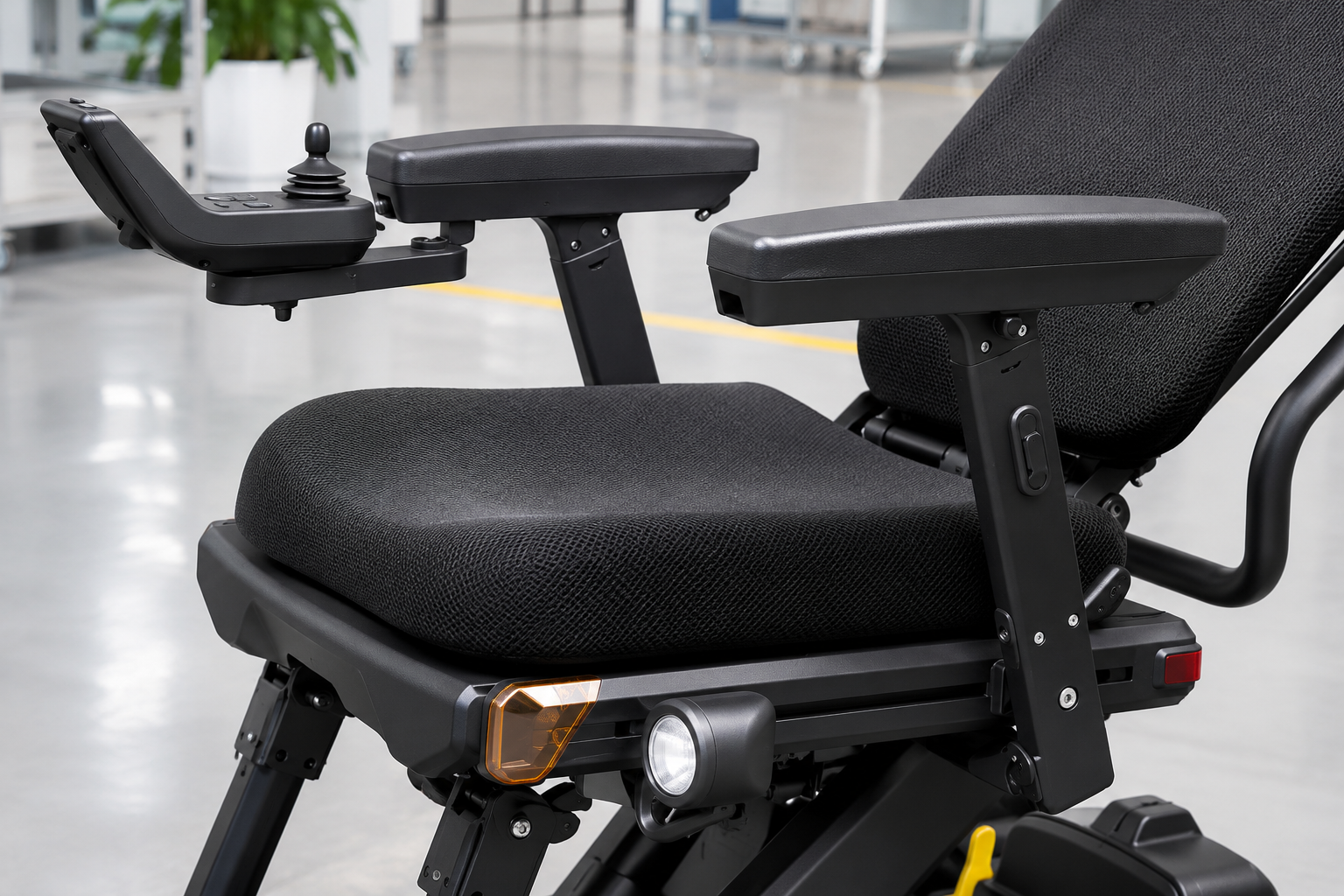
Pairing instructions for XSTO M4Pro app control should identify the actual chair, controller and applicable software version. A connection method from another model may not describe the delivered system.
Use the provider's exact guide
The device identity comes first. Request the current instructions and support route. Do not adapt unofficial methods or bypass a lock to make a device appear connected.
- Device identity
- Pairing source
- Support contact
| Review point | What to confirm |
|---|---|
| Device identity | Confirmed chair and controller |
| Pairing source | Applicable official guidance |
| Support contact | Responsible provider |
Key Takeaway: You can keep connection questions within the documented product setup.
How should XSTO M4Pro app control permissions be arranged?
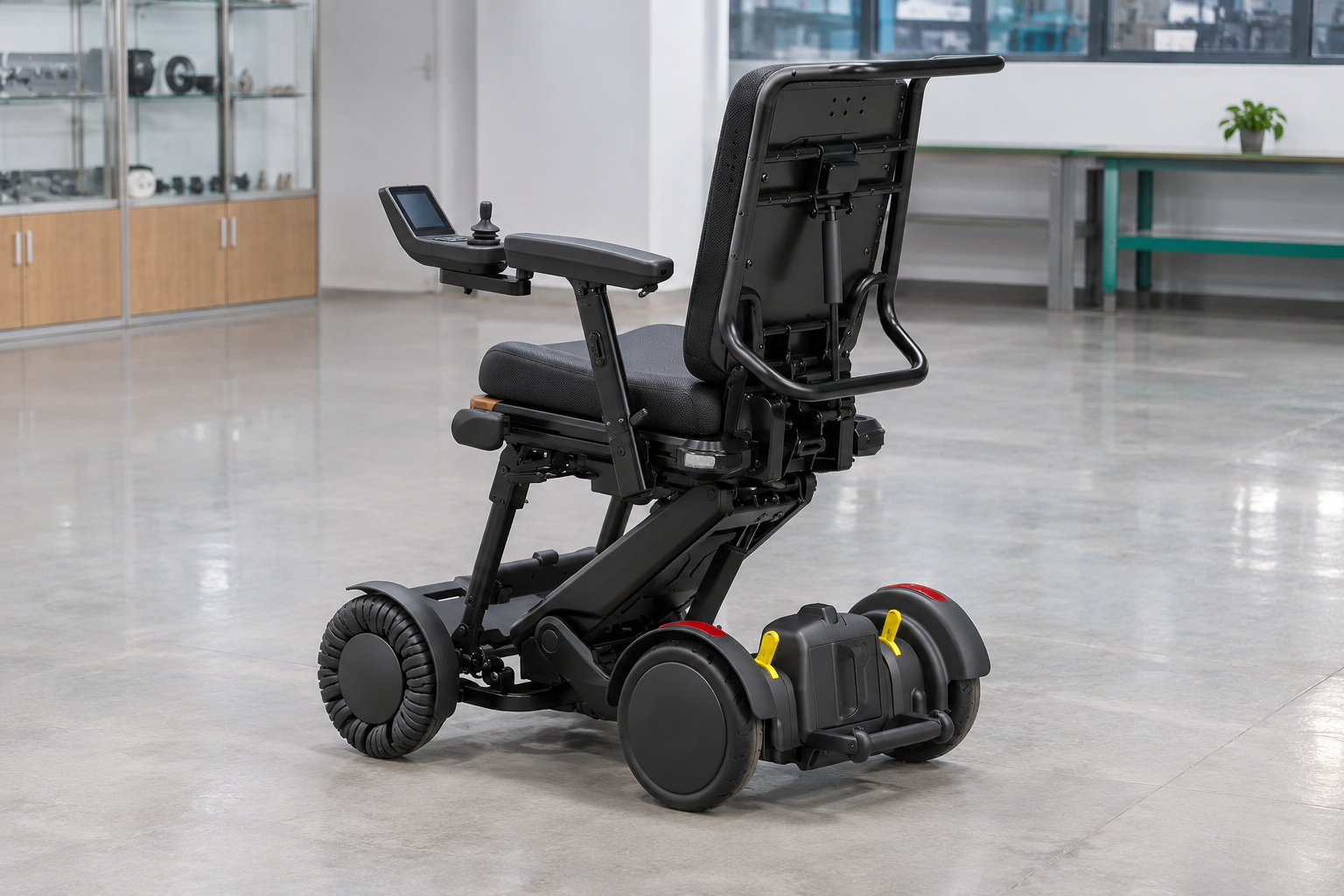
XSTO M4Pro app control permissions should follow the provider's current guidance and the user's agreed care or service arrangements. Shared access needs a clear owner and a defined purpose.
Name who may do what
A connection should have a clear role. Ask how authorized users are managed and how access changes are handled. Keep account credentials within the approved process rather than placing them in a purchasing document. Record authorized roles within the relevant equipment service plan.
- Authorized user
- Permitted purpose
- Access changes
| Review point | What to confirm |
|---|---|
| Authorized user | Agreed role |
| Permitted purpose | Defined service task |
| Access changes | Provider's documented process |
Key Takeaway: You can clarify responsibility without inventing an account-sharing arrangement.
What should battery or mileage screens be treated as?
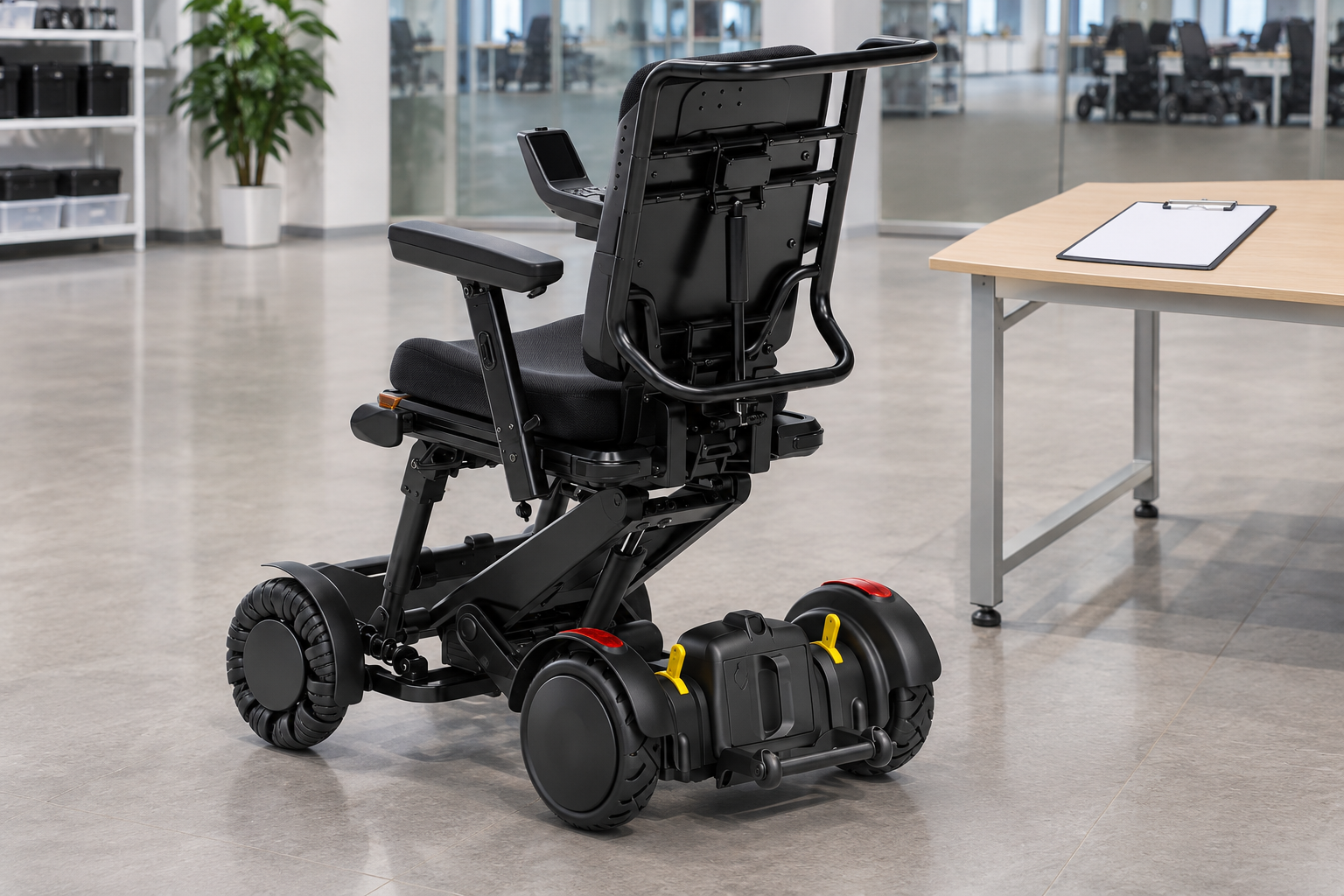
Battery or mileage screens in XSTO M4Pro app control should be read according to their documented definitions. A displayed estimate does not automatically equal a measured remaining range for a particular trip.
Ask what the displayed value means
The screen needs a definition. Request an explanation of the fields relevant to your service. Keep route planning and battery records separate from an unverified interpretation of an app value.
- Displayed field
- Meaning
- Planning use
| Review point | What to confirm |
|---|---|
| Displayed field | Exact label |
| Meaning | Current provider explanation |
| Planning use | Defined service purpose |
Key Takeaway: You can use the display without turning an estimate into a travel guarantee.
How should software updates be handled?
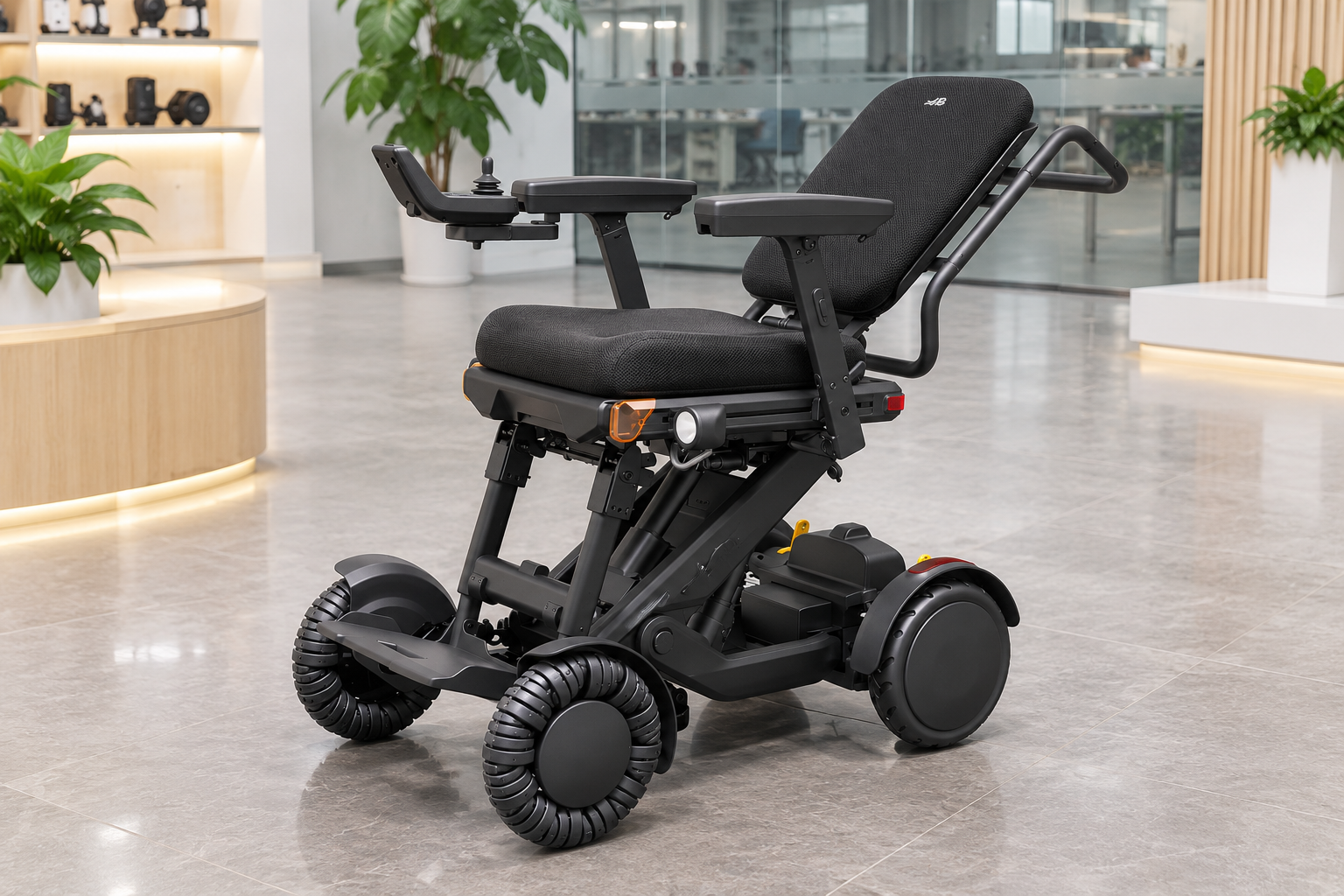
Updates affecting XSTO M4Pro app control should follow the maker's supported process and the provider's advice for the actual configuration. Buyers should not assume that every new app release applies to every controller.
Record the current versions
A changed version can change the support question. Ask who confirms compatibility and what information should be retained. Keep unsupported software or firmware changes outside the accepted service plan.
- Current versions
- Compatibility owner
- Update record
| Review point | What to confirm |
|---|---|
| Current versions | App and controller records |
| Compatibility owner | Maker or authorized provider |
| Update record | Confirmed action and date |
Key Takeaway: You can preserve a traceable software setup without prescribing an update method.
What should a connection-failure report include?
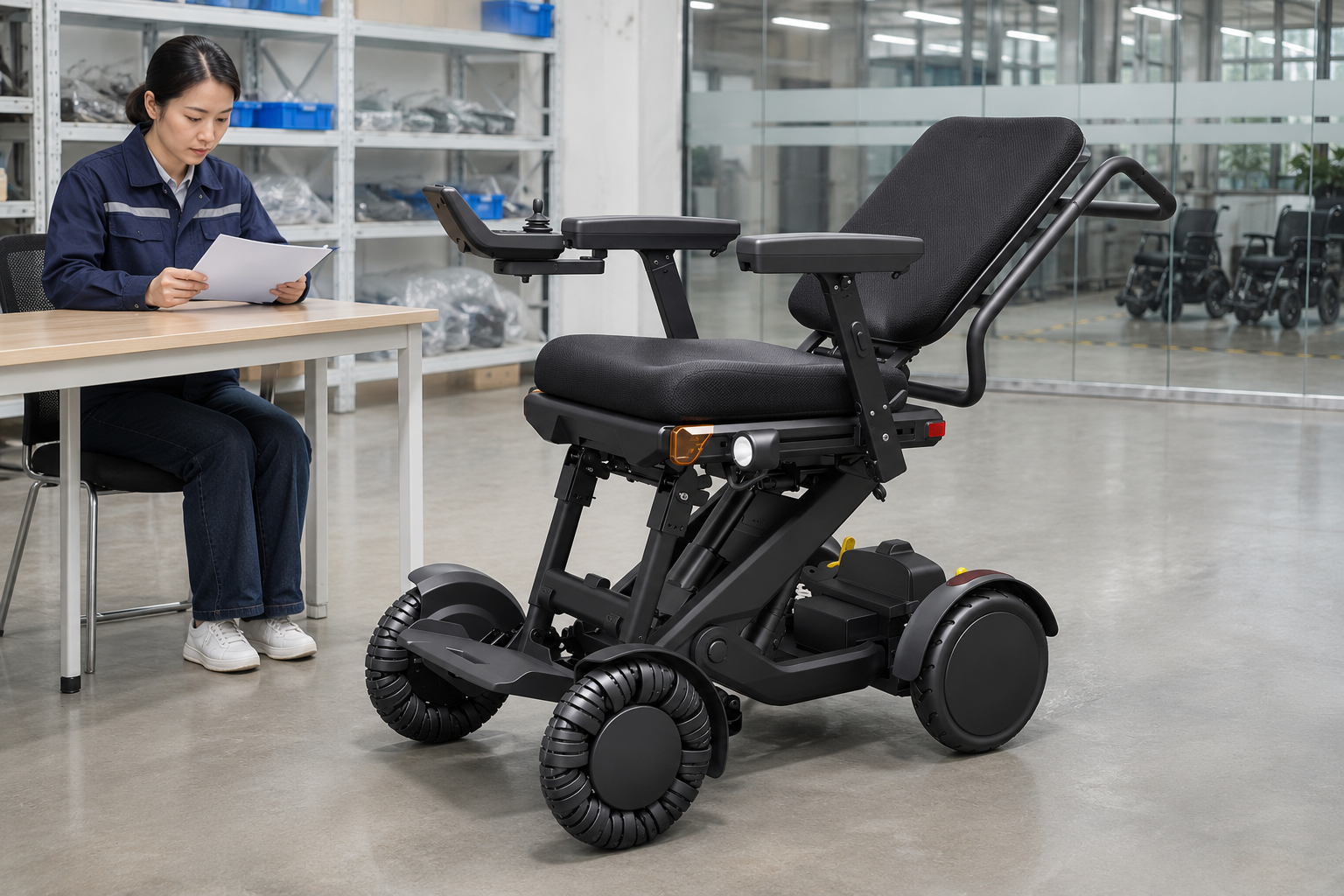
A report about XSTO M4Pro app control should include the exact device, versions and observed message or behavior. It should avoid exposing account secrets or claiming a technical cause that has not been established.
Describe the event clearly
The support team needs context. Record when the issue occurred and which documented function was involved. Follow the provider's instructions for any further evidence or next action. Add the support request to the unit's service log.
- Device reference
- Version details
- Observed event
| Review point | What to confirm |
|---|---|
| Device reference | Actual chair and phone |
| Version details | Relevant software information |
| Observed event | Factual description |
Key Takeaway: You can submit a useful support request without guessing a repair or bypass.
What should an XSTO M4Pro app control purchase record keep?
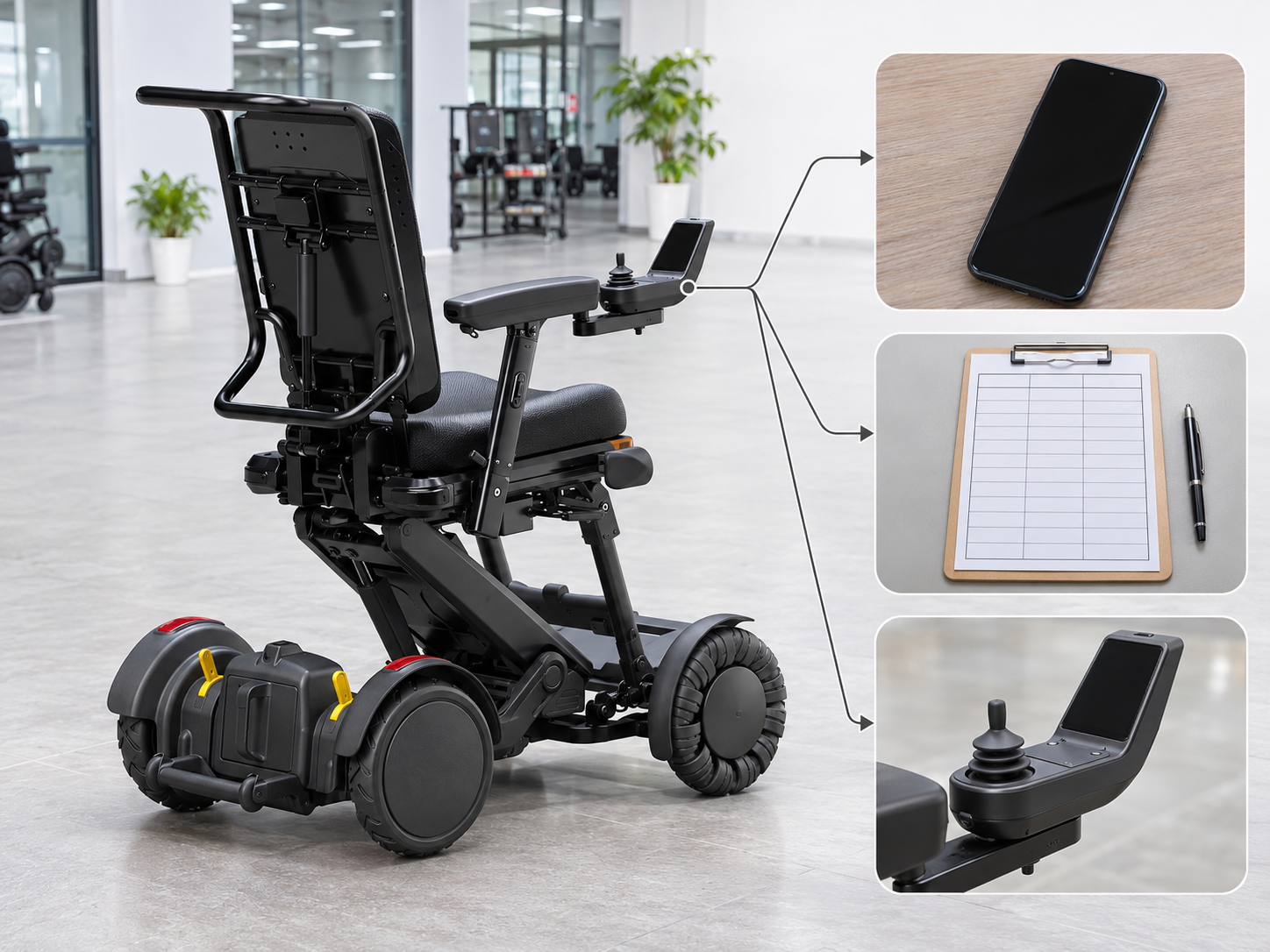
An XSTO M4Pro app control purchase record should keep the promised functions, supported platform and service scope. A generic app-control tick box leaves those details open.
Write down the actual software offer
The support promise needs a clear scope. Ask for the current guide and contact route. Keep any recurring service, account or update condition explicit in the written response.
- Function scope
- Platform support
- Service route
| Review point | What to confirm |
|---|---|
| Function scope | Confirmed supported features |
| Platform support | Actual compatibility statement |
| Service route | Named contact and written terms |
Key Takeaway: You can compare app support as a defined part of the offer.
How can you request XSTO M4Pro app control details?
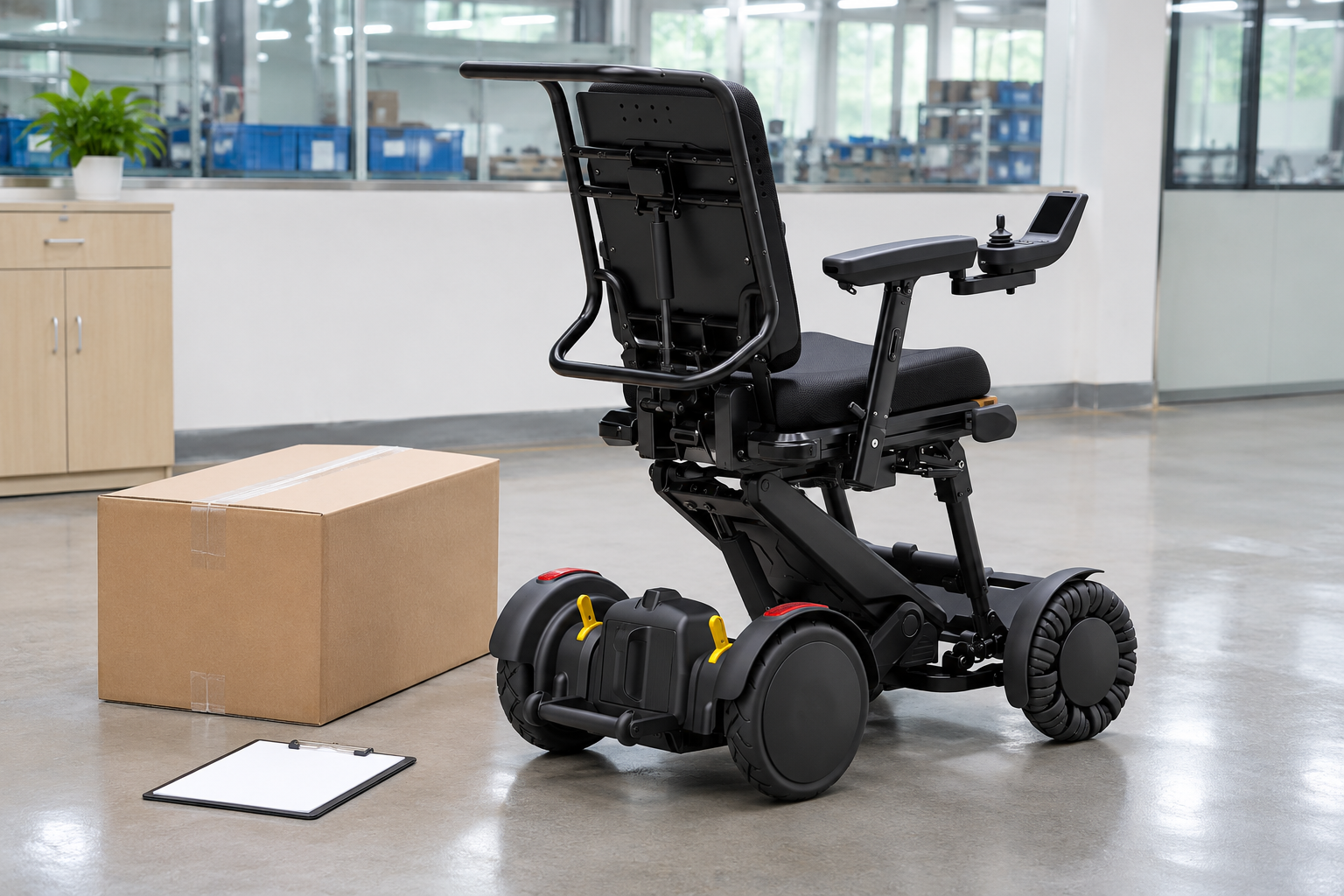
Request XSTO M4Pro app control details with the chair version, phone platform and functions you need to understand. Ask the supplier for the official guidance and current support conditions.
Prepare an app-support brief
Keep the request specific to the setup. Separate purchasing questions from account credentials or hands-on operating actions. Use the reply to plan the appropriate instruction and service arrangements.
- Proposed setup
- Needed functions
- Written response
| Review point | What to confirm |
|---|---|
| Proposed setup | Chair controller and phone |
| Needed functions | Specific review questions |
| Written response | Guidance compatibility and support |
Key Takeaway: You can decide what needs confirmation before relying on app control. Contact us with your M4 Pro configuration and purchasing questions so we can discuss the product information and written scope you need. AryMD puts clear product facts at the center of buying decisions.
Frequently asked questions
Q1: Can I assume the app supports every phone?
No. Check the provider's current platform and version requirements for the actual phone you plan to use.
Q2: What's the best source for the app download?
Use the provider-confirmed official route. Avoid an unrelated download simply because its name resembles the chair model.
Q3: How do I know whether an app update fits my controller?
Ask the maker or responsible provider to confirm the combination. Keep the app and controller versions in the service record.
Q4: Can an app battery estimate guarantee my remaining travel distance?
No. Read the displayed value according to its documented meaning and review actual route needs separately.
Q5: Should account passwords appear in a supplier inquiry?
No. Provide the device and version information needed for support without exposing account secrets.