

Plan XSTO M4Pro charging around the actual battery and approved charger supplied with the order. A connector or familiar voltage label can look reassuring while the buyer still lacks a complete match. That uncertainty can complicate delivery and support. Confirm both labels and the applicable guide before relying on the charging arrangement.
What should XSTO M4Pro charging preparation confirm?

XSTO M4Pro charging starts with the exact pack, its approved charger and the right guide. A plug that fits does not prove the pair is compatible.
Identify the complete charging set
Start with both product labels. Ask the supplier to match the charger reference with the offered pack. Keep the needed operating and care guide with that confirmation. WHO guidance supports assessment, fitting and follow-up.
- Battery identity
- Charger identity
- Instruction source
| Review point | What to confirm |
|---|---|
| Battery identity | Exact pack reference |
| Charger identity | Approved matching unit |
| Instruction source | Applicable version |
Key Takeaway: You can plan charging from a defined equipment set instead of a connector's appearance.
Which charger-label fields need separate attention?

For XSTO M4Pro charging, read input and output as separate ratings. Input concerns the wall supply. Output concerns the supply sent to the pack.
Which side of the charger does the figure describe?
Read each label field in context. The reviewed manual lists a charger output of 29.4 VDC and 4 A for its stated setup. Confirm the actual supplied unit rather than applying that figure to every replacement. Keep the label data in the charger matching record.
- Input field
- Output field
- Product match
| Review point | What to confirm |
|---|---|
| Input field | Supply requirements |
| Output field | Battery-side rating |
| Product match | Exact approved charger and pack |
Key Takeaway: You can compare charger data without confusing its input with its output.
How should XSTO M4Pro charging plugs be specified?

XSTO M4Pro charging needs the plug and approved charger for the place of use. A US or EU option on a page does not settle every country's needs.
State the destination clearly
The offer should name the supplied plug. Ask for the needed charger and plug setup in writing. Do not assume an improvised adapter changes electrical match or local requirements.
- Destination
- Supplied configuration
- Confirmation
| Review point | What to confirm |
|---|---|
| Destination | Actual use location |
| Supplied configuration | Named charger and plug |
| Confirmation | Supplier's written match |
Key Takeaway: You can reduce the risk of receiving a charging set different from the one expected.
Does a quoted charge time define every charging session?

No, the stated time for XSTO M4Pro charging has conditions. Ask which pack and charger were used. The starting charge level and use conditions can change how long a session takes.
Ask what the time describes
The figure needs its product context. Request the supplier's stated basis and matching guide. Do not turn a general charging-time claim into a universal timer or an instruction to ignore status indications.
- Pack and charger
- Stated basis
- Applicable method
| Review point | What to confirm |
|---|---|
| Pack and charger | Exact quoted pair |
| Stated basis | Relevant charging conditions |
| Applicable method | Matching product guide |
Key Takeaway: You can use the time figure for planning without treating it as the full charging procedure.
What environment should XSTO M4Pro charging use?

XSTO M4Pro charging must follow the maker's conditions for the actual pack and charger. General outdoor-use claims do not define where you may charge.
Use the battery and charger guidance
The charging location needs its own review. Ask the provider to confirm the needed environmental requirements. Keep moisture, ventilation and access questions within that product-specific instruction process. Link the confirmed conditions to the relevant storage plan.
- Applicable source
- Location facts
- Open questions
| Review point | What to confirm |
|---|---|
| Applicable source | Battery and charger guide |
| Location facts | Actual planned environment |
| Open questions | Provider clarification |
Key Takeaway: You can prepare a suitable charging location without inventing temperature or exposure limits.
What should charging indicators be interpreted against?

For XSTO M4Pro charging, read lights and messages using the matching charger guide. A color on another device may mean something else.
Check the actual indicator guide
A familiar color can still mean something different. Keep the charger reference with the instructions supplied at handover. Record unexplained behavior through the service process rather than guessing that charging is full.
- Charger reference
- Indicator meaning
- Support record
| Review point | What to confirm |
|---|---|
| Charger reference | Actual supplied unit |
| Indicator meaning | Matching instruction source |
| Support record | Observed behavior and response |
Key Takeaway: You can avoid interpreting a charging state from an unrelated device's signals.
How should cable or connector concerns be reported?

Report XSTO M4Pro charging concerns with the exact product and what you saw. Do not repair a damaged cable, alter a connector or open the pack.
Describe the visible concern
Let the service process determine the next step. Follow the provider's instructions about availability and further evidence. Keep requested photos factual and avoid staging a live electrical test.
- Affected equipment
- Observed condition
- Responsible response
| Review point | What to confirm |
|---|---|
| Affected equipment | Exact charger or pack |
| Observed condition | Specific visible issue |
| Responsible response | Named service contact |
Key Takeaway: You can submit a clear report without suggesting an electrical modification.
Can a third-party charger be selected by voltage alone?

No, one voltage value cannot confirm a third-party charger for XSTO M4Pro charging. Ask the maker to confirm the full charger-and-pack match and relevant guide.
Request a complete compatibility statement
The label is more than one number. Give the supplier the exact charger and pack references. Leave unconfirmed substitutions outside the accepted equipment set. Record any approved replacement in the parts list.
- Proposed charger
- Battery identity
- Compatibility evidence
| Review point | What to confirm |
|---|---|
| Proposed charger | Exact product reference |
| Battery identity | Actual pack |
| Compatibility evidence | Written maker or supplier confirmation |
Key Takeaway: You can avoid treating one matching number as approval for the entire charging system.
What should XSTO M4Pro charging handover records retain?
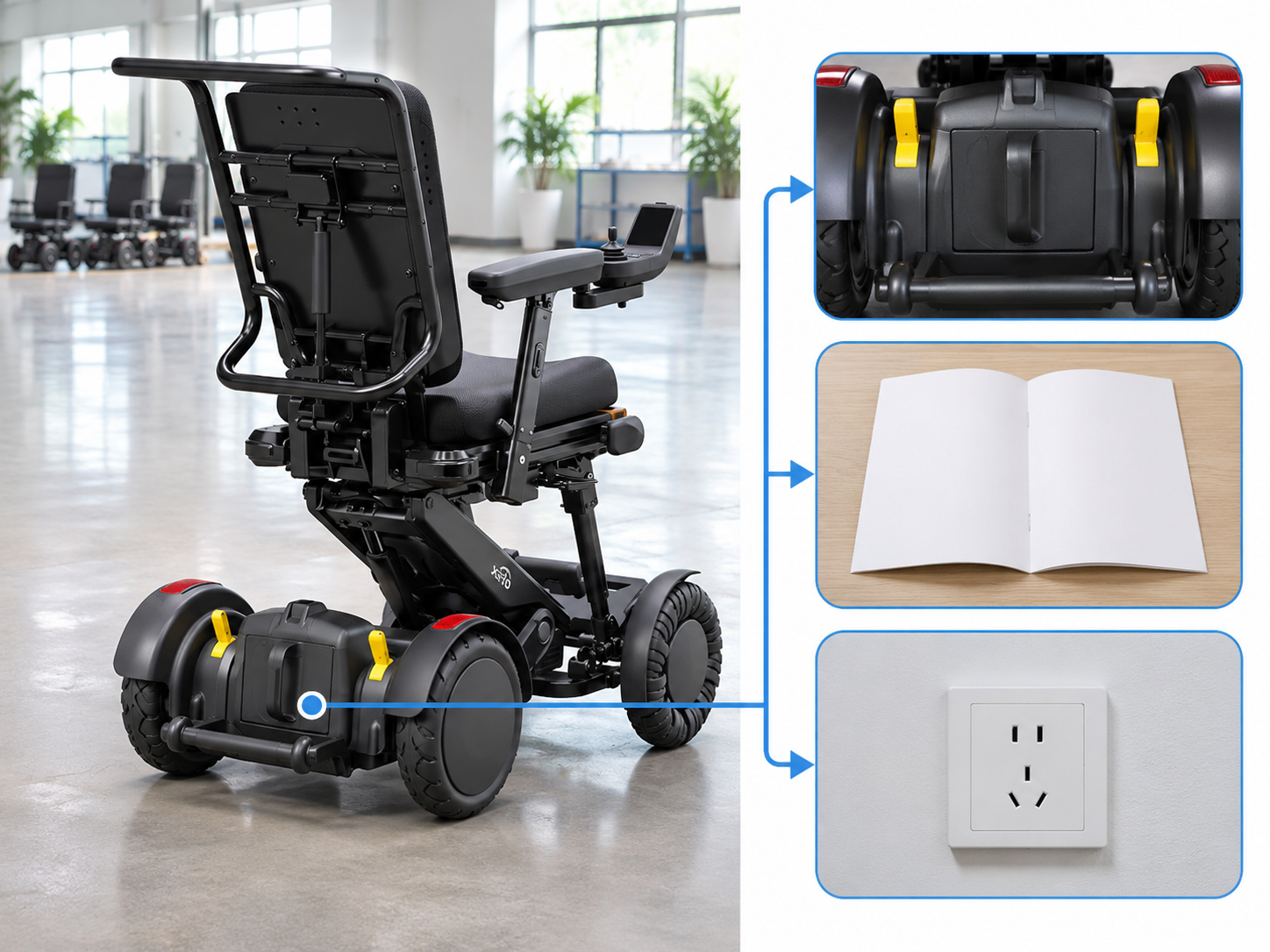
XSTO M4Pro charging handover records should name the charger and pack. Keep the current guide and the support contact with that record.
Keep the user-facing information together
The charger should not arrive without context. Confirm which instructions and documents the user receives. Record unresolved questions through the agreed handover process.
- Supplied unit
- Matching pack
- Support route
| Review point | What to confirm |
|---|---|
| Supplied unit | Charger reference |
| Matching pack | Battery reference |
| Support route | Relevant contact and guide |
Key Takeaway: You can make the charging package traceable after delivery.
How can you request XSTO M4Pro charging information?

Request XSTO M4Pro charging details with the exact pack, place of use and question. Ask which charger matches and which guide applies.
Prepare a charger-specific brief
Name the exact combination. Use the supplier's response to confirm the charging items and documents in the order. Keep any unresolved match question visible.
- Battery setup
- Destination need
- Written response
| Review point | What to confirm |
|---|---|
| Battery setup | Exact offered pack |
| Destination need | Approved charger and plug |
| Written response | Compatibility contents and guide |
Key Takeaway: You can arrange charging around confirmed equipment and clear instructions. Contact us with your M4 Pro configuration and purchasing questions so we can discuss the product information and written scope you need. AryMD puts clear product facts at the center of buying decisions.
Frequently asked questions
Q1: Can I choose a charger just because the plug fits?
No. The battery and charger require a complete confirmed match, including the relevant ratings and instructions.
Q2: What's the best way to distinguish input and output ratings?
Read the label fields separately. Input describes the supply side, while output describes the charger-to-battery side.
Q3: How do I know which plug option the order includes?
Ask the supplier to name the charger and destination plug in writing. A photo of a different regional option does not settle the order scope.
Q4: Does a stated charging time replace the operating guide?
No. The time figure has conditions and does not explain every instruction or indicator for the actual equipment.
Q5: Can I adapt a cable to use a different charger?
Do not improvise a modification. Request the maker's confirmed compatible equipment and applicable service guidance.