
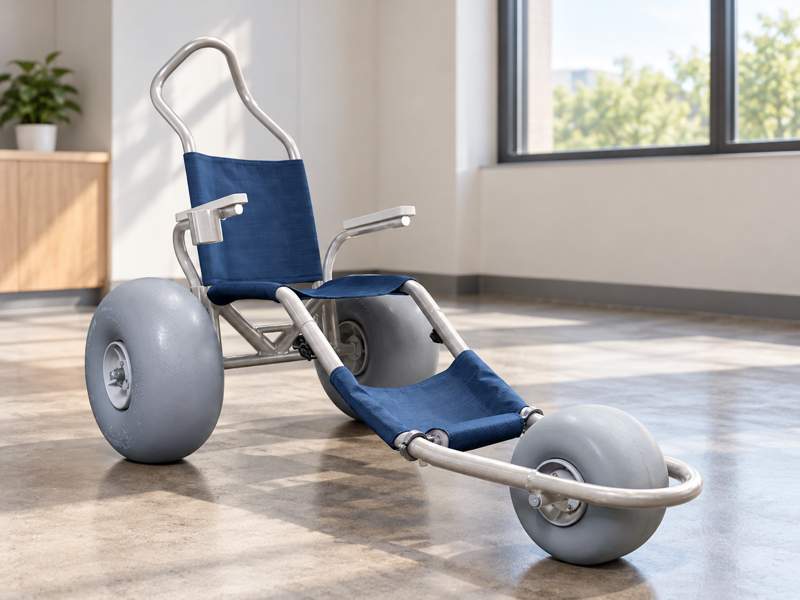
Prepare a beach wheelchair showroom display around the exact sample and the offer it represents. A display with attractive extras may quietly become the buyer's picture of standard supply. Old brochures can add another version of the product. Label the setup and keep current files beside the sales process.
What should a beach wheelchair showroom display show?

A beach wheelchair showroom display should show an identifiable product setup and provide the current facts needed to understand the offer. A display should not merge optional parts or several versions into one unclear promise.
Start with the exact model
Make the shown setup easy to identify. Keep a current product record beside the display process. Ask the supplier to label differences from the base offer. WHO guidance links assistive products with supporting services.
- Name displayed model
- List fitted options
- Match source files
| Check | Record to retain |
|---|---|
| Name displayed model | Product identity |
| List fitted options | Shown setup |
| Match source files | Current offer |
Your visitor can connect the physical display with a clear product reference.
How should options be identified?
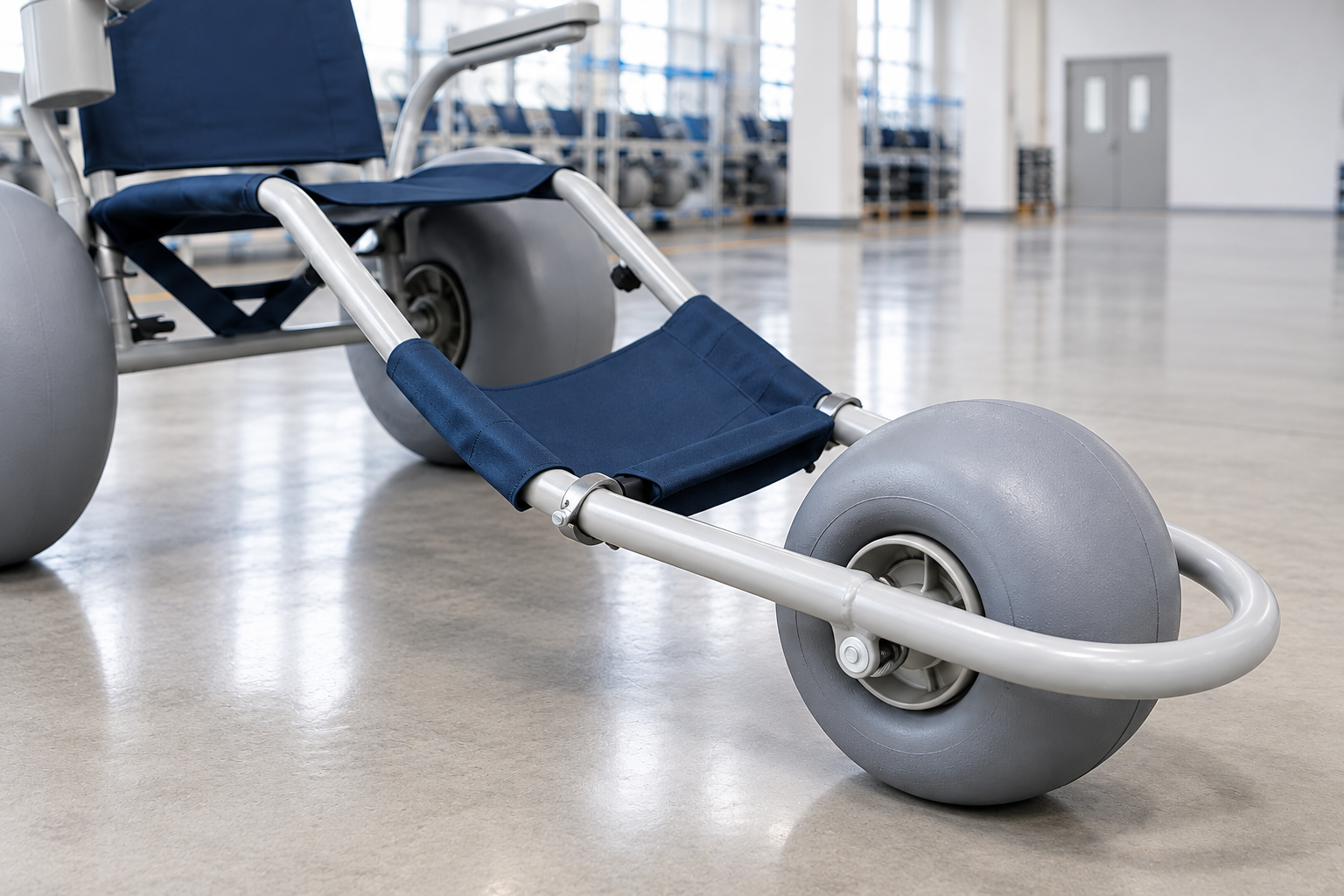
Options in a beach wheelchair showroom display should be clearly separated from included items. A cushion, bag or support visible on the sample is not automatically part of every order.
Use an itemized display record
The sample may show more than the base model. Ask the supplier to confirm each option's identity and scope. Keep any changes reflected in the current quote material. Keep shown options linked to the supplier offer review.
- List standard items
- Identify options
- Record exclusions
| Check | Record to retain |
|---|---|
| List standard items | Base offer |
| Identify options | Separate references |
| Record exclusions | Supply notes |
Your team can explain the displayed equipment without making an unintended inclusion promise.
Can a beach wheelchair showroom display establish individual fit?
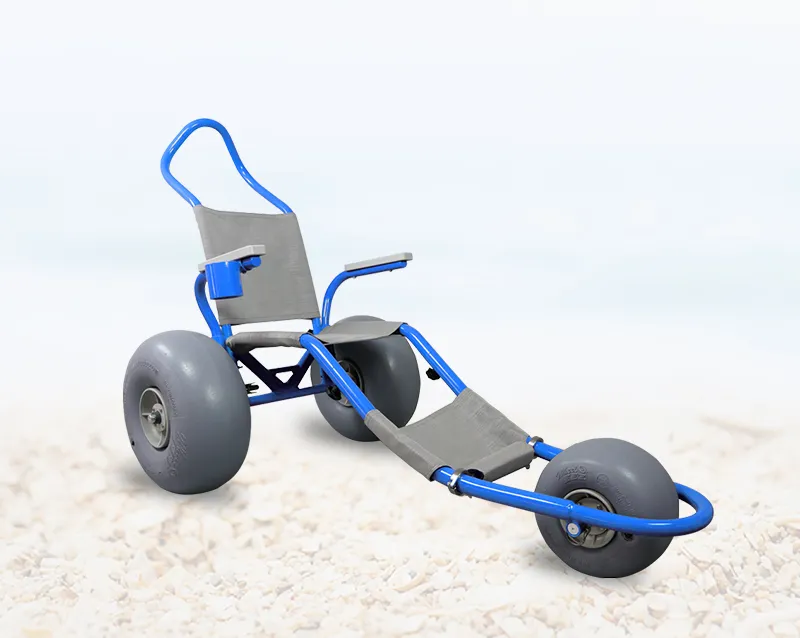
No, a beach wheelchair showroom display cannot establish individual fit merely because someone can view the chair. Relevant assessment and product guidance remain necessary for the intended user.
Keep viewing and assessment distinct
A showroom visit can raise useful questions. Provide the product facts requested by the qualified reviewer. Do not treat a casual sit or photo as a full suitability decision.
- Offer current facts
- Identify review route
- Record open needs
| Check | Record to retain |
|---|---|
| Offer current facts | Model information |
| Identify review route | Qualified provider |
| Record open needs | Assessment questions |
Your display can support a fit discussion without replacing it.
Which documents belong near the display?
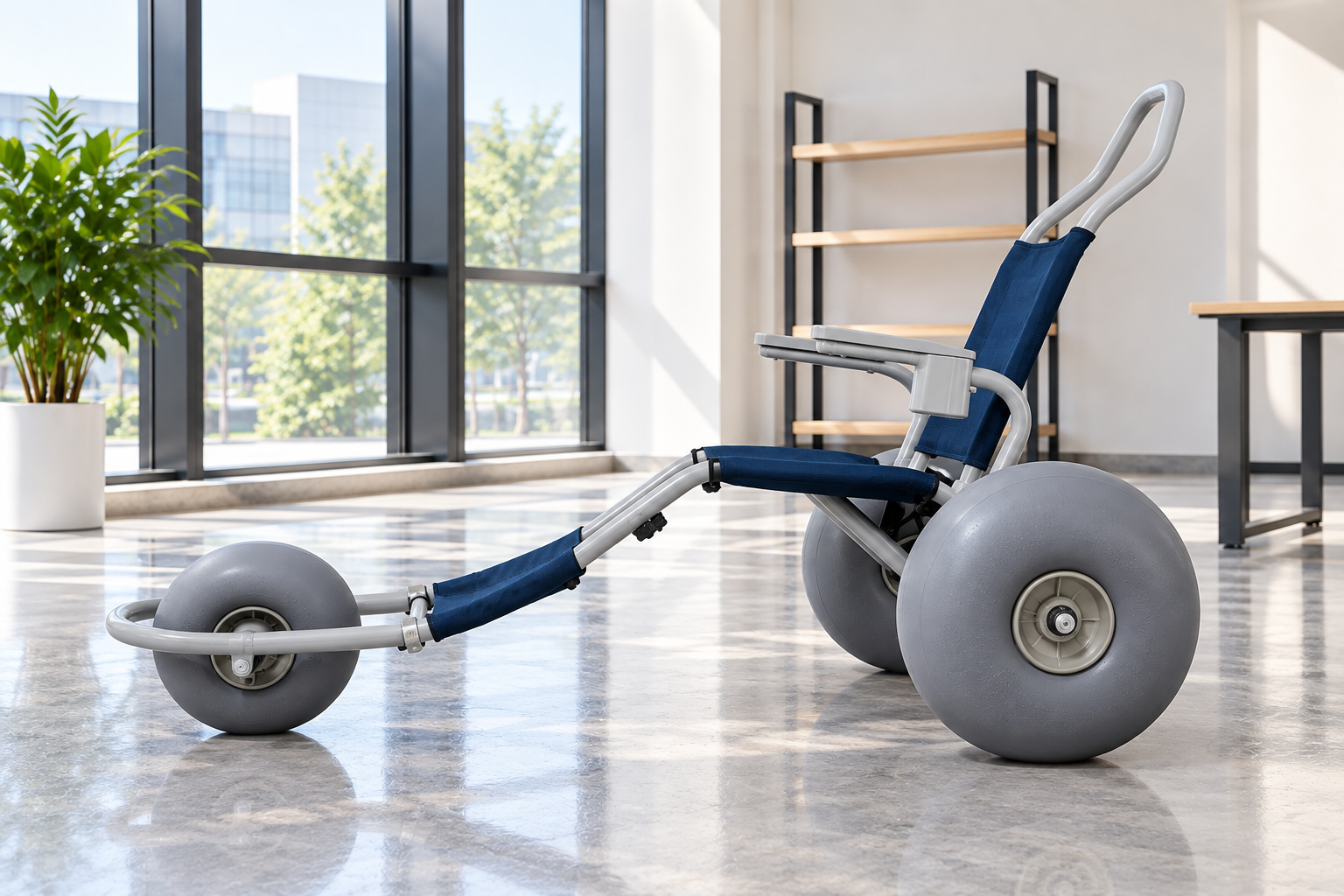
Documents supporting a beach wheelchair showroom display should match the exact shown and offered model. Use current specifications and guides rather than relying on an unlabeled brochure stack.
Match the files to the sample
The revision should be easy to find. Ask the supplier to resolve inconsistent names or dimensions. Keep old versions outside the active sales reference.
- Identify current files
- Remove obsolete copies
- Track unclear facts
| Check | Record to retain |
|---|---|
| Identify current files | Model and revision |
| Remove obsolete copies | Controlled document set |
| Track unclear facts | Supplier questions |
Your sales team can answer from the correct source.
How should beach wheelchair showroom display images be used online?
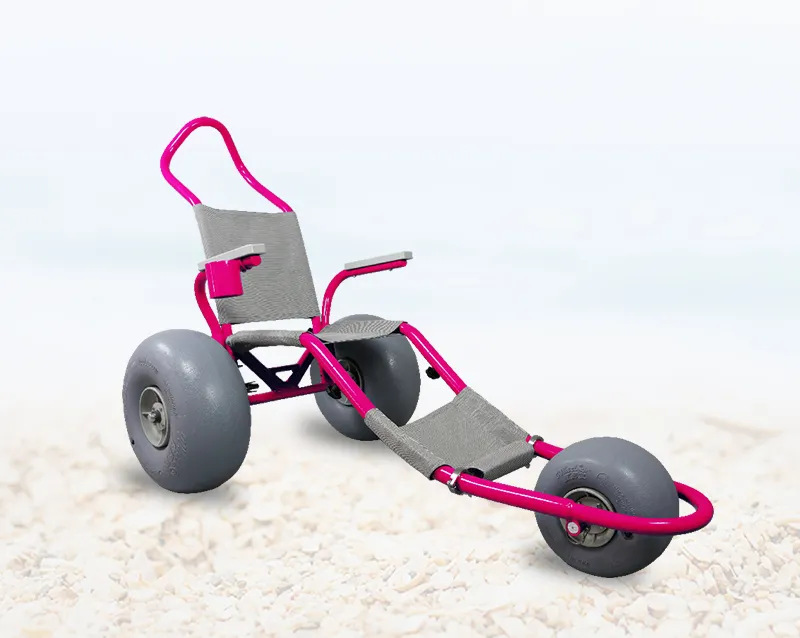
Images of a beach wheelchair showroom display should describe the actual displayed setup and retain relevant option or illustration labels. An indoor scene does not prove performance on sand or water.
Keep the caption within the view
A setting is not a test result. Use separate evidence for any performance statement. Do not imply an actual customer project from a staged image.
- Identify scene
- Label shown options
- Check claims
| Check | Record to retain |
|---|---|
| Identify scene | Display view |
| Label shown options | Relevant scope |
| Check claims | Supporting evidence |
Your online material can remain consistent with what the display actually shows.
What should staff say about unavailable information?
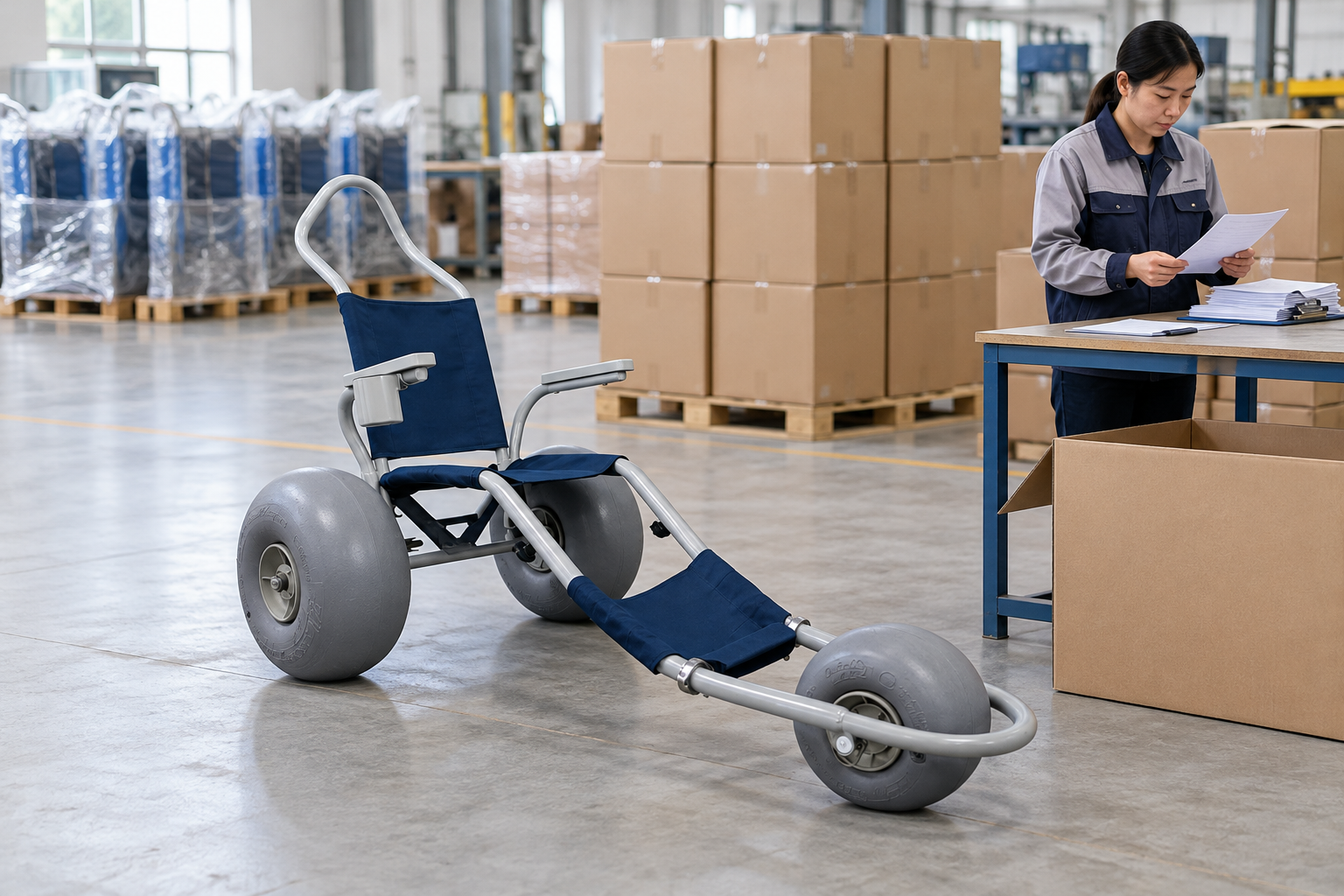
Staff using a beach wheelchair showroom display should identify unanswered questions and request the appropriate source rather than invent an answer. A brief follow-up can be more useful than a broad unsupported assurance.
Keep unknown facts visible
The visitor needs a reliable next step. Assign the supplier or qualified reviewer who can respond. Record the question and relevant model reference. Record service questions through the maintenance reference.
- Capture the question
- Name product
- Assign response
| Check | Record to retain |
|---|---|
| Capture the question | Buyer inquiry |
| Name product | Exact setup |
| Assign response | Responsible contact |
Your team can move the discussion forward without filling gaps with assumptions.
Should the display include operating demonstrations?
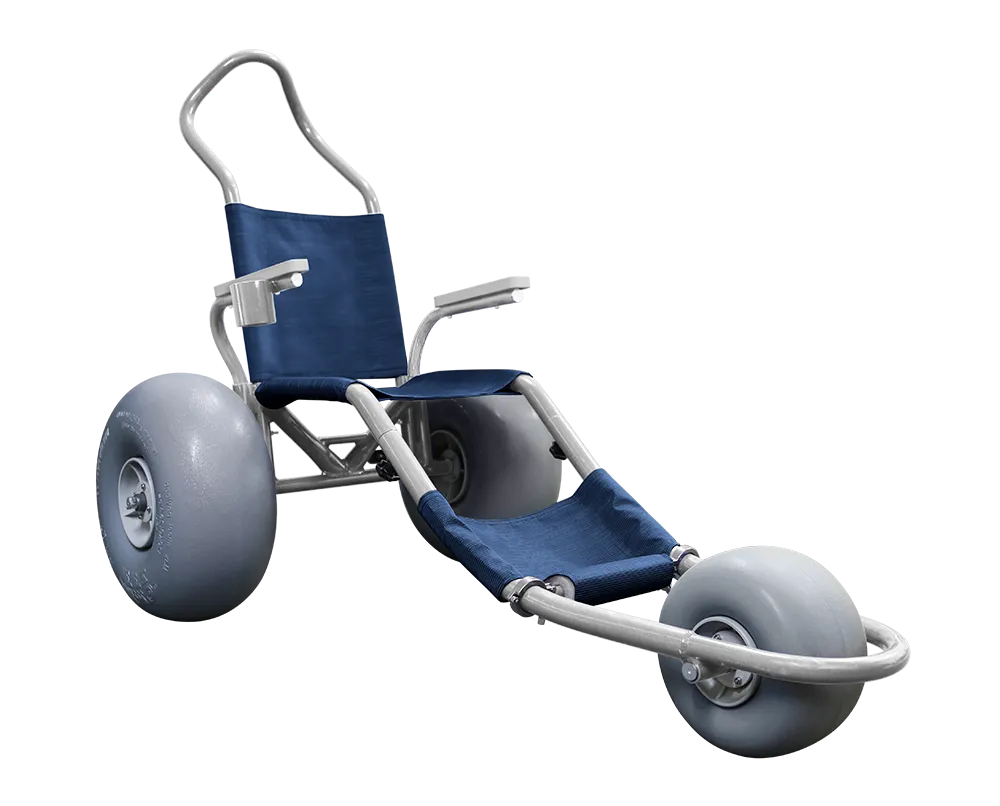
Operating demonstrations associated with a beach wheelchair showroom display should occur only within an appropriate agreed scope and current product guidance. The display itself does not authorize any activity a visitor requests.
Plan the demonstration separately
A sales visit can become a different task. Ask the qualified provider which arrangements are needed. Keep unsupported or unreviewed activities outside the session.
- Define activity
- Request guidance
- Assign oversight
| Check | Record to retain |
|---|---|
| Define activity | Agreed purpose |
| Request guidance | Exact product |
| Assign oversight | Qualified provider |
Your showroom can distinguish product viewing from a properly prepared demonstration.
How should a beach wheelchair showroom display record product changes?
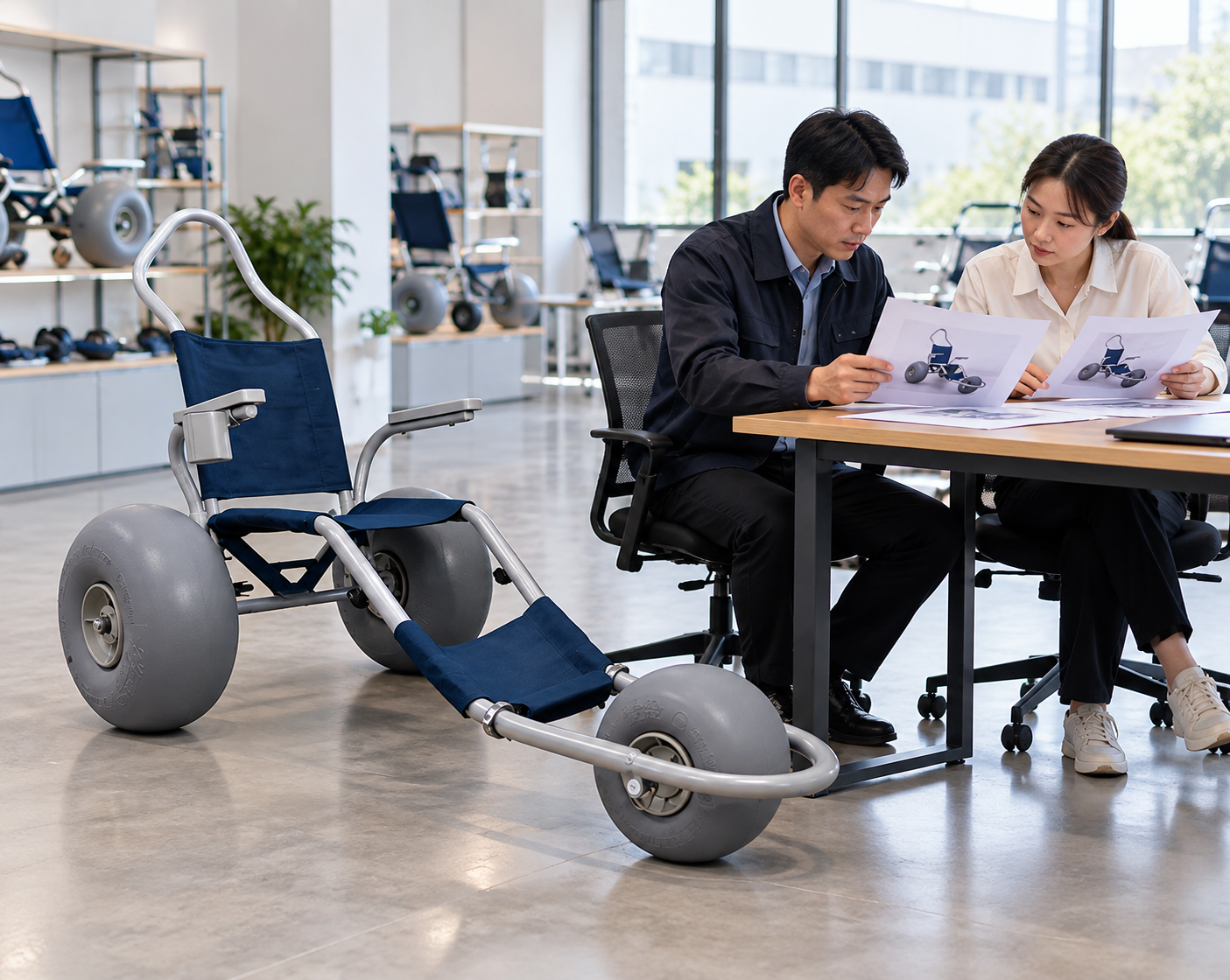
A beach wheelchair showroom display should record changes to the displayed model, options and relevant source files. A new sample may differ from the one shown in older sales images.
Update the display reference
Keep the physical and written versions aligned. Ask the supplier to identify any changed parts or documents. Review captions and quote descriptions at the same time. Carry current display scope into the sourcing handoff.
- Record new setup
- Update source files
- Review related media
| Check | Record to retain |
|---|---|
| Record new setup | Sample identity |
| Update source files | Current revision |
| Review related media | Matching descriptions |
Your team can avoid presenting an old offer around a new sample.
What should a visitor follow-up contain?
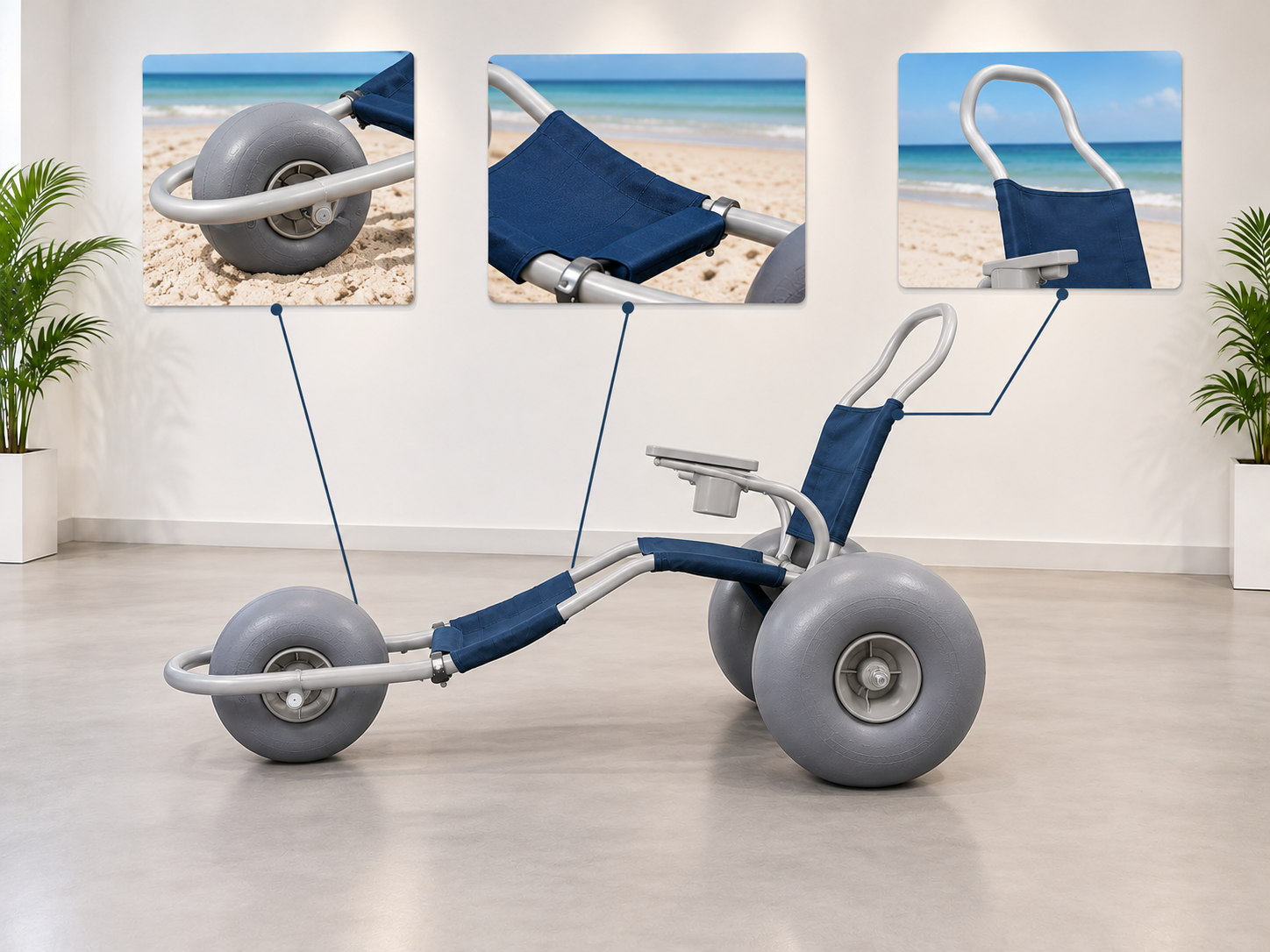
A follow-up from a beach wheelchair showroom display should identify the product discussed, confirmed facts and open questions. Keep quotes and suitability statements within their appropriate scope.
Send the agreed reference
A visitor should know which sample the message concerns. Separate optional items and current commercial terms. Refer individual or site questions to the relevant qualified review.
- Name discussed model
- List confirmed scope
- Assign open questions
| Check | Record to retain |
|---|---|
| Name discussed model | Visit record |
| List confirmed scope | Product facts |
| Assign open questions | Follow-up owners |
Your buyer can continue the discussion with a clear record of the display they saw.
How should you prepare a beach wheelchair showroom display?

Prepare a beach wheelchair showroom display with the exact sample, labeled options and current product files. Give staff a clear route for unanswered product, fit and commercial questions.
Build the display around a defined offer
Let the records support the conversation. Keep images and demonstrations within their real scope. Review the setup when the product or offer changes.
- Identify sample
- Label supply scope
- Maintain source files
| Check | Record to retain |
|---|---|
| Identify sample | Current model |
| Label supply scope | Included and optional |
| Maintain source files | Approved references |
You can create a useful showroom display without implying more than the offer supports. Contact us with your model and project questions so we can discuss the product information and written terms you need.
Frequently asked questions
Q1: Can the display prove individual fit?
No, viewing a sample does not replace the relevant assessment. Use current product facts to support qualified review.
Q2: How do I explain fitted options?
Separate them from the standard supplied scope. Keep exact option references with the quote.
Q3: Can any requested demonstration be performed in the showroom?
No, demonstrations need an appropriate agreed scope and current guidance. The display itself does not authorize an activity.
Q4: What's the best response to an unknown product question?
Record it and assign the relevant supplier or qualified reviewer. Do not replace missing information with a broad assurance.
Q5: Can older photos remain after the display changes?
Review them for accuracy. Updated samples may require new captions, option notes or images.