
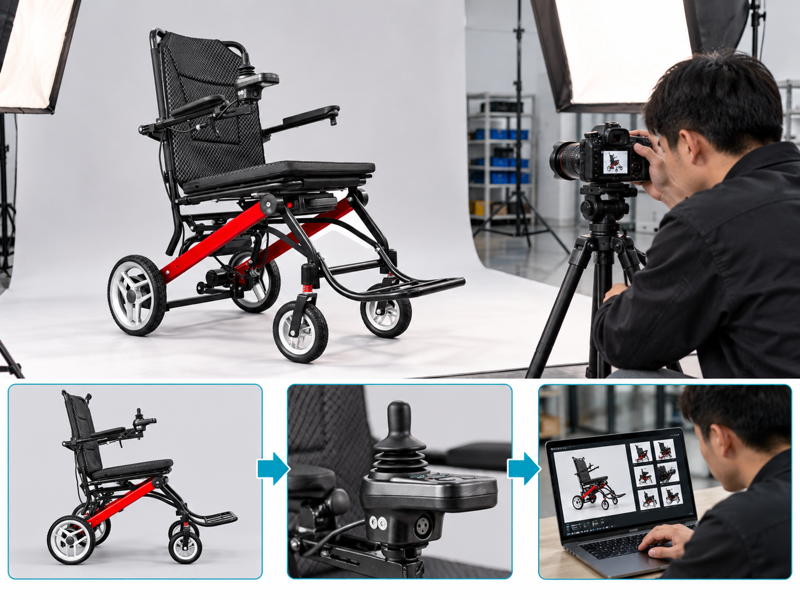
Plan electric wheelchair photos with a model-specific shot list that shows the complete chair, useful details and supplied setup. Your editor may receive several polished front views yet still lack a clear image of the controller or folded frame. That omission delays release and invites more questions. State the views, accessories and review process before the sample reaches the camera.
How should you plan electric wheelchair photos?
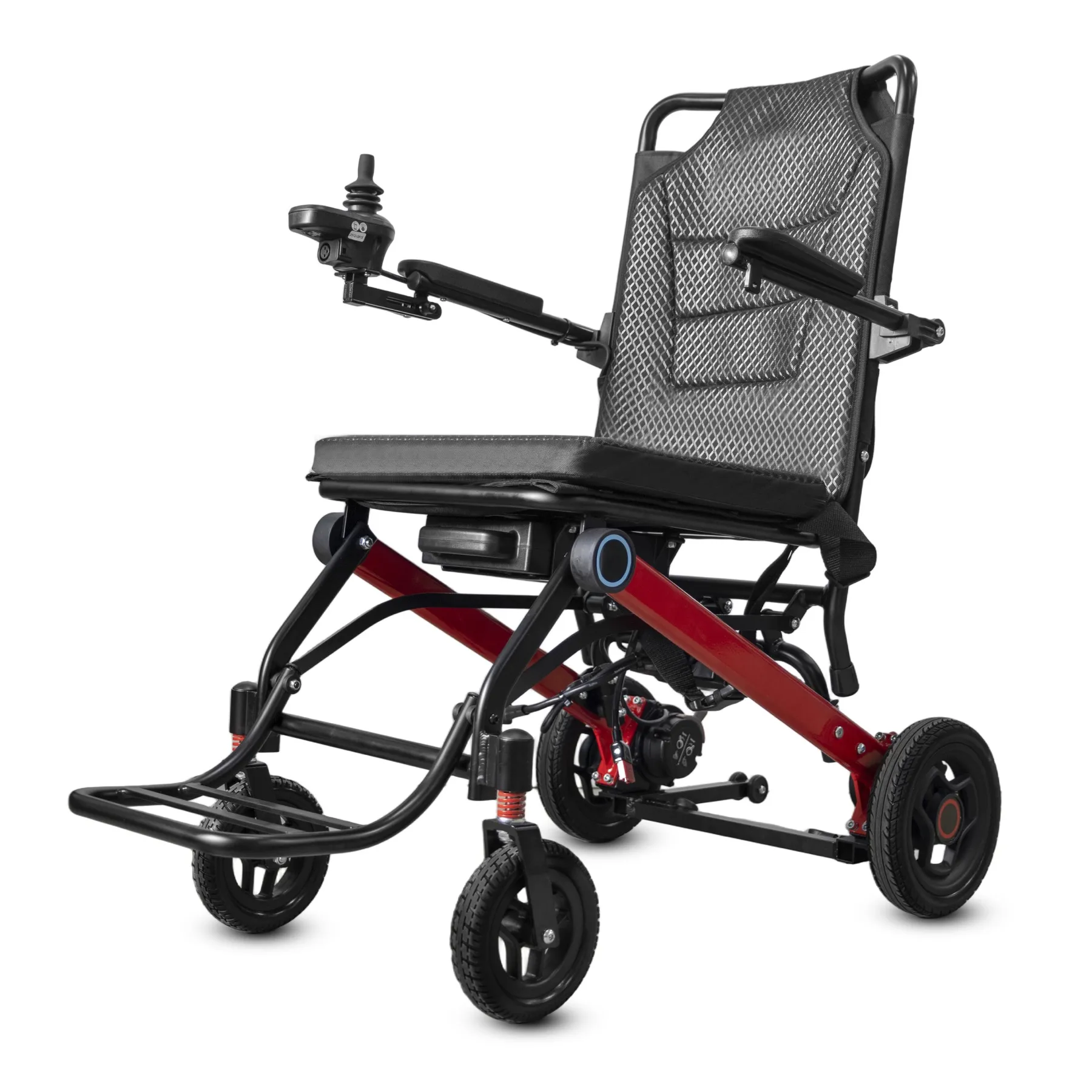
Plan electric wheelchair photos around the product setup and buyer questions you need to answer. A collection of attractive angles may still hide controls, folding details or included accessories.
Write a model-specific shot list
Write the shot list before filming. Choose a clean sample that matches the offer. Record its version before the photo session begins.
- Name the photographed model
- Define the required views
- List included accessories
| Check | What to keep |
|---|---|
| Name the photographed model | Sample record |
| Define the required views | Approved shot list |
| List included accessories | Offer setup |
Key Takeaway: You can commission a useful photo set instead of discovering missing views during page editing.
Which full-chair views should you request?
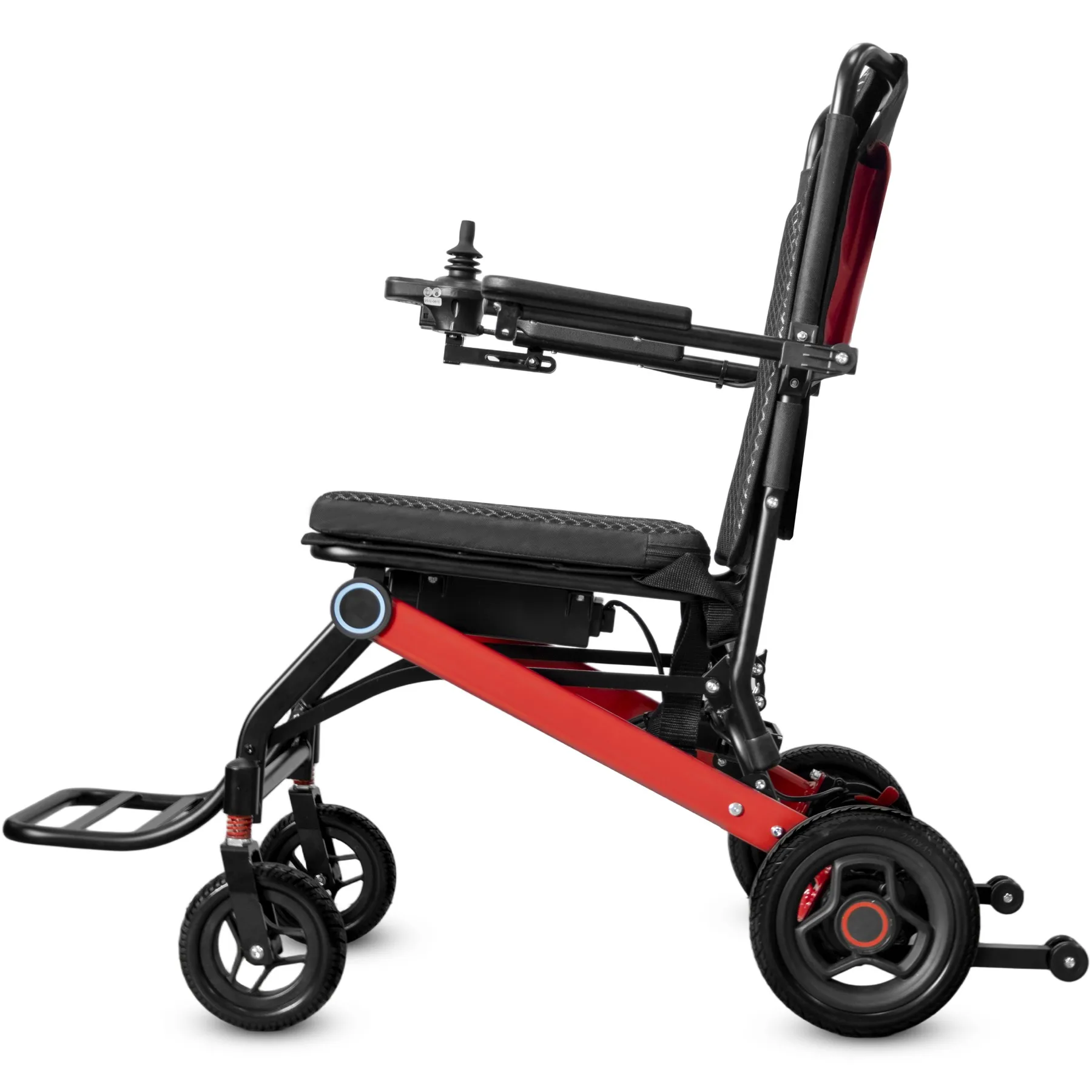
Useful electric wheelchair photos include complete front, side and rear views with enough space around every wheel and support. Cropped edges make shape and proportions harder to judge.
Keep full-chair views complete
Show the whole product clearly. Use a consistent camera height where comparison matters. Keep scale cues honest and avoid camera angles that disguise product depth. Use the chair-dimension review to plan useful views.
- Request complete product views
- Keep important edges visible
- Record camera consistency
| Check | What to keep |
|---|---|
| Request complete product views | Shot checklist |
| Keep important edges visible | Uncropped originals |
| Record camera consistency | Photo brief |
Key Takeaway: Buyers can recognize the complete chair before examining individual parts.
Which electric wheelchair photos details help buyers?
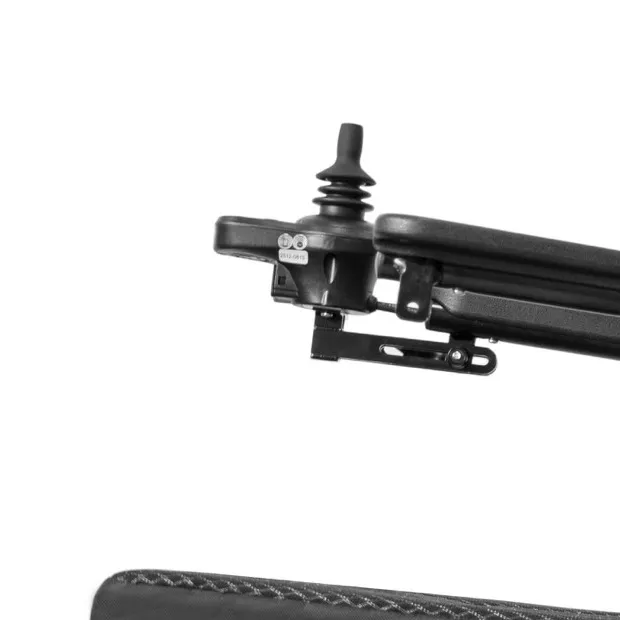
For electric wheelchair photos, prioritize controls, folding joints, seating, connectors and accessory interfaces relevant to the offer. Detail shots should name features rather than imply a repair procedure.
Pair detail shots with context
Choose details buyers ask about. Keep a wider context view for each close-up. Ask a technical reviewer to confirm that the photographed part belongs to the named version.
- Pair detail with context
- Name the pictured part
- Confirm model identity
| Check | What to keep |
|---|---|
| Pair detail with context | Linked image pair |
| Name the pictured part | Part or feature note |
| Confirm model identity | Technical review record |
Key Takeaway: A useful close-up answers a product question without leaving viewers to guess where the part sits.
How should folded views be presented?
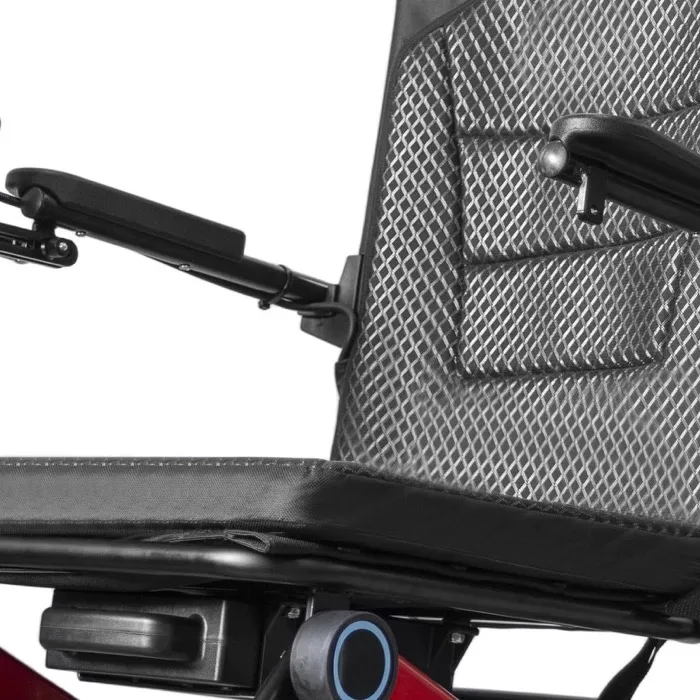
Present folded electric wheelchair photos with the actual setup and any removed items named separately. A compact picture can mislead when batteries or accessories disappear without explanation.
Explain the folded setup
Keep the folded setup honest. Follow the manufacturer's instructions when preparing the sample. Keep an open view of the same chair for comparison.
- Name removed items
- Show the matching open chair
- Use approved folding instructions
| Check | What to keep |
|---|---|
| Name removed items | Preparation record |
| Show the matching open chair | Paired photos |
| Use approved folding instructions | Model document reference |
Key Takeaway: Buyers can understand the shown storage setup without assuming every part remains attached.
How should electric wheelchair photos show accessories?
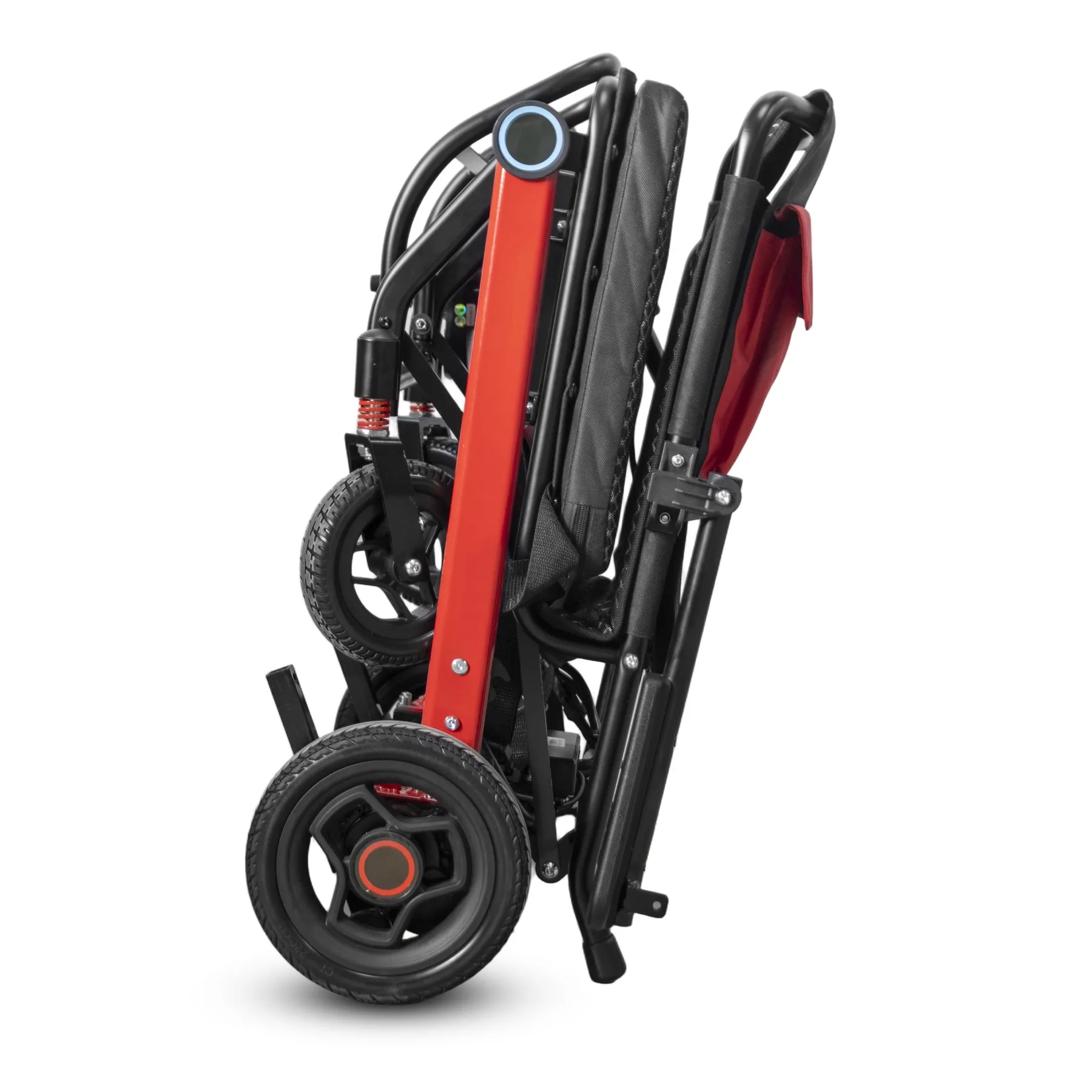
Accessories can appear in electric wheelchair photos when their inclusion or optional status is clear. A staged display should not create an unintended promise about supplied equipment.
Name accessory status
Separate the offer from the display. Keep optional supports and bags clearly named. Use separate files where different setups would otherwise look like one standard product. Show the offered armrest configuration clearly.
- List included equipment
- Name optional accessories
- Keep separate setup shots
| Check | What to keep |
|---|---|
| List included equipment | Offer contents |
| Name optional accessories | Variant notes |
| Keep separate setup shots | Organized image folders |
Key Takeaway: Your images support accurate order discussions rather than creating avoidable disputes about extras.
What editing suits electric wheelchair photos?
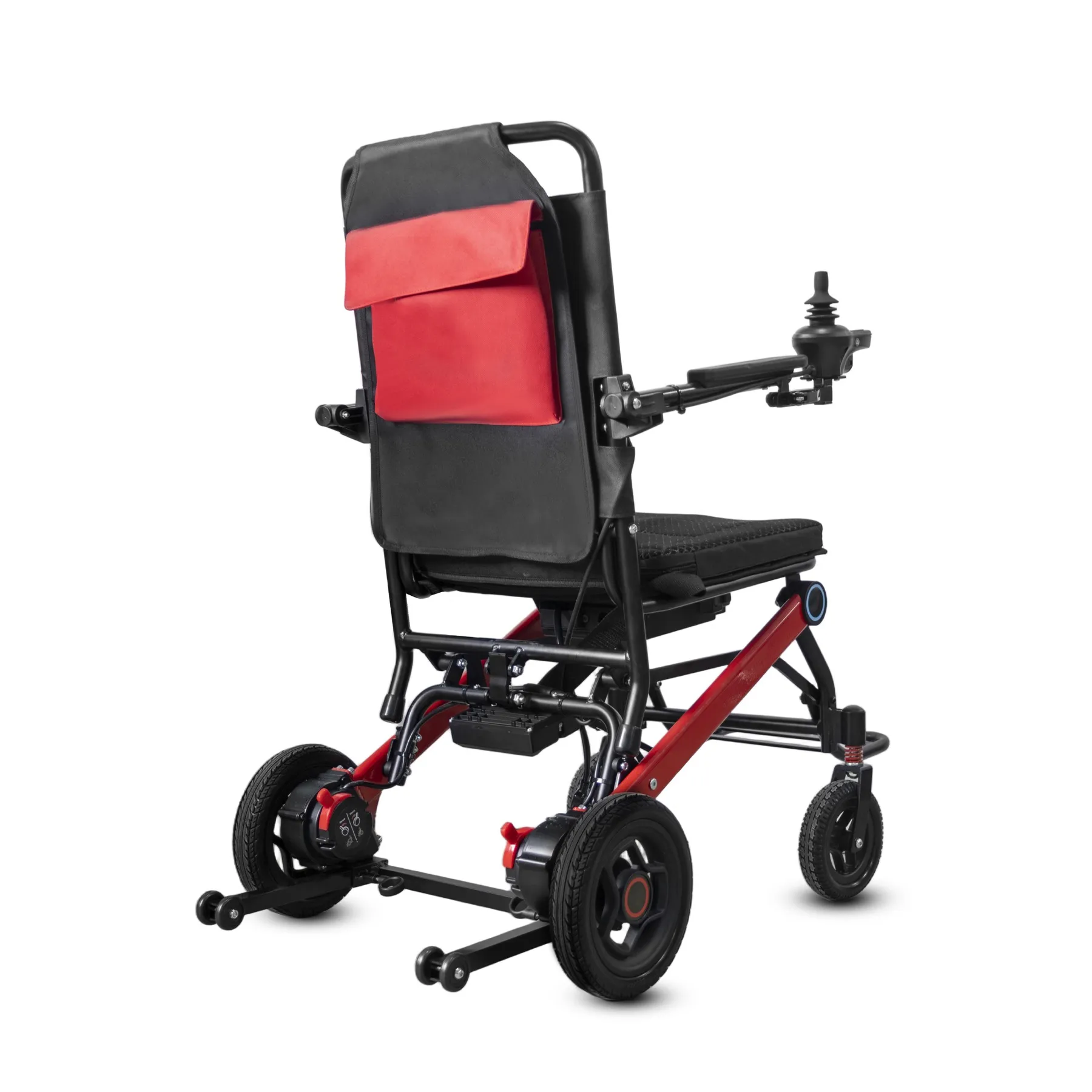
Edit electric wheelchair photos for exposure, background cleanup and layout while preserving real product structure. Do not remove wires, change frame geometry or add features to improve appearance.
Retouch without changing structure
Preserve the product itself. Keep original files for comparison. A reviewer should check that retouching has not hidden a supplied part or changed its apparent position.
- Keep source photos
- Check structural fidelity
- Record accepted edits
| Check | What to keep |
|---|---|
| Keep source photos | Original image archive |
| Check structural fidelity | Before-and-after review |
| Record accepted edits | Editing approval note |
Key Takeaway: You can improve presentation while keeping the photographed product clear and truthful.
How should filenames and alt text work?
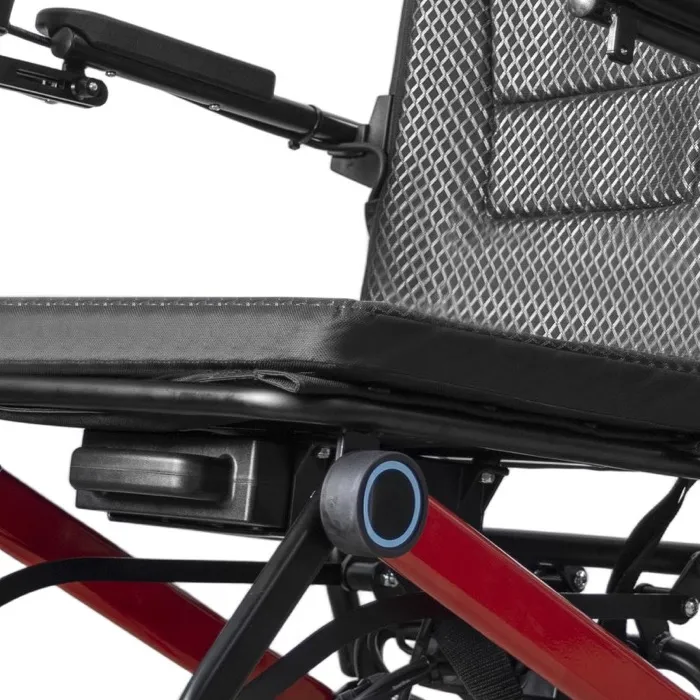
Organize electric wheelchair photos with model, view and version in the file record. Alt text should describe the pictured product or feature without repeating unsupported specifications.
Name and describe each image
Make each file clearly named. Keep image metadata consistent with the page language. Avoid adding capacity or performance claims simply to fill an alt-text field.
- Name model and view
- Describe visible content
- Record image version
| Check | What to keep |
|---|---|
| Name model and view | File naming convention |
| Describe visible content | Reviewed alt text |
| Record image version | Media register |
Key Takeaway: Your team can retrieve the right image and describe it accurately across channels.
When should electric wheelchair photos be replaced?
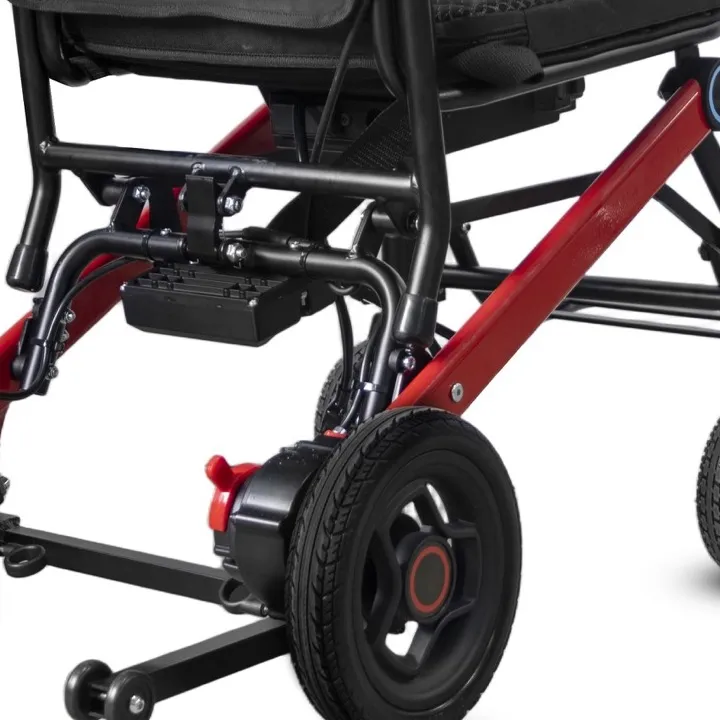
Review electric wheelchair photos whenever visible parts or supplied equipment change. An updated front image does not correct an old controller close-up lower on the page.
Review revised product versions
Replace the affected views together. Compare the complete image set with the revised sample. Keep superseded files away from current release folders. Retain a separate parts list for accessory identification.
- Name changed features
- Review every related image
- Archive superseded files
| Check | What to keep |
|---|---|
| Name changed features | Revision comparison |
| Review every related image | Photo-set checklist |
| Archive superseded files | Separated media folder |
Key Takeaway: You reduce the risk of selling a new setup with a mixture of old photos.
How can a buyer approve the photo set?
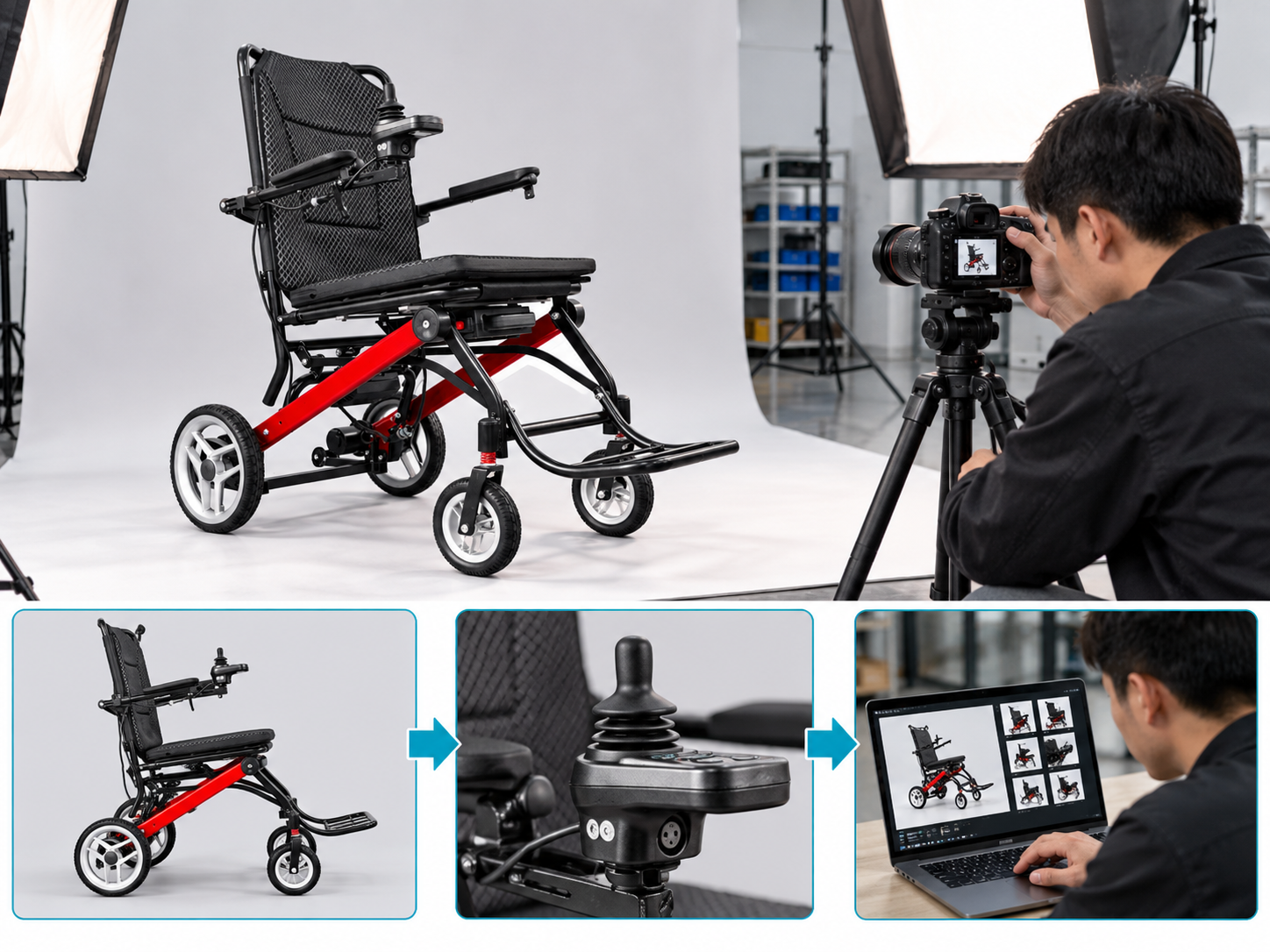
Approve electric wheelchair photos against the named sample and agreed shot list. A visual review should confirm completeness, model identity and accurate presentation rather than certify performance.
Approve the agreed photo scope
Review against the shot list. Ask the reviewer to note missing angles or unclear details. Keep acceptance separate from product testing or technical approval. MHRA device-use checklists provide context for device identity and record keeping.
- Check required views
- Confirm photographed version
- Record requested corrections
| Check | What to keep |
|---|---|
| Check required views | Completed shot list |
| Confirm photographed version | Sample reference |
| Record requested corrections | Photo review notes |
Key Takeaway: A bounded approval makes clear what the photo review establishes and what it does not.
What should an electric wheelchair photos brief contain?
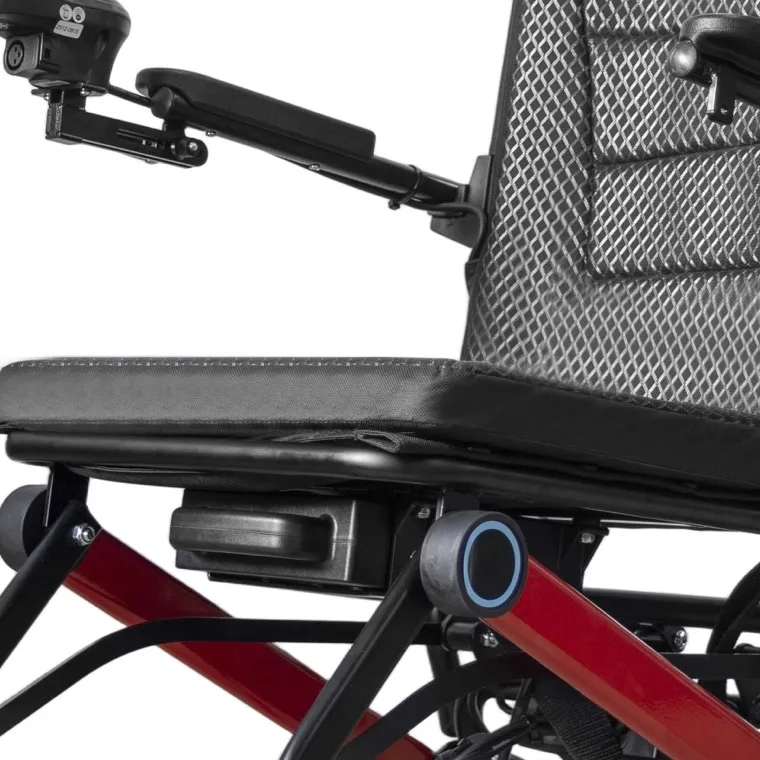
Send your electric wheelchair photos brief with the exact sample, intended channels and required views. State which accessories belong in each setup and which details must remain visible.
Prepare your photography handover
Give the photographer a usable plan. Ask for original files plus suitable release copies. Use the reviewed images alongside current product details rather than as a substitute for it.
- Name the sample version
- State the shot list
- Set delivery formats
| Check | What to keep |
|---|---|
| Name the sample version | Product reference |
| State the shot list | View-by-view brief |
| Set delivery formats | File handover agreement |
Key Takeaway: You can obtain product images that answer buyer questions and stay consistent with the offered chair. Contact us with your model and order brief so we can discuss the required product information. AryMD supports wheelchair buying decisions built on clear, model-specific facts.
Frequently asked questions
Q1: Can I use the same photos for similar chair models?
Only when they accurately show the offered version. Visible differences need their own images or clear labels.
Q2: What's the best way to show a folded chair?
Pair it with the matching open setup. Name anything removed before folding.
Q3: How do I know if a close-up is useful?
Check whether it answers a buyer question. Keep a wider view showing where the detail belongs.
Q4: Can I edit away cables for a cleaner picture?
No. Editing should preserve the actual product structure and included parts.
Q5: Can generated scenes replace real product photos?
Use them as named illustrations. They should not serve as evidence of actual product details, testing or factory visits.