
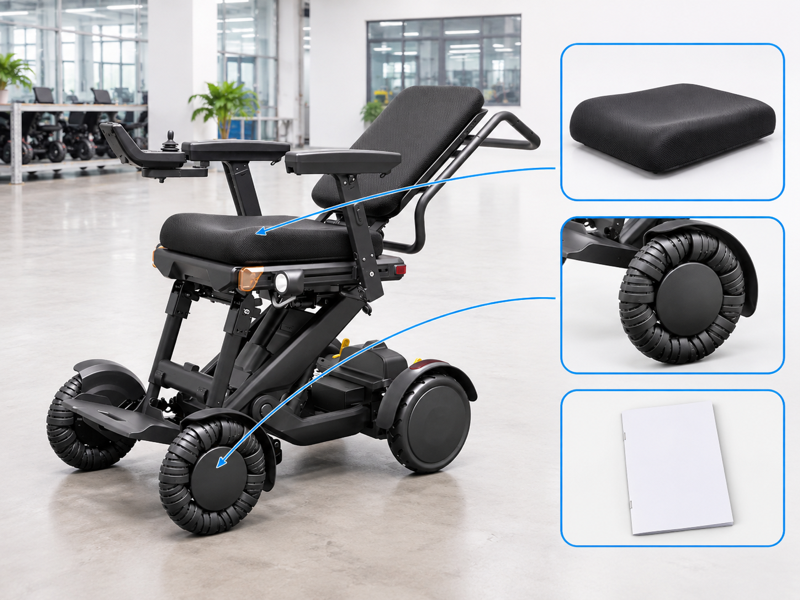
Plan XSTO M4Pro features around the user's seating needs, daily tasks and transport arrangements. A long feature list can make a buyer overlook which version or accessories the quote actually includes. That gap often appears when fitting, delivery or service teams ask different questions. Use one current configuration record to keep those decisions connected.
Which XSTO M4Pro features should buyers compare first?
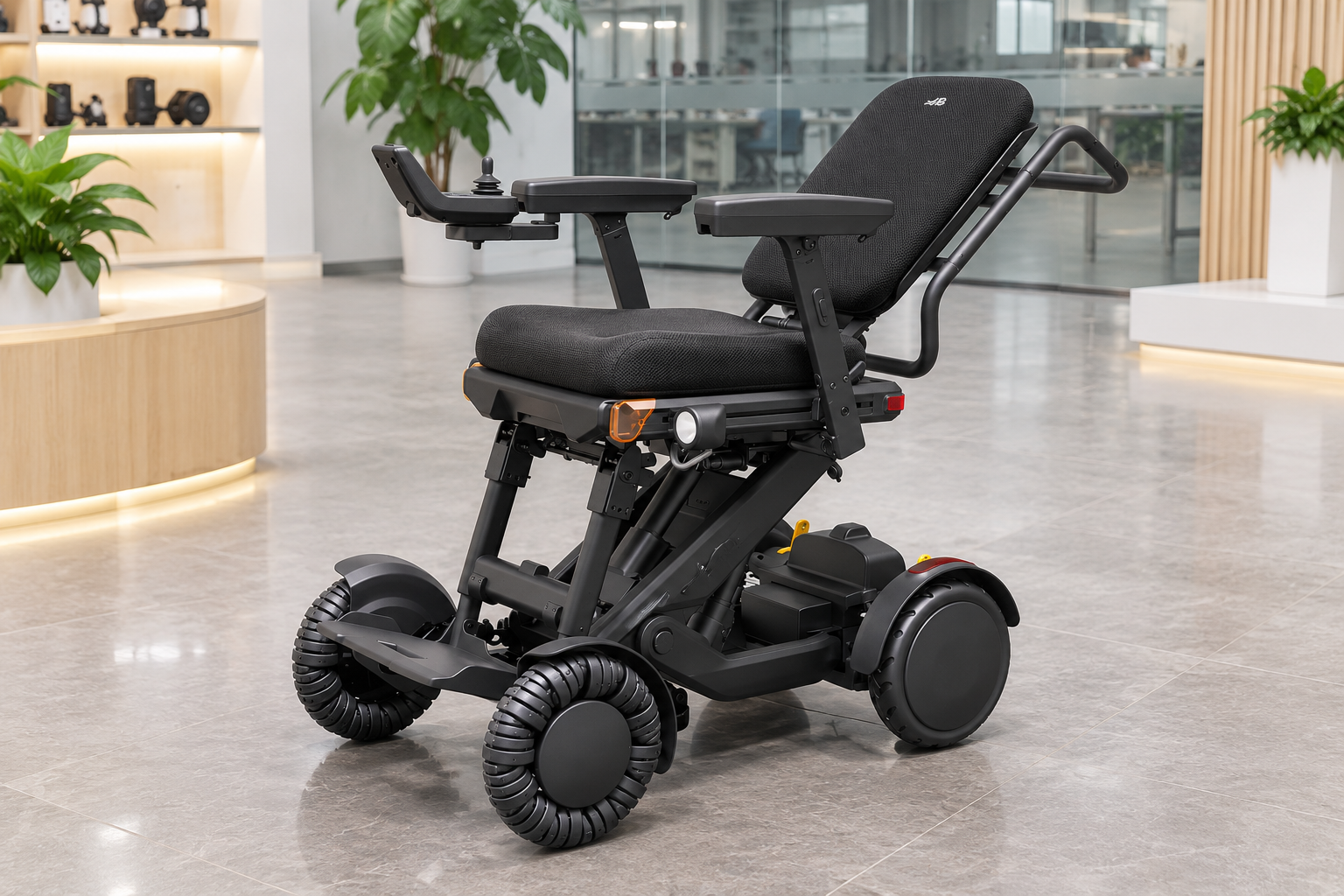
Compare XSTO M4Pro features through seating, controls, transport and support needs for the actual user. The supplied product images show a powered lift frame, adjustable seating, roller-style front wheels and a folding design.
Start with the tasks the chair must support
Name the daily need before the option. A desk, a car boot and a service workshop each raise different questions. Record the proposed configuration so those teams review the same chair. WHO guidance supports assessment, fitting and follow-up.
- Seating need
- Transport task
- Support route
| Review point | What to confirm |
|---|---|
| Seating need | Personal fit and reach |
| Transport task | Actual vehicle and handling plan |
| Support route | Named supplier and service contact |
Key Takeaway: You can turn a feature list into a buying brief that reflects real tasks.
How does the Pro differ from other M4 versions?
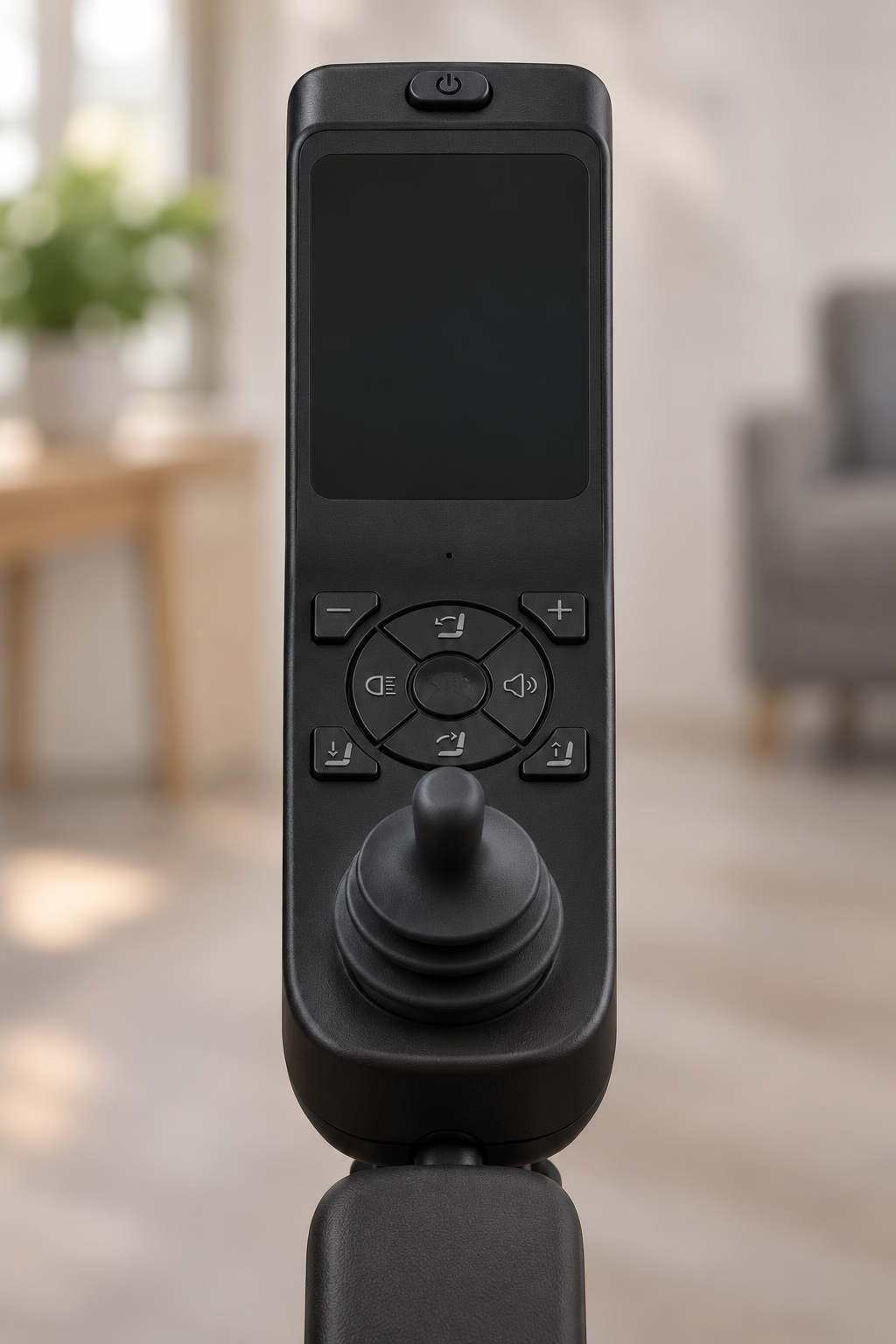
XSTO M4Pro features must be matched to the Pro version rather than copied from another M4 listing. Similar names can conceal different seating, batteries, dimensions or supplied options.
Which model is actually quoted?
Check the model reference in writing. Request a current specification and matching photographs from the supplier. Keep the product code and document revision beside the quoted model name. Use the same identity checks as your model review.
- Exact model
- Current source
- Supplied setup
| Review point | What to confirm |
|---|---|
| Exact model | Pro version and product code |
| Current source | Applicable specification revision |
| Supplied setup | Matching product photographs |
Key Takeaway: Your comparison can avoid carrying an older model's figures into a new order.
What do XSTO M4Pro features change about seating?
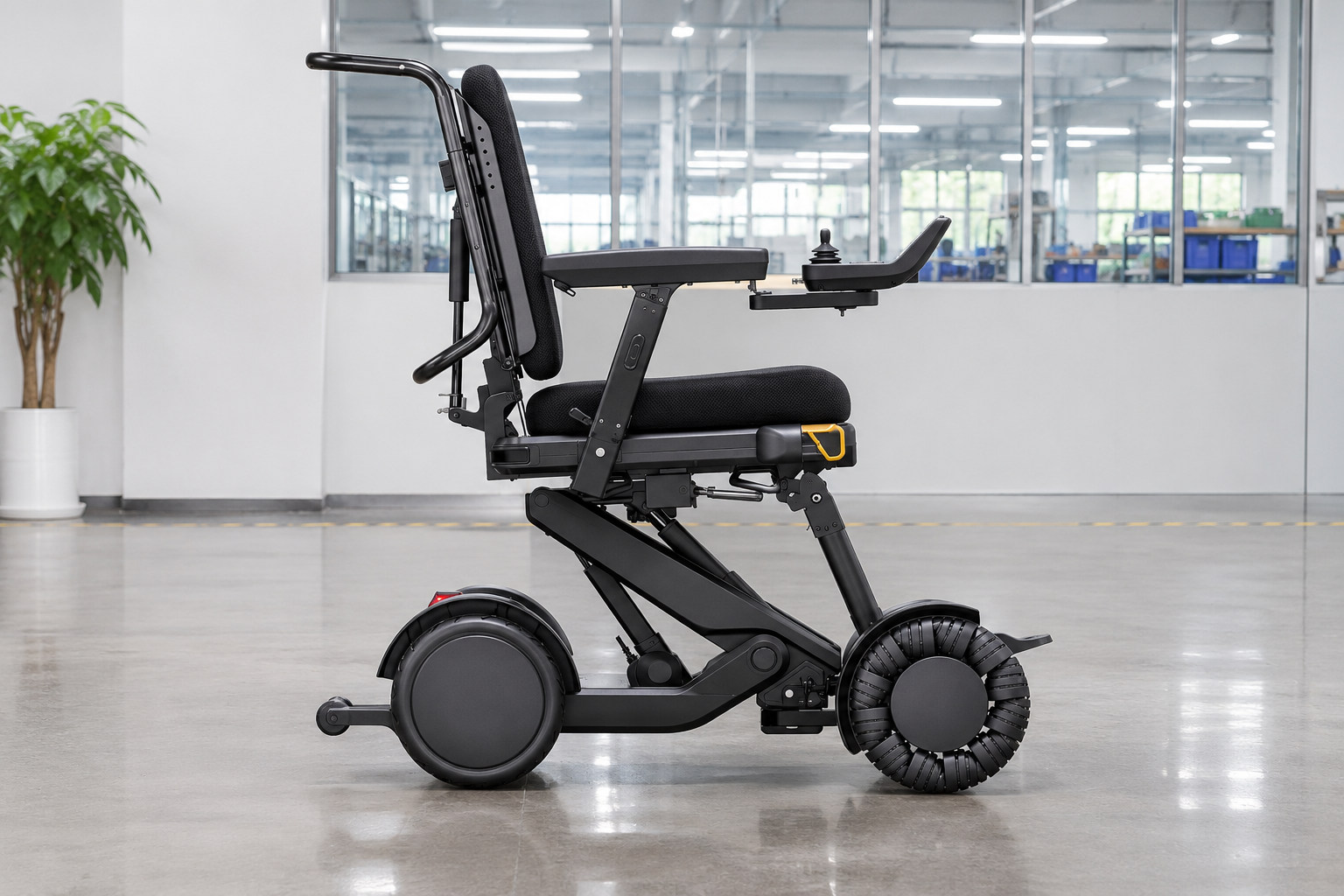
The seating-related XSTO M4Pro features provide several ways to configure height, angle and support. These adjustments create review options but do not establish that one setup suits every person.
Separate the seating functions
Each adjustment answers a different question. Seat lift changes height, seat tilt changes the sitting platform's angle and backrest recline changes its relationship with the seat. A qualified review should consider the complete arrangement.
- Seat lift
- Seat tilt
- Backrest recline
| Review point | What to confirm |
|---|---|
| Seat lift | Height and reach |
| Seat tilt | Platform angle |
| Backrest recline | Back-to-seat relationship |
Key Takeaway: You can discuss the right seating function without treating all adjustments as equivalent.
What should buyers understand about the front wheels?
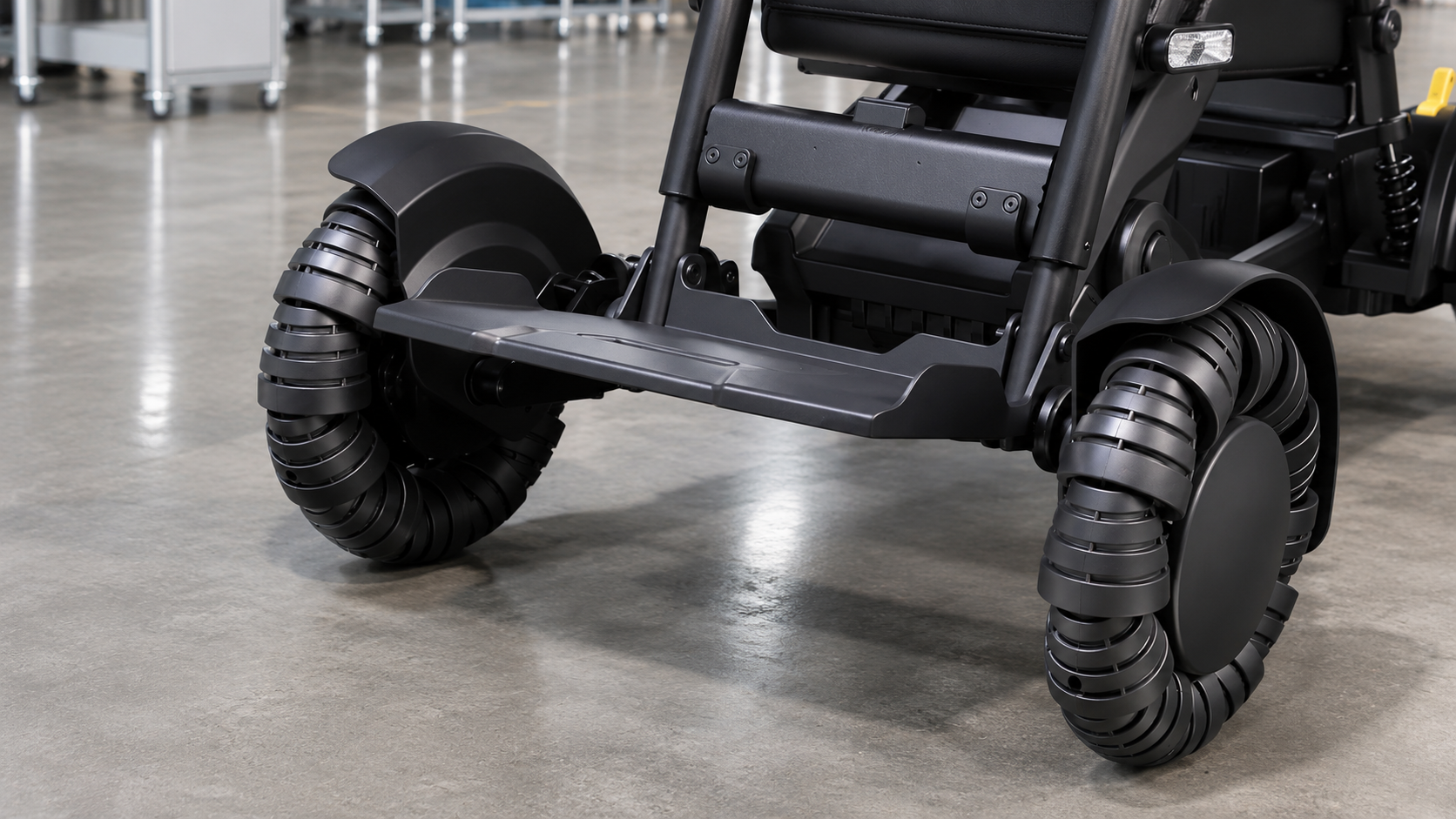
The wheel-related XSTO M4Pro features include distinctive front rollers shown in the supplied images. Their appearance does not by itself prove a route, turning space or obstacle is suitable.
Read the wheel design with the route plan
The whole chair still needs room. Request the current turning definition and full product envelope. Avoid using a wheel close-up as proof of a particular driving maneuver.
- Front-wheel identity
- Turning definition
- Route context
| Review point | What to confirm |
|---|---|
| Front-wheel identity | Correct roller design |
| Turning definition | Radius or diameter stated |
| Route context | Actual space and surface |
Key Takeaway: You can ask useful maneuvering questions without guessing from wheel appearance.
Can XSTO M4Pro features make it a stair-climbing chair?
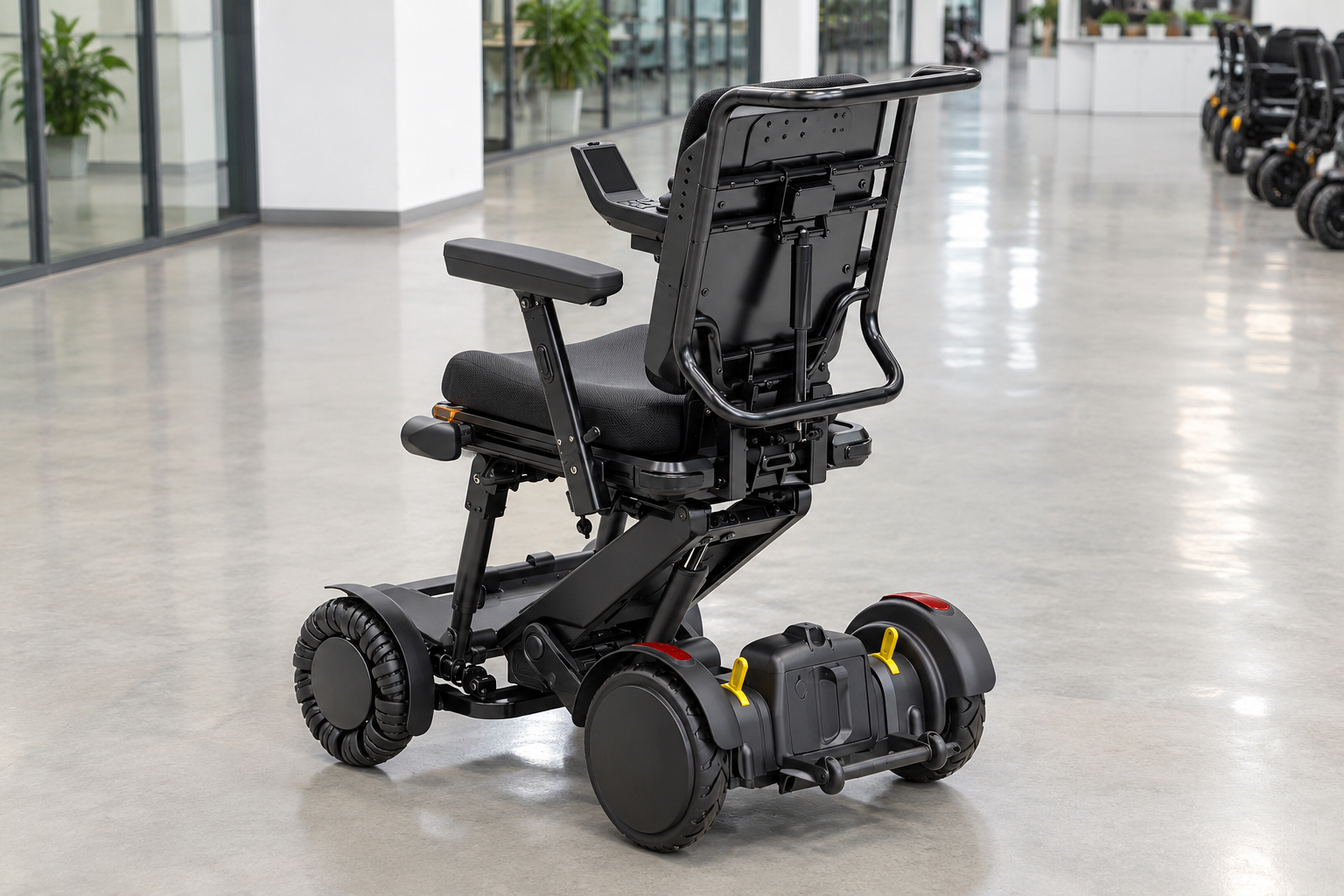
No, XSTO M4Pro features should not be presented as permission to use stairs. The reviewed M4 Pro manual excludes stair use, so a marketing reference to obstacles must not become a stair-climbing promise.
Keep terrain claims within the applicable guide
A headline is not an operating limit. Ask the supplier to resolve any conflict between promotional wording and the supplied instructions. Do not plan a staircase demonstration from a general product description. Keep that restriction within the intended use-case review.
- Applicable guide
- Conflicting claim
- Planned route
| Review point | What to confirm |
|---|---|
| Applicable guide | Exact model instructions |
| Conflicting claim | Written supplier clarification |
| Planned route | Approved use context |
Key Takeaway: You can avoid selecting this model for a task that its guidance does not support.
How should advertised speed and range be read?
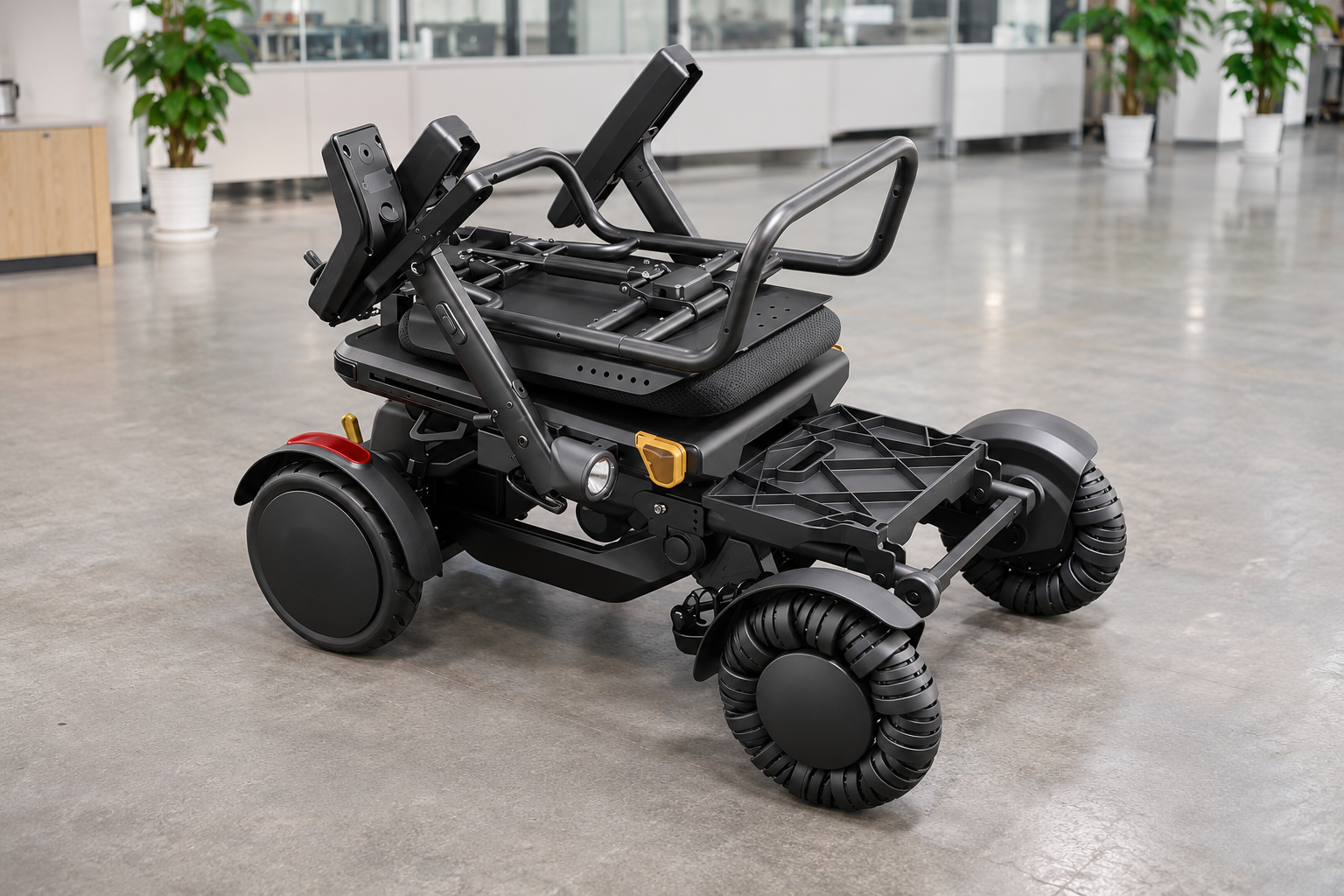
Treat speed and range within XSTO M4Pro features as stated product figures with conditions. The supplied comparison sheet lists 6 km/h and 26 km, but neither figure guarantees every trip's result.
Ask about the conditions behind the figures
Your route adds real constraints. Request the test basis and the proposed battery configuration. Record how your service will review actual distance needs without promising a fixed daily range.
- Listed speed
- Listed range
- Actual need
| Review point | What to confirm |
|---|---|
| Listed speed | Specified operating limit |
| Listed range | Stated test conditions |
| Actual need | Route and battery review |
Key Takeaway: You can compare published figures without turning them into a personal travel guarantee.
What does the folding design mean for transport?
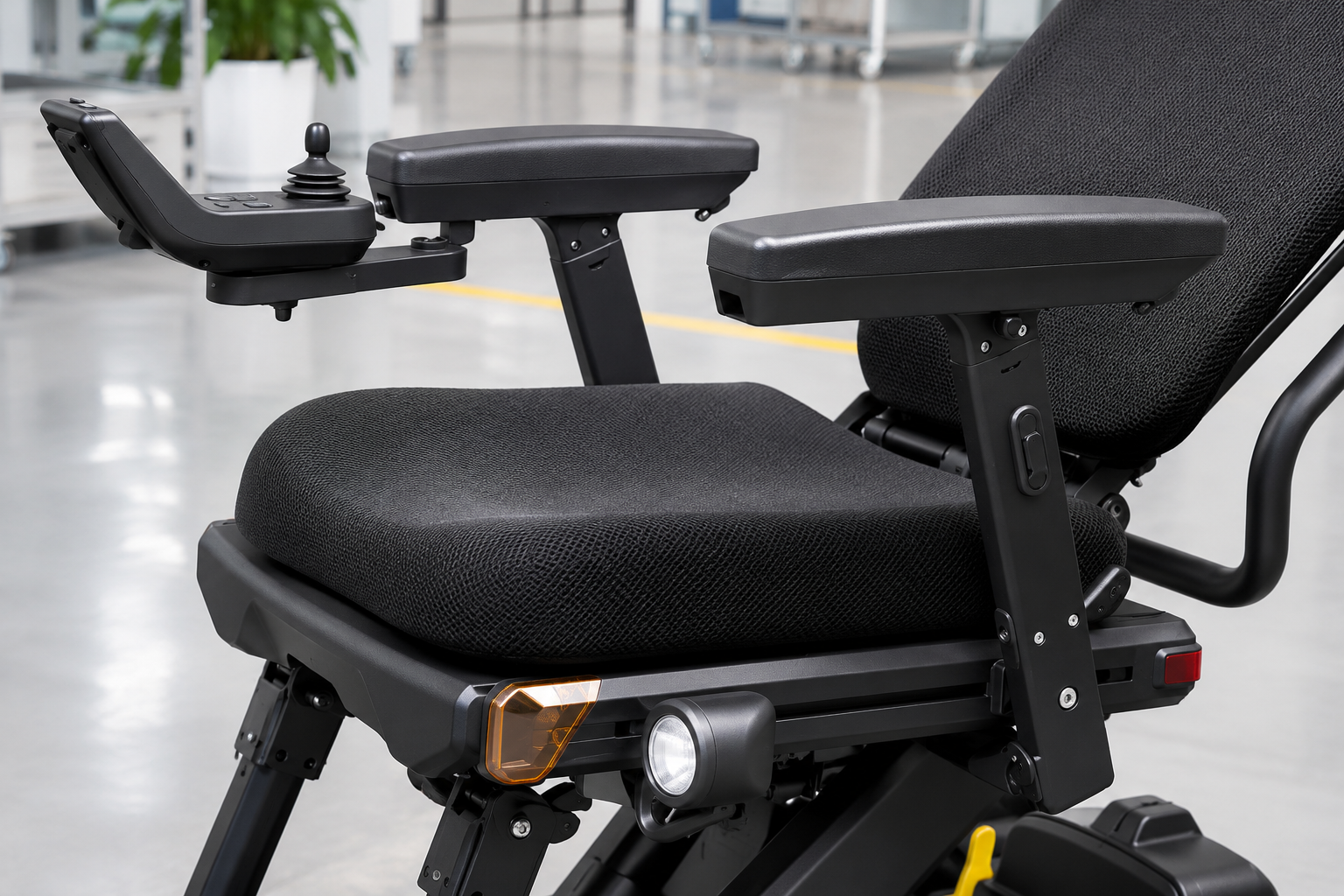
The folding-related XSTO M4Pro features provide defined compact states and separable structural groups. A folded product can still require a careful assessment of size, mass and handling arrangements.
Define the transport state
Compact and easy to handle are separate questions. Ask which parts remain fitted in the quoted dimensions. Match that state to the actual vehicle opening and the handling plan.
- Folded state
- Handling mass
- Vehicle space
| Review point | What to confirm |
|---|---|
| Folded state | Named product arrangement |
| Handling mass | Complete item set |
| Vehicle space | Measured opening and load area |
Key Takeaway: You can evaluate transport with a defined load rather than a general portability claim.
Which accessories should be confirmed separately?
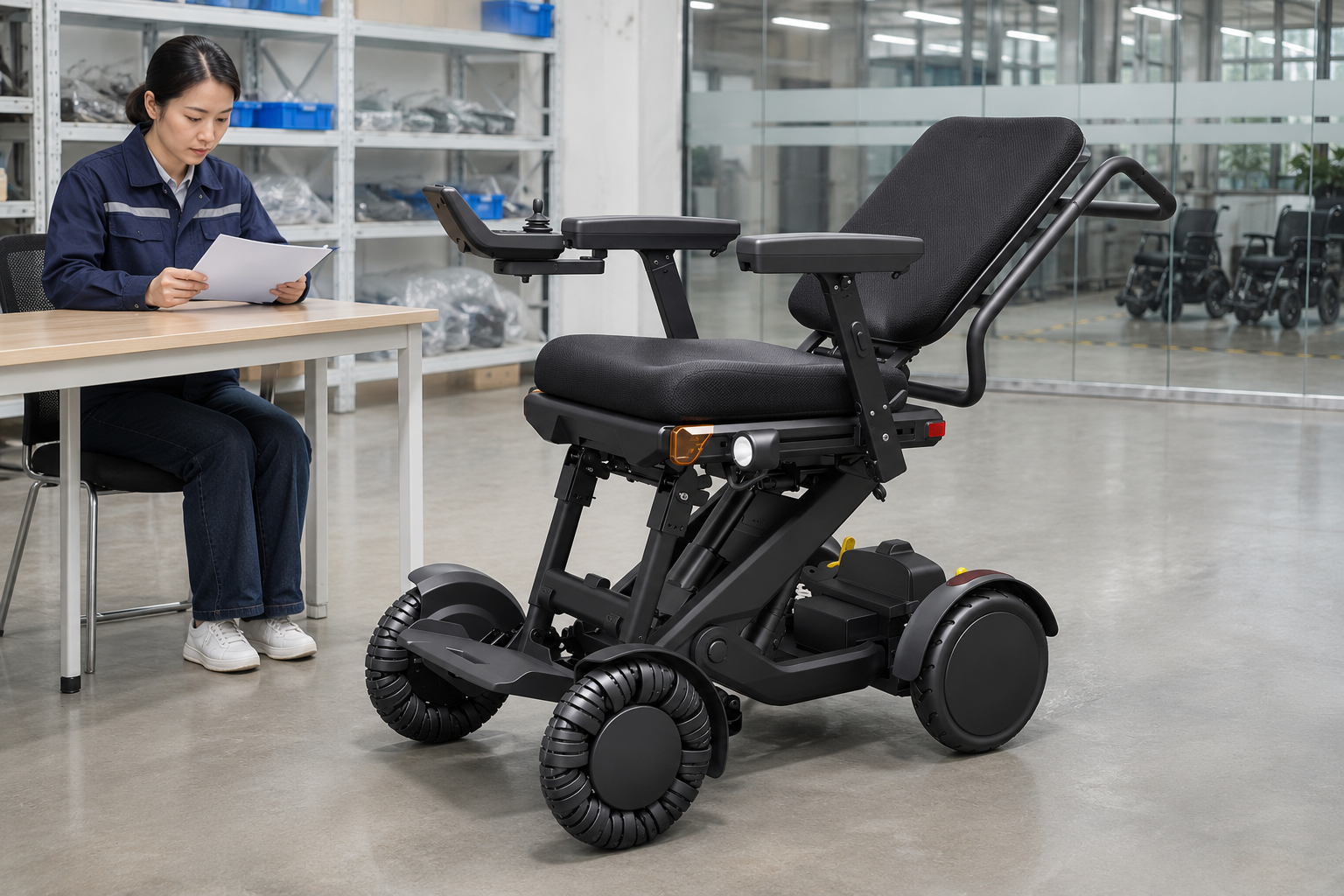
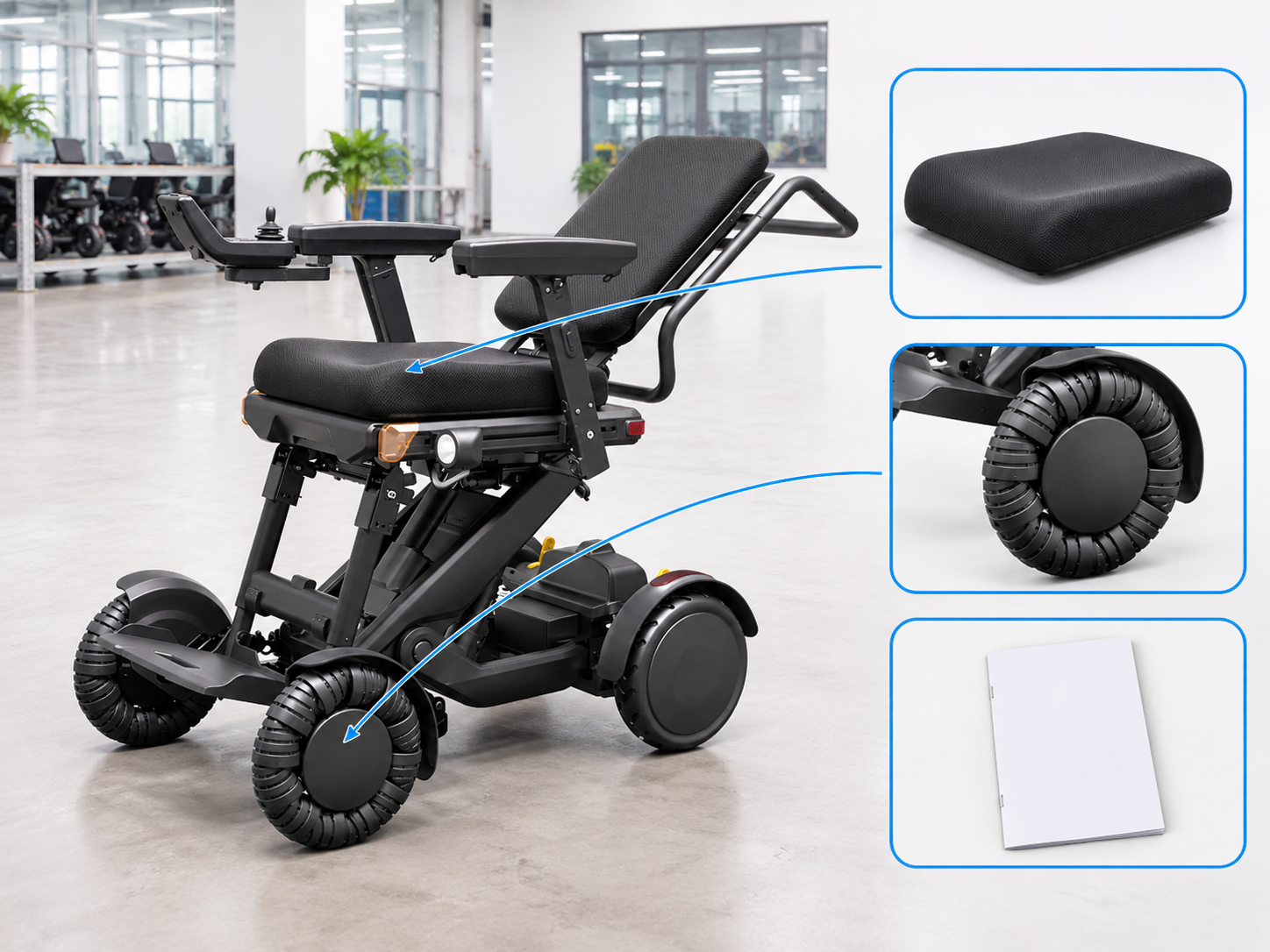
Accessories shown alongside XSTO M4Pro features should be itemized in the offer. Headrests, lateral supports, bags or other options should not be assumed included merely because a brochure shows them.
Read the contents line by line
The photo may show a configured example. Ask for the exact part references and compatible setup. Keep personal support choices within the appropriate assessment process. Retain the offered accessories in the parts list.
- Included items
- Optional items
- Compatibility
| Review point | What to confirm |
|---|---|
| Included items | Written contents list |
| Optional items | Separate offer lines |
| Compatibility | Model-specific confirmation |
Key Takeaway: You can see what the price actually covers before accepting the order.
What should an XSTO M4Pro features demonstration record?
An XSTO M4Pro features demonstration should record the actual model, shown configuration and questions it addressed. Watching an empty-chair display does not replace individual fitting, training or route review.
Give the demonstration a clear purpose
Record what was shown and what remains open. Ask the provider to use the applicable instructions and identify any optional parts. Keep the resulting notes with the purchasing brief.
- Shown model
- Shown setup
- Open questions
| Review point | What to confirm |
|---|---|
| Shown model | Exact demonstration unit |
| Shown setup | Fitted parts and product state |
| Open questions | Named follow-up items |
Key Takeaway: You can use a demonstration as evidence for specific decisions without overstating its scope.
How can you request XSTO M4Pro features information?
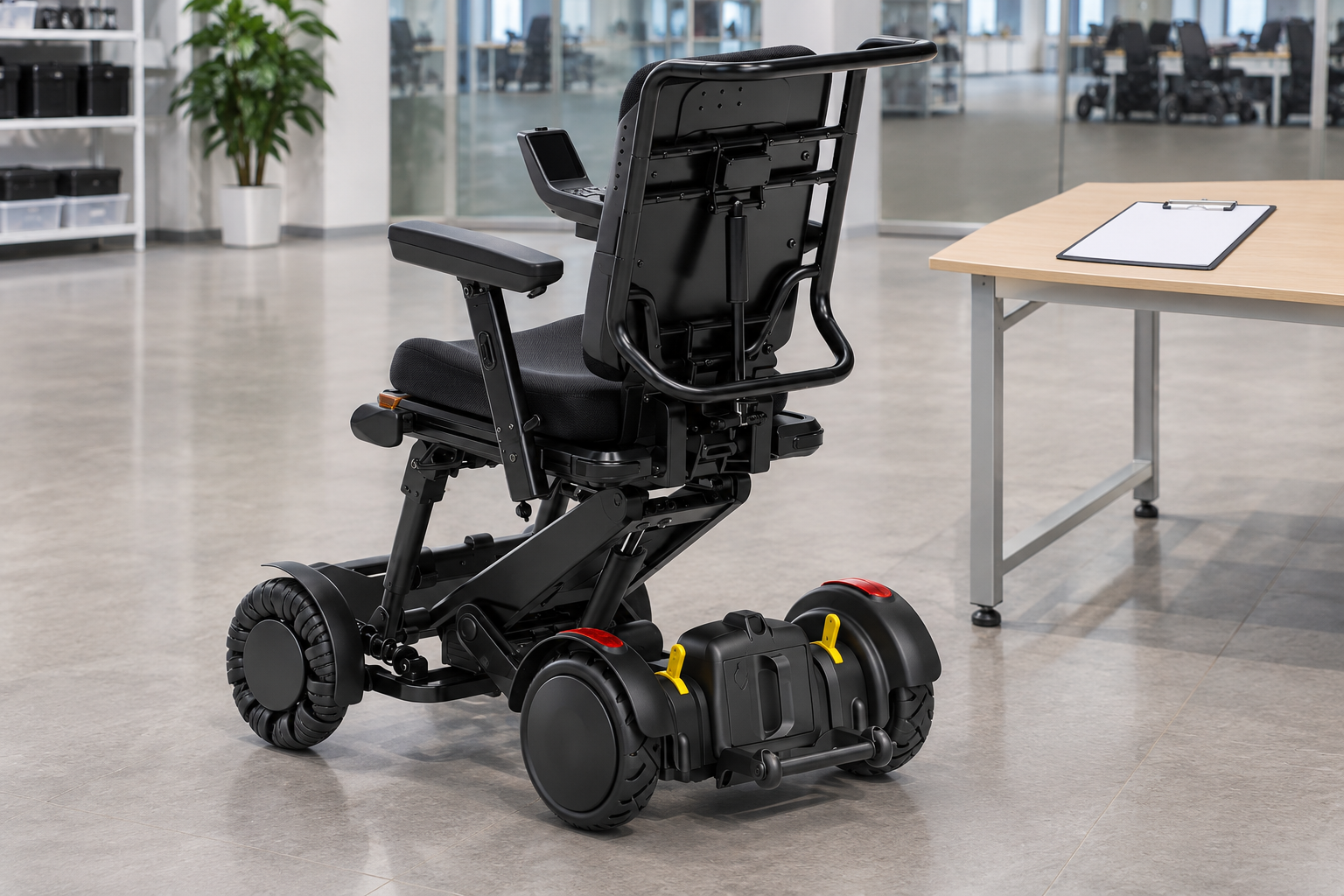
Request XSTO M4Pro features information with your intended user group, service setting and transport needs. Ask for the current configuration, written specifications and support scope in one response.
Prepare a model-specific inquiry
Make the purchasing question concrete. Include the seating, battery and accessory choices that need confirmation. Clear inputs help the supplier answer the actual order question.
- Model scope
- Use context
- Written response
| Review point | What to confirm |
|---|---|
| Model scope | Exact Pro configuration |
| Use context | User service and transport needs |
| Written response | Specifications contents and support |
Key Takeaway: You can resolve the product choices before committing to a configuration. Contact us with your M4 Pro configuration and purchasing questions so we can discuss the product information and written scope you need. AryMD puts clear product facts at the center of buying decisions.
Frequently asked questions
Q1: Can I use an older M4 specification for the Pro?
No. Match the exact model, document revision and offered configuration before comparing figures or parts.
Q2: What's the best feature to compare first?
Start with the task the chair must support. Seating fit, controls, transport and service needs may matter more than the longest feature list.
Q3: How do I know whether a headrest or bag is included?
Check the itemized offer. A brochure image can show optional equipment that is not part of the quoted package.
Q4: Can the M4 Pro be treated as a stair-climbing model?
No. The reviewed model guide excludes stair use, so do not convert a general obstacle claim into a staircase plan.
Q5: Does the stated range guarantee every trip?
No. Confirm the battery and stated test conditions, then review the actual route and service needs.