
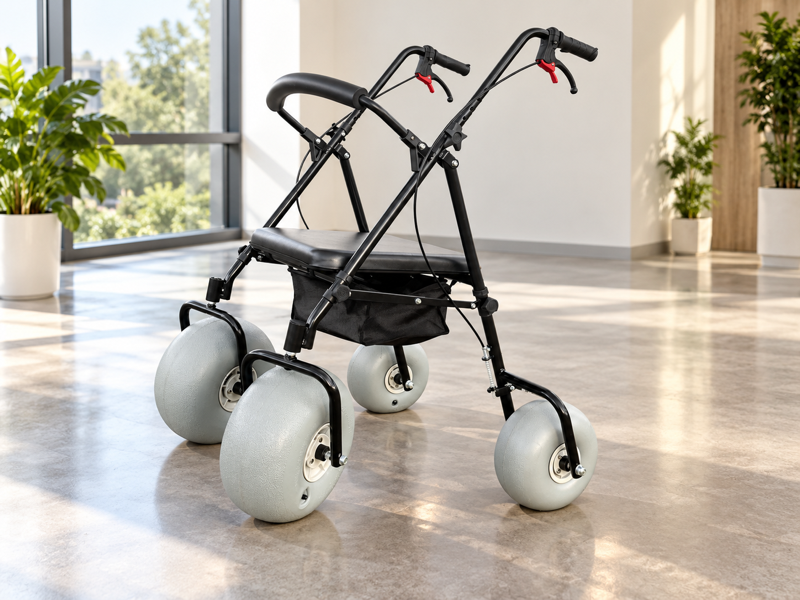
Build a beach series range sheet by giving each model its own identity, role and evidence. A combined catalog table can accidentally borrow a dimension, option or water-use claim from another product. That can make the range look clearer than its data really are. Keep fields defined and unresolved facts visible before sharing the sheet.
What should a beach series range sheet explain?
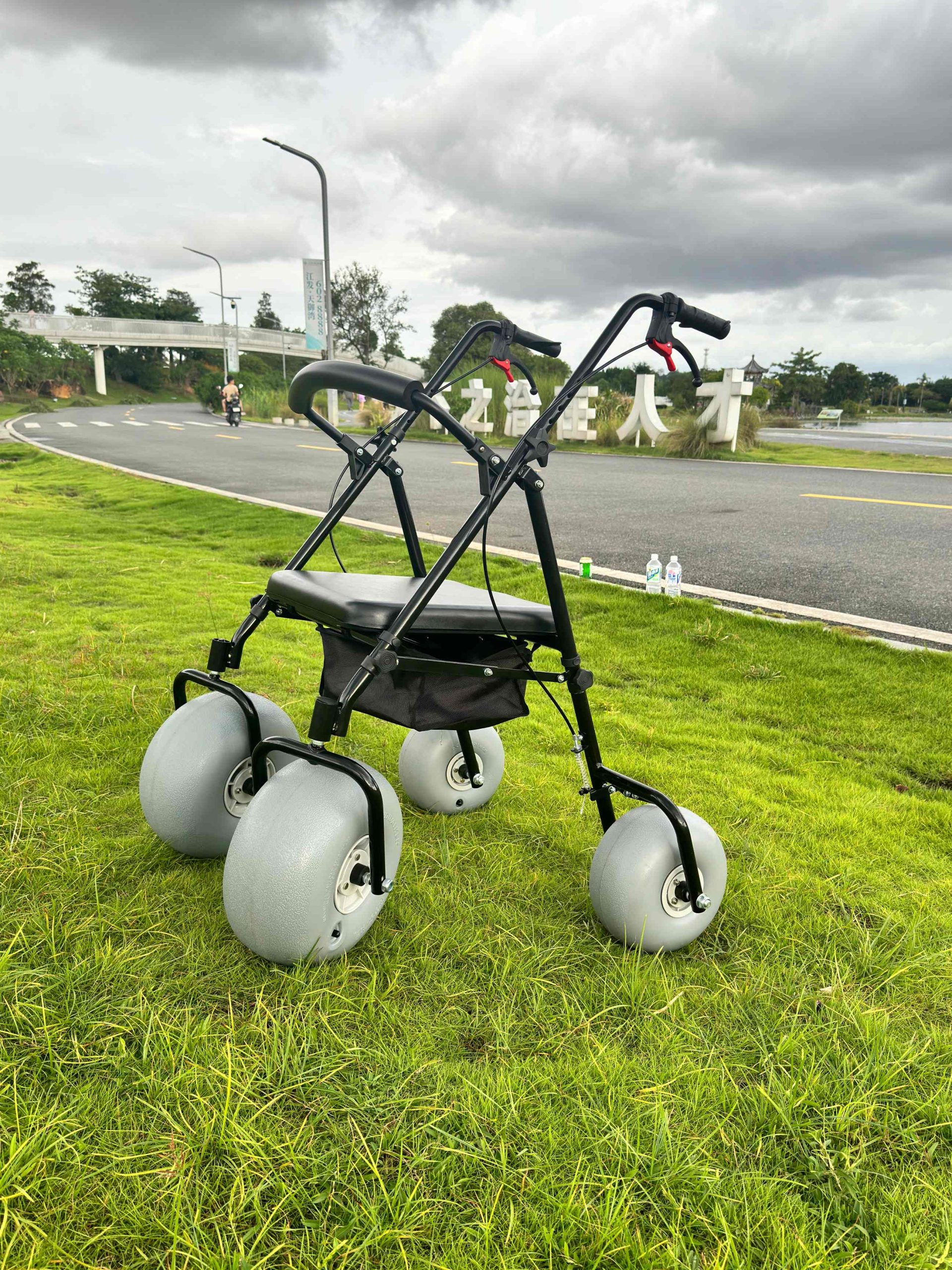
A beach series range sheet should explain which products are in the current range and the distinct roles each one is intended to address. It should not merge several models into one combined set of features.
Start with product identity
Give every row its own model reference. Separate walker, seated-mobility and proposed water-use information. Use current source files for each product. WHO guidance links assistive products with supporting services.
- Name each model
- Separate intended roles
- Attach current sources
| Check | Record to retain |
|---|---|
| Name each model | Range list |
| Separate intended roles | Product categories |
| Attach current sources | Model records |
Your buyer can understand the range without combining unrelated features.
Which fields belong in the range sheet?
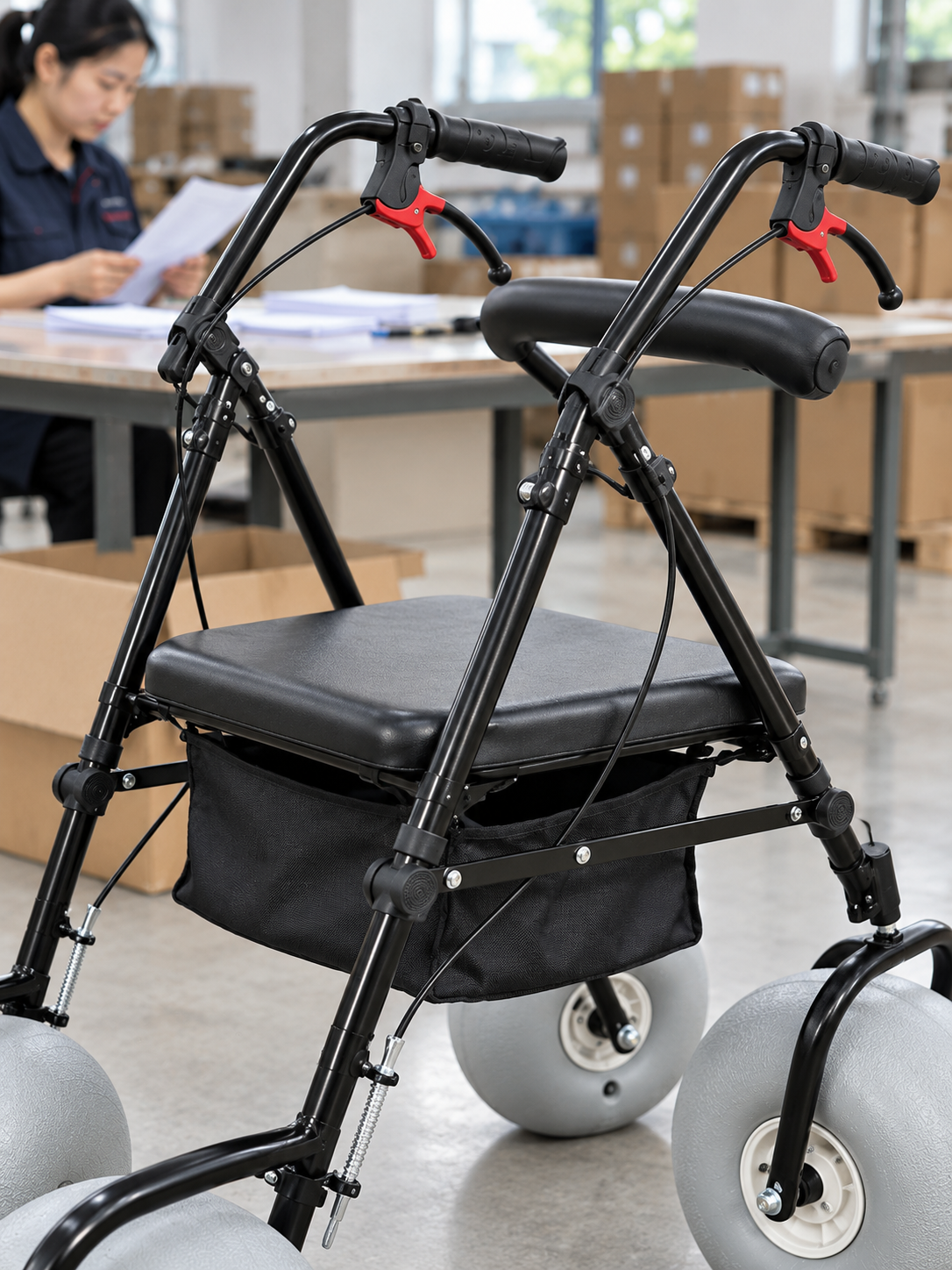
Fields in a beach series range sheet should support the buyer's actual comparison, with clear definitions and sources. Model, product role, relevant dimensions and supplied options need distinct entries.
Choose useful comparison fields
A crowded page can still omit the key question. Keep uncertain data marked as unresolved. Do not add impressive-looking numbers simply to fill the layout. Request missing range data through the supplier review.
- Define each field
- Record source
- Flag unknown values
| Check | Record to retain |
|---|---|
| Define each field | Clear label |
| Record source | Current document |
| Flag unknown values | Open questions |
Your sheet can show useful differences without inventing missing details.
How should a beach series range sheet show product images?
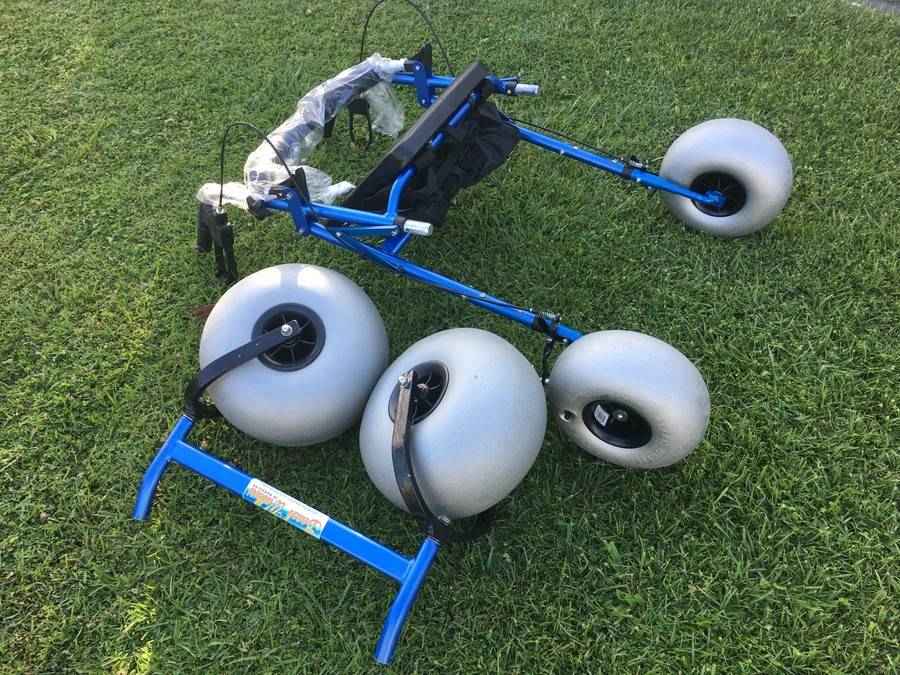
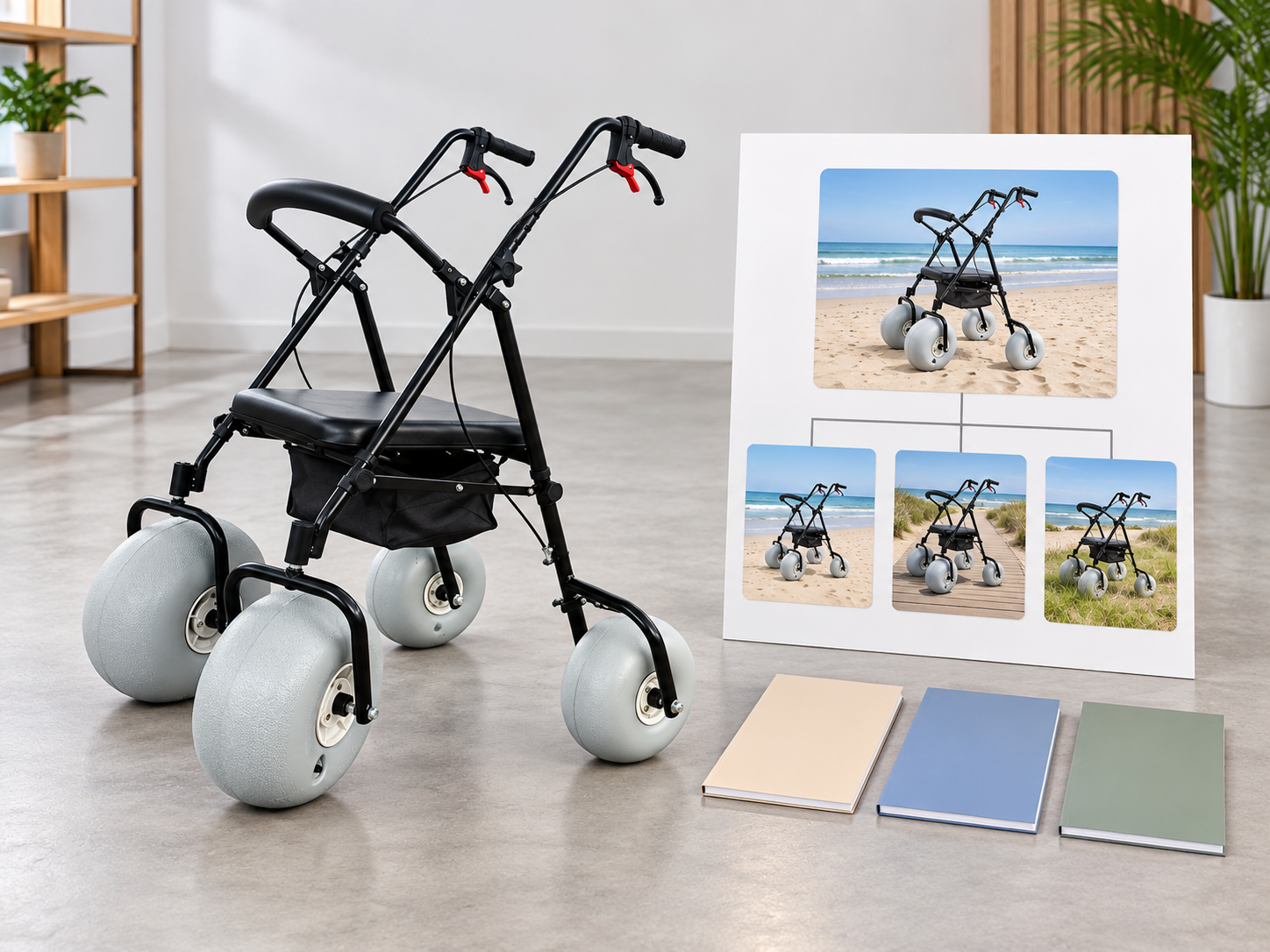
A beach series range sheet should use images that match the identified model and clarify whether options or illustrative scenes are shown. A single sample photo should not represent every product in the range.
Match the picture to the row
Keep gallery variations labeled. Ask the supplier to confirm current images and options. Do not use generated scenes as proof of actual testing or facilities.
- Identify pictured model
- Label shown options
- Distinguish illustrations
| Check | Record to retain |
|---|---|
| Identify pictured model | Product reference |
| Label shown options | Image scope |
| Distinguish illustrations | Media description |
Your buyer can connect each image with the correct product offer.
How should dimensions be compared?
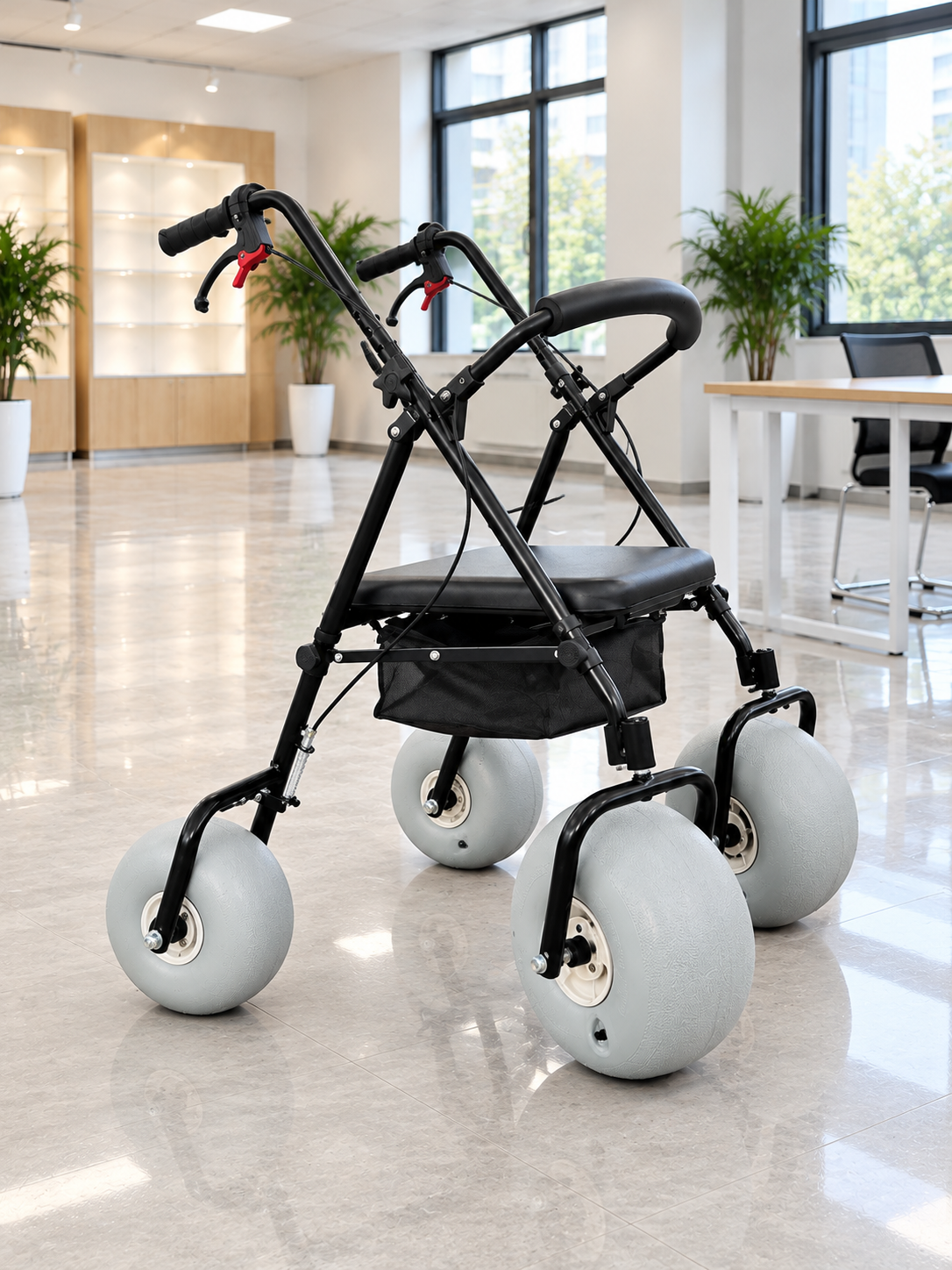
Dimensions in a beach series range sheet should use consistent units and clearly defined product states. Seat, overall, folded and packed measurements should not share an ambiguous column.
Keep the measurement meaning visible
Similar figures may describe different things. Request labeled drawings where fields are unclear. Separate confirmed figures from estimates or conflicting sources.
- Define measurement type
- Name product state
- Resolve source conflicts
| Check | Record to retain |
|---|---|
| Define measurement type | Field label |
| Name product state | Current setup |
| Resolve source conflicts | Supplier clarification |
Your range comparison can use like-for-like information.
Can a range sheet share one load claim?
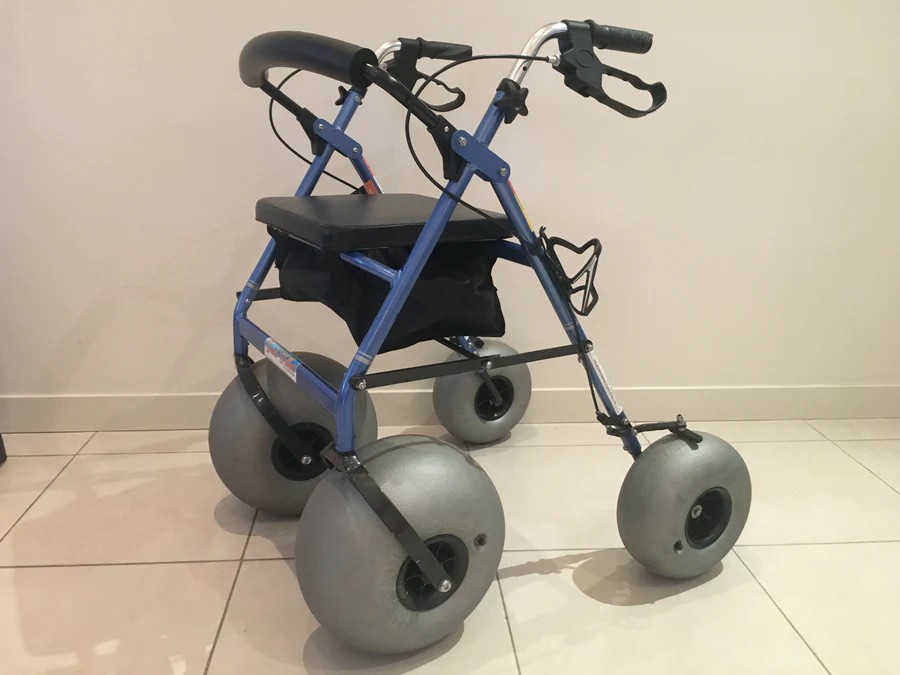
No, a beach series range sheet should not copy one load statement across the range without model-specific evidence. Different product roles and configurations may require separate source information.
Keep load data tied to each model
A shared category does not establish a shared limit. Ask for current approved statements and conditions. Leave conflicting or missing figures unresolved until corrected.
- Identify model source
- Retain conditions
- Flag unsupported fields
| Check | Record to retain |
|---|---|
| Identify model source | Current load record |
| Retain conditions | Applicable scope |
| Flag unsupported fields | Open items |
Your sheet can avoid presenting an assumed range-wide capacity.
How should optional items be listed?
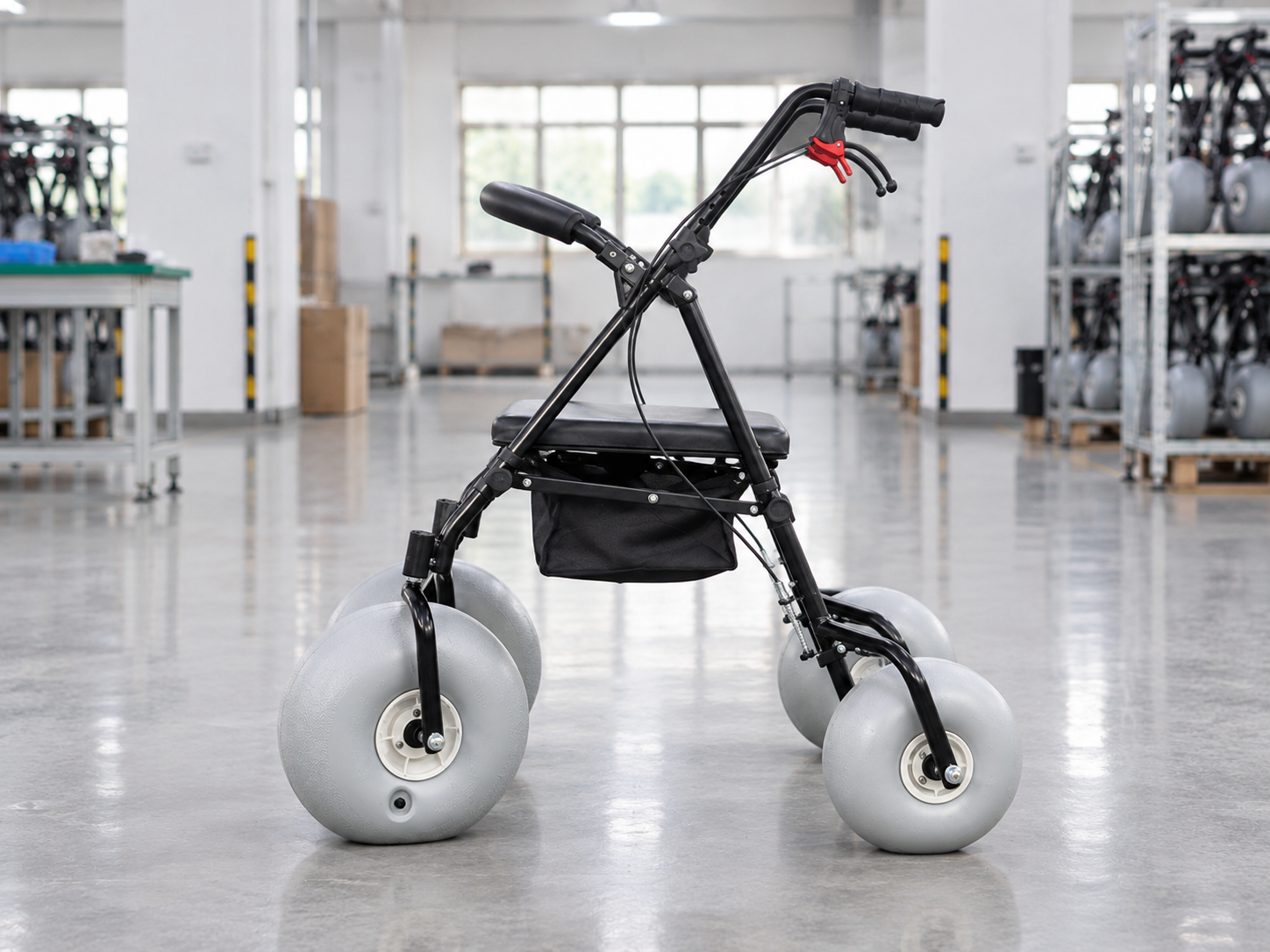
Optional items in a beach series range sheet should be separated from the standard supplied scope for each model. An accessory pictured elsewhere in the range is not automatically compatible or included.
Itemize the actual offer
Keep cross-model assumptions out of the table. Ask the supplier to confirm option references and matching scope. Record any effect on the dimensions being compared. Use the walker selection guide to preserve that product category.
- List standard items
- Identify options
- Confirm compatibility
| Check | Record to retain |
|---|---|
| List standard items | Base supply |
| Identify options | Separate references |
| Confirm compatibility | Model-specific scope |
Your buyer can compare the included product rather than an unconfirmed accessory bundle.
What wording should describe water use?

Water-use wording in a beach series range sheet should follow the exact model guidance and relevant review scope. A beach-series heading should not imply that every wheelchair or walker floats.
Separate the use categories
Sand access and water activity need different evidence. Request clarification for mixed or broad descriptions. Keep service promises within the confirmed product and qualified review.
- Identify intended setting
- Request exact guidance
- Bound the statement
| Check | Record to retain |
|---|---|
| Identify intended setting | Product role |
| Request exact guidance | Maker source |
| Bound the statement | Confirmed scope |
Your range sheet can explain product differences without a blanket water-use claim.
How should a beach series range sheet handle regulatory information?
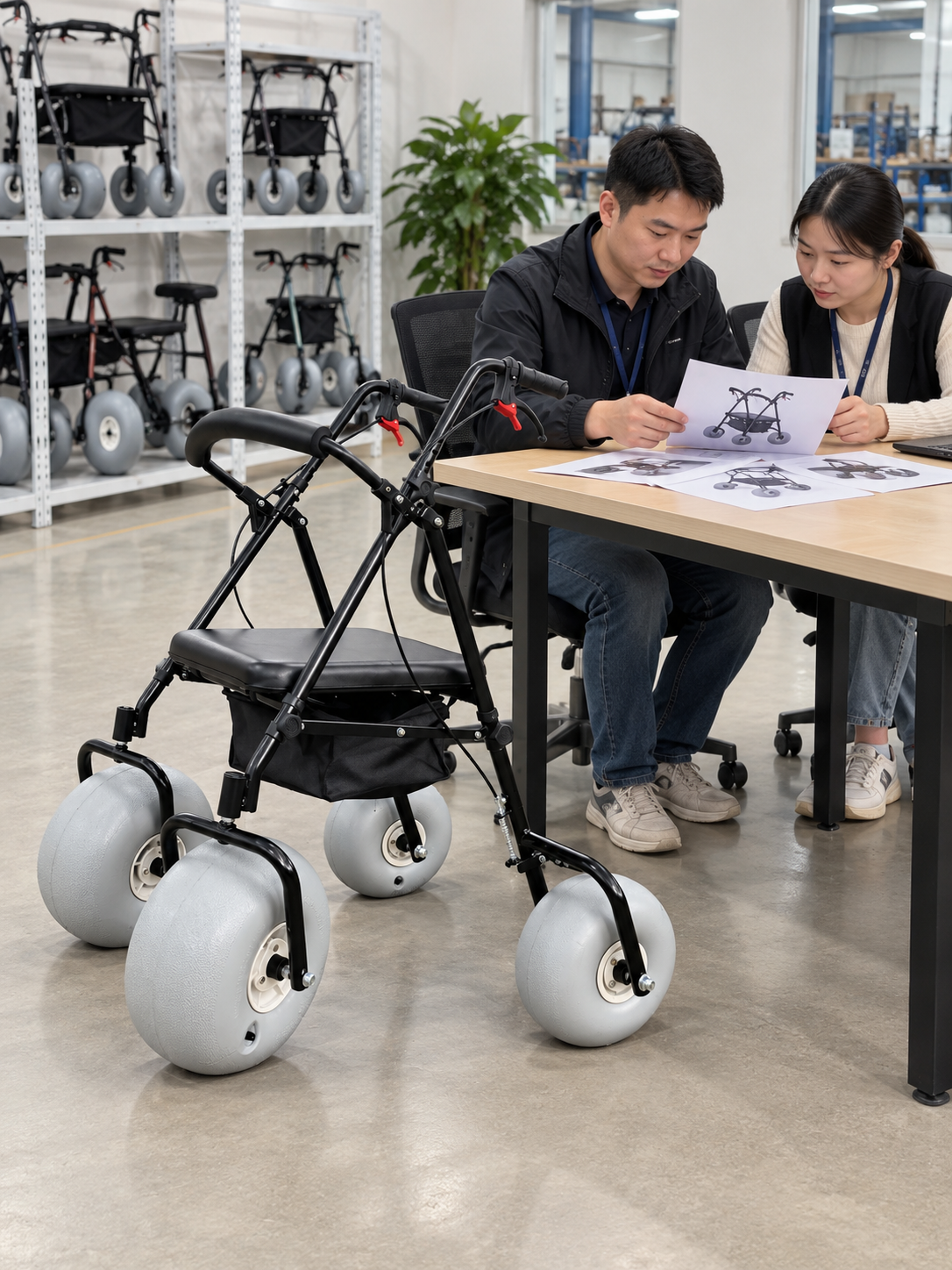
Regulatory information in a beach series range sheet should use applicable, verified documents for the exact product and intended market. A company-level file should not be presented as approval of every model or use.
Check document scope
A logo cannot replace the underlying evidence. Ask the relevant supplier and qualified adviser to resolve uncertain applicability. Keep unverified approval statements out of the sheet. Keep care files matched to the maintenance reference.
- Name supporting document
- Match product scope
- Refer market questions
| Check | Record to retain |
|---|---|
| Name supporting document | Current evidence |
| Match product scope | Exact model |
| Refer market questions | Qualified review |
Your buyer can distinguish documented information from a broad certification claim.
What should control updates to a beach series range sheet?
Updates to a beach series range sheet should follow changes in products, source documents and the current offer. Record the revision so sales staff can identify the accepted version.
Maintain one current reference
An old sheet can outlive the model it describes. Ask the supplier which fields changed. Archive superseded copies separately from active sales material.
- Record revision
- Identify changed fields
- Replace active copies
| Check | Record to retain |
|---|---|
| Record revision | Issue date or version |
| Identify changed fields | Source update |
| Replace active copies | Controlled distribution |
Your range sheet can stay aligned with the products being offered.
How should you request a beach series range sheet?
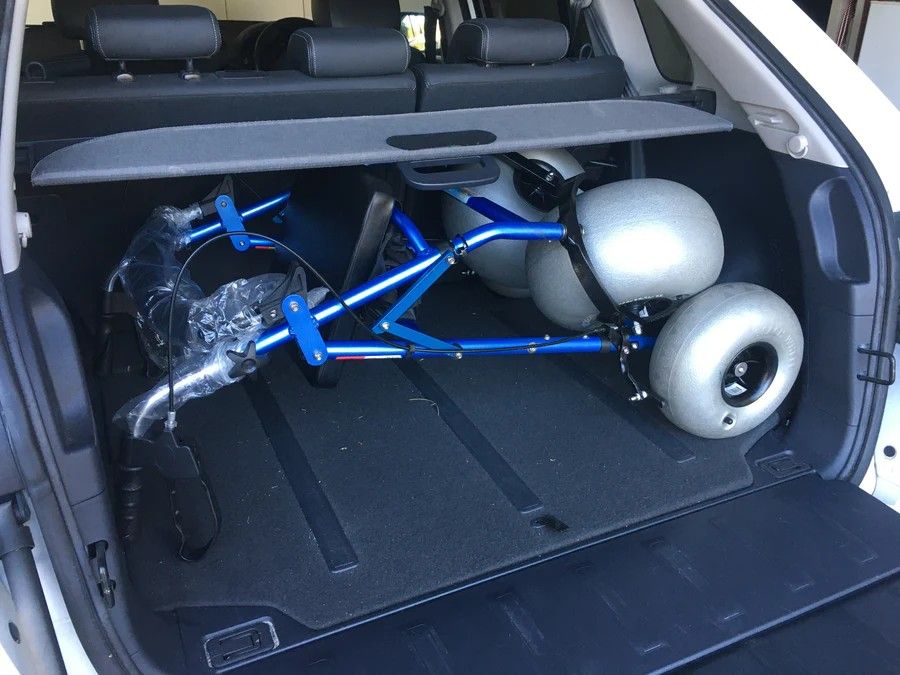
Request a beach series range sheet with the product roles, buyer markets and comparison fields your team needs. Ask for current model-specific sources and clear option information.
Prepare a range-data brief
Make each missing field explicit. Keep individual and site suitability decisions with the appropriate qualified reviewers. Use confirmed product facts to build the final sheet.
- List desired models
- Define comparison fields
- Request current evidence
| Check | Record to retain |
|---|---|
| List desired models | Range scope |
| Define comparison fields | Buyer needs |
| Request current evidence | Supplier response |
You can create a clearer product overview without merging models or overstating their scope. Contact us with your model and project questions so we can discuss the product information and written terms you need.
Frequently asked questions
Q1: Can one load figure cover the whole range?
No, use applicable model-specific evidence. Similar appearance or category names do not establish shared limits.
Q2: How do I compare dimensions fairly?
Use consistent definitions, units and product states. Keep seat, overall, folded and packed dimensions separate.
Q3: Can one photo represent every model?
Not without clear limits. Match images to identified products and label options or illustrations appropriately.
Q4: What's the best way to show unconfirmed data?
Mark it as unconfirmed and request the relevant source. Do not fill a field with a guessed value.
Q5: Can a company certificate prove every product is approved?
No, verify the exact document scope and applicability. Seek appropriate review for product and market-specific questions.