
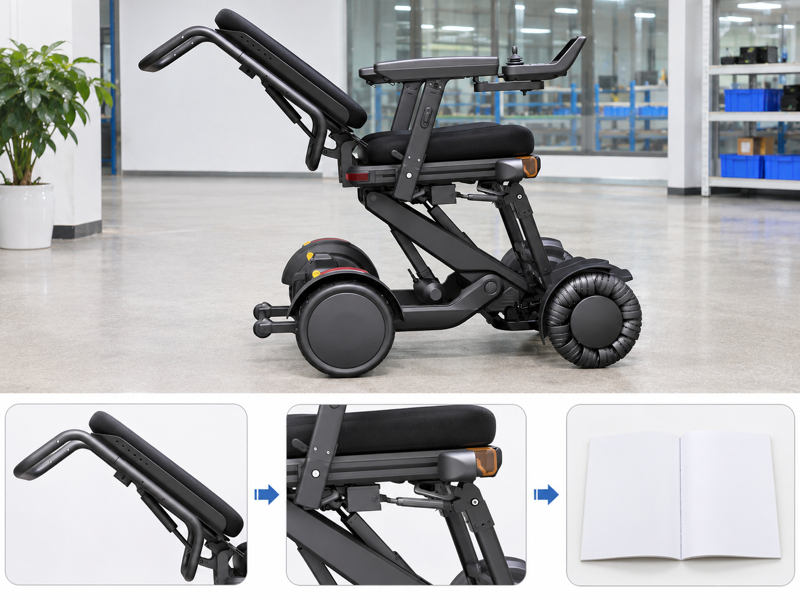
Review XSTO M4Pro tilt and recline as separate movements with different angle references. A buyer may read several numbers on one diagram and assume they describe a single operating range. That assumption can confuse fitting and room planning. Identify each movement and confirm the exact configuration before using the figures.
How do XSTO M4Pro tilt and recline differ?
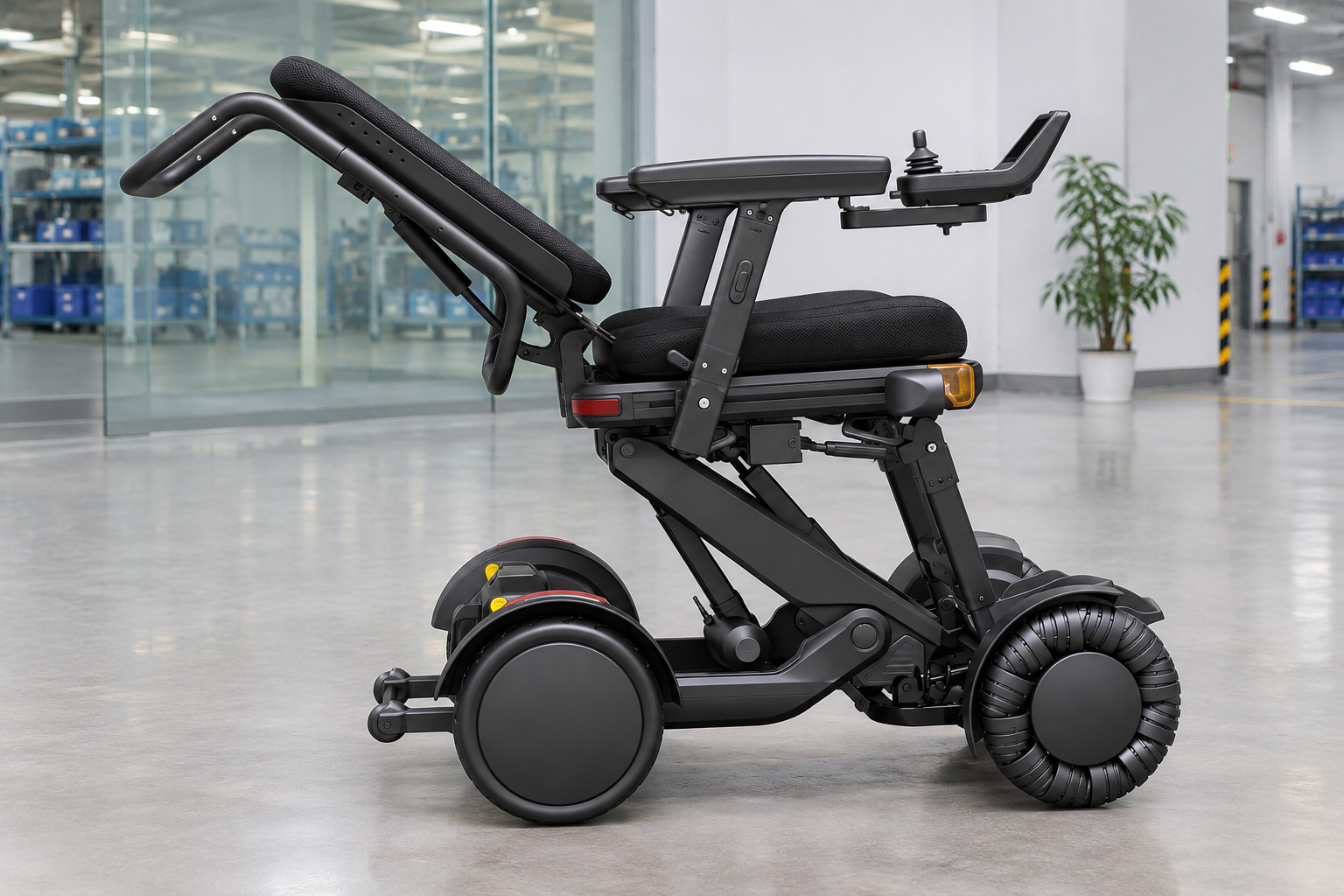
M4Pro tilt and recline describe different seating movements: tilt changes the seat platform's angle, while recline changes the backrest's angle relative to the seat. Neither function should be confused with raising the seat.
Name the movement before comparing angles
The reference line matters. Use the supplier's diagrams to identify each function and its stated measurement basis. Keep the setup in the illustration linked to the offered model. WHO guidance supports assessment, fitting and follow-up.
- Seat tilt
- Backrest recline
- Seat lift
| Review point | What to confirm |
|---|---|
| Seat tilt | Platform-angle change |
| Backrest recline | Back-to-seat angle change |
| Seat lift | Separate height change |
Key Takeaway: You can ask about the intended movement without mixing different angle measurements.
What angle figures appear in the supplied material?
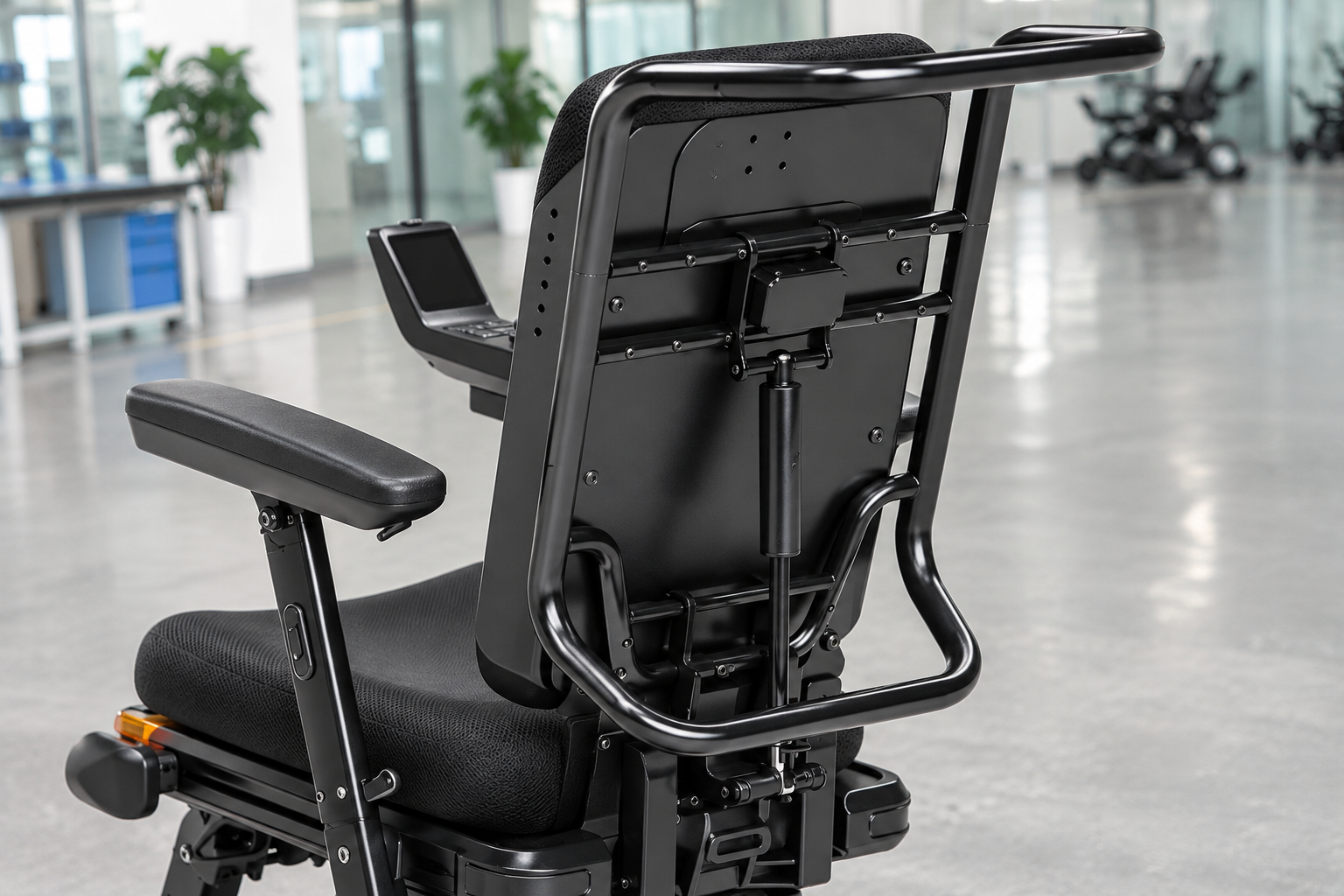
The supplied material illustrates M4Pro tilt and recline with a seat-tilt range of 0–20 degrees and a backrest reference reaching 135 degrees. Confirm the current setup and angle definitions before using those figures in a fit plan.
Which reference line is being used?
Read the diagram with its labels. The combined pose in a graphic can show a different relationship with the ground. Do not add two printed angles to create an unconfirmed operating limit. Keep the angle definition clear in the wider reclining-chair comparison.
- Tilt reference
- Recline reference
- Offered version
| Review point | What to confirm |
|---|---|
| Tilt reference | Defined platform angle |
| Recline reference | Defined back-to-seat angle |
| Offered version | Current supplier confirmation |
Key Takeaway: You can preserve the meaning of the figures instead of combining unlike measurements.
How should XSTO M4Pro tilt and recline relate to leg support?
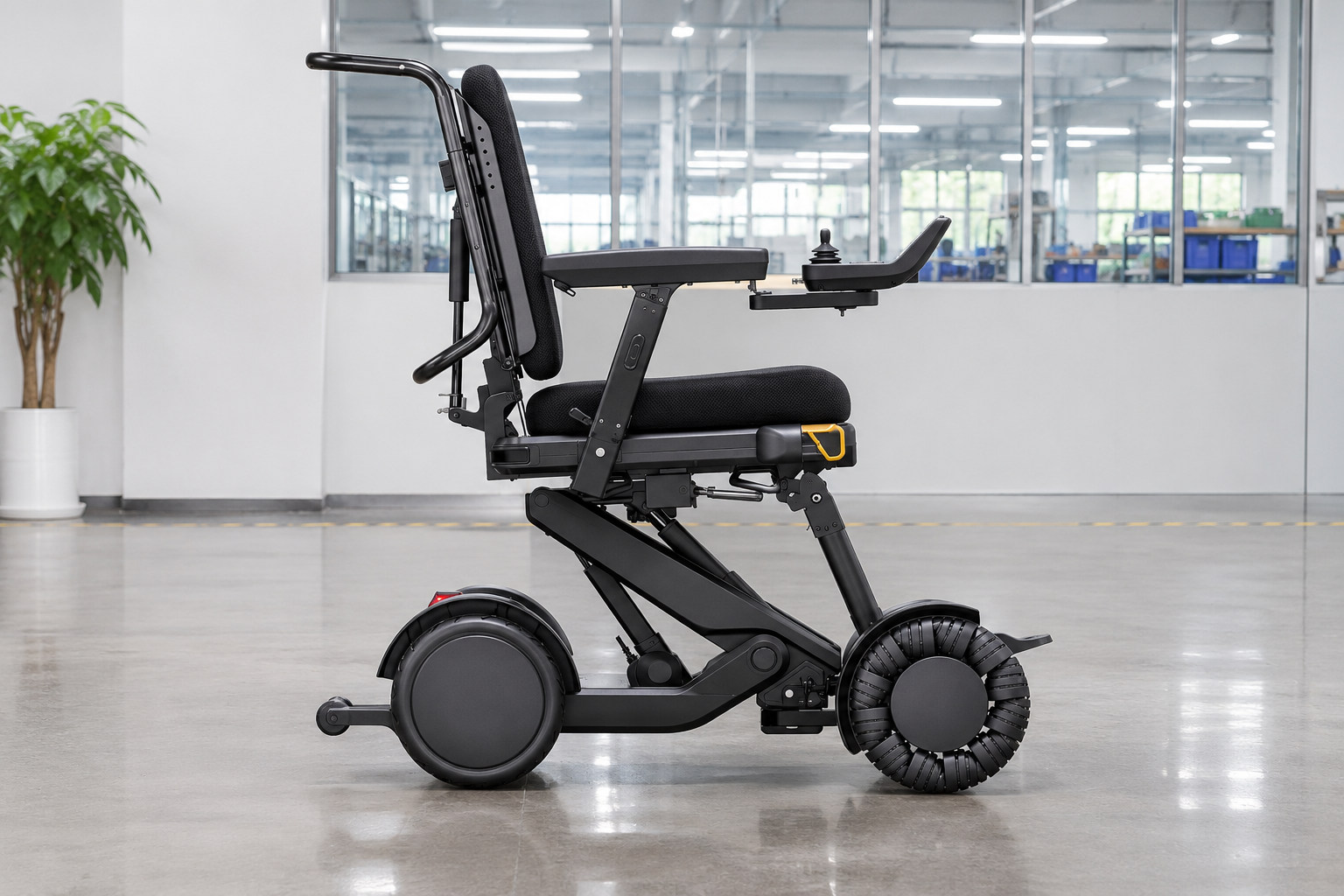
M4Pro tilt and recline should be reviewed with the actual legrest and footrest arrangement. The supplied illustrations show linked seating relationships, but a picture does not prescribe a person's settings.
Review the whole posture arrangement
The legs and seat need a shared context. Ask the provider to explain the documented setup. Give the qualified reviewer the relevant support and dimension information.
- Seat position
- Leg support
- Personal needs
| Review point | What to confirm |
|---|---|
| Seat position | Actual reviewed state |
| Leg support | Matching supplied arrangement |
| Personal needs | Qualified fitting brief |
Key Takeaway: You can discuss linked components without copying a brochure pose as a personal setting.
What room does a reclining backrest need?
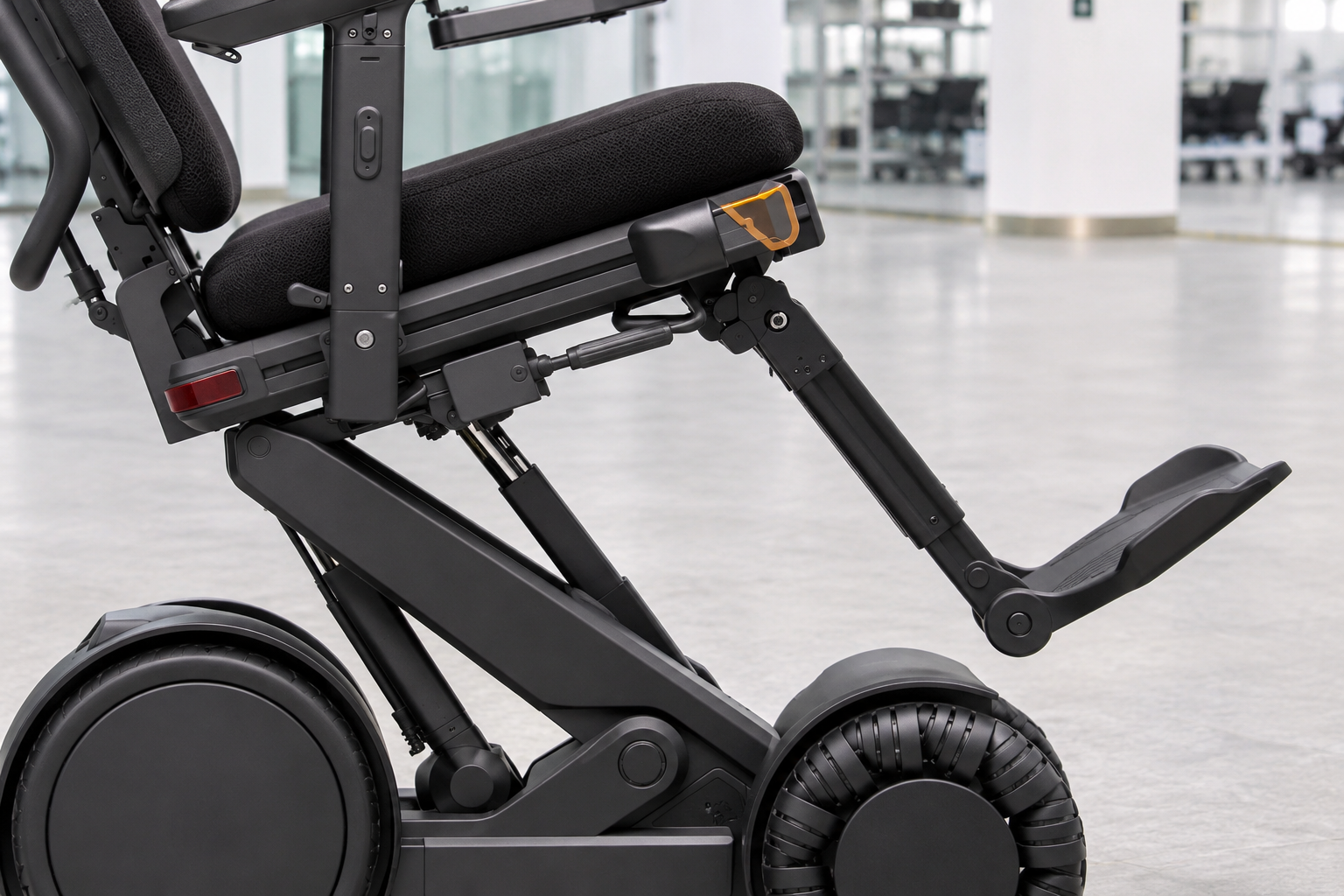
An M4Pro tilt and recline review should include the surrounding space relevant to the documented movement. A chair that fits while upright may present a different envelope in another approved state.
Include the area behind the chair
A static width does not describe the full movement. Provide actual site dimensions to the responsible reviewer. Request the matching movement envelope rather than estimating it from a perspective photograph.
- Site geometry
- Movement envelope
- Fitted accessories
| Review point | What to confirm |
|---|---|
| Site geometry | Relevant nearby surfaces |
| Movement envelope | Supplier-defined range |
| Fitted accessories | Parts present during review |
Key Takeaway: You can identify space questions before planning the chair's position in a room.
Can XSTO M4Pro tilt and recline promise pressure relief?
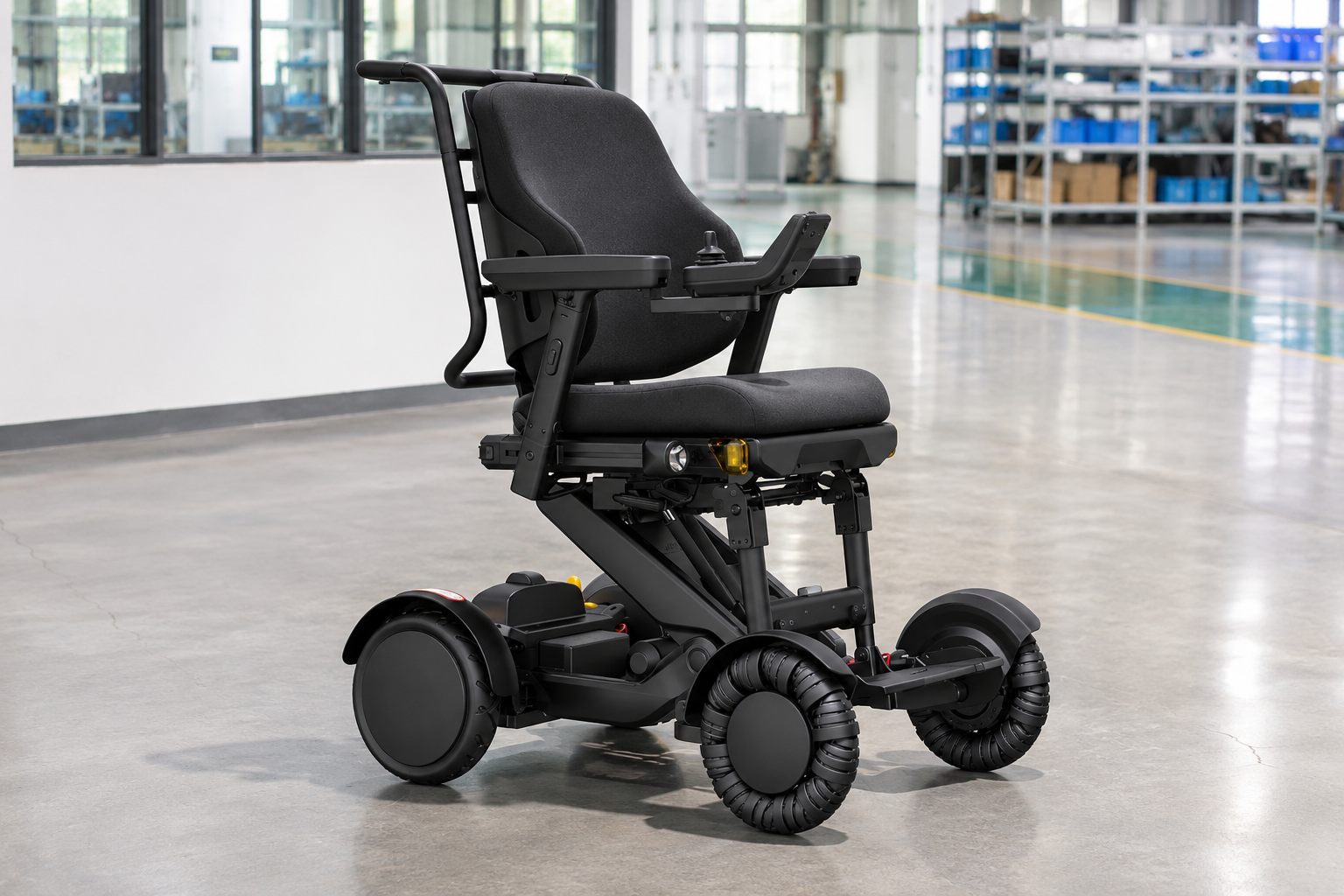
No, M4Pro tilt and recline cannot by themselves establish a clinical pressure-care outcome. Individual needs, supports and the complete seating arrangement require appropriate professional assessment.
Keep clinical claims within their evidence
A feature name cannot determine a personal result. Ask which product information the reviewer needs. Avoid turning an adjustment range into a prevention or treatment promise. Give the reviewer the actual cushion details for that setup.
- Clinical need
- Product data
- Claim evidence
| Review point | What to confirm |
|---|---|
| Clinical need | Qualified individual assessment |
| Product data | Exact seating setup |
| Claim evidence | Relevant supporting source |
Key Takeaway: You can discuss the feature without making an unsupported health claim.
What should a demonstration show?
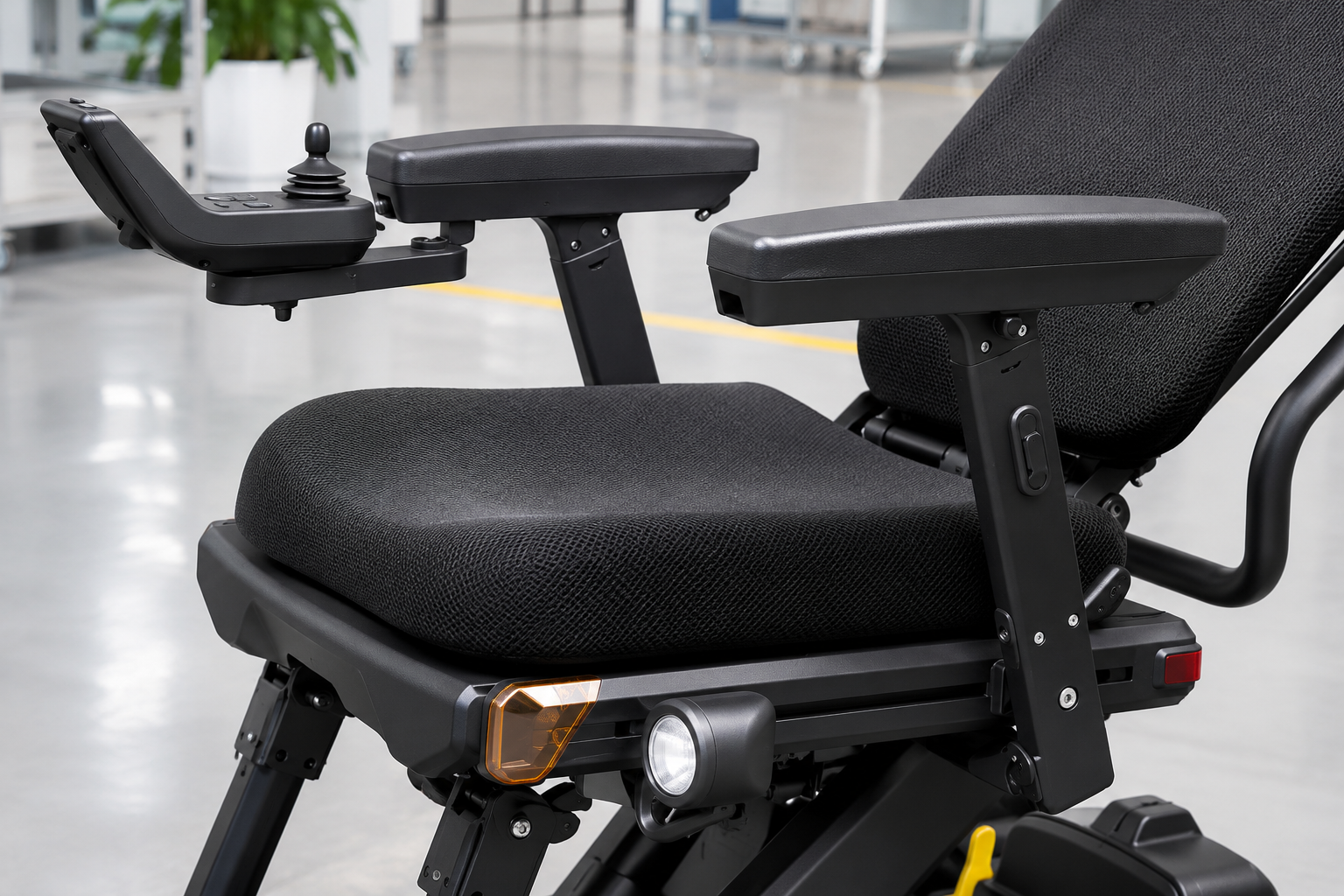
An M4Pro tilt and recline demonstration should identify the exact setup and the question it is intended to answer. The provider should use the matching instructions and a suitable controlled arrangement.
Give the demonstration a defined job
Record the setup as well as the result. Clarify whether you need to understand controls, space or available adjustment options. Keep that scope separate from personal fitting or driving permission.
- Demonstration purpose
- Shown setup
- Required follow-up
| Review point | What to confirm |
|---|---|
| Demonstration purpose | Specific buyer question |
| Shown setup | Model and fitted supports |
| Required follow-up | Remaining individual review |
Key Takeaway: You can use a demonstration to answer a clear product question.
How should driving-position questions be handled?
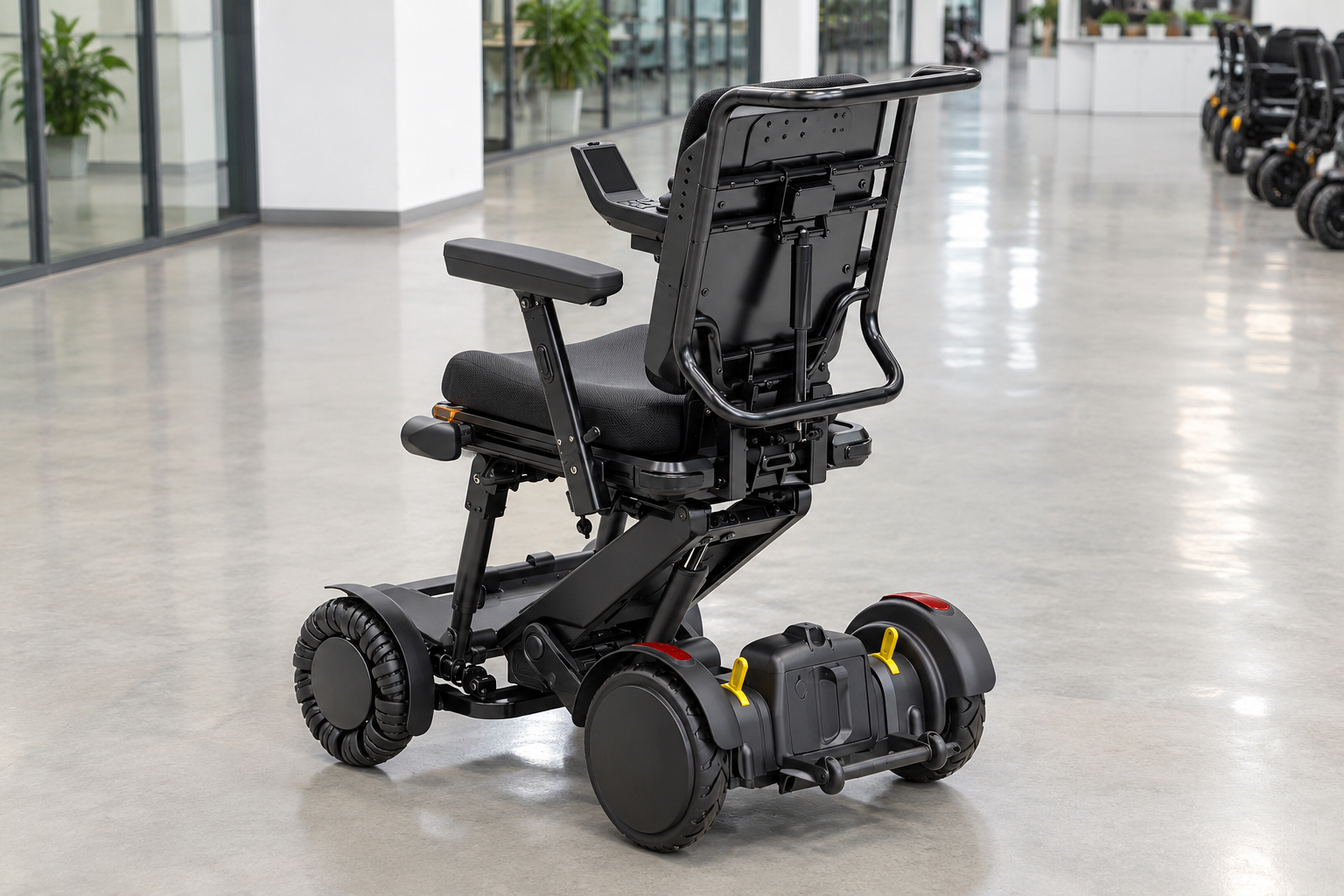
Questions about M4Pro tilt and recline during driving should be resolved through the matching model guide and responsible provider. An empty-chair photograph does not establish a permitted moving posture.
Ask about the actual operating state
The pose needs an instruction source. Request the relevant limits and the version they apply to. Do not assume that every available adjustment is intended for every activity.
- Operating state
- Guide revision
- Confirmed limits
| Review point | What to confirm |
|---|---|
| Operating state | Specific proposed use |
| Guide revision | Matching instructions |
| Confirmed limits | Provider's documented response |
Key Takeaway: You can avoid treating a display arrangement as a universal driving setup.
What should staff record if movement behaves unexpectedly?
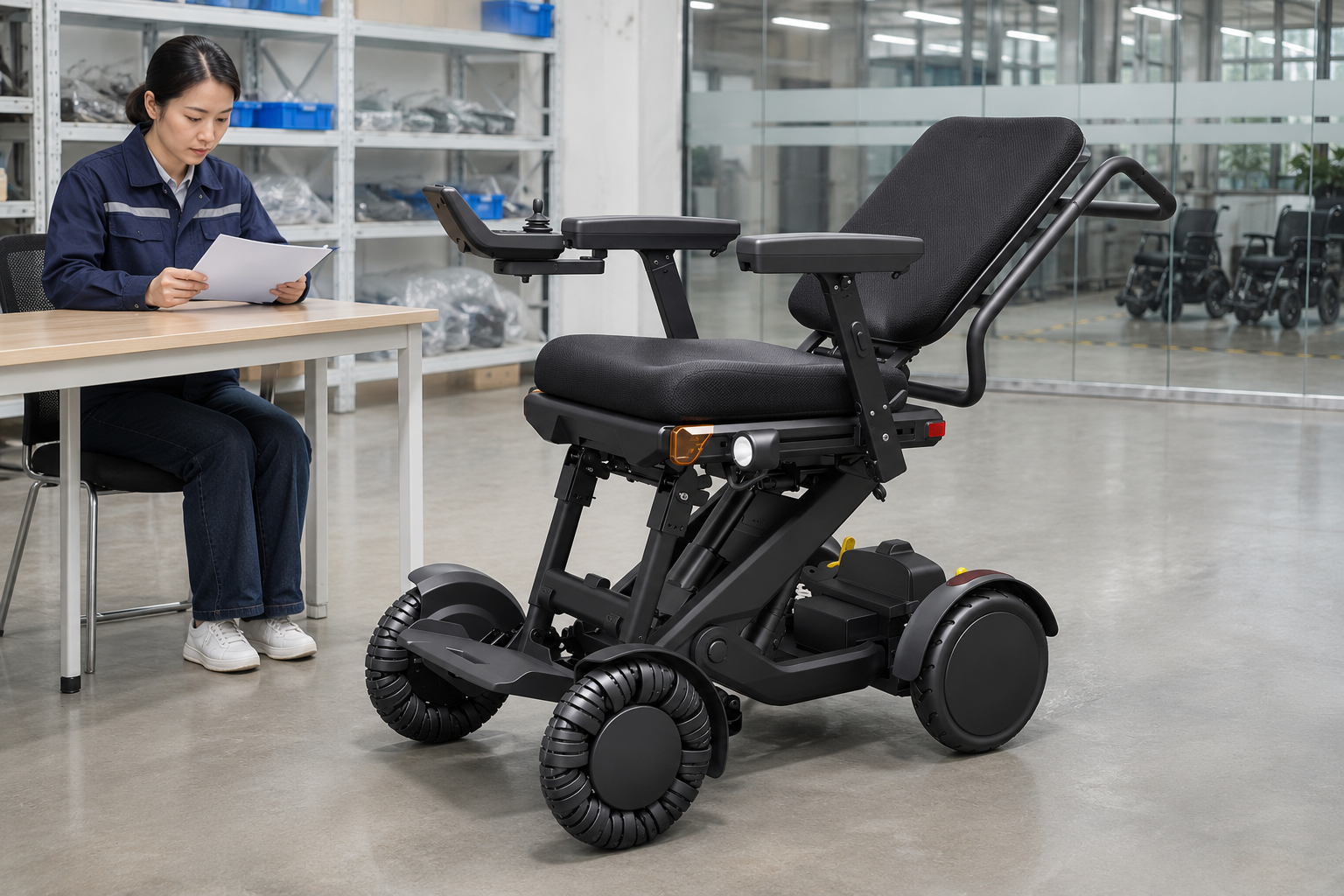
For M4Pro tilt and recline, staff should record the observed behavior, unit identity and relevant display messages through the service process. They should not infer a mechanical cause or improvise an adjustment to clear a concern.
Describe the issue plainly
The support team needs a reliable starting point. Keep photos or recordings within the provider's evidence request. Follow the matching instructions for the next service step. Link the concern to the unit's service log.
- Unit identity
- Observed event
- Support response
| Review point | What to confirm |
|---|---|
| Unit identity | Exact model and available ID |
| Observed event | Factual description |
| Support response | Named service action |
Key Takeaway: You can preserve useful evidence without suggesting a repair method.
What should an XSTO M4Pro tilt and recline quote specify?
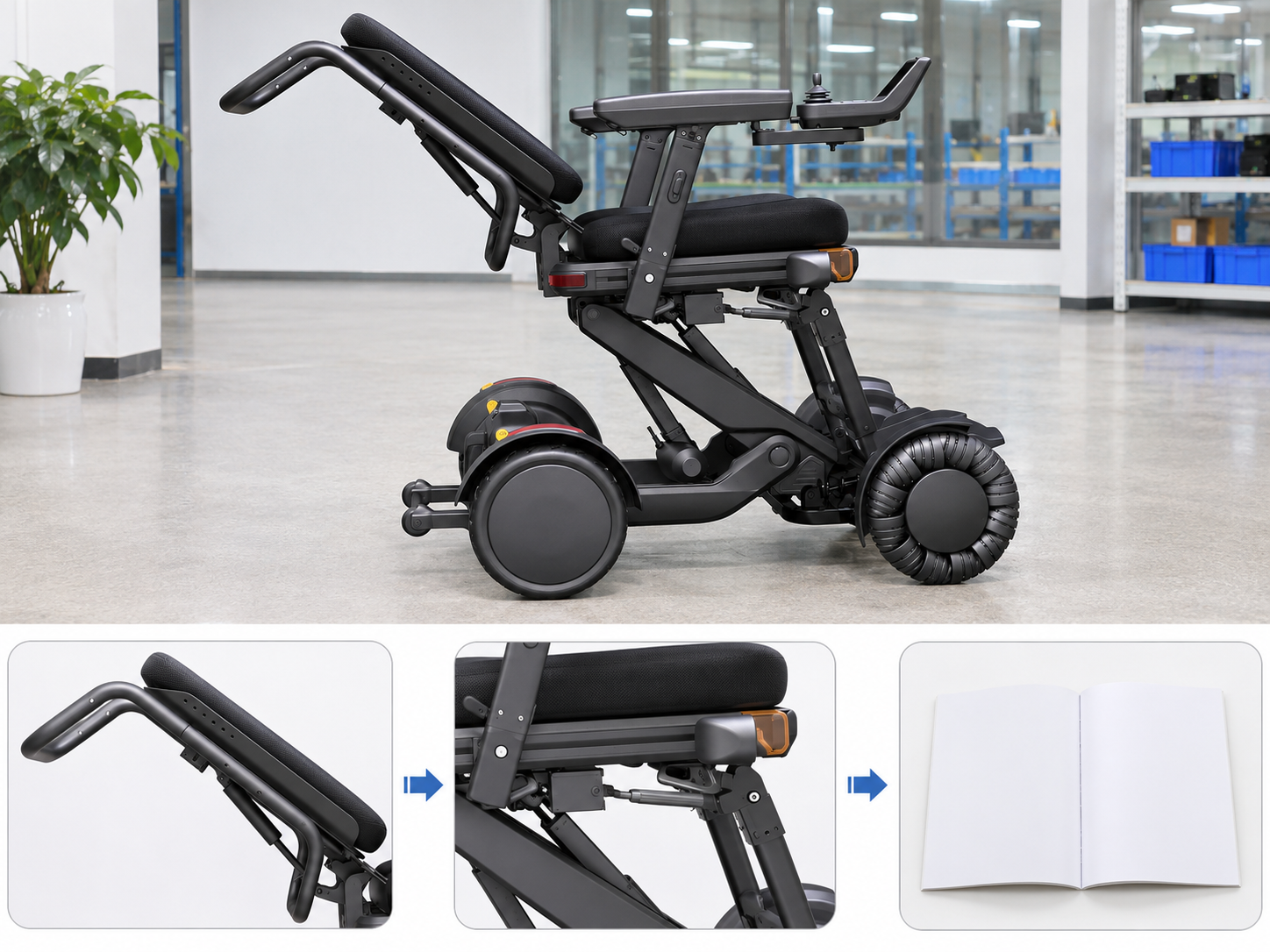
An M4Pro tilt and recline quote should specify the seating setup, supplied supports and relevant document revision. A general adjustable-seat label leaves the actual components and scope unclear.
Itemize the posture-related setup
A complete offer names the parts. Ask whether optional supports or different cushions are included. Retain their compatibility confirmation alongside the quote.
- Seat setup
- Included supports
- Supporting documents
| Review point | What to confirm |
|---|---|
| Seat setup | Exact offered version |
| Included supports | Itemized components |
| Supporting documents | Current matching guidance |
Key Takeaway: You can compare offers that describe the same proposed arrangement.
How can you request XSTO M4Pro tilt and recline details?
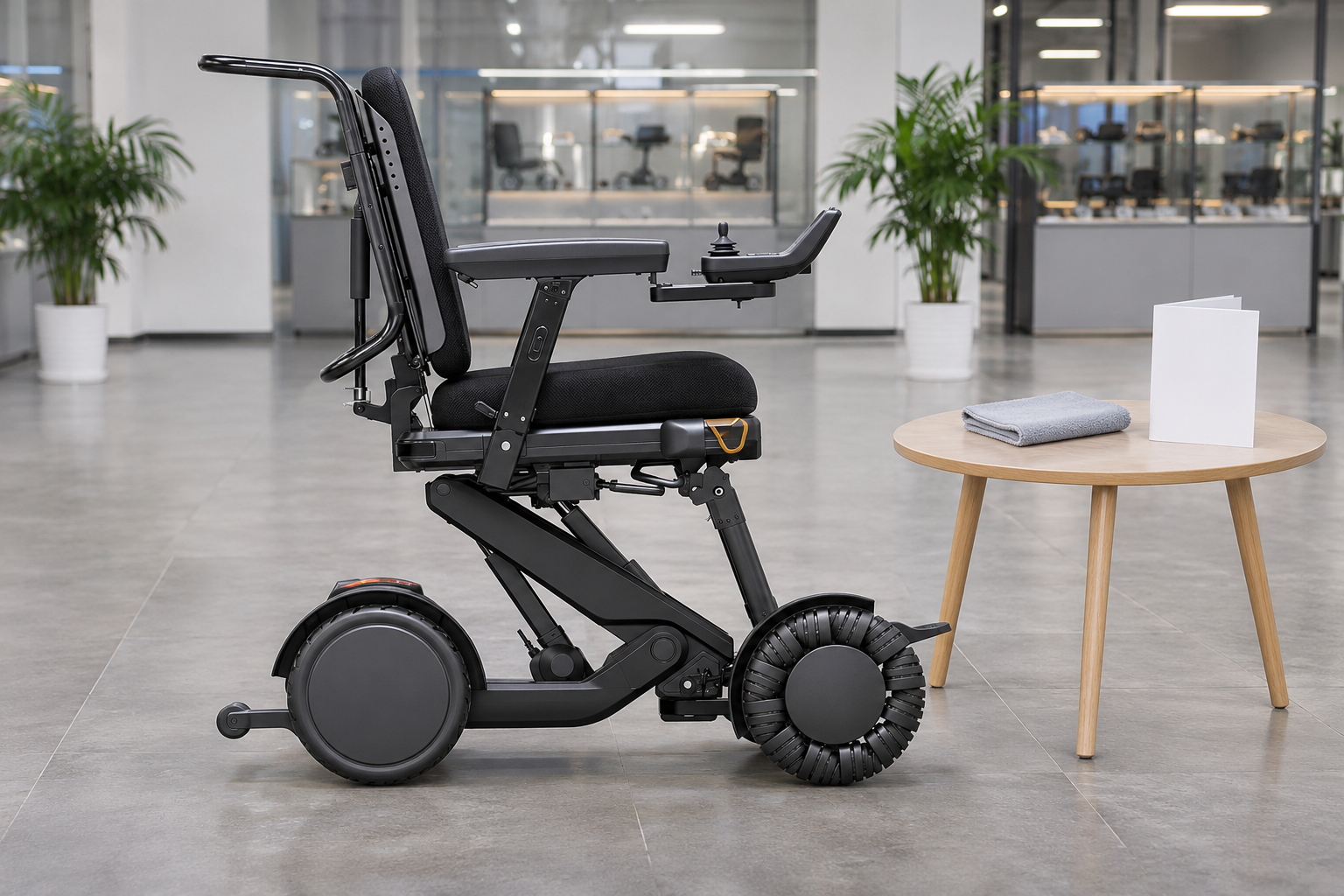
Request M4Pro tilt and recline details by naming the movement and the practical question your reviewer needs to resolve. Ask for current diagrams, stated limits and the exact offered setup.
Send a movement-specific inquiry
Make the missing definition explicit. Use the response within the personal fit and site review. A clear diagram and written scope can prevent later confusion over angles or included parts.
- Named movement
- Needed information
- Review context
| Review point | What to confirm |
|---|---|
| Named movement | Tilt recline or separate lift |
| Needed information | Defined angles and envelope |
| Review context | User needs and actual site |
Key Takeaway: You can choose which setup deserves further review with fewer assumptions. Contact us with your M4 Pro configuration and purchasing questions so we can discuss the product information and written scope you need. AryMD puts clear product facts at the center of buying decisions.
Frequently asked questions
Q1: Can I treat seat tilt and backrest recline as the same function?
No. Tilt concerns the seat platform, while recline concerns the backrest's relationship with the seat.
Q2: What's the best way to compare the angle figures?
Use the labeled reference lines and current model guide. Do not add figures from different relationships to invent a new limit.
Q3: How do I know how much room a reclined setup needs?
Request the documented movement envelope and review the actual site. An upright product width does not describe every seating state.
Q4: Can these functions guarantee pressure relief for a person?
No. Clinical needs and the complete seating arrangement require appropriate individual assessment.
Q5: Does a product photograph show a permitted driving position?
Not by itself. Driving-state questions need the matching instructions and the responsible provider's confirmation.