

Plan power chair stock rotation around model identity, written care and release status. An older carton may look ready for sale while its battery-care record or product version remains unclear. Dispatching it by age alone shifts those questions to the customer. A stock process that connects dates, condition and approval helps your team choose units it can responsibly release.
How should you plan power chair stock rotation?
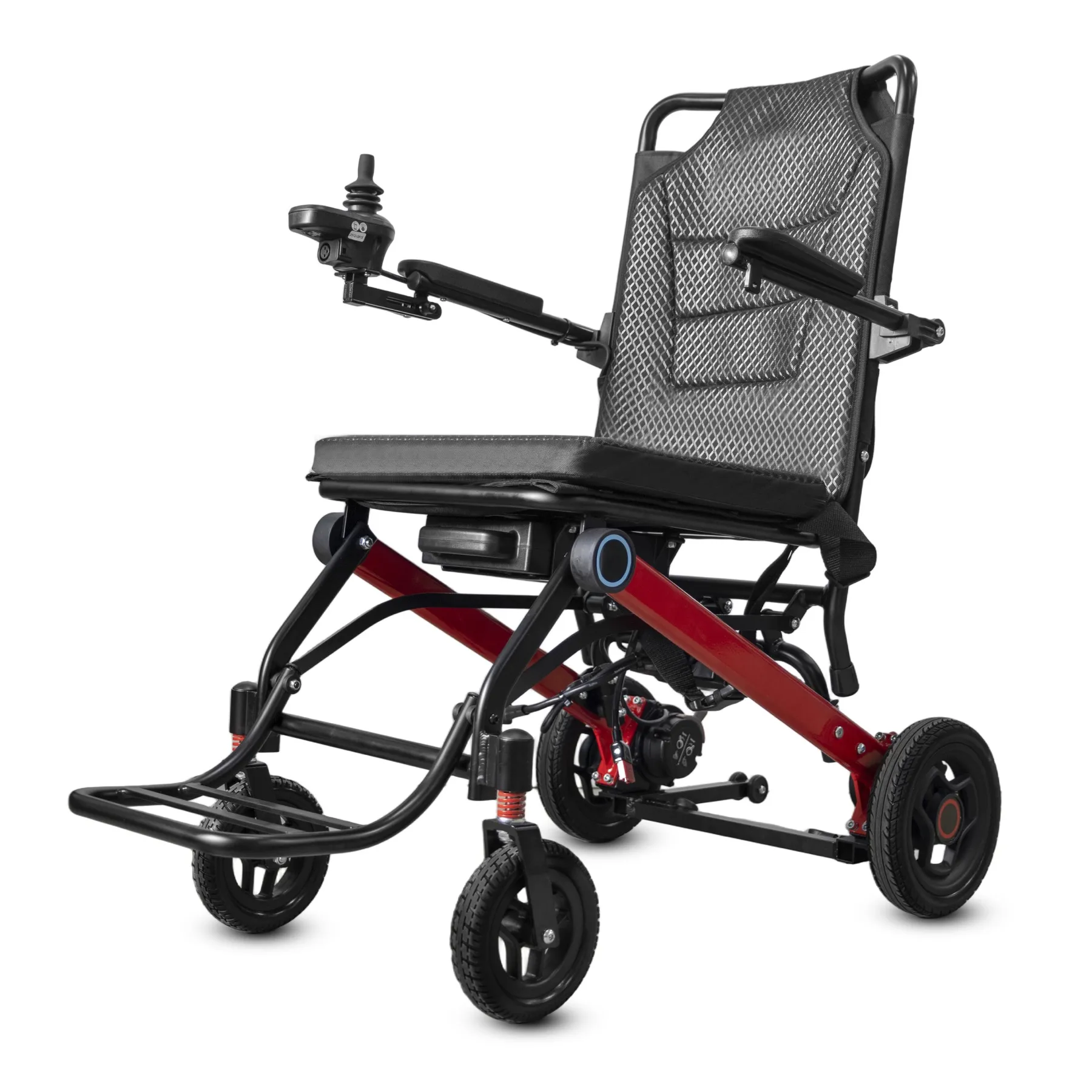
Plan power chair stock rotation around model identity, care history and release status. The oldest carton should not move into a customer order if its chair or battery needs review.
Count stock that can be released
Start with stock that can be released. Keep dates beside the exact version and storage record. If a unit is on hold, show that clearly in both the system and physical storage area.
- Name each stocked version
- Track time in storage
- Separate release status
| Check | What to keep |
|---|---|
| Name each stocked version | Model register |
| Track time in storage | Receipt and care dates |
| Separate release status | Ready or held stock field |
Key Takeaway: You can rotate usable stock without treating age alone as permission to dispatch a chair.
Which dates should the stock record show?
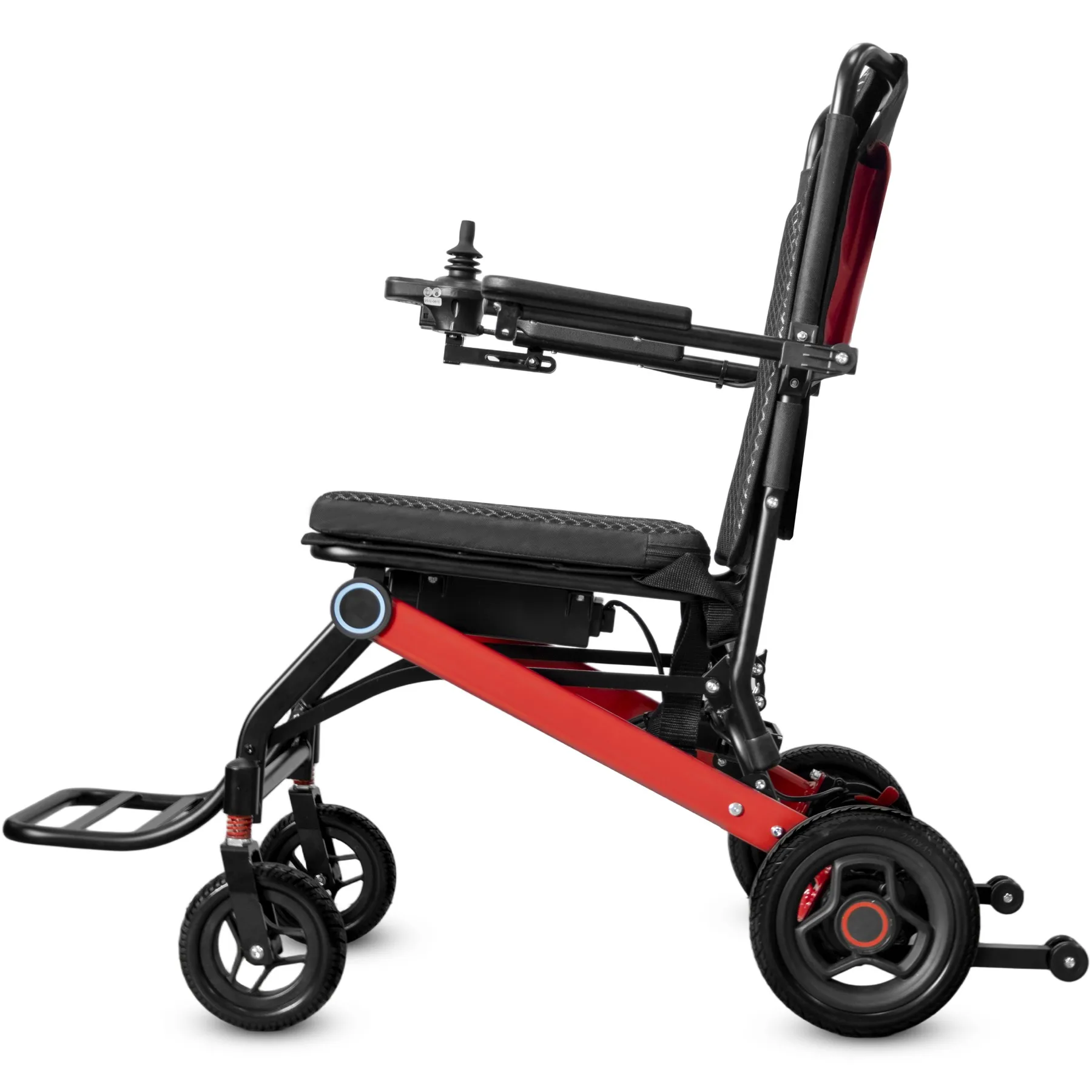
For power chair stock rotation, record receipt, required care checks and any release decision. A purchase date alone does not show how the chair has been stored since arrival.
Record meaningful stock dates
Track the events that change status. Use the manufacturer's instructions to define relevant care tasks. Keep completed work and the next due action separate so staff can see what remains open. Use the model-specific storage guidance for each stock line.
- Record receipt dates
- Log completed care
- Show the next action
| Check | What to keep |
|---|---|
| Record receipt dates | Inbound record |
| Log completed care | Storage-care history |
| Show the next action | Due-task field |
Key Takeaway: Your stock record can explain what happened to a chair while it was waiting for an order.
How should power chair stock rotation track batteries?
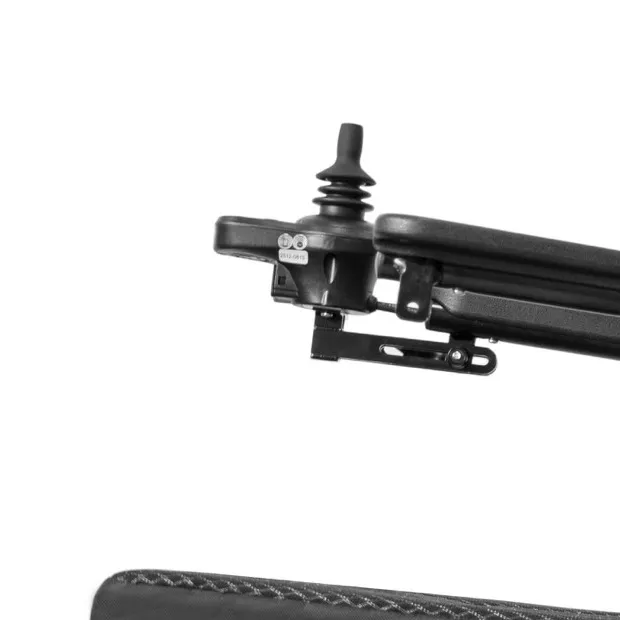
Track batteries in power chair stock rotation using the exact battery and charger instructions. Different battery types or versions may need different care, so avoid a universal charging schedule.
Use battery-specific care guidance
Use the instructions for that battery. Name who carries out the permitted tasks. If a battery shows damage or an unresolved problem, stop routine handling and seek trained support.
- Name battery and charger
- Use the correct care instructions
- Record concerns and holds
| Check | What to keep |
|---|---|
| Name battery and charger | Approved pairing |
| Use the correct care instructions | Model document |
| Record concerns and holds | Escalation note |
Key Takeaway: You can maintain a traceable care record without guessing charging intervals or storage limits.
How should model versions be separated?
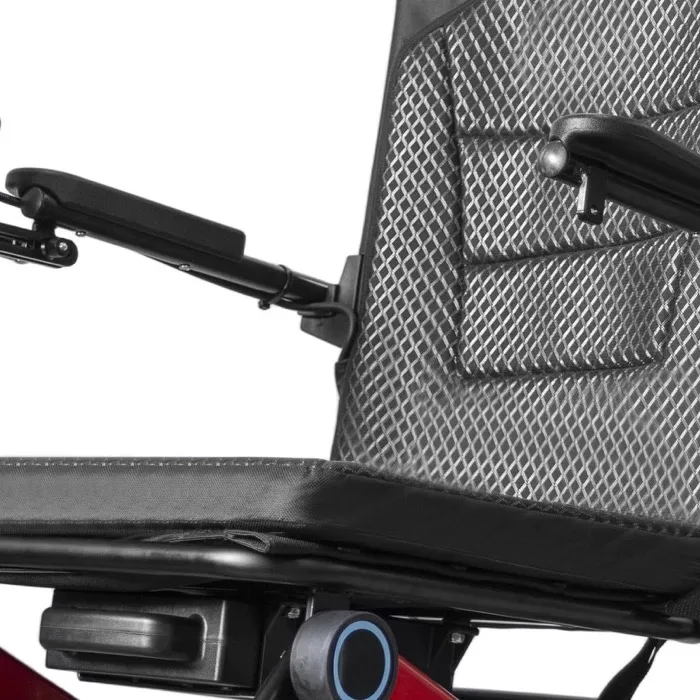
In power chair stock rotation, distinguish product versions that differ in parts, instructions or supplied options. A shared sales name should not hide which chair is being allocated.
Distinguish model versions
Make the version visible to staff. Keep labels, photos and stock fields aligned. If older and newer versions remain on sale, confirm the customer's accepted setup before dispatch.
- Name each version
- Match current documents
- Check accepted customer setup
| Check | What to keep |
|---|---|
| Name each version | Stock code |
| Match current documents | Version-specific files |
| Check accepted customer setup | Order comparison |
Key Takeaway: You can sell existing stock accurately while avoiding accidental substitution with a different version.
How should power chair stock rotation separate held units?
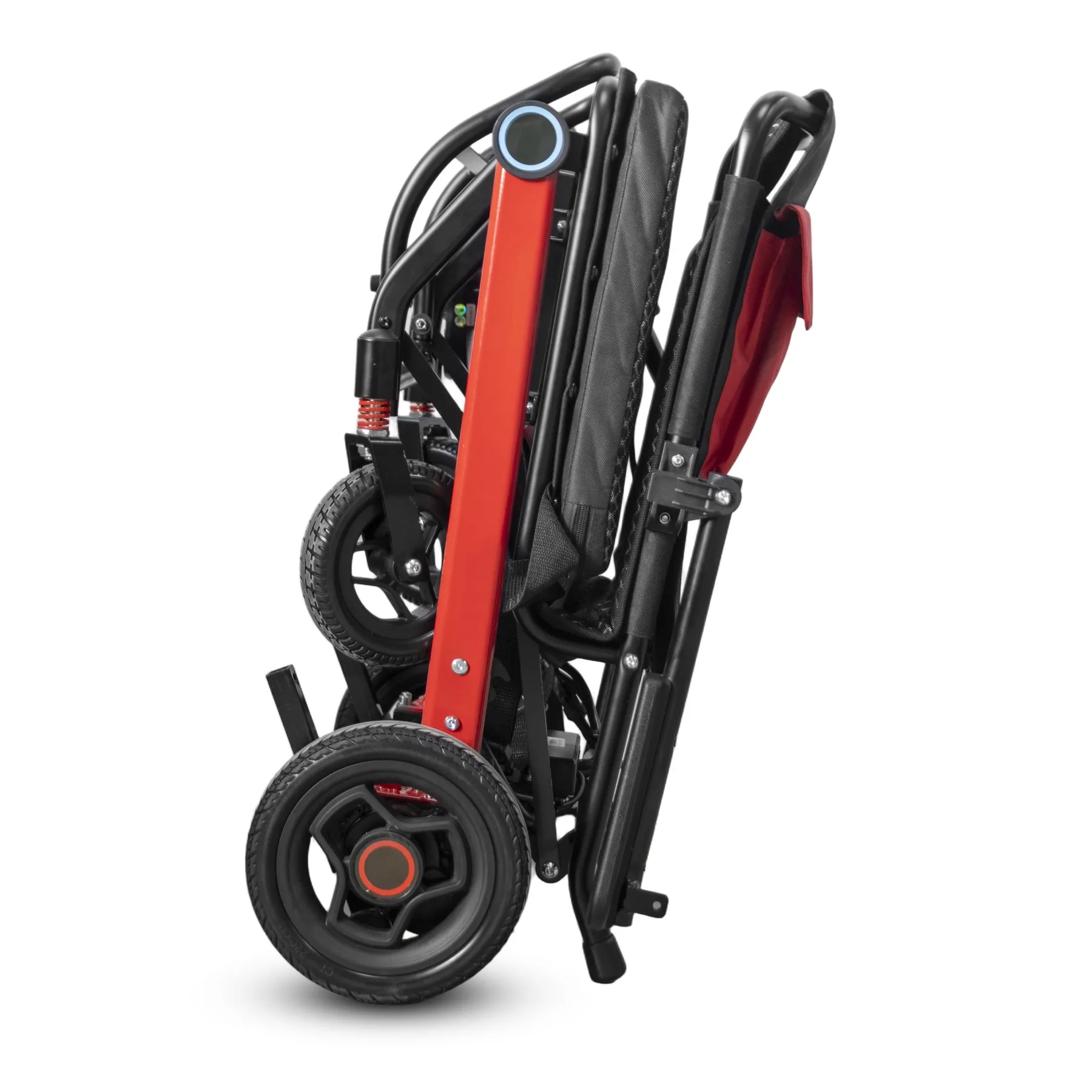
For power chair stock rotation, held and returned chairs need a clear status that prevents routine allocation. A unit may look complete while still waiting for technical review or missing documents.
Keep held units separate
Keep their status separate. Use your site's agreed storage controls. If staff move a unit, update its location and keep the unresolved reason attached to its record. Keep the approved charger match with the battery record.
- Mark the hold reason
- Record the storage location
- Control release authority
| Check | What to keep |
|---|---|
| Mark the hold reason | Status note |
| Record the storage location | Warehouse field |
| Control release authority | Named reviewer |
Key Takeaway: Your available-stock count reflects releasable units instead of every chair in the building.
What checks support power chair stock rotation?
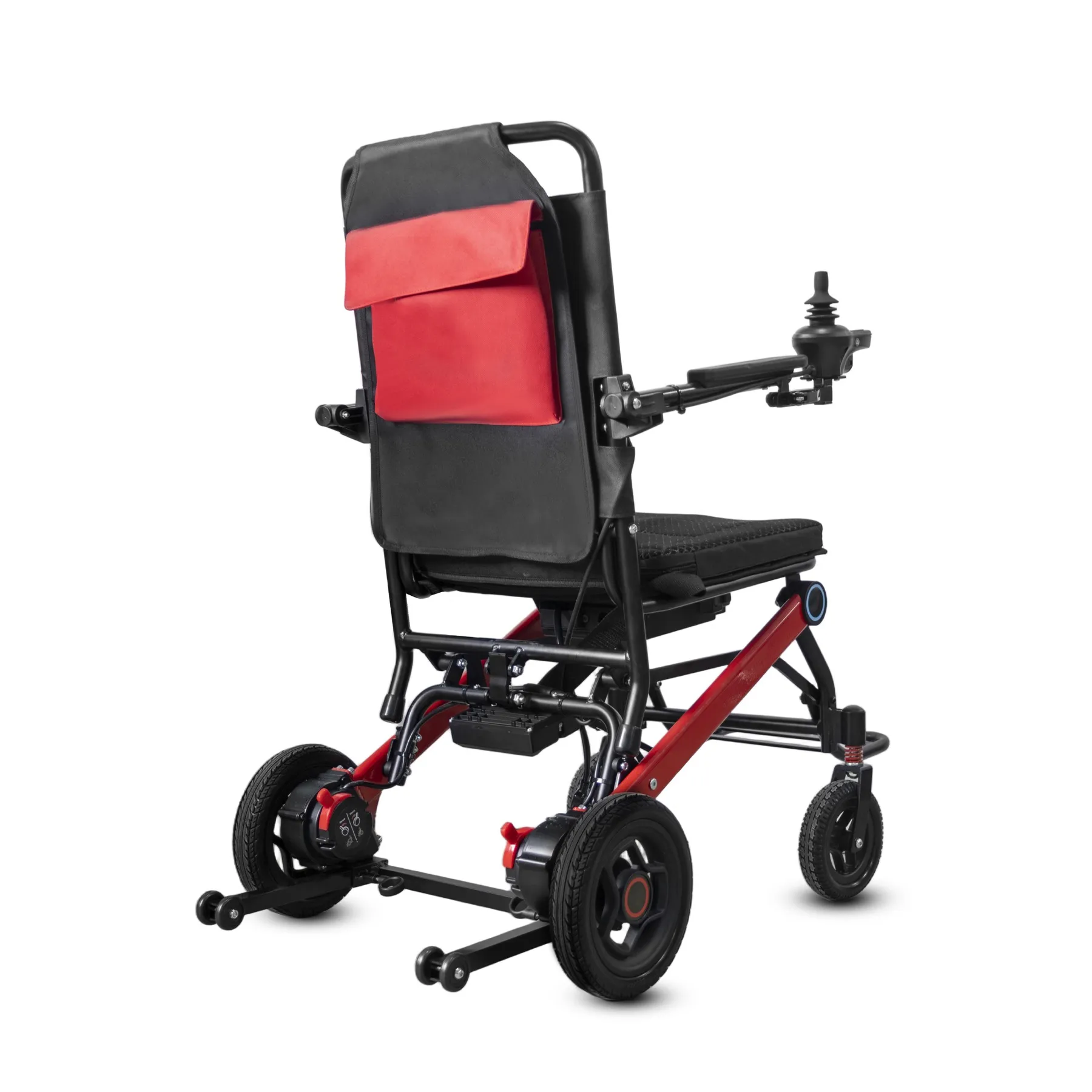
Before release under power chair stock rotation, check identity, agreed contents and any required pre-delivery checks. Time in storage may have created questions that were absent at receipt.
Check the stored chair before dispatch
Review the stored unit against the order. Use trained staff and the correct instructions. If a check remains incomplete, keep the unit out of ready stock until its status is resolved.
- Match the ordered version
- Confirm agreed contents
- Record release checks
| Check | What to keep |
|---|---|
| Match the ordered version | Allocation check |
| Confirm agreed contents | Packing scope |
| Record release checks | Pre-delivery record |
Key Takeaway: You can connect storage history with a written decision to supply the chair.
How can slow-moving stock be reviewed?
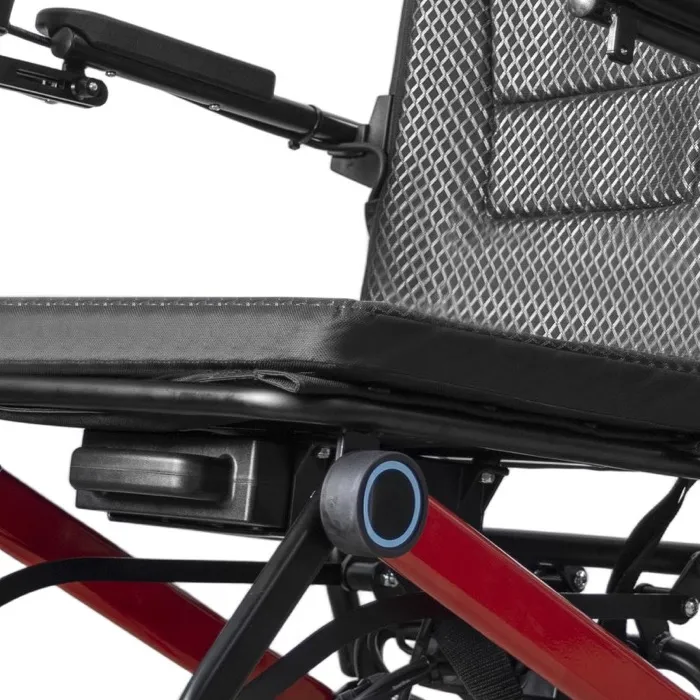
Review slow lines in power chair stock rotation against actual demand, version differences and support needs. Discounting a chair does not remove a care requirement or unresolved product question.
Review slow-moving lines
Ask why it remains unsold. Separate commercial planning from technical release. If the offer changes, update the customer-facing scope and keep its approval with the stock record.
- Review actual demand
- Check support needs
- Approve revised offer
| Check | What to keep |
|---|---|
| Review actual demand | Sales history |
| Check support needs | Service and document review |
| Approve revised offer | Commercial record |
Key Takeaway: You can address slow stock without using price changes to bypass product checks.
Who should review power chair stock rotation exceptions?
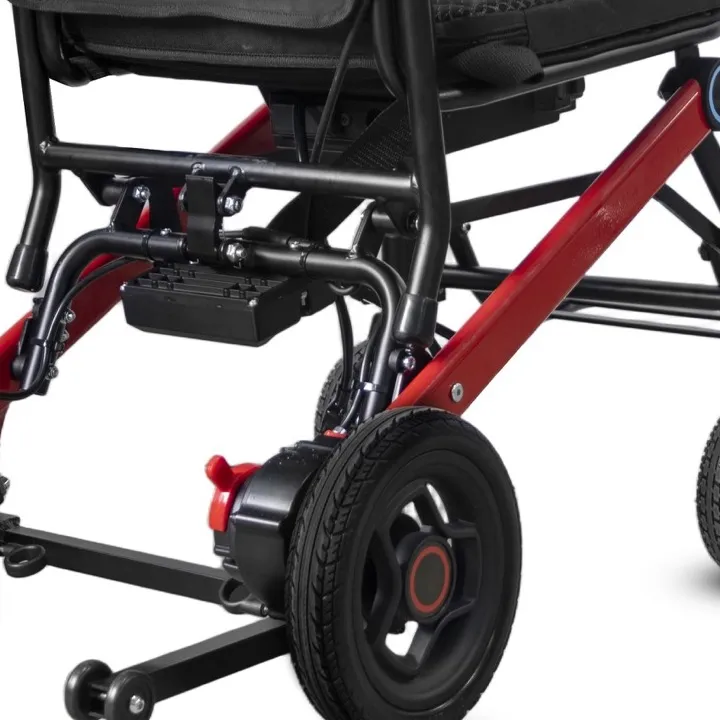
A named owner should resolve power chair stock rotation exceptions such as unclear identity, missed care or an open service case. Warehouse staff need a clear route for questions beyond their role.
Assign stock exceptions
Give each exception an owner. Record the decision and any conditions for release. If another team must act, keep that task visible until it is complete. Record the outcome of pre-delivery inspection.
- Name the exception owner
- Assign the required action
- Record the final status
| Check | What to keep |
|---|---|
| Name the exception owner | Role record |
| Assign the required action | Open-task list |
| Record the final status | Release or hold decision |
Key Takeaway: Staff can move an exception forward without making an unsupported decision to clear space.
Which records help improve the process?

Use power chair stock rotation records to find recurring gaps in care, identity or allocation. A useful review asks which step failed and what evidence would have prevented the confusion.
Use records to improve the process
Review missed steps and repeat holds. Compare similar stock lines rather than unrelated models. Keep any process change exact enough for staff to carry out and record. MHRA device-management guidance provides broader purchasing and equipment-management context.
- Review repeated holds
- Name the missed step
- Assign a practical change
| Check | What to keep |
|---|---|
| Review repeated holds | Exception summary |
| Name the missed step | Process review |
| Assign a practical change | Action record |
Key Takeaway: Your stock process can improve through actual warehouse evidence rather than assumptions about age or demand.
What belongs in a power chair stock rotation plan?
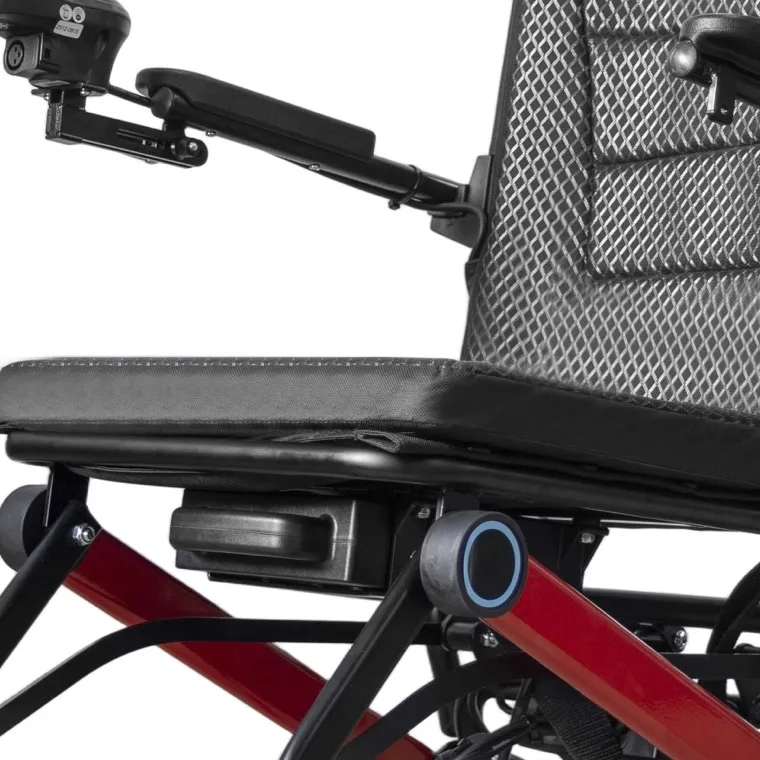
A power chair stock rotation plan should define stock fields, model-specific care and release duties. Keep it short enough for staff to use during ordinary receiving and dispatch work.
Build your rotation plan
Connect care, identity and release. Ask the supplier for missing care or version details. Review the plan when products, storage conditions or staff roles change.
- Define required stock fields
- Attach current care guidance
- Assign release duties
| Check | What to keep |
|---|---|
| Define required stock fields | Register template |
| Attach current care guidance | Model files |
| Assign release duties | Warehouse process |
Key Takeaway: You can organize stored chairs around their real condition and order suitability instead of a simple carton-age rule. Contact us with your model and order brief so we can discuss the required product information. AryMD supports wheelchair buying decisions built on clear, model-specific facts.
Frequently asked questions
Q1: Can I always dispatch the oldest chair first?
No. Check model fit, care history and release status before using age to guide allocation.
Q2: What's the best battery charging schedule for stored chairs?
Use the exact battery and charger instructions. A universal interval may not suit different types or versions.
Q3: How do I know if a returned chair counts as available stock?
Check its release decision. Presence in the warehouse does not establish readiness for sale.
Q4: Can I combine old and new model versions in one stock code?
Only if the system still distinguishes the relevant differences. Parts and instructions must remain traceable.
Q5: Can a discount remove the need for pre-delivery checks?
No. Commercial pricing does not replace product care or release needs.