
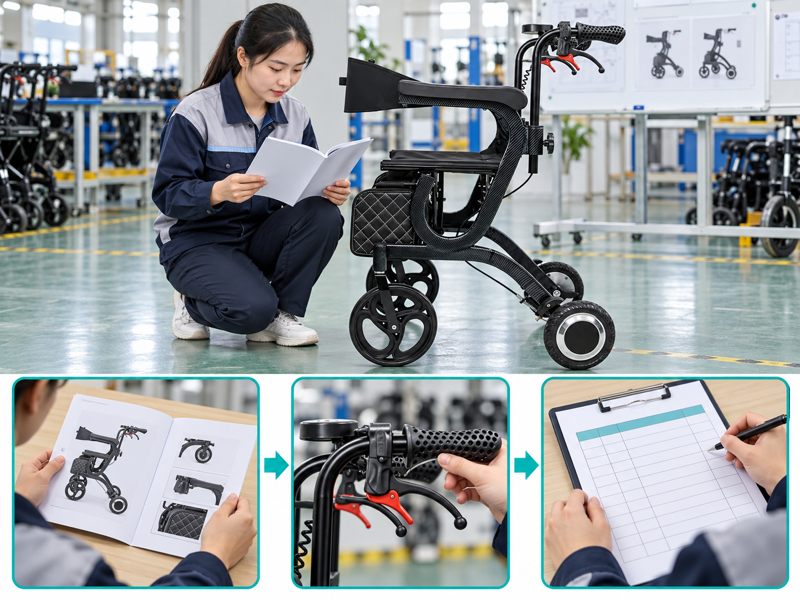
Make electric walker mode selection a review of the maker's supported functions and the person's assessed tasks. A UK dealer may be asked whether one multifunction device can replace both a walking aid and a chair. Reviewing each permitted mode separately gives that question a clearer product and care basis.
What should electric walker mode selection establish?
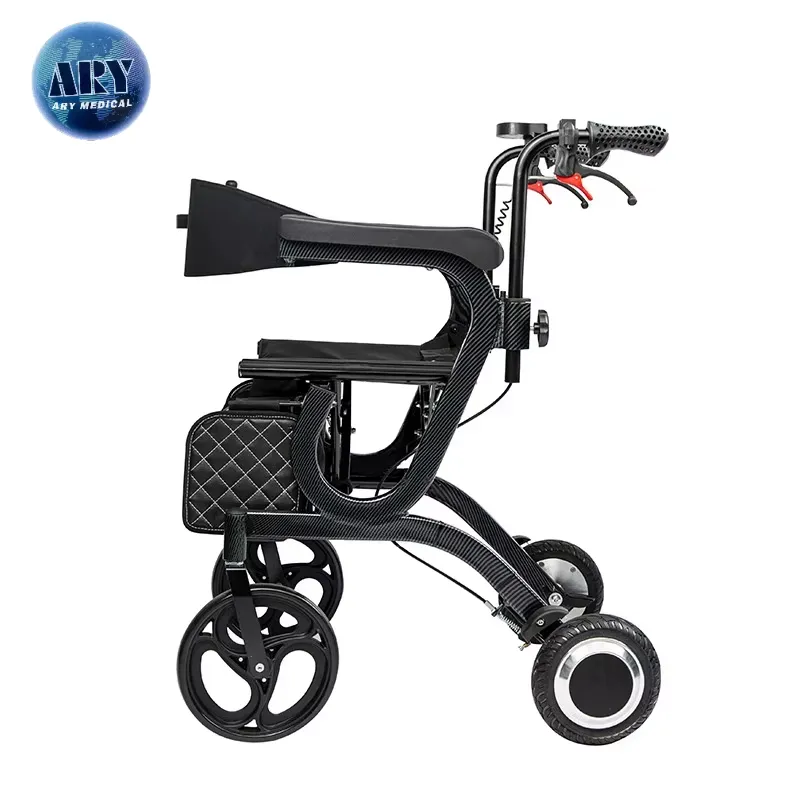
Electric walker mode selection should start with the maker's stated functions and the person's assessed needs. A name such as three-in-one does not explain every permitted mode or transition.
Confirm the actual supported functions
Confirm which functions the model actually supports. Ask for the exact model guide and a list of supported setups. Keep each proposed use visible in the selection brief.
- Model version
- Supported functions
- Personal needs
| Check | Record or reference |
|---|---|
| Model version | ID |
| Supported functions | Guide |
| Personal needs | Assessment |
Key Takeaway: You can review named functions instead of relying on a marketing count.
How should the intended tasks be described?
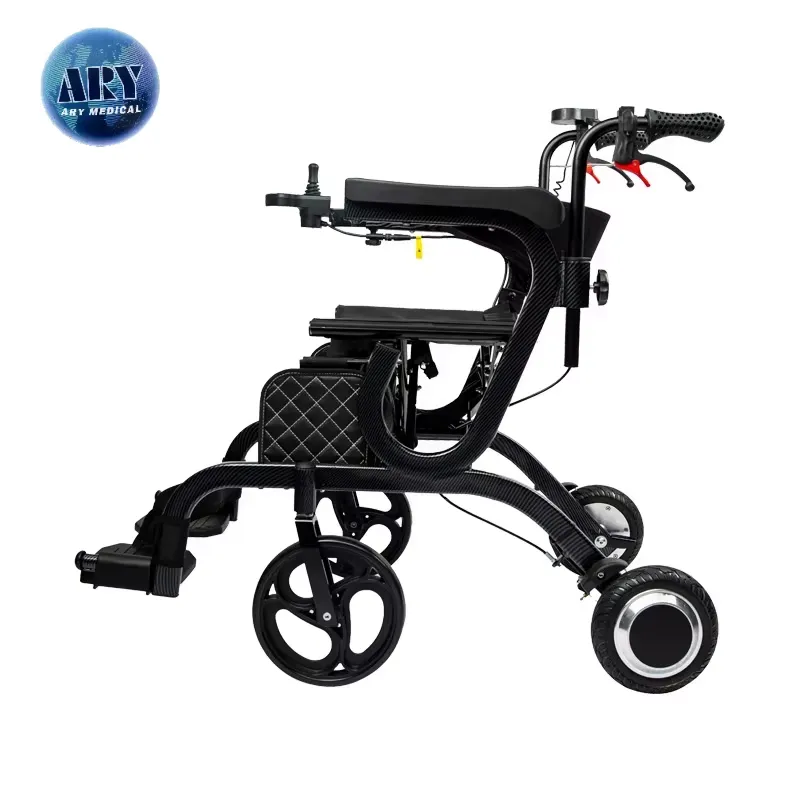
For electric walker mode selection, describe walking support, any powered movement and any seated use separately where relevant. These tasks can require different product details and personal assessment.
Separate the intended tasks
List the tasks before choosing a mode. Ask the responsible professional which tasks need review. Do not assume that suitability in one mode establishes suitability in another.
- Intended task
- Permitted mode
- Assessment question
| Check | Record or reference |
|---|---|
| Intended task | Brief |
| Permitted mode | Manual |
| Assessment question | Care review |
Key Takeaway: The selection process treats each function on its own terms.
Which controls belong to each mode?
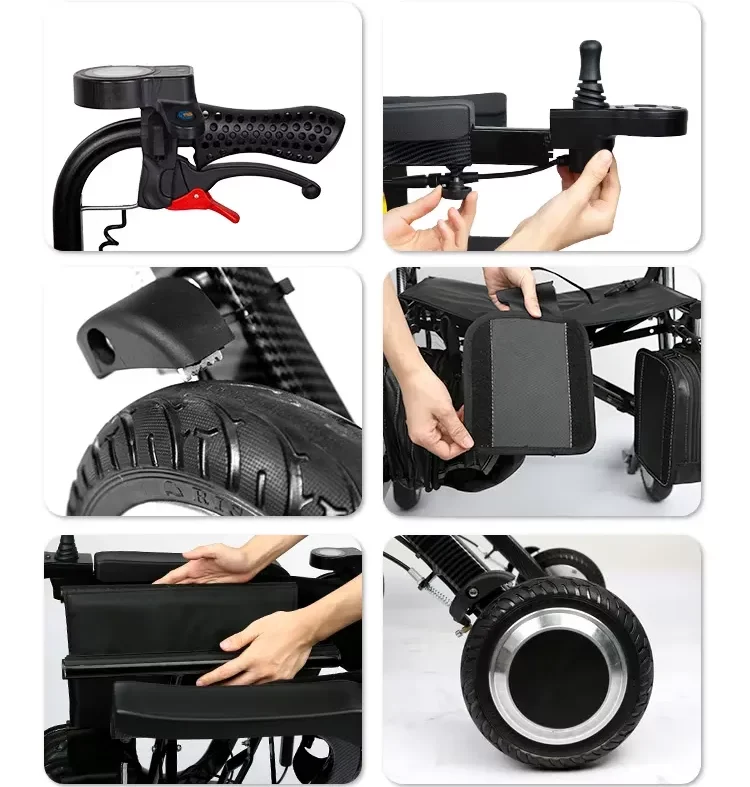
Electric walker mode selection needs a clear explanation of which controls apply to each permitted setup. A control that looks familiar may have a different role in another mode.
Map controls by mode
Use the model's control map. Request the maker's current diagrams and instructions. Refer unclear settings or behavior to qualified support before any personal demonstration.
- Mode reference
- Control function
- Unclear behavior
| Check | Record or reference |
|---|---|
| Mode reference | Guide |
| Control function | Diagram |
| Unclear behavior | Service query |
Key Takeaway: The buyer can ask precise questions about mode-specific controls.
How should transitions between modes be reviewed?

For electric walker mode selection, mode changes must follow the exact product instructions and the suitable assessment plan. An apparent hinge or release is not permission to improvise a conversion.
Review the approved transitions
Follow the approved transition method. Ask who is allowed to make the change and which conditions apply. Keep uncertain transitions out of a user demonstration. Review the separate folding guidance where that function is relevant.
- Transition method
- Responsible person
- Required conditions
| Check | Record or reference |
|---|---|
| Transition method | Manual |
| Responsible person | Training scope |
| Required conditions | Guide |
Key Takeaway: A multifunction product has a defined changeover process.
What should be checked about seated use?

Electric walker mode selection should distinguish resting from any permitted seated movement or transport function. A fitted seat alone does not establish that the product supports both.
Define the seat's role
Confirm the intended seating function. Provide the maker's seating and support details to the assessor. Keep personal sitting, transfer and assistance decisions within the suitable professional review.
- Seat purpose
- Support setup
- Personal task
| Check | Record or reference |
|---|---|
| Seat purpose | Guide |
| Support setup | Product file |
| Personal task | Assessment |
Key Takeaway: The seat is considered within the model's actual role.
How should the route affect mode choice?

For electric walker mode selection, compare the intended routes and surfaces with each mode's stated limits. Indoor walking and another powered task may not share the same operating conditions.
Match modes with the environment
Review the environment for each function. Record doors, slopes and surface changes in the brief. Ask the maker and assessor to resolve questions within their respective roles. Keep the brake instructions with the route-review documents.
- Route facts
- Mode limits
- Open need
| Check | Record or reference |
|---|---|
| Route facts | Plan |
| Mode limits | Manual |
| Open need | Review note |
Key Takeaway: The chosen function is considered in the place it will be used.
What battery and charging facts are needed?

Electric walker mode selection should include the approved battery and charger details relevant to the proposed powered functions. A manual-use option does not explain charging or storage requirements.
Collect power-system guidance
Keep power-system details model-specific. Request the current care and charging guide. Do not transfer instructions from another powered walker or battery system.
- Battery version
- Charger match
- Care limits
| Check | Record or reference |
|---|---|
| Battery version | Product file |
| Charger match | Maker record |
| Care limits | Guide |
Key Takeaway: The powered features come with the right support details.
What should a demonstration prove?

An electric walker mode selection demonstration should follow the maker's guide and the qualified assessment plan where personal use is involved. It should not become an attempt to prove every advertised function at once.
Set a task-specific demonstration
Define a separate scope for each task. Record the mode, settings and questions being reviewed. Stop unresolved product or personal-use issues from being treated as accepted features. Define the sample-review scope before arranging the demonstration.
- Demo mode
- Settings
- Open issue
| Check | Record or reference |
|---|---|
| Demo mode | Plan |
| Settings | Record |
| Open issue | Review note |
Key Takeaway: The demonstration has a clear and reviewable purpose.
How should dealers describe the functions?
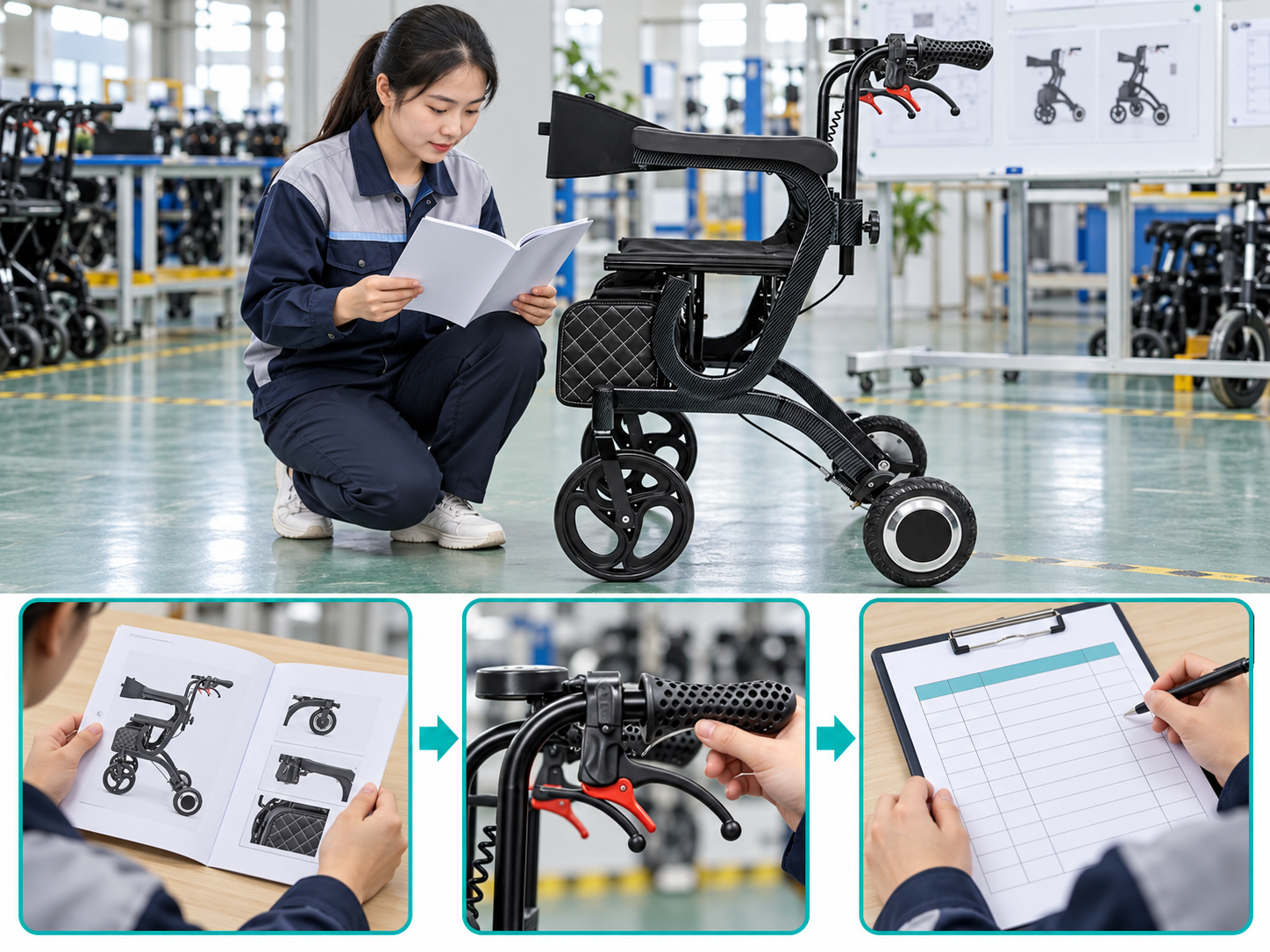
For electric walker mode selection, dealer copy should explain the functions recorded for the exact version. Avoid saying that one device replaces every walking aid or wheelchair for every person.
Describe functions accurately
Use supported mode names and limits. Keep the source file beside each feature statement. Update the comparison when the maker changes a permitted setup or instruction. See the WHO assistive product specifications for procurement context.
- Published function
- Supporting file
- Revision
| Check | Record or reference |
|---|---|
| Published function | Copy sheet |
| Supporting file | Guide |
| Revision | Change log |
Key Takeaway: The sales description reflects the model's recorded functions.
What should a mode-selection enquiry contain?

For electric walker mode selection, send the exact model, intended tasks and relevant route constraints. Ask for the documents needed by the assessor rather than a general promise of versatility.
What should you do next?
Send the tasks and the unresolved questions. Request current mode instructions, control details and supported setups. Keep the personal selection decision with the suitable professional.
- Intended tasks
- Product documents
- Assessment questions
| Check | Record or reference |
|---|---|
| Intended tasks | Enquiry |
| Product documents | Supplier pack |
| Assessment questions | Review brief |
Key Takeaway: The supplier can support a specific functional comparison. To discuss the model and documents for your order, contact us with your requirements. At AryMD, useful product facts should support every care-equipment purchase.
Frequently asked questions
Q1: Can a three-in-one name explain all permitted uses?
No. Request the exact functions, setups and transition instructions for the model.
Q2: What’s the best mode for every person?
There is no universal mode. Use suitable assessment of the person's tasks and the model's recorded capabilities.
Q3: How do I know whether seated movement is allowed?
Check the exact instructions. A fitted seat may have a more limited resting function.
Q4: Can suitability in one mode prove suitability in another?
No. Review each intended task and its relevant controls, setup and operating limits.
Q5: Should dealers demonstrate every mode without a plan?
No. Define the scope using the maker's instructions, staff competence and the suitable personal assessment.